MODERNIZED INTERFACE
A clearer, lower-friction workspace
Vertical, smaller dialogs hide unavailable controls and reduce clicks in everyday workflows.
ALIBRE DESIGN 29 · PARAMETRIC 3D CAD
Alibre Design brings part modeling, sheet metal, assemblies, drawings, rendering, PDM and automation into one mechanical-engineering workflow, supported locally by MET.
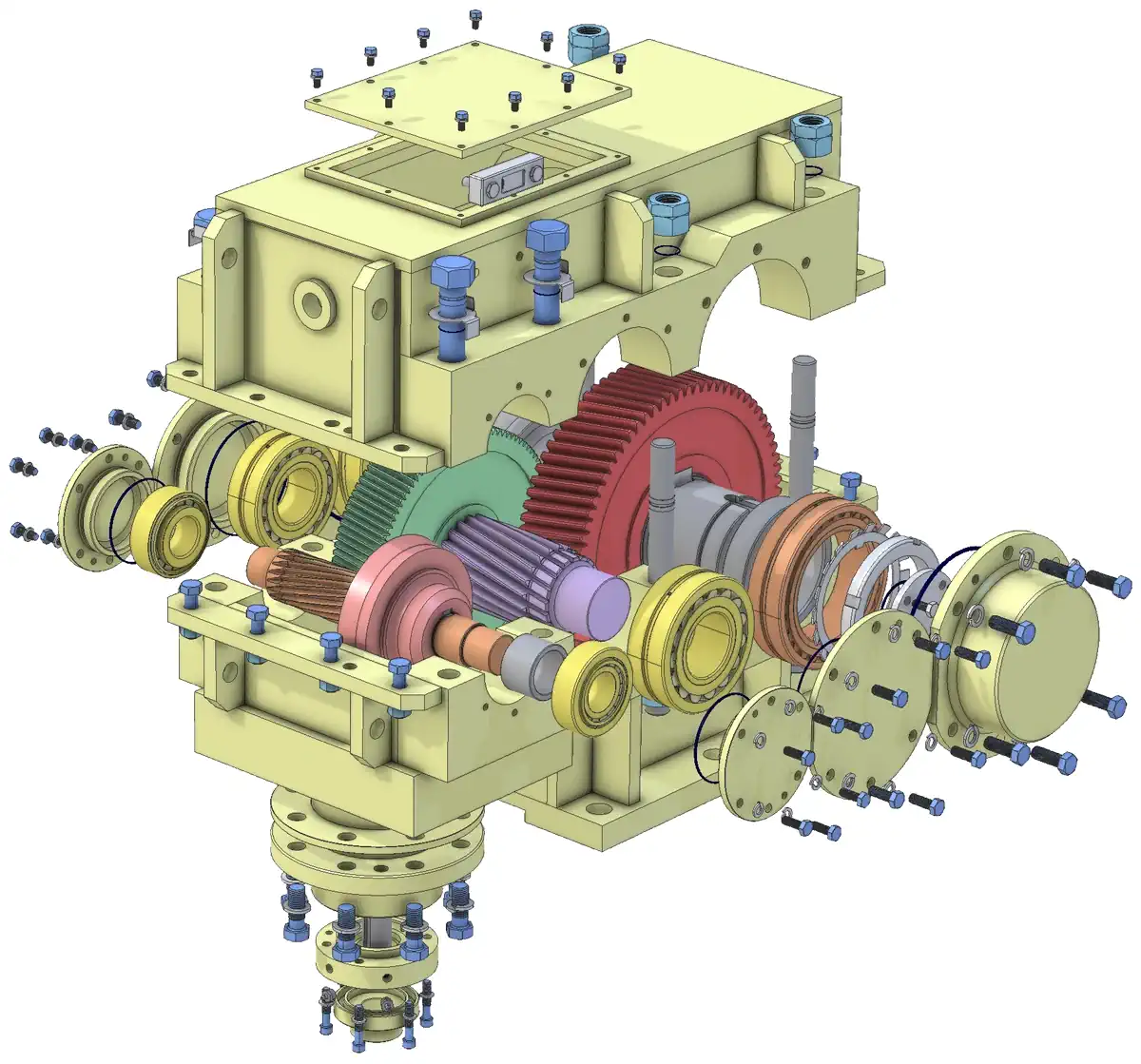
PARAMETRIC PART · ASSEMBLY · DRAWING
Official Alibre product imagery
CURRENT OFFICIAL RELEASE
Version 29 shipped on 27 May 2026, and the official release history now lists 29 SP1. The release delivers a major modernization of dialogs and workflows, with broader dark-mode coverage.
Read the Version 29 release notesMODERNIZED INTERFACE
Vertical, smaller dialogs hide unavailable controls and reduce clicks in everyday workflows.
ALIBRE TOOLBOX
The planned rollout includes ANSI Inch, ANSI Metric, ISO, DIN, JIS and GB standards.
DOCKABLE DIALOGS
Anchor dialogs to the edge of the workspace so they always appear in the same place and the mouse travels less.
NOTIFICATIONS & FAVORITES
Blocking pop-ups become non-blocking notifications, and frequently used linear or angular values can be saved for instant reuse.
SHEET METAL DRAWINGS
Add bend-direction annotations to sheet-metal drawings and export them to DWG/DXF for the fabricator.
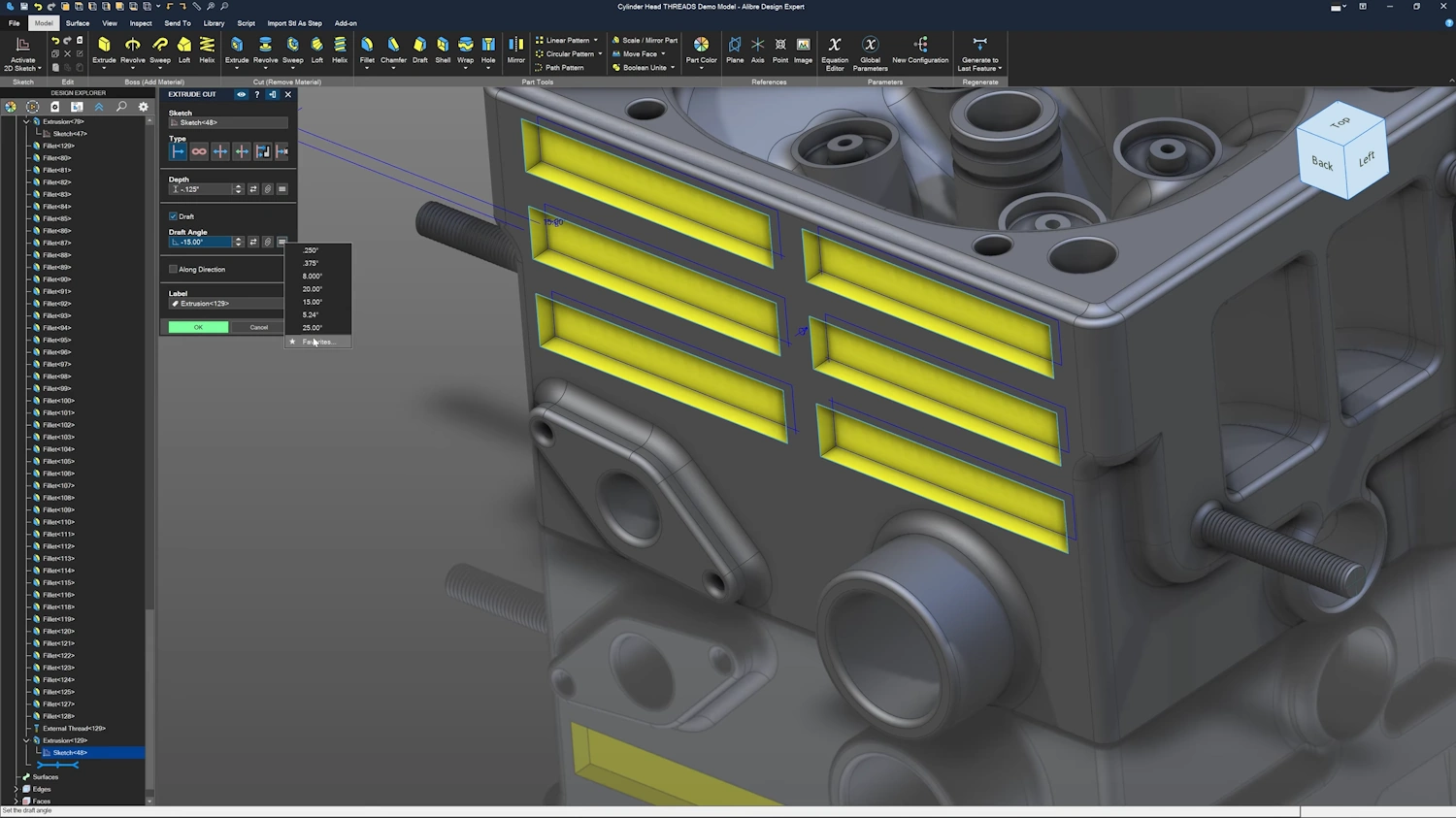
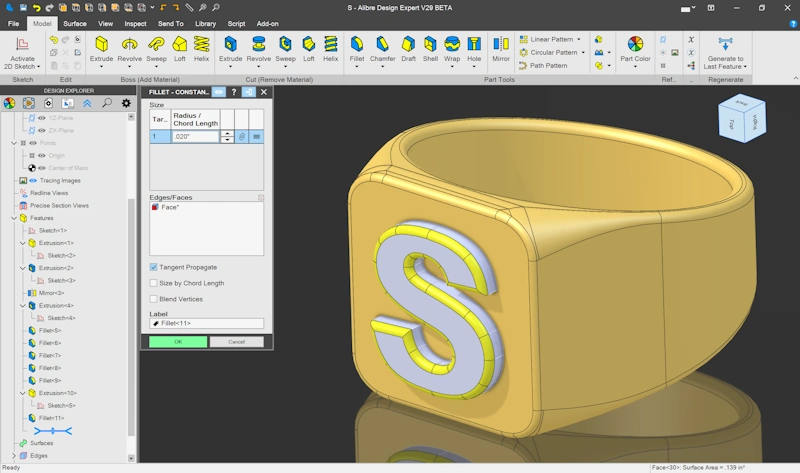
Dialogs docked to the workspace edge
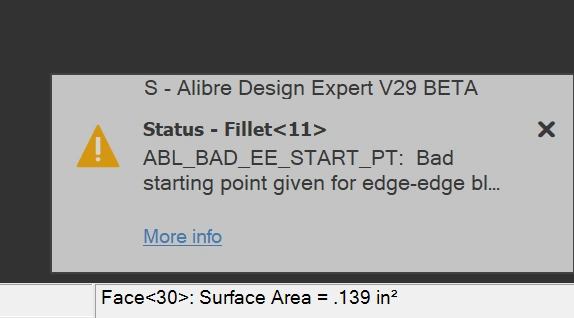
Non-blocking notifications
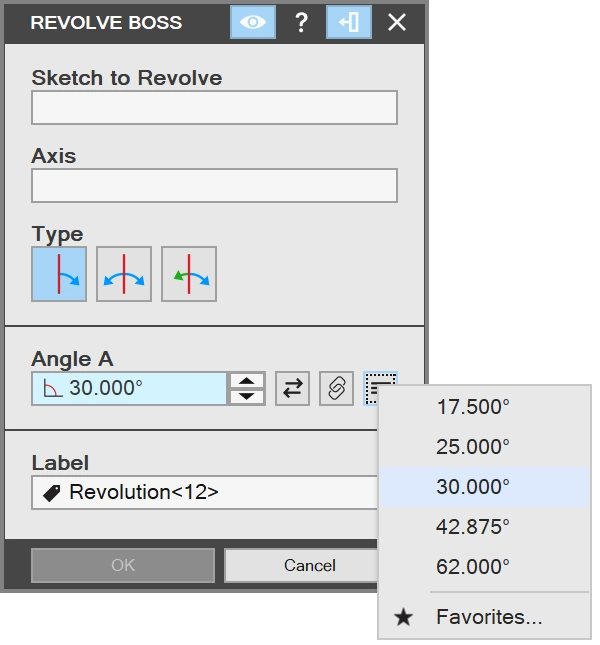
Reuse frequently entered values
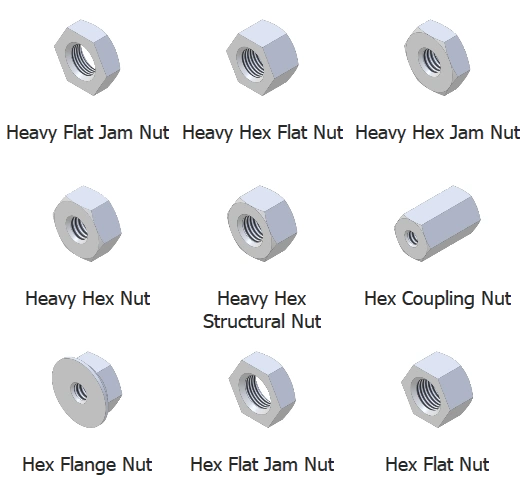
Standard parts library
CORE CAPABILITIES
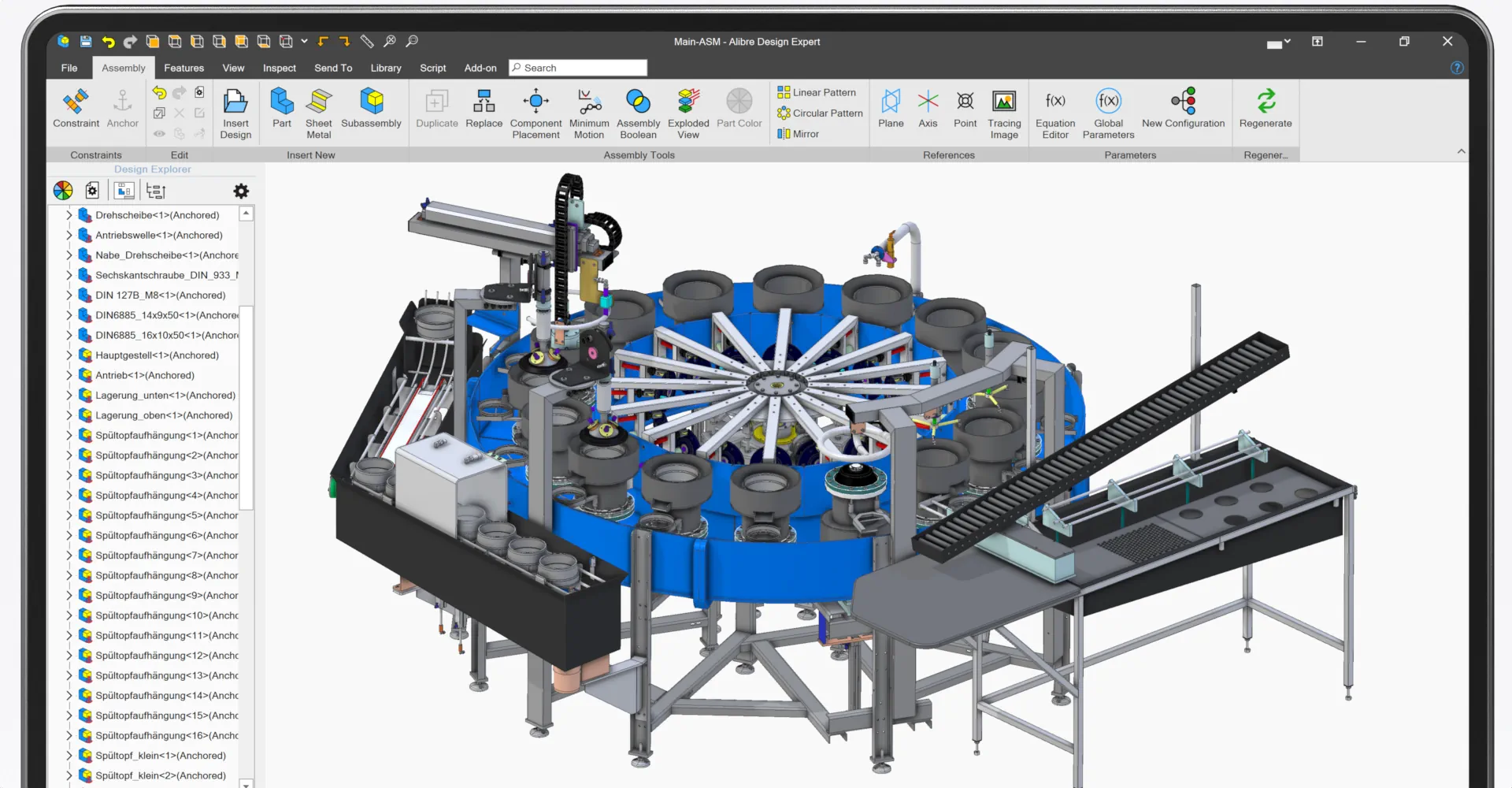
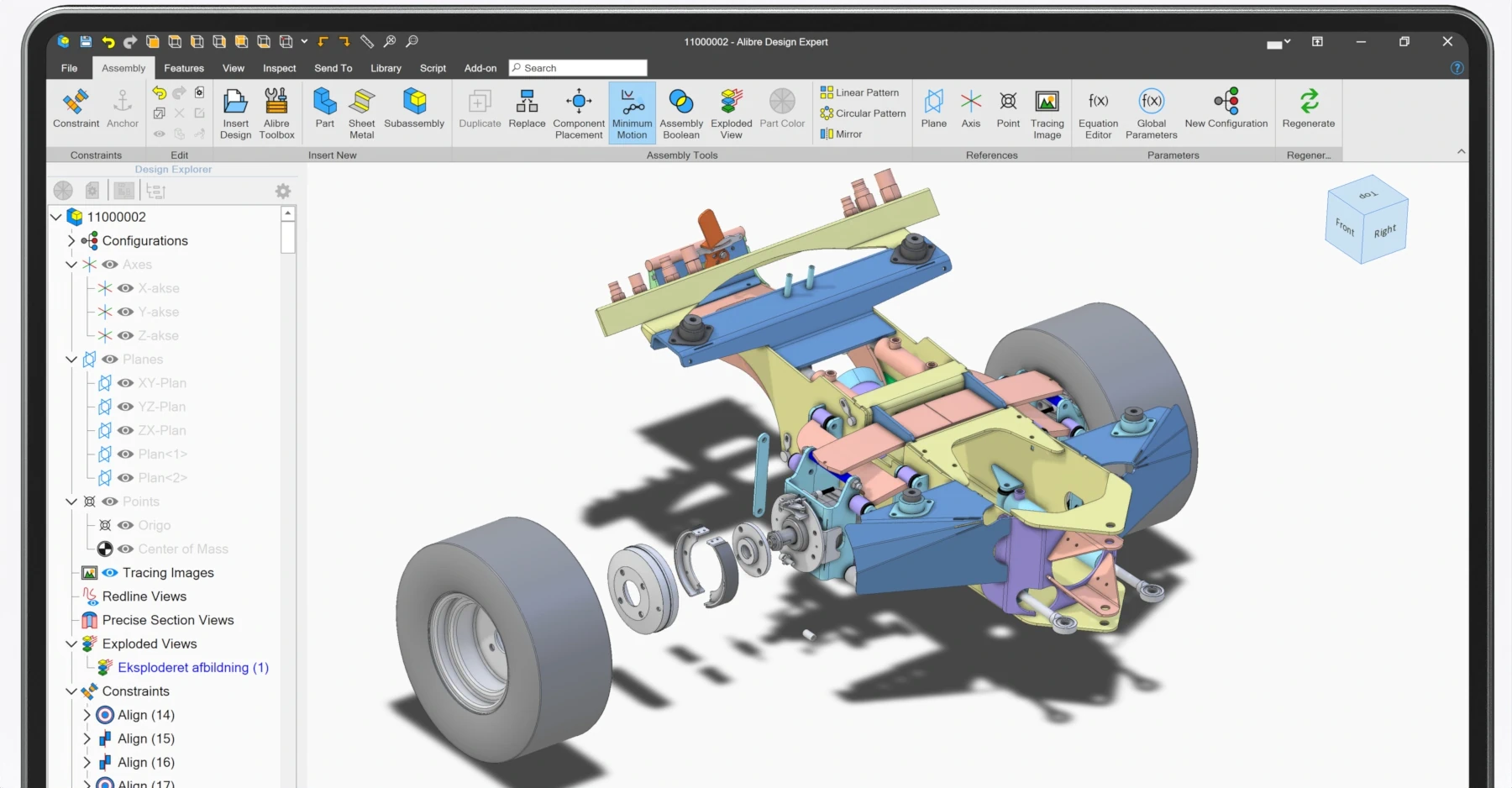
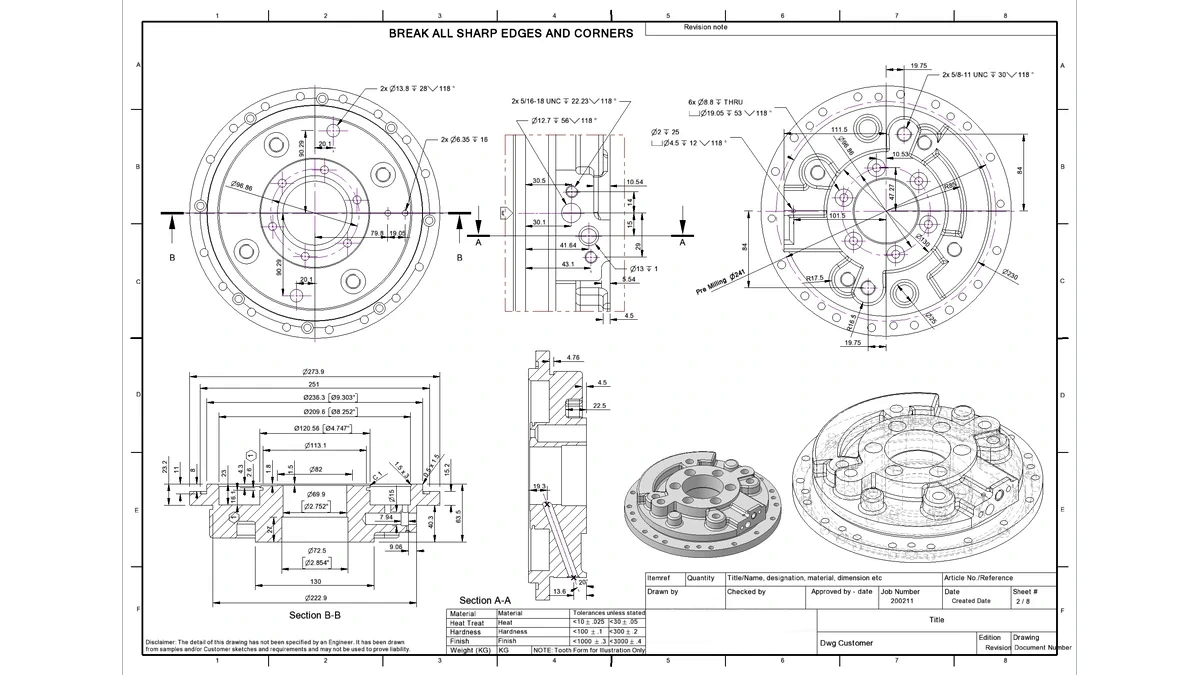
Build parts with feature history, design variables, equations and configurations for multiple variants.
Design folded sheet-metal parts with associative flat patterns and manufacturing drawings.
Build machine assemblies, study gears, pulleys and screws, and create exploded views.
Create model-linked drawings with dimensions, annotations, BOMs, balloons and company templates.
Manage versions, where-used and rollback while exchanging common mechanical CAD formats.
Create presentation renders and automate repetitive work with Python-based Alibre Script and the API.
FILE INTEROPERABILITY
SolidWorks, Inventor, ProE/Creo, CATIA, Solid Edge, NX, Rhino, STEP, SAT, IGES, Parasolid, DWG, DXF, SVG
STEP, SAT, IGES, STL, OBJ, Parasolid, ZPR, JT, DWG/DXF, SVG, 2D PDF, 3D PDF
ALIBRE WORKFLOW · LOCAL SUPPORT
MET can review files, templates, BOMs and handoffs before your team commits to a workflow.
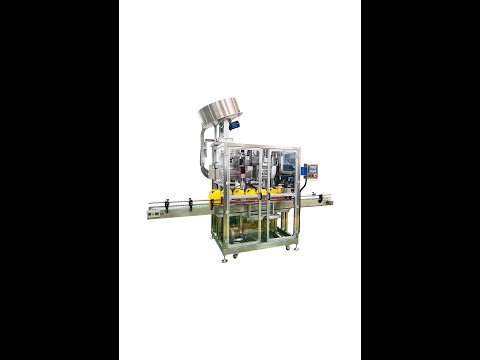 Lubricant oil gallon Float capping machine YouTube · 2024-01-02
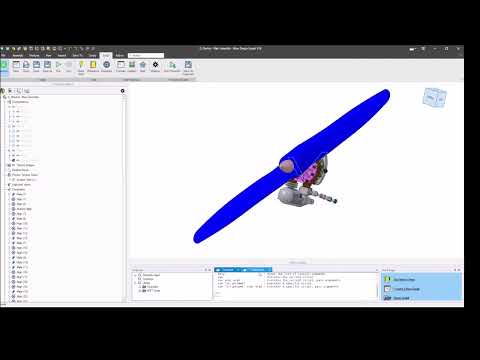 Alibre Motion Sample YouTube · 2023-05-02
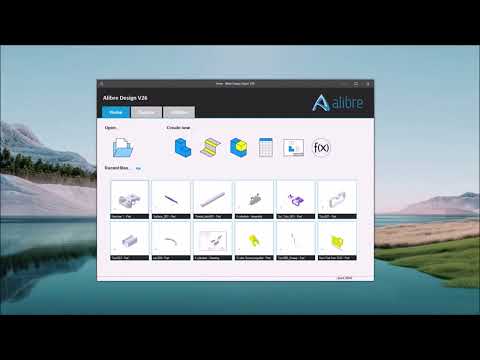 Alibre Surface Features YouTube · 2023-04-27
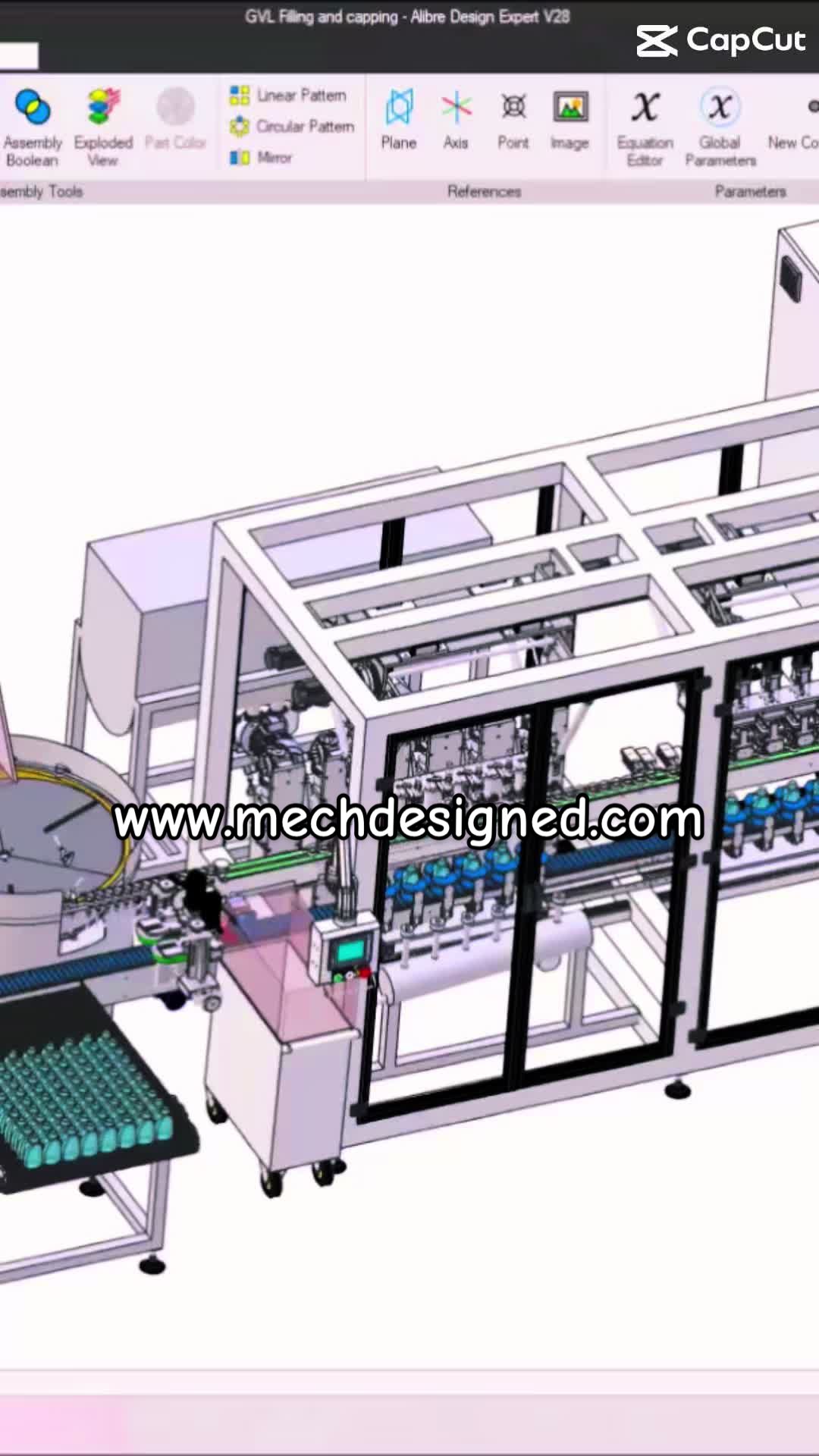 Automatic Bath Filling&Capping from idea to the real TikTok
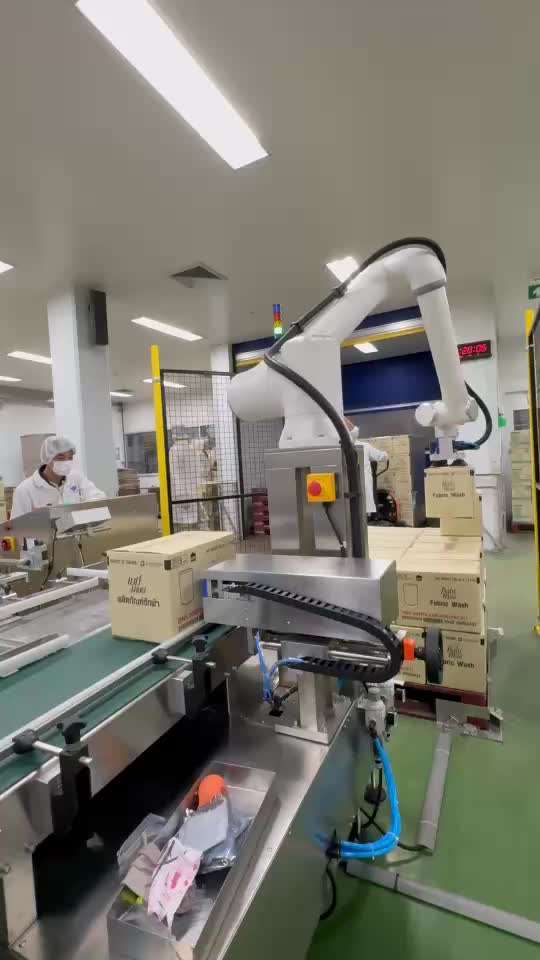 MT-COBOT and SkyRobot on the line TikTok
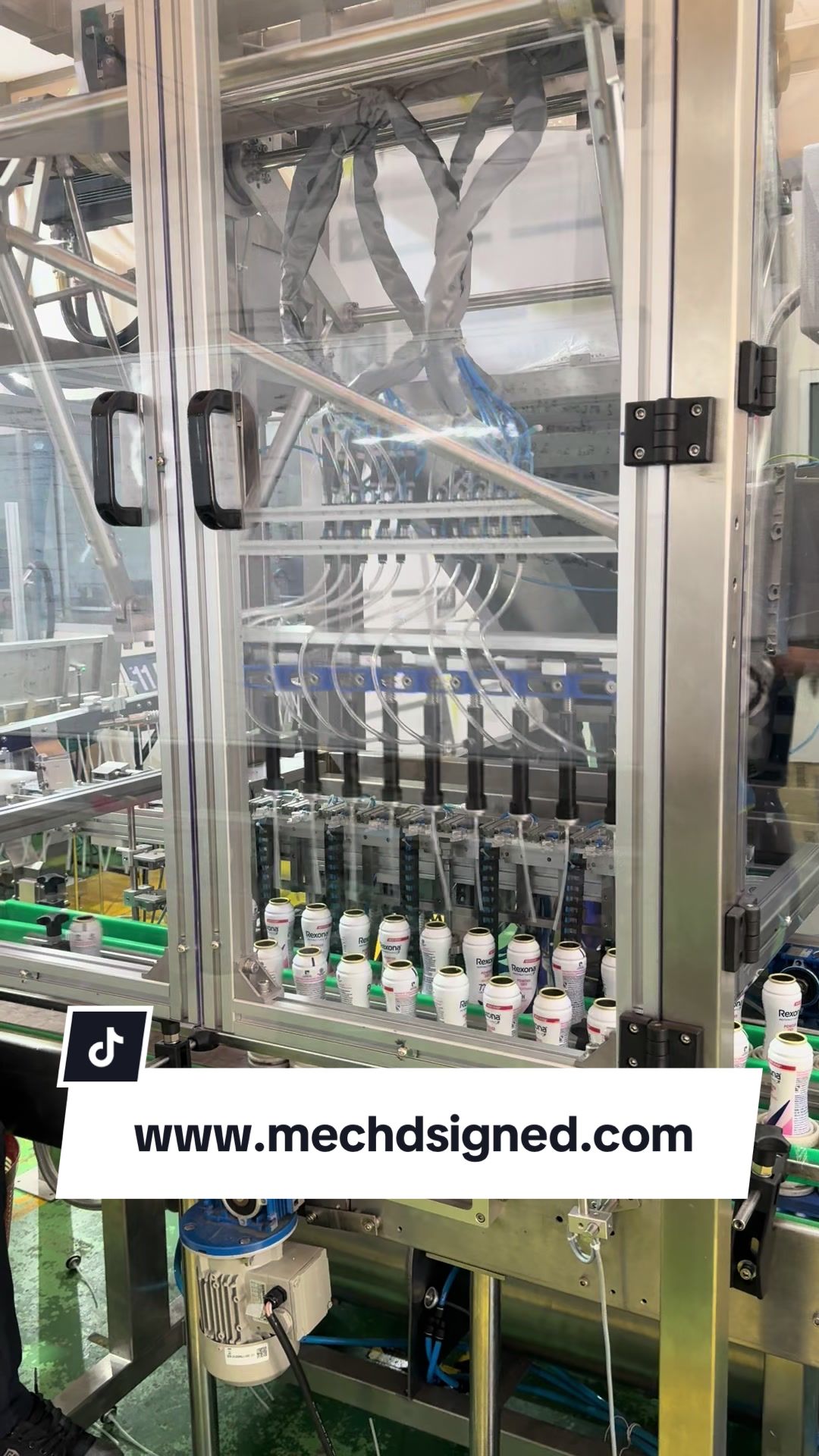 Skykeeper Auto Insert Valve TikTokMET on FacebookInstallation photos, site work and exhibitions