MASTER PLATFORM
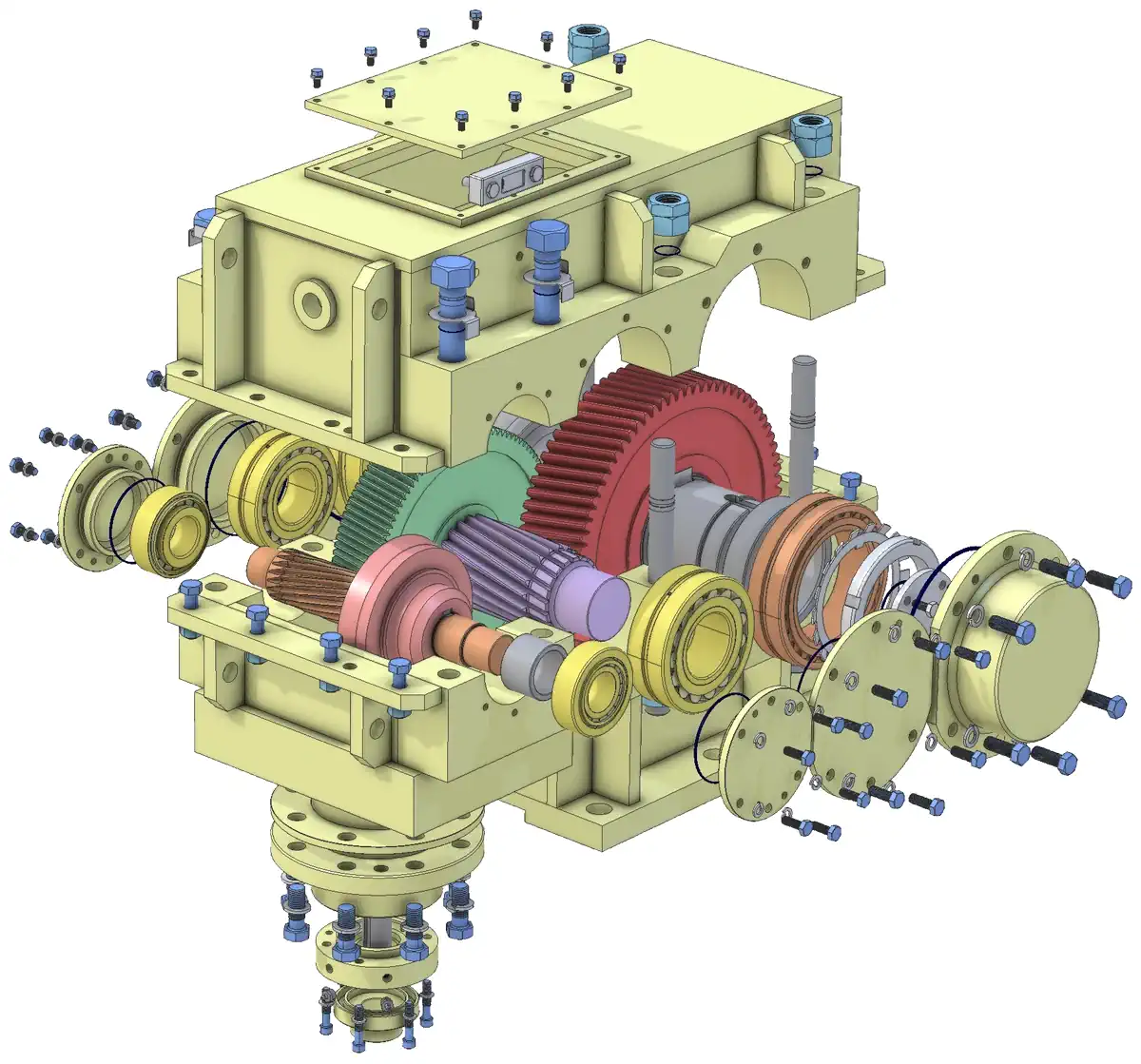
Alibre Design
PARAMETRIC 3D CAD · 29 SP1
The platform MET designs real machinery on and sells with local support: parts, sheet metal, assemblies and production drawings.
Explore Alibre Design 29CAD/CAM SOFTWARE · MET
Alibre Design is MET’s main platform — the one our delivered machines are designed on, and the one we sell and support in Thailand. MCAD and MECHCAD are our own software, still under development, with a demo build you can test today.
SOFTWARE PORTFOLIO
Production design work runs on Alibre Design, which we also sell and support in Thailand. MCAD and MECHCAD are MET’s own software — not finished yet, but a demo build is available to test.
MASTER PLATFORM
PARAMETRIC 3D CAD · 29 SP1
The platform MET designs real machinery on and sells with local support: parts, sheet metal, assemblies and production drawings.
Explore Alibre Design 29ALTERNATIVE · IN DEVELOPMENT
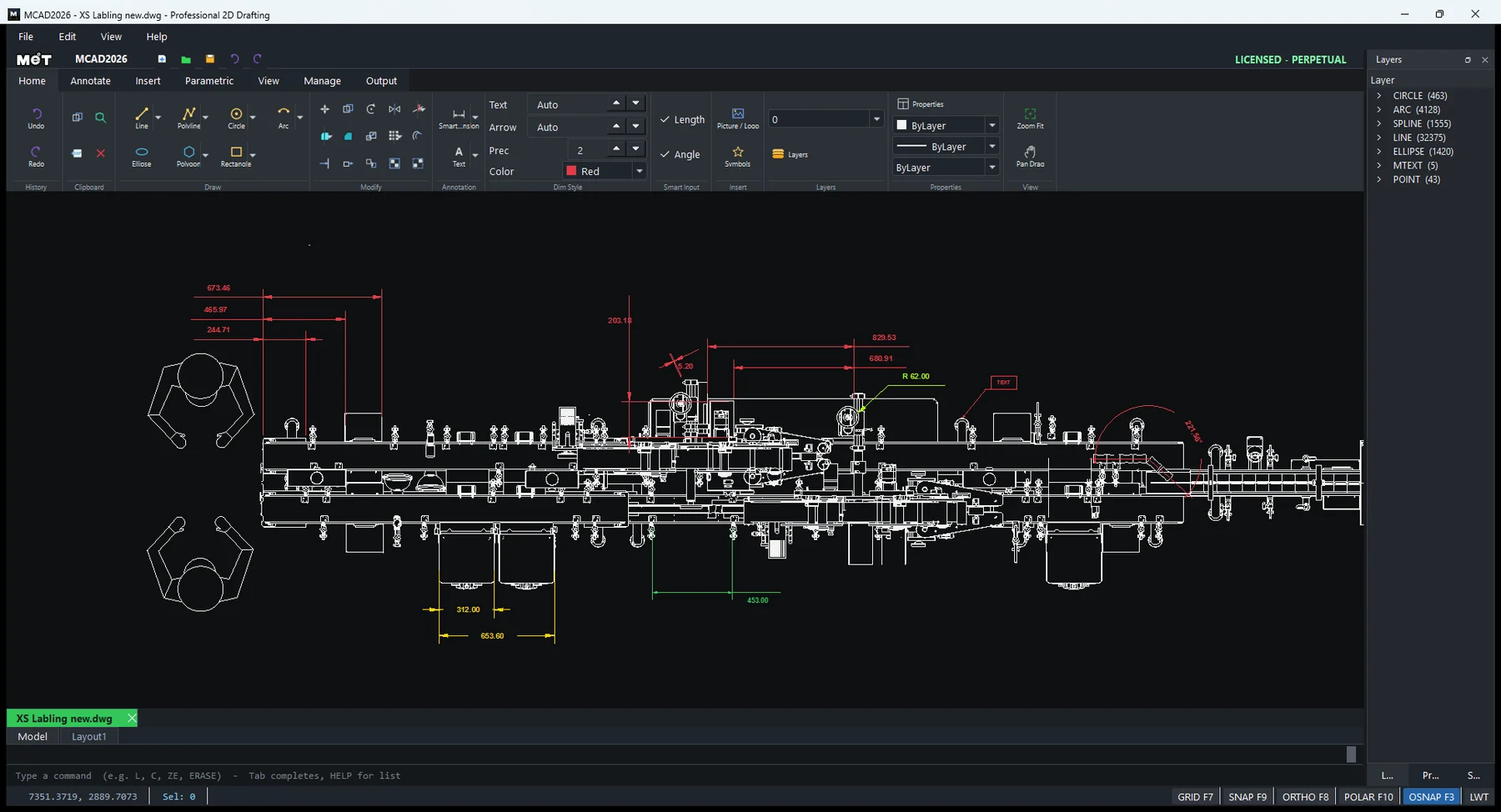
PROFESSIONAL 2D DRAFTING · 2026
MET’s own 2D drafting tool: familiar commands and layers, opening and handing off DWG/DXF unchanged.
Request the demo build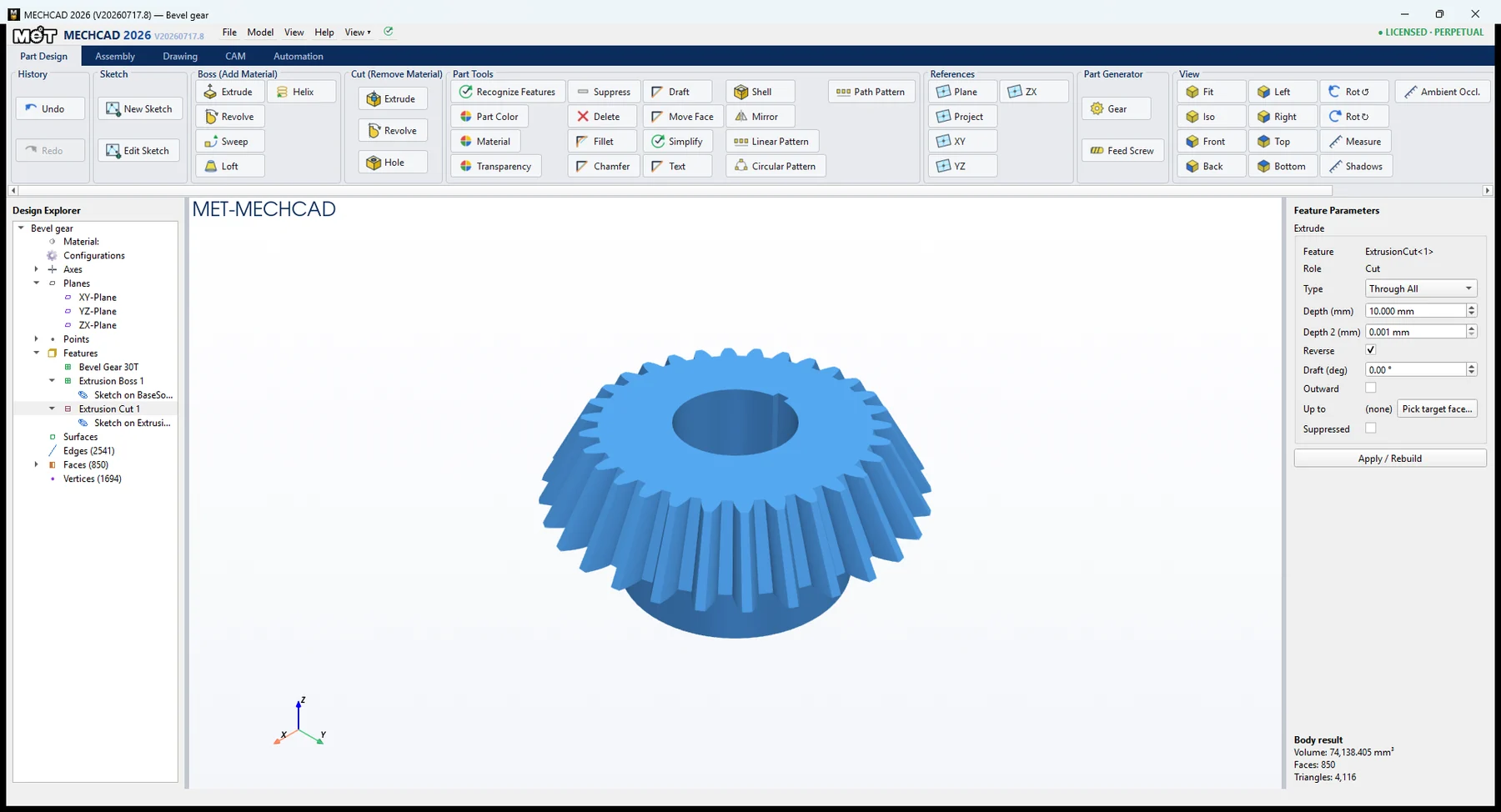
ALTERNATIVE · IN DEVELOPMENT
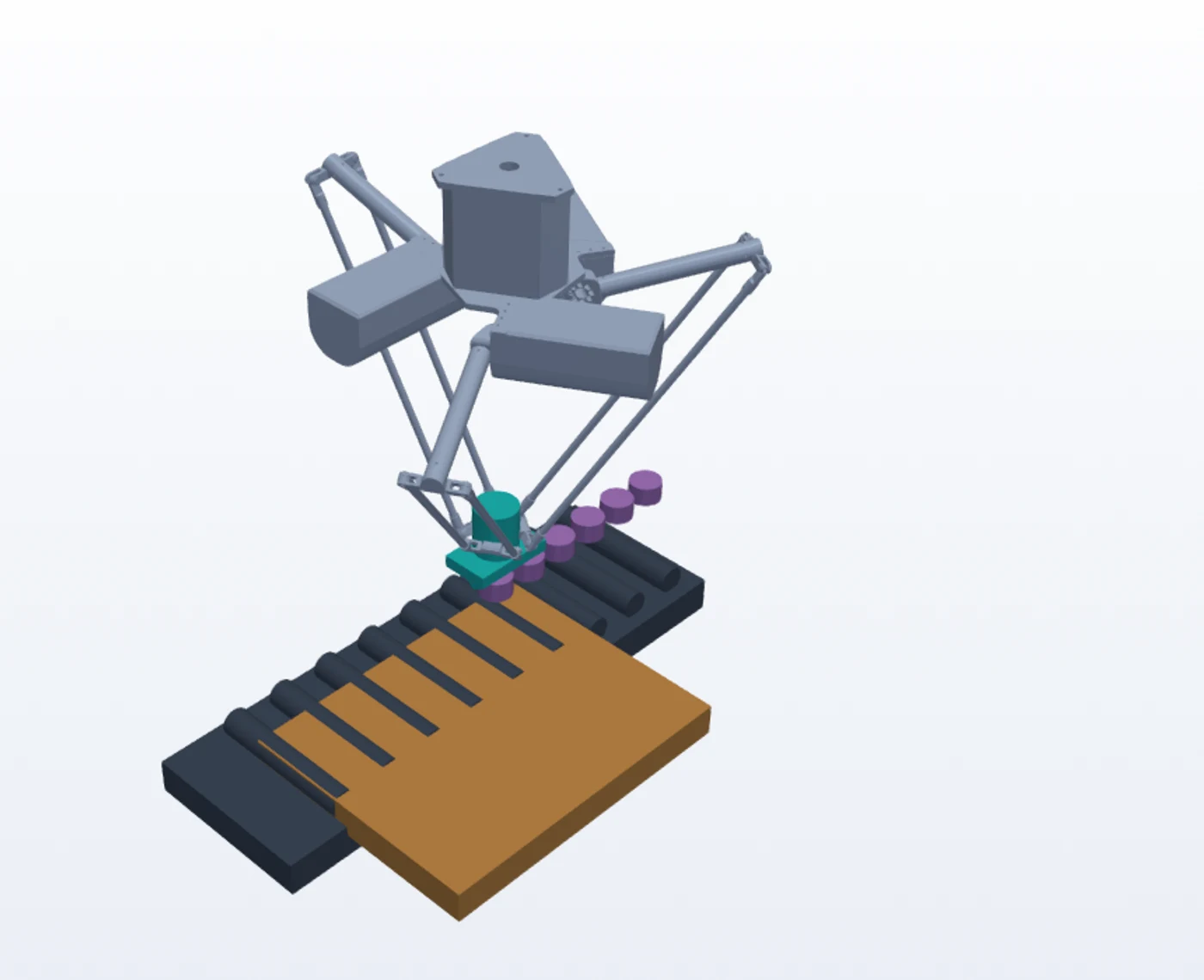
INTEGRATED 3D ENGINEERING · 2026
MET’s in-house R&D platform: part design, assembly, drawings, CAM and automation simulation in one place.
Request the demo buildMCAD and MECHCAD are MET-built software. They are not yet feature-complete against commercial CAD, but a demo build is ready to try on your own files. For production deliverables we still recommend Alibre Design.
MCAD 2026
MCAD 2026 provides a familiar drafting environment with a cleaner, faster workflow for machine drawings, installation plans, factory layouts, detailing and drawing handoffs.
01
Open and save DWG/DXF straight after install—no extra converter—keeping layers, colours, linetypes and drawing data intact when files are handed on.
02
Ribbon and command line side by side, with object snaps, Ortho, Polar and a smart dimension tool that latches onto the geometry you point at.
03
A ready-to-place library of 700+ electrical symbols, plus shared standards for layers, text, dimension styles and layouts.
04
A wizard for control and panel schematics—place devices, run wires and number terminals in sequence—with a macro API for repetitive work.
MECHCAD 2026
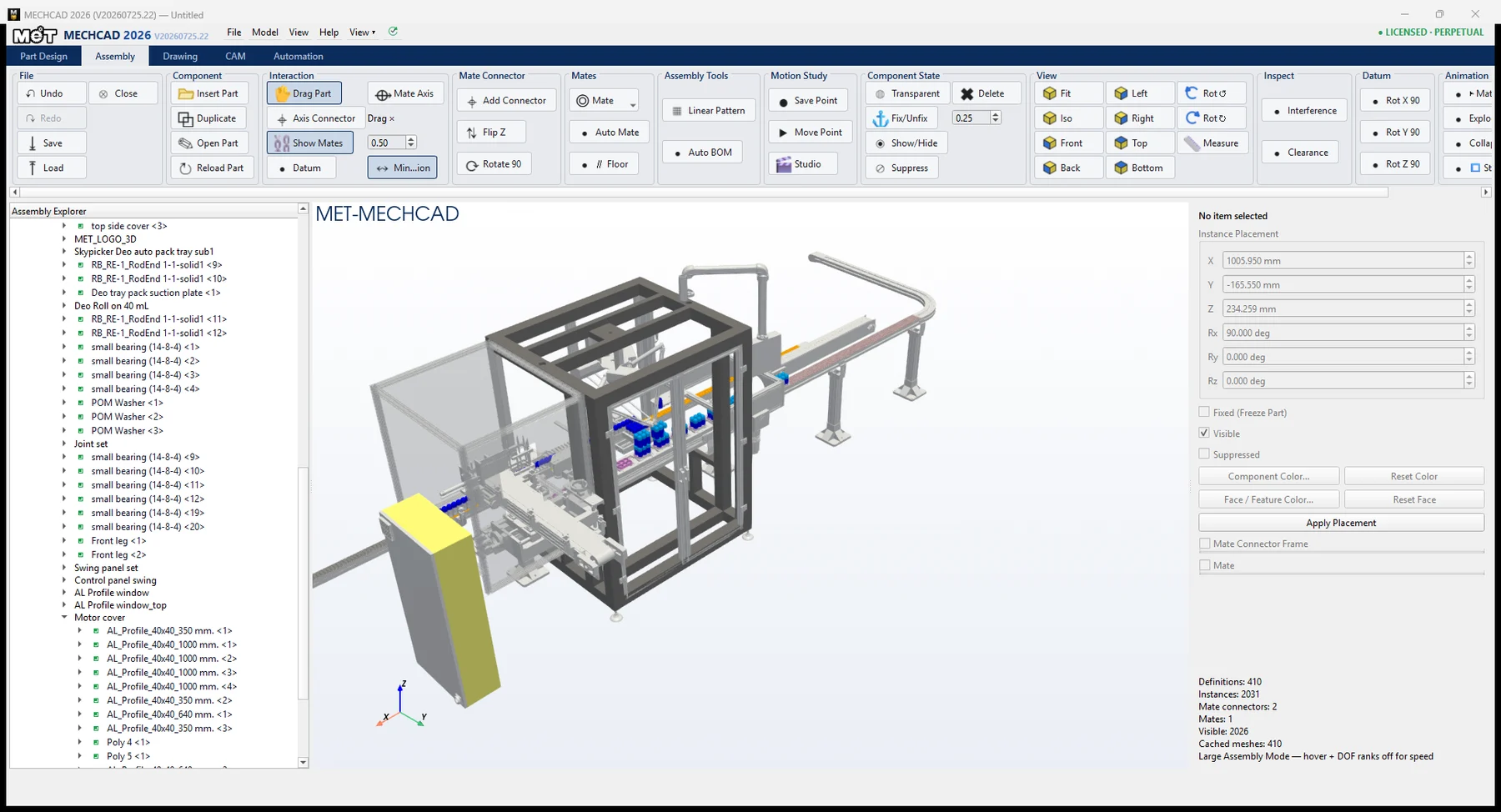
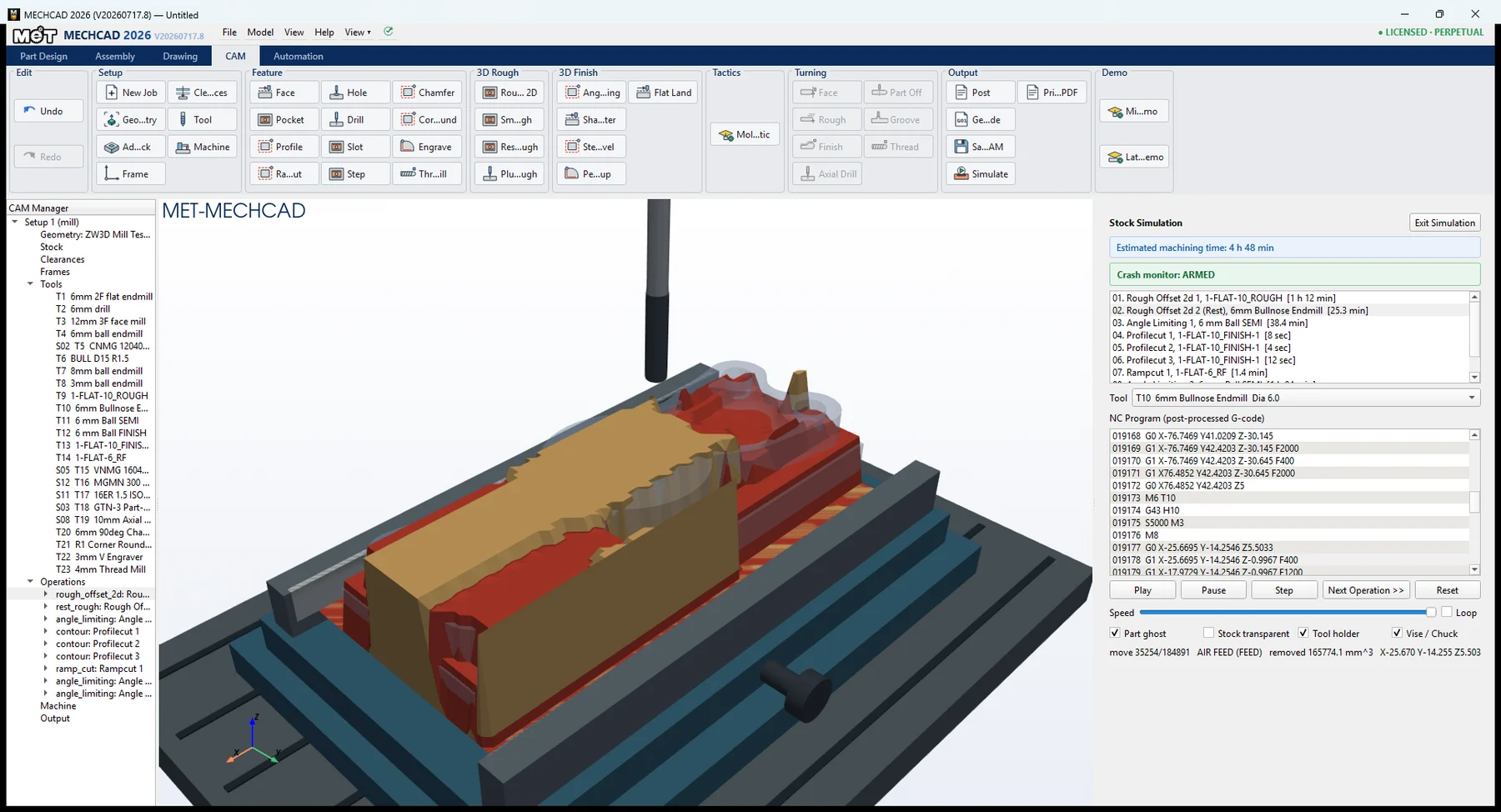
MECHCAD unifies 3D CAD, assembly, drawing, CAM and automation so one engineering model can support fit checks, manufacturing preparation and motion communication.
Parametric sketches and features—extrude, revolve, sweep, loft, holes, fillets, patterns—with built-in gear and feed-screw generators, and feature recognition that makes imported STEP parts editable again.
Build the whole machine: mates, constrained dragging, interference and clearance checks, a large-assembly mode that holds up past two thousand instances, and one-click BOM with balloons.
Drawing views straight from the model—projections, sections, hidden lines and dimensions—ready for the shop and the site.
Milling and turning jobs: toolpaths, cut simulation, backplot, G-code through post processors configured for your actual machines, and setup sheets.
Simulate cobot and SkyRobot pick-and-place: motion recipes, a timeline view and collision checks before anything is built.
ONE ENGINEERING FLOW
MCAD for 2D detailing, layouts and DWG/DXF workflows.
MECHCAD or Alibre for parts, assemblies and model-derived drawings.
MECHCAD CAM for toolpaths, simulation, G-code and setup documentation.
MECHCAD Automation for cobots, SkyRobot cells, recipes and timelines.
LOCAL IMPLEMENTATION · THAILAND
MET can review sample files, parts, CNC equipment, drawing standards and handoffs to build a demo around your team’s actual work.
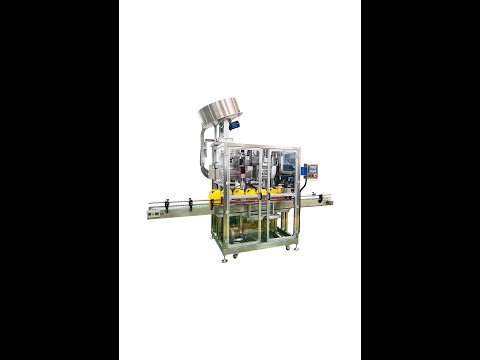 Lubricant oil gallon Float capping machine YouTube · 2024-01-02
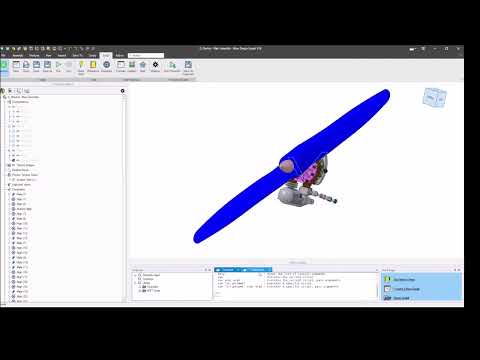 Alibre Motion Sample YouTube · 2023-05-02
 Alibre Surface Features YouTube · 2023-04-27
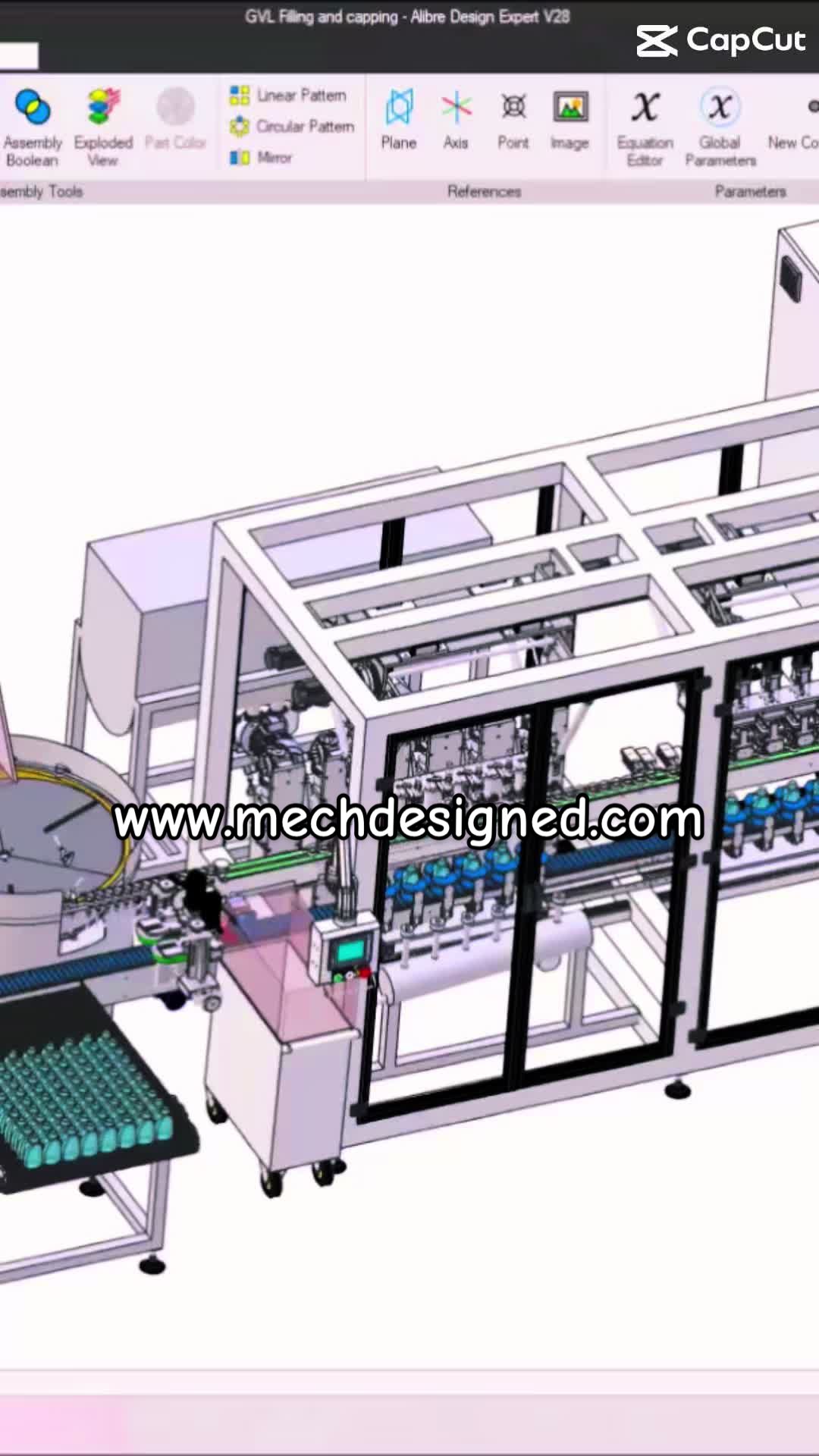 Automatic Bath Filling&Capping from idea to the real TikTok
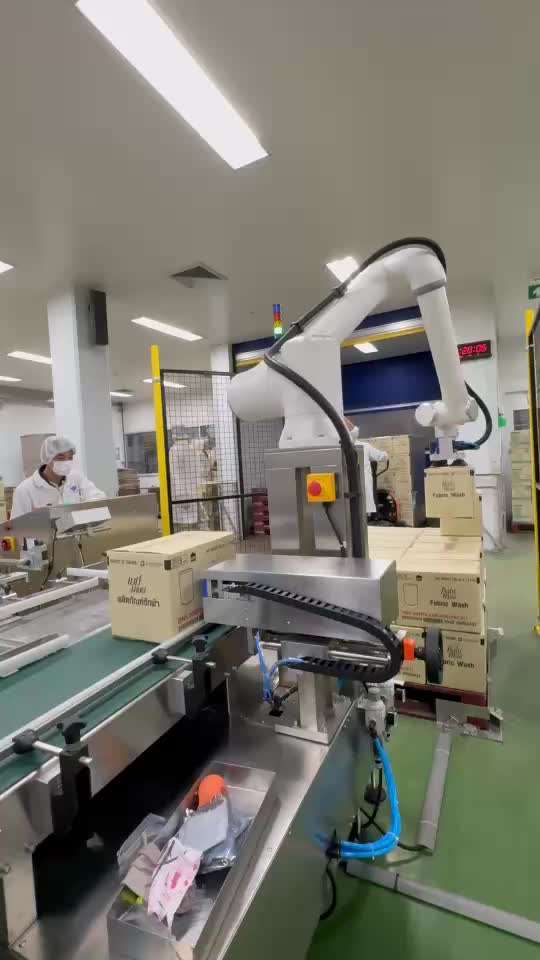 MT-COBOT and SkyRobot on the line TikTok
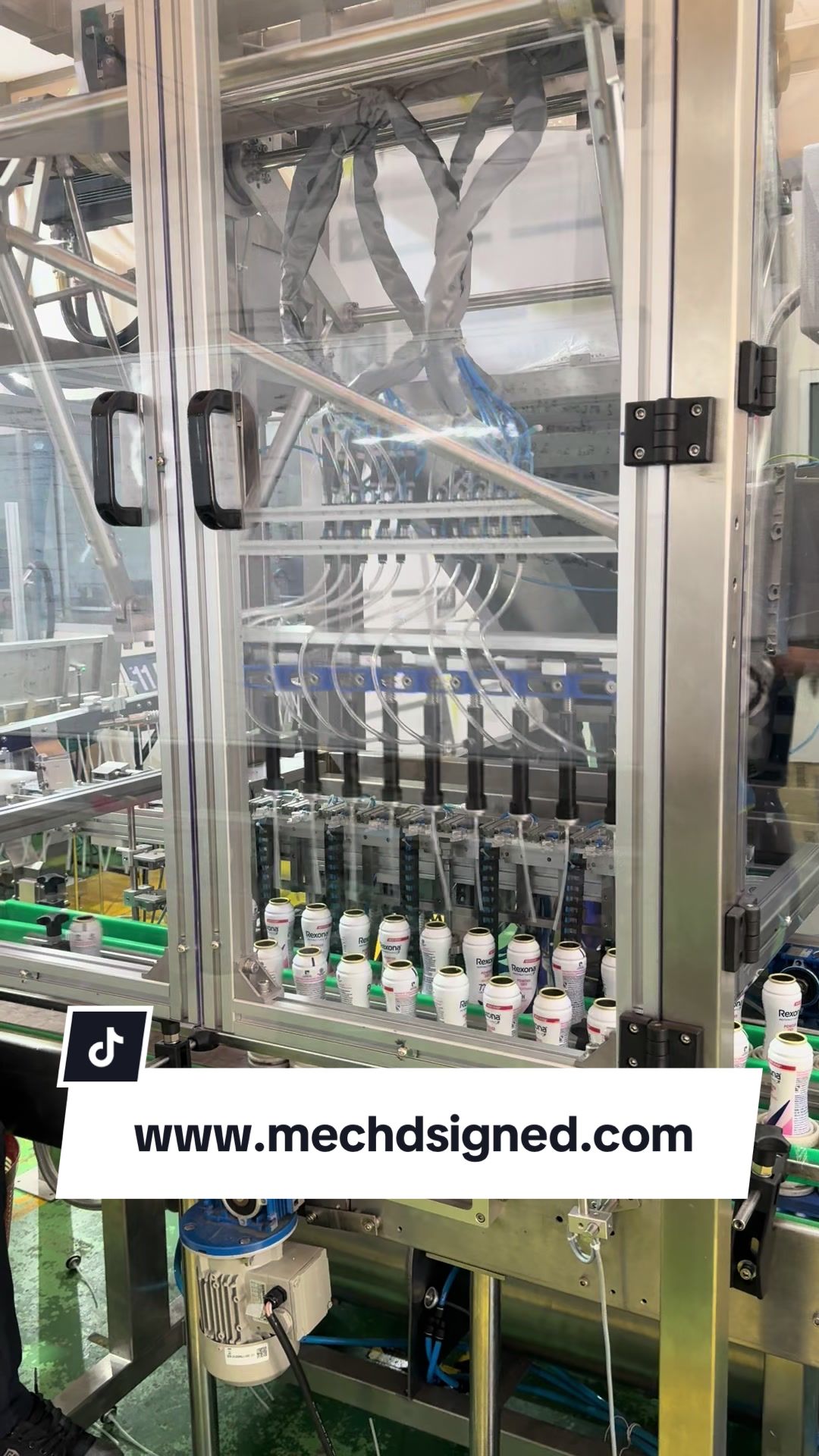 Skykeeper Auto Insert Valve TikTokMET on FacebookInstallation photos, site work and exhibitions