Sheet nesting
Built in, true-shape: hundreds of parts on a sheet, placed straight back into the drawing
AutoCAD: Not built in; needs separate nesting software or an add-on
MCAD 2026 · 2D CAD · BY MET
MCAD 2026 is one full edition for machine drawings, factory layouts and electrical drawings — download the installer or run it on the web.
Latest version 2026.41 · Windows 10/11 64-bit
Moving from AutoCAD? See the comparisonDWG editor for Windows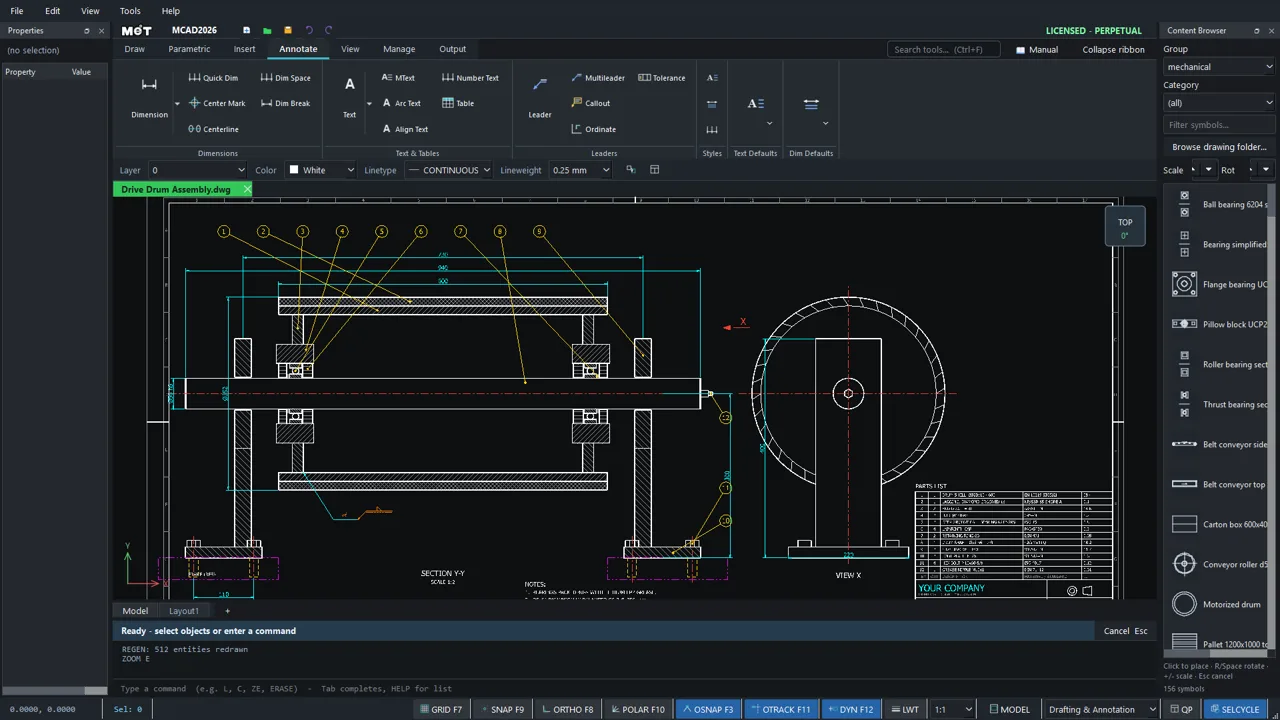
MCAD 2026 · INSIDE THE APP
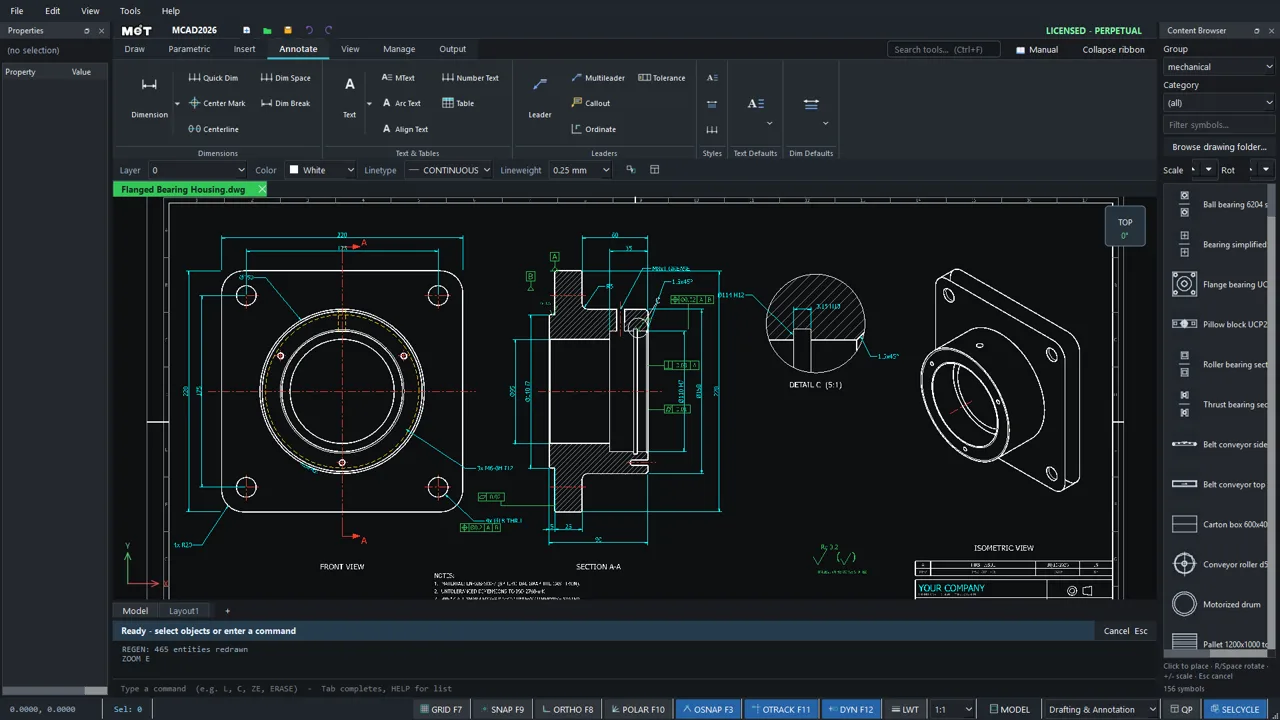
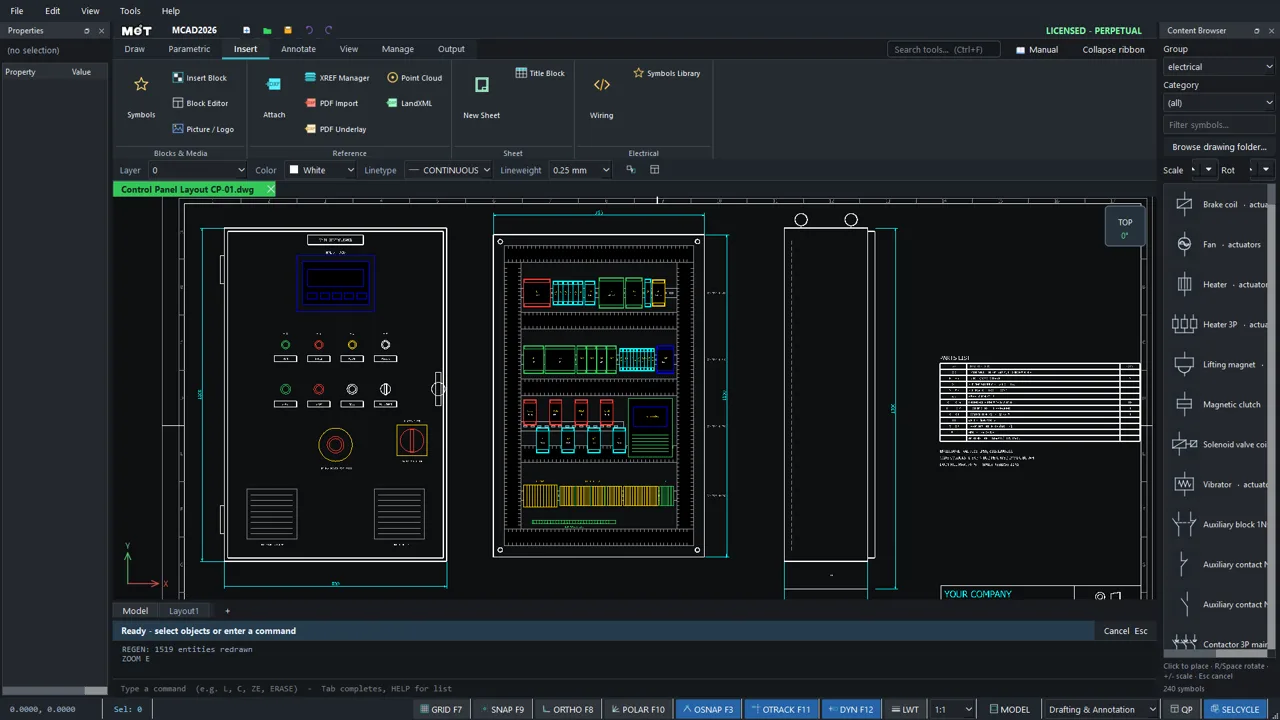
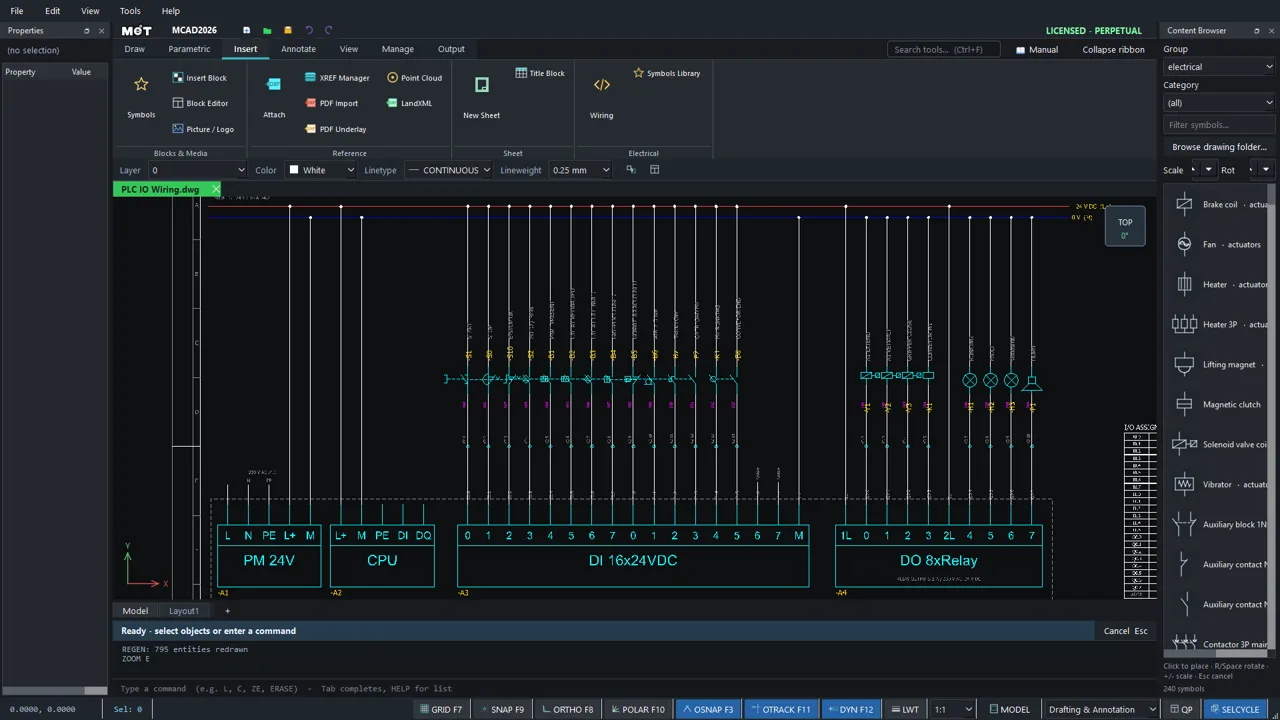
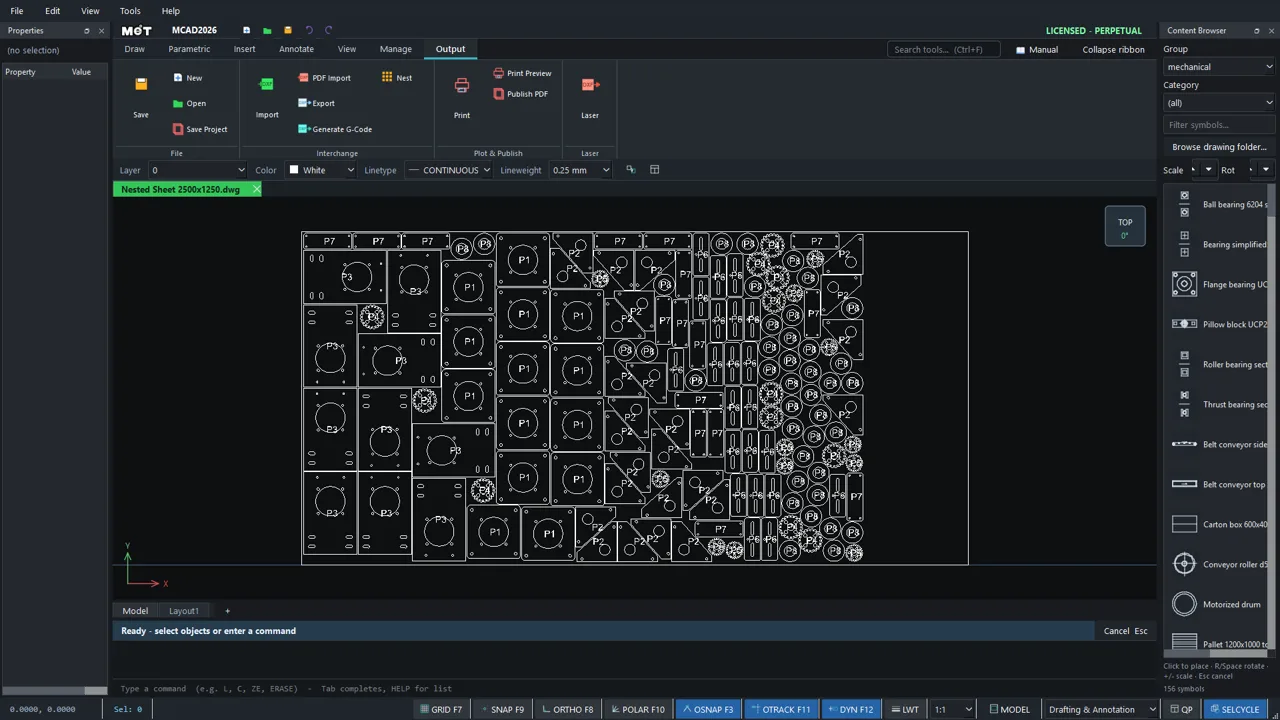
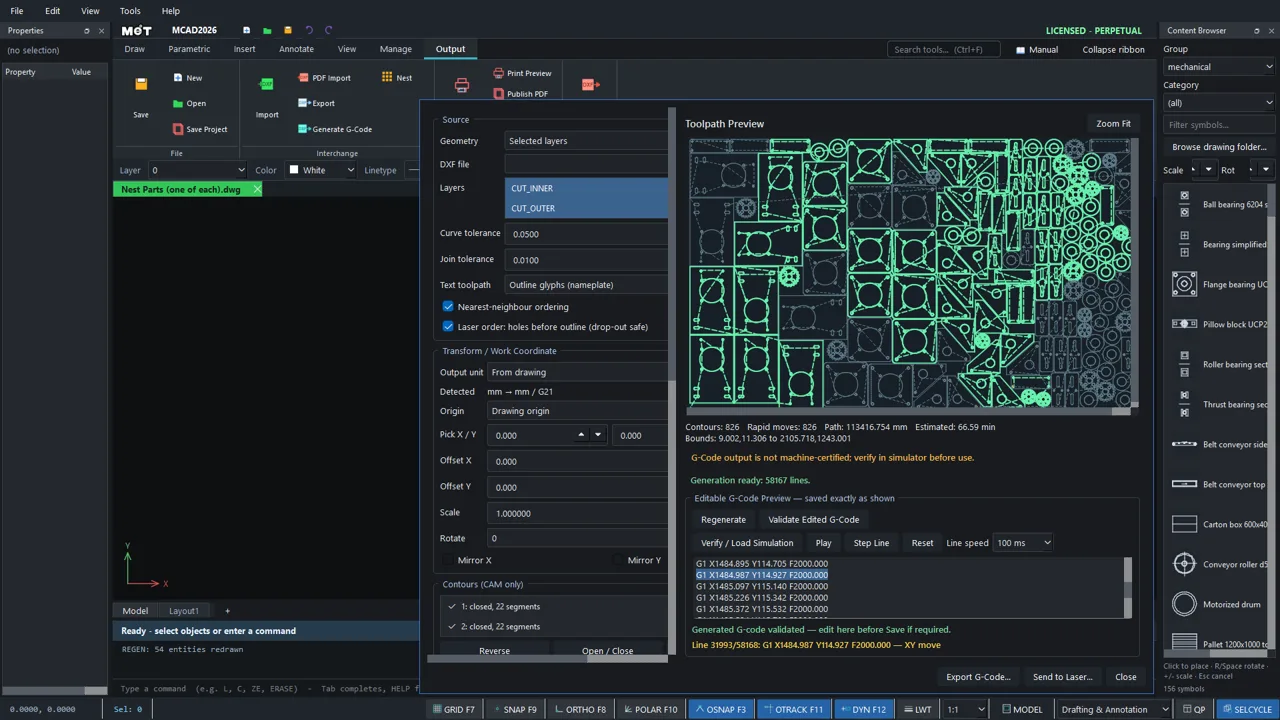
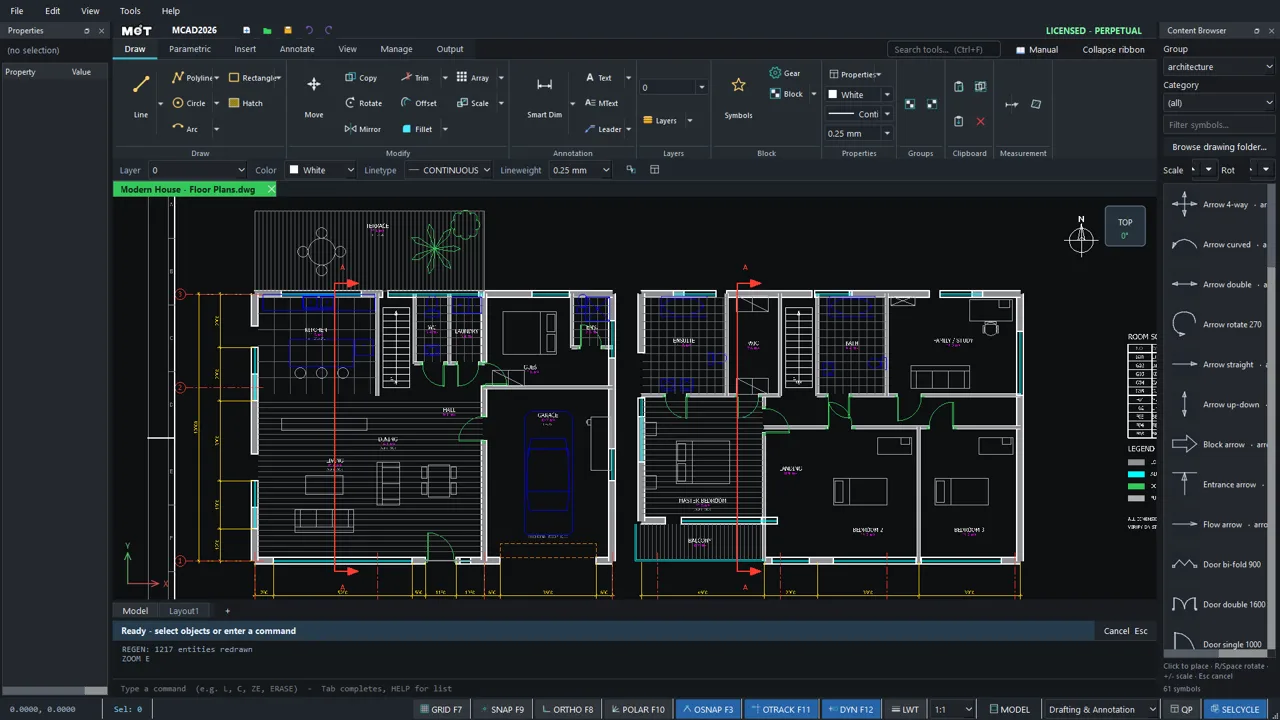
Mechanical, electrical and panel drawings, laser nesting and building plans, opened in MCAD as native DWG.
MCAD 2026 vs AutoCAD
MCAD opens and saves DWG/DXF with the commands you know, and adds shop-floor tools general drafting software does not have built in: nesting, G-code and laser cutting.
Built in, true-shape: hundreds of parts on a sheet, placed straight back into the drawing
AutoCAD: Not built in; needs separate nesting software or an add-on
Export G-code straight from the drawing, with cut simulation, holes-before-outline order and lead-ins
AutoCAD: Not built in; needs separate CAM software
Prepare, nest, simulate and export DXF/G-code in one program
AutoCAD: Draws the parts; cutting steps need other software
Involute spur gears, ready to cut
AutoCAD: Not built in
| Topic | MCAD 2026 | AutoCAD |
|---|---|---|
| Sheet nesting | Built in, true-shape: hundreds of parts on a sheet, placed straight back into the drawing | Not built in; needs separate nesting software or an add-on |
| G-code for CNC / laser / plasma | Export G-code straight from the drawing, with cut simulation, holes-before-outline order and lead-ins | Not built in; needs separate CAM software |
| Laser and wire cutting | Prepare, nest, simulate and export DXF/G-code in one program | Draws the parts; cutting steps need other software |
| Gear generator | Involute spur gears, ready to cut | Not built in |
| Licence | Perpetual THB 15,000, or web THB 690/month · THB 6,900/year (incl. 7% VAT) | Subscription |
| DWG / DXF | Open, edit and save, no extra converter | Native format |
| Commands | 233 commands + aliases, OSNAP, Ortho, Polar | Full set |
| Electrical | 547-symbol MET library (IEC electrical, ISO 1219 pneumatic) and a wiring wizard | Separate toolset |
| In the browser | MCAD Web opens DWG | Web app available |
| Support | Thai team, LINE / phone | Through resellers |
AutoCAD is a trademark of its owner, used here only for comparison. MET is not affiliated with it. Details about other products are general and current as of October 2026.
Full comparison and FAQMCAD 2026 · ONE EDITION
01
Open and save DWG/DXF straight after install, keeping layers, colours and linetypes.
02
Ribbon plus command line with familiar aliases, object snaps, Ortho and Polar.
03
Dimensions that latch onto the geometry you point at, including polyline edges.
04
Control and panel templates, wiring and terminal numbering, with a macro API.
BROCHURES & DOWNLOADS
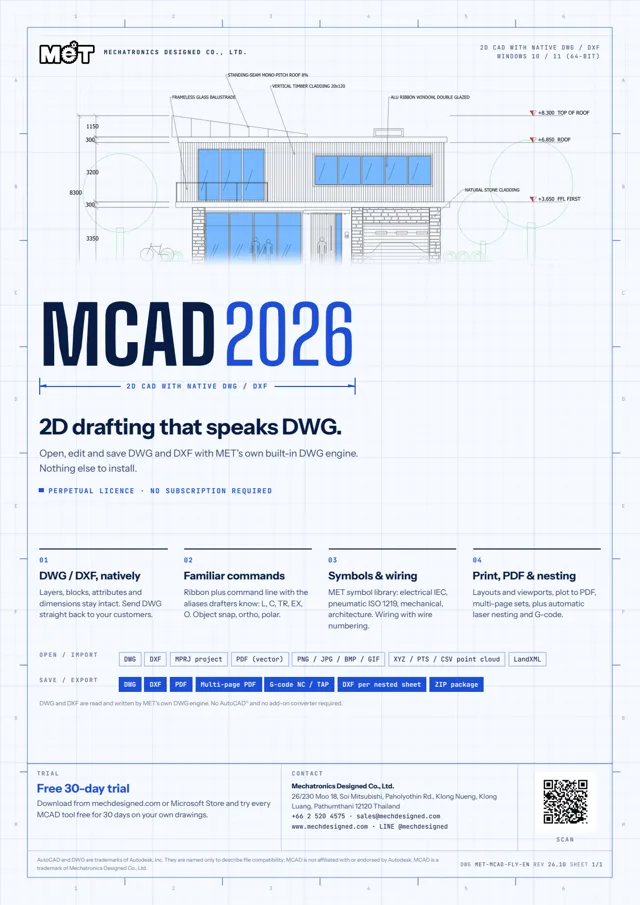
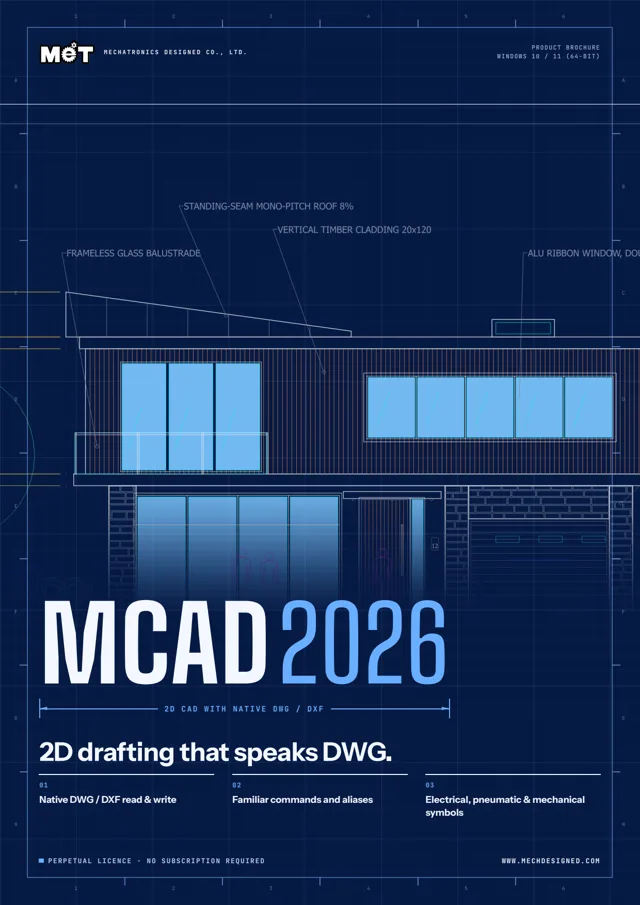
Print-ready PDFs (A4 with 3 mm bleed) for customers, trade shows and presentations. See the inspiration gallery of models made in MECHCAD and MCAD →
MCAD 2026 · RESOURCES
All 233 commands with aliases and illustrations
OpenWindows installer for the free trial, the same one licensed customers use
OpenRuns in the browser with nothing to install
OpenAsk MET engineers and other users
OpenWhere it started and where it is going
OpenLicence types, upgrades and FAQ
OpenLINE @mechdesigned or send your file to MET
OpenWork built with the software and user reviews
OpenSHOWCASE
Every image is rendered or captured from the real program. See the full gallery
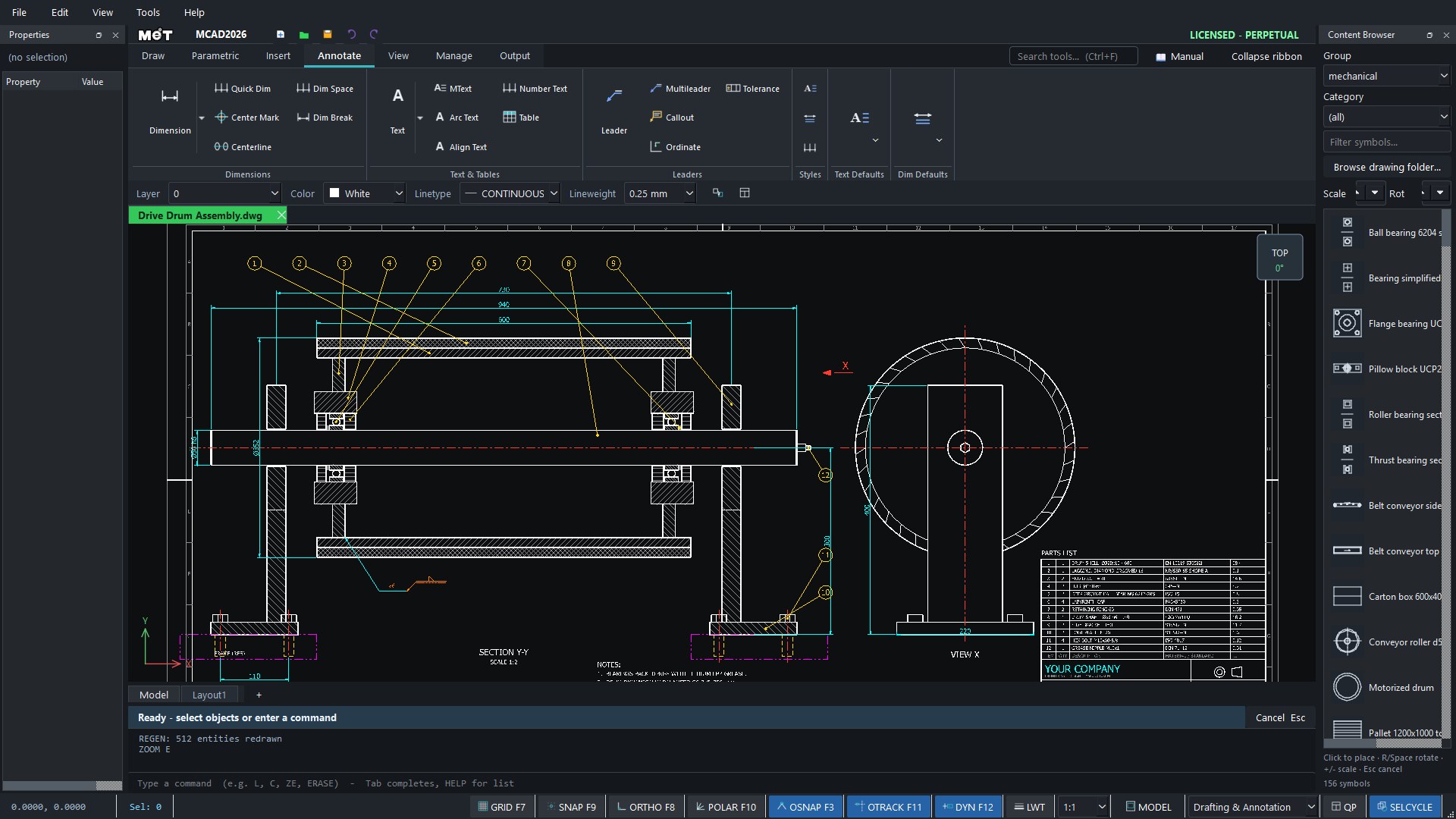
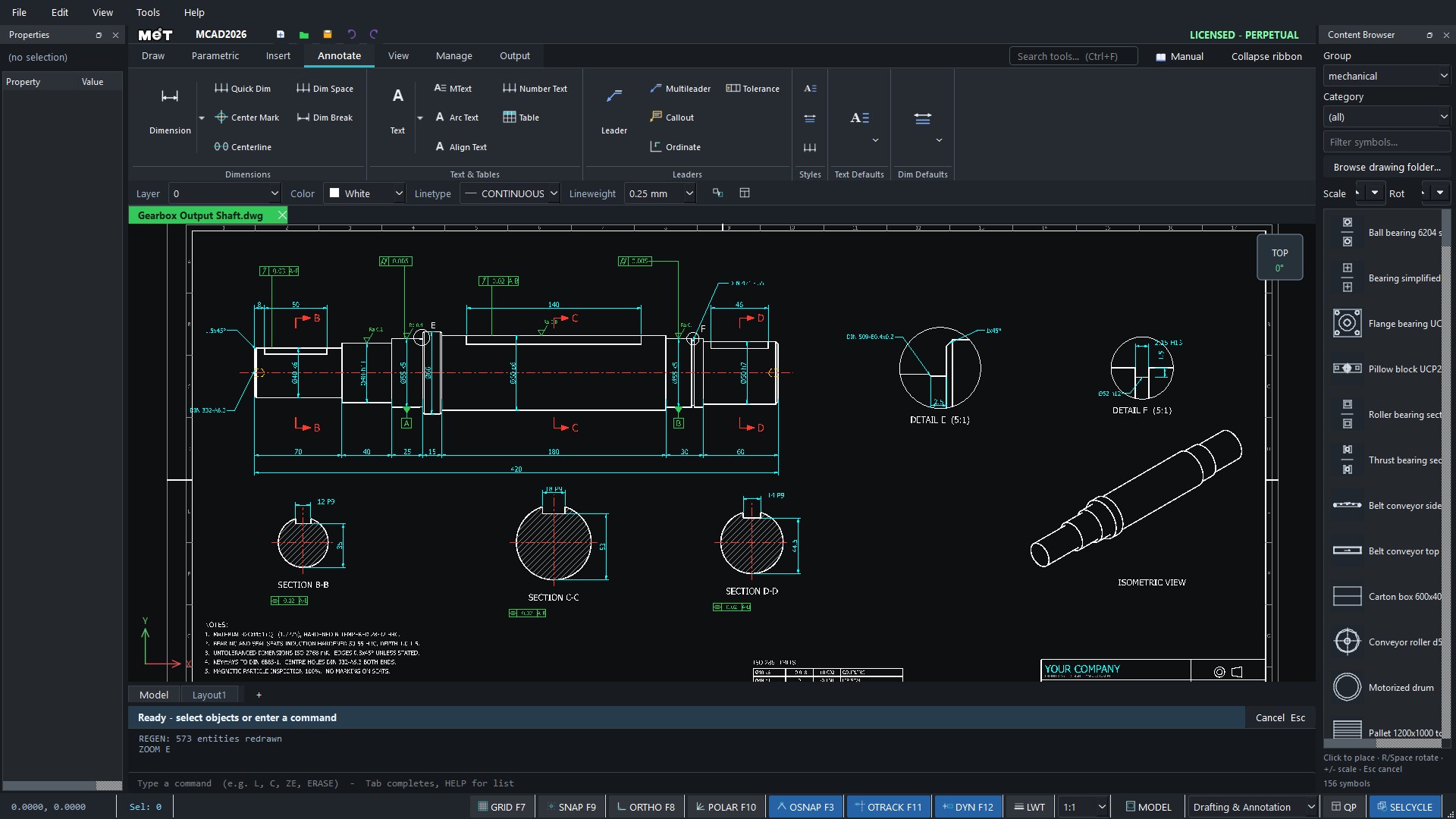
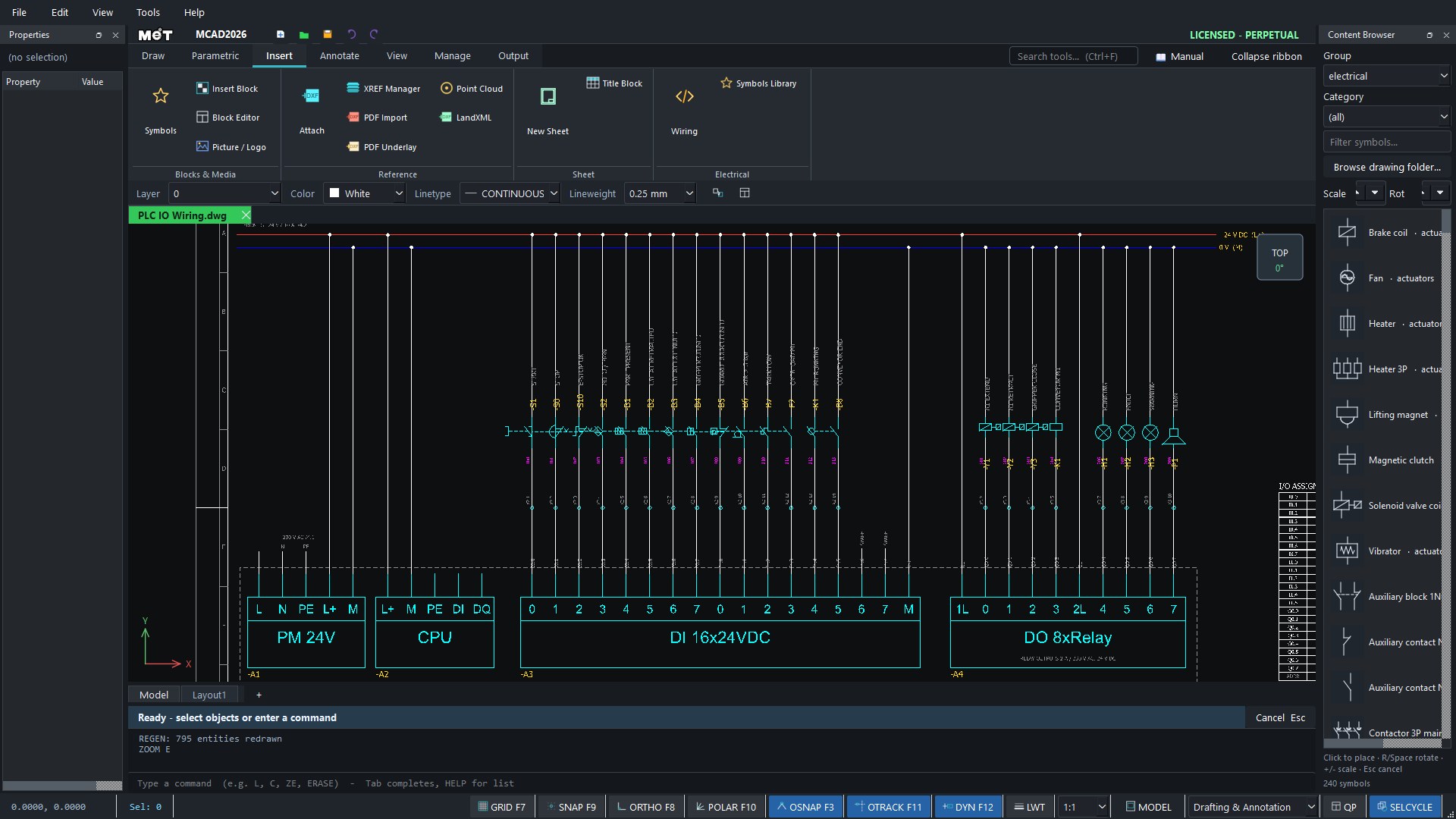
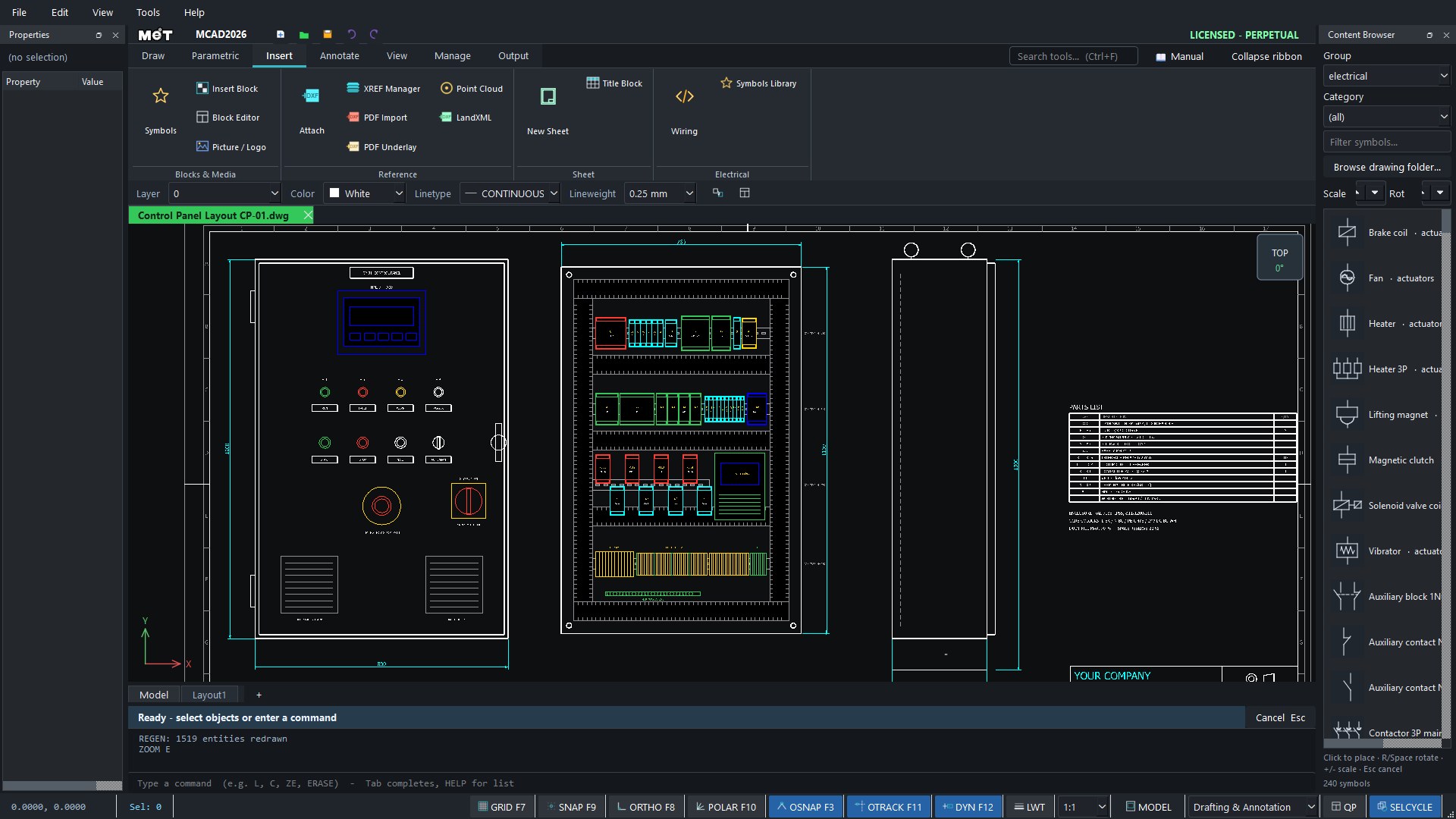
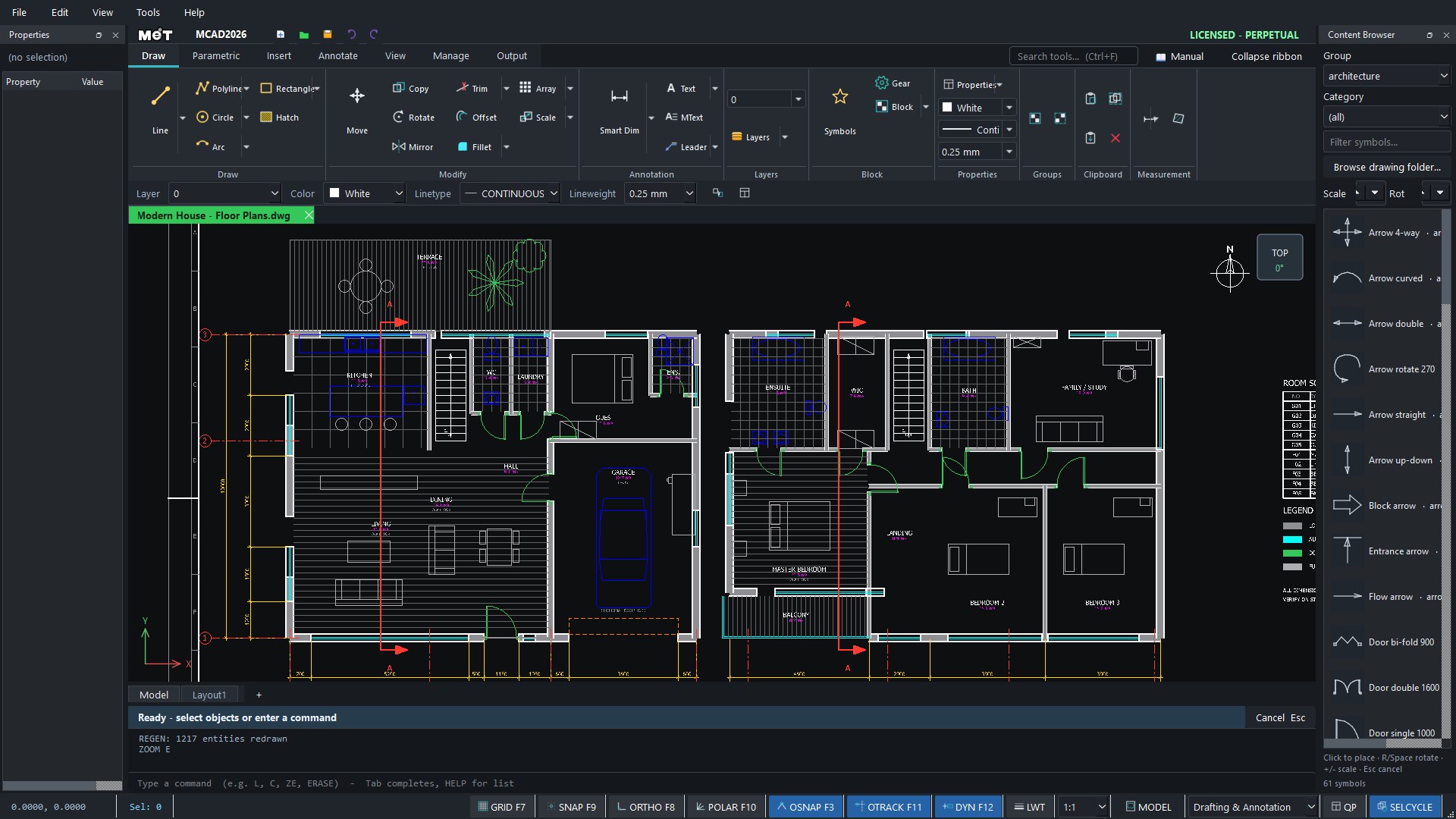
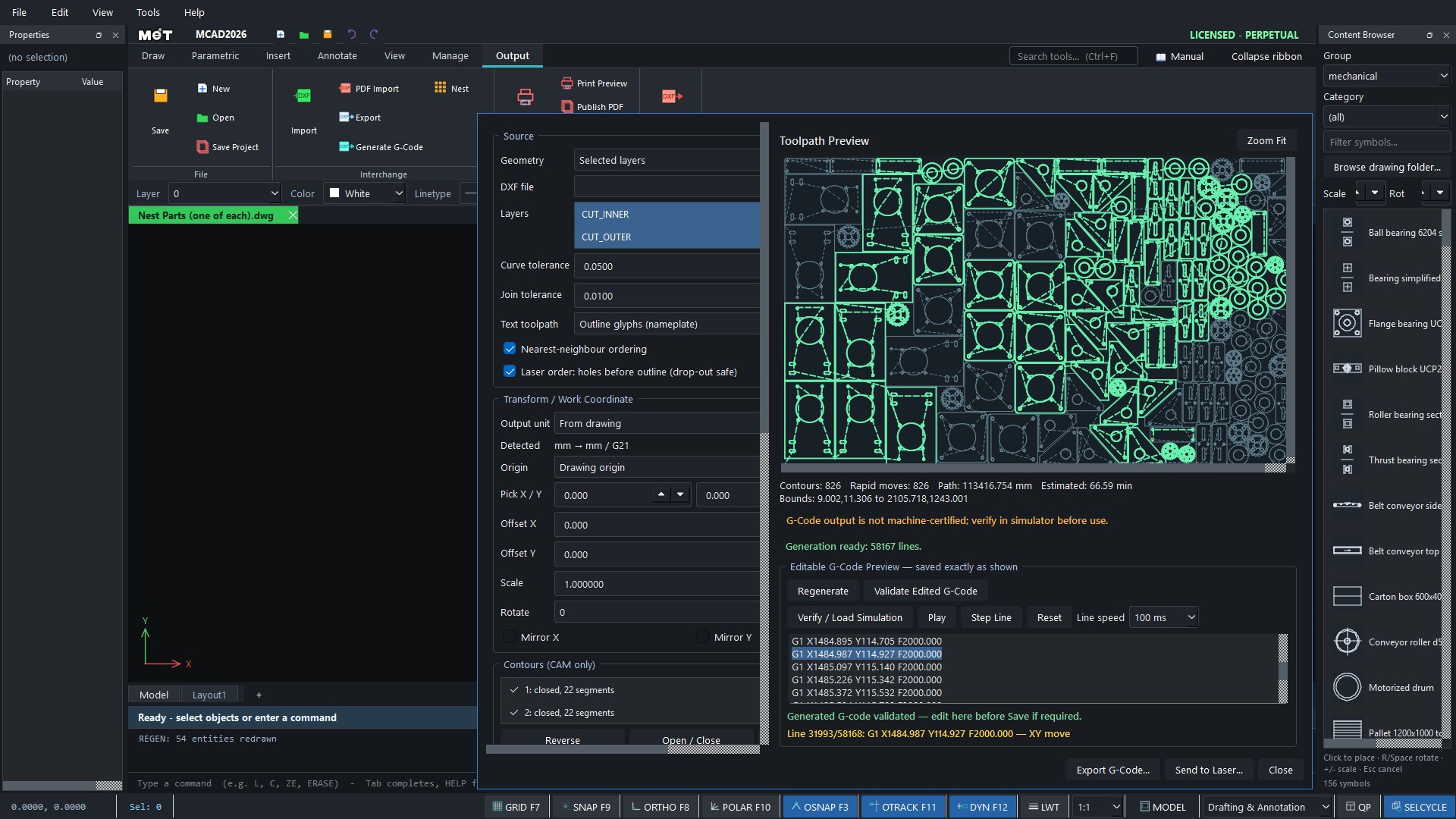
MCAD 2026 has just launched. Tell us how it works for you, or send us your work to feature in this showcase.
LICENSING CENTER
MCAD is one full edition: Desktop perpetual ฿15,000 · Web ฿690/month or ฿6,900/year (incl. 7% VAT).
See MCAD pricing and buyAsk about licensingBoth. MCAD 2026 Desktop is a perpetual licence for ฿15,000, paid once and yours to keep. MCAD Web runs in the browser for ฿690 per month or ฿6,900 per year. All prices include 7% VAT.
No. MCAD is one edition with every command: DWG/DXF, dimensions, layers, blocks, and electrical symbols and wiring.
Yes. MCAD Web has a free 30-day trial in the browser. The desktop installer is a free download and MET can issue a trial key.
One seat runs on one computer at a time, activated online against MET’s licence server. Move it yourself with Help › Release License, then activate the new computer with the same key. Offline computers can use an offline licence file.
Buy online on the MCAD pricing page by card or PromptPay and get your licence key by e-mail right away, or ask MET for a company quotation.