MET

MECHCAD 2026 · 3D CAD / CAM · BY MET

From part to machine to G-code

MECHCAD is the 3D CAD/CAM MET builds from real machine-design work. Three editions — Standard, Expert and Premium — in one program, with a free 30-day full Premium trial.

AS FEATURED IN
DEVELOP3D
“MechCAD 2026 CAD/CAM solution launched by machinery experts”

Latest version 2026.87 · Windows 10/11 64-bit · What’s new

Moving from SolidWorks? See the comparisonOpen SolidWorks files without SolidWorksEdit SolidWorks partsCAD/CAM for small machine shopsAlibre Design user? CAM with MECHCAD
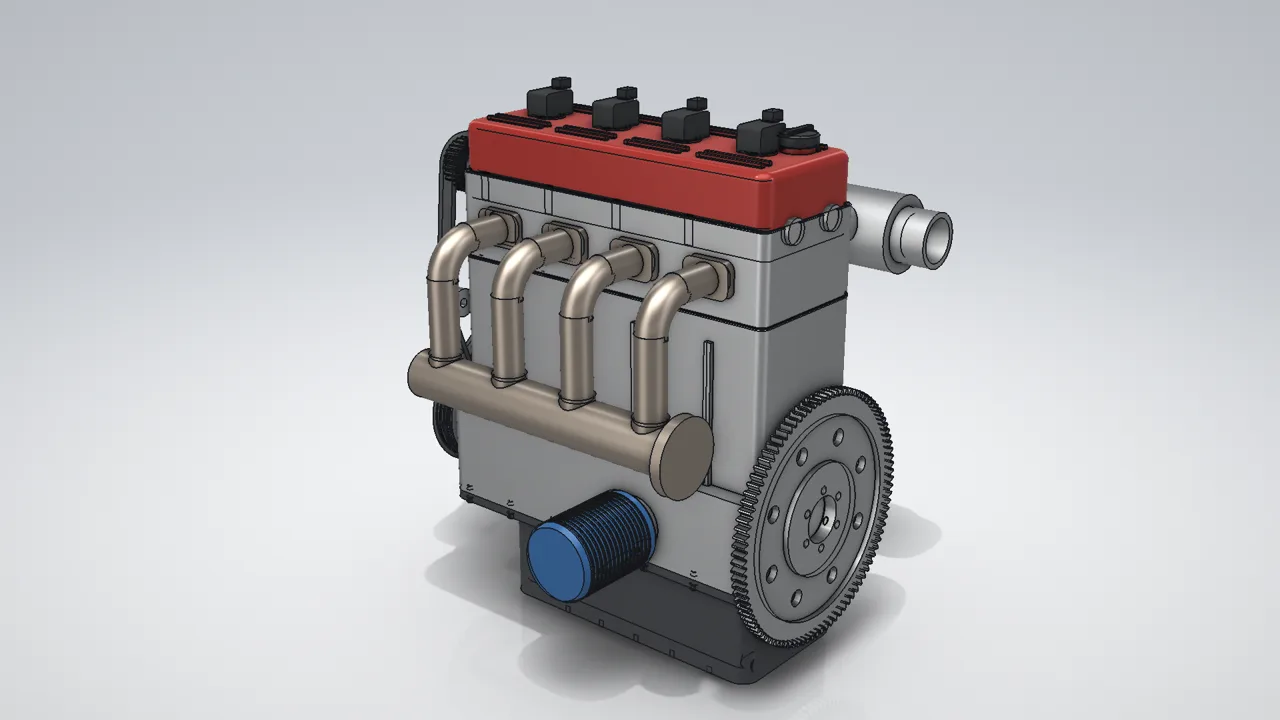
Inline-4 DOHC engine — complete engine assembly designed and rendered in MECHCAD
STANDARD · EXPERT · PREMIUM

MECHCAD 2026.87 · WHAT’S NEW

What’s new in MECHCAD 2026.87

MA customers update from inside the app, Microsoft Store installs update through the Store, and the 30-day trial includes every Premium feature.

STANDARD · EXPERT · PREMIUM

Part Design

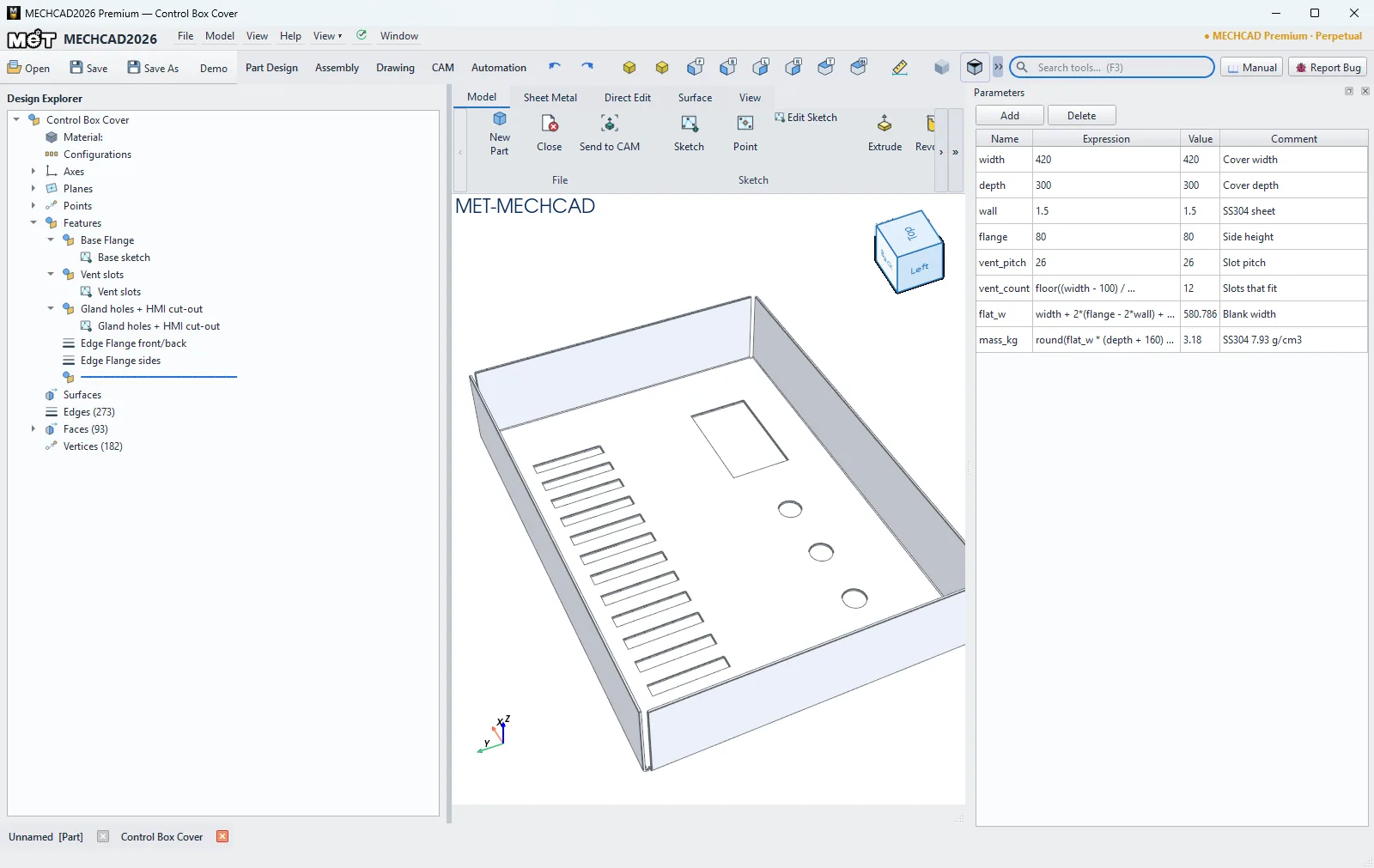
  • Parameters panel: named parameters and equations with live values and red rows for bad or circular expressions; parameters of opened Alibre (.AD_PRT) parts keep driving their features
  • Fillet / Chamfer edge sets, one-click rounding of a whole face rim, with live preview
  • Mass, centre of gravity and bounding box from the assigned material, in Properties
  • Tab cycles through hidden faces (Select Other)
STANDARD · EXPERT · PREMIUM

Sketch constraints

  • Tangent inference while drawing, plus a Tangent Arc tool
  • New Collinear constraint
  • Tangents no longer flip sides, and an explicit Tangent overrides automatic H/V
  • Constraint glyphs on face sketches and clear messages when constraints conflict
NEWEXPERT · PREMIUM

Surface modeling

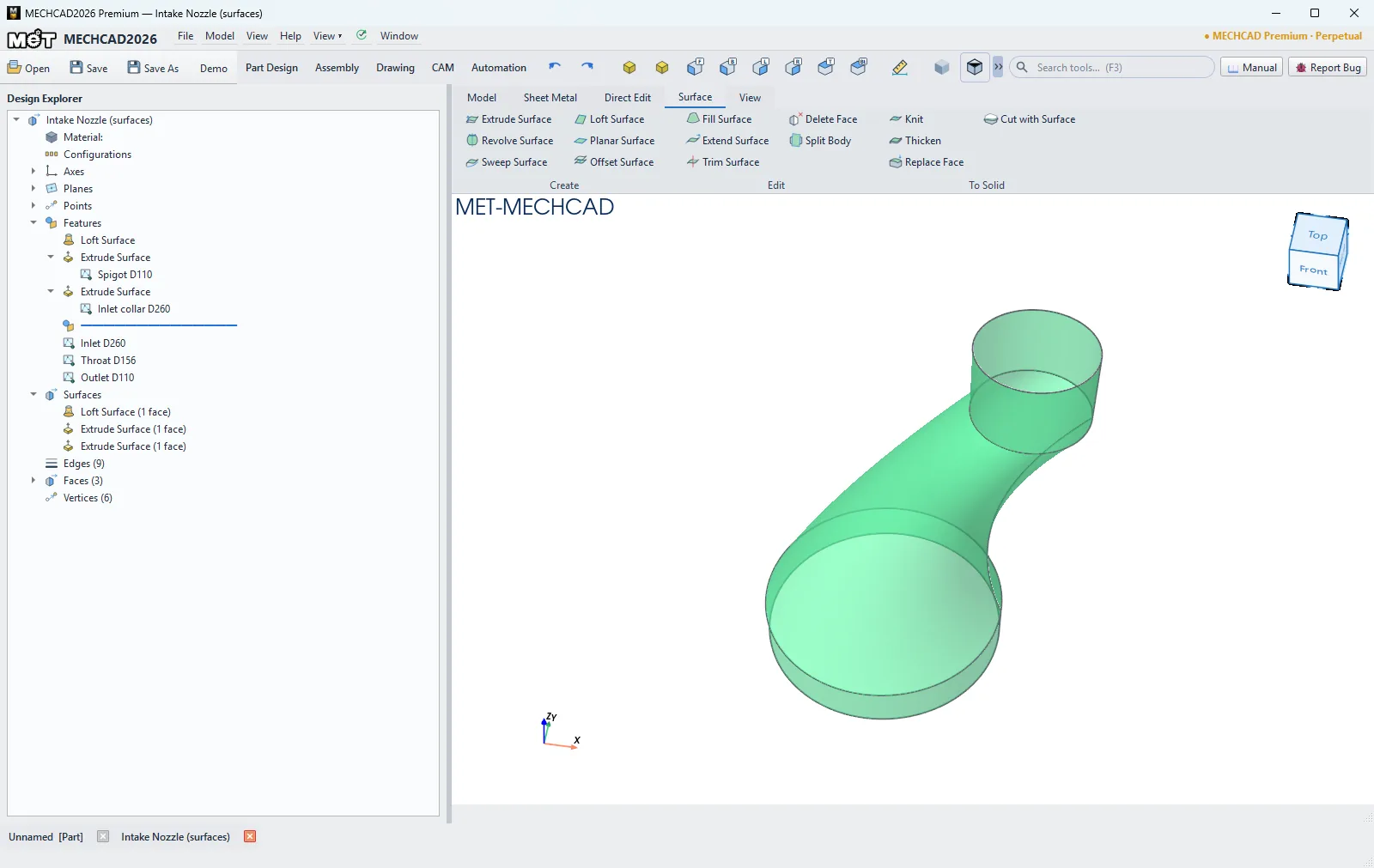
  • New Surface tab: Extrude, Revolve, Sweep, Loft, Planar and Offset Surface
  • Fill Surface (N-sided patch, C0/G1/G2 to neighbours), Extend Surface and Trim Surface
  • Delete Face, and Split Body with a surface or plane
  • To Solid group: Knit surfaces into a solid, Thicken, Replace Face and Cut with Surface

In Expert and Premium (not included in Standard).

NEWEXPERT · PREMIUM

Sheet metal

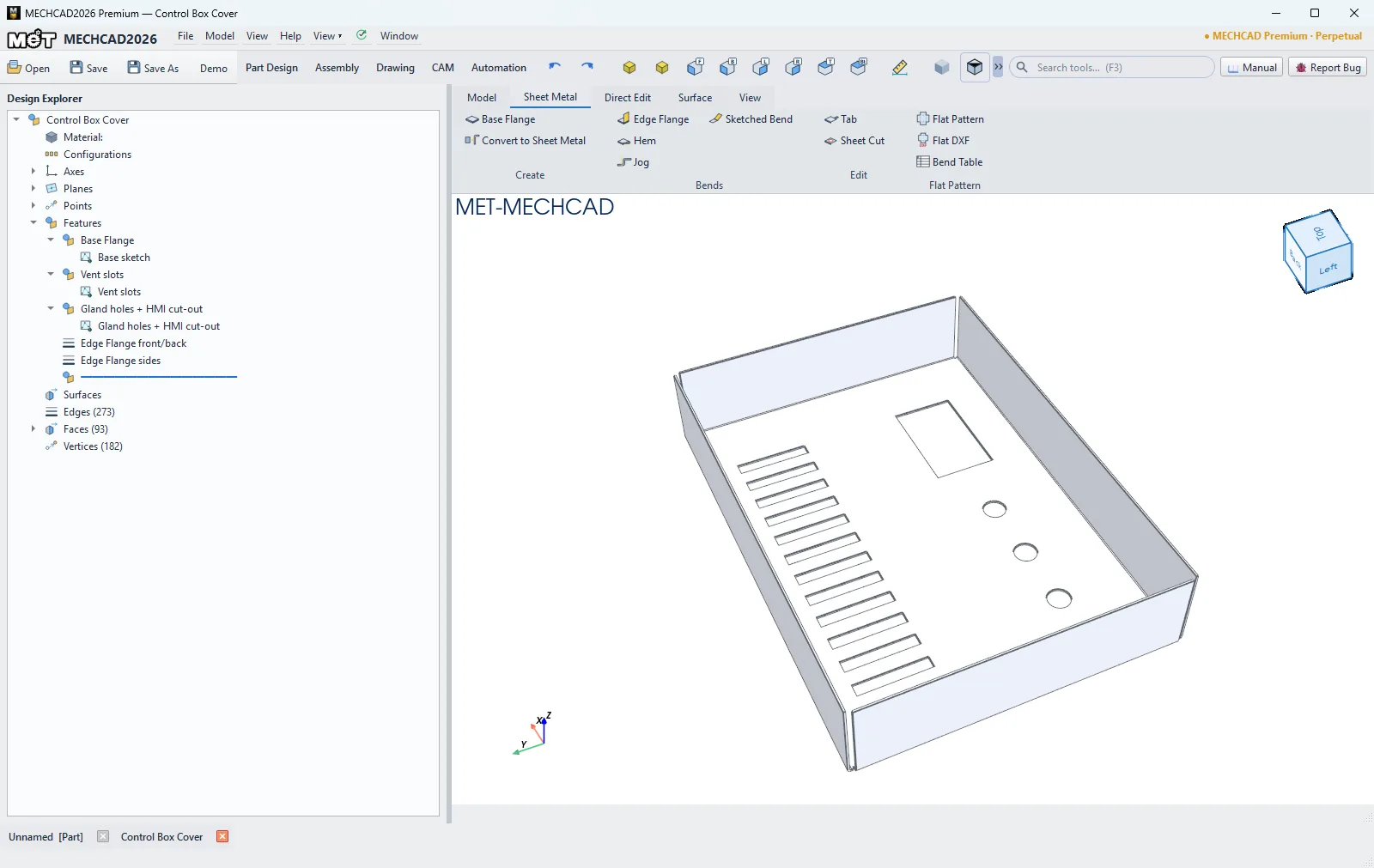
  • New Sheet Metal tab: Base Flange and Convert to Sheet Metal (turn an imported solid into sheet metal)
  • Edge Flange, Hem, Jog and Sketched Bend, with bend and corner reliefs
  • Tab and Sheet Cut (optionally cut the flat pattern across bends, then refold)
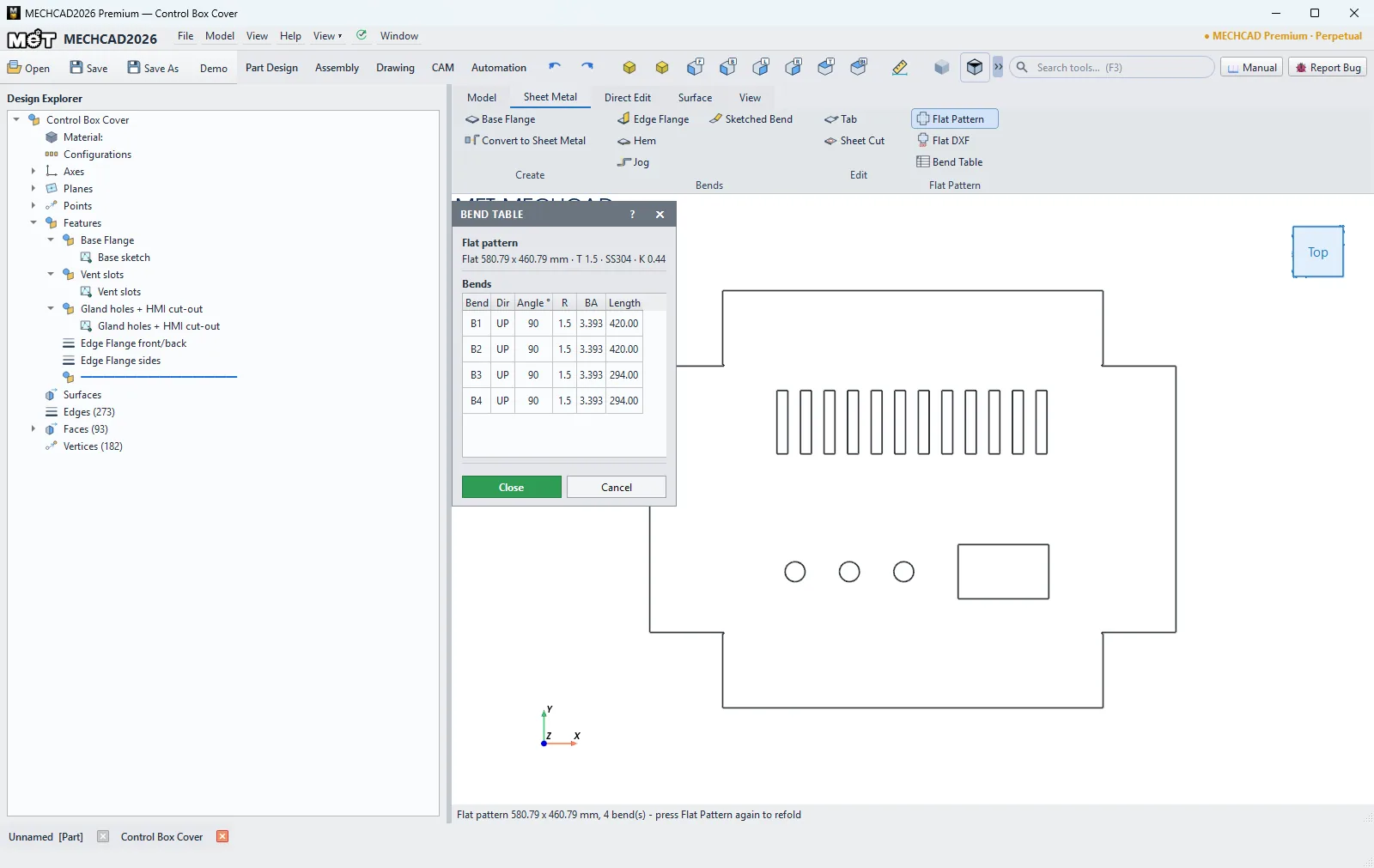
  • Flat Pattern unfold/refold by K-factor or Bend Table, and Flat DXF for laser cutting

In Expert and Premium (not included in Standard).

STANDARD · EXPERT · PREMIUM

CAD import

  • Open SolidWorks (.SLDPRT) parts without SolidWorks installed, and Alibre (.AD_PRT) parts from Alibre Design users, with editable sketches and feature tree
  • Steps that cannot be rebuilt yet are kept as exact geometry and listed
  • Open Siemens NX (.prt) parts as solids
PREMIUM

CAM

  • Manual pick operations: choose the faces and edges for each operation
  • Cutter compensation (D-offset, G41/G42) and chamfer cuts from the real tool geometry
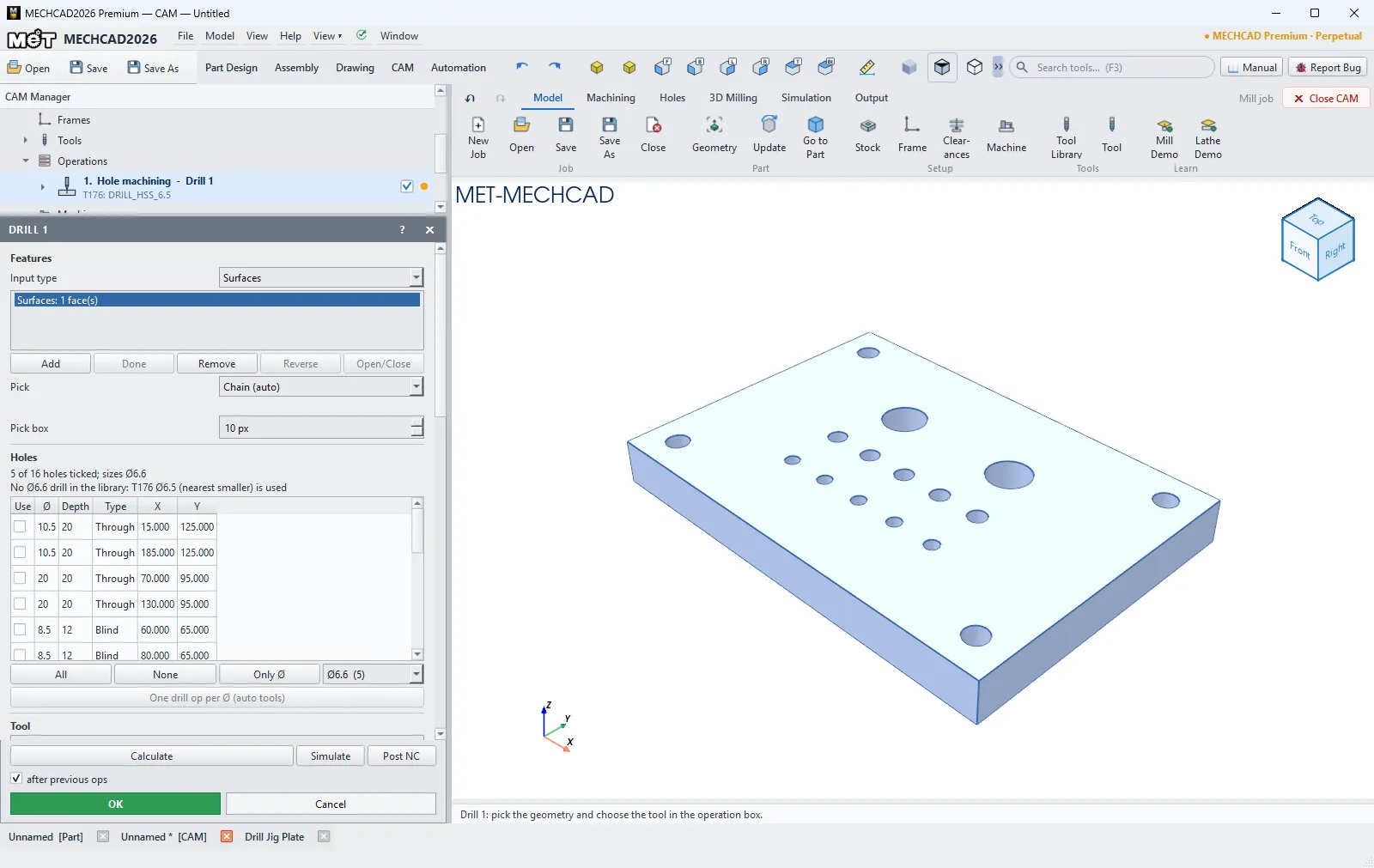
  • Smart Hole drilling with per-hole selection and an automatic drill per diameter
  • Manual stock: mill sizes and allowances, lathe D×L
  • 150+ standard metric tools, grouped by type
  • Simulation shows the real cutter shapes; the Fanuc post matches the format used on the shop floor
STANDARD · EXPERT · PREMIUM

Report a Bug

  • Report a Bug button inside the app sends the report straight to MET support, with an optional screenshot
  • Your design files and data are never attached automatically
MECHCAD 2026.87 — Parameters: named values and equations in a docked panel
Parameters: named values and equations in a docked panel
MECHCAD 2026.87 — Surface: a three-section loft for a curved intake nozzle
Surface: a three-section loft for a curved intake nozzle
MECHCAD 2026.87 — Sheet metal: an SS304 control box cover from Base and Edge Flange
Sheet metal: an SS304 control box cover from Base and Edge Flange
MECHCAD 2026.87 — Flat pattern and bend table, ready for a Flat DXF
Flat pattern and bend table, ready for a Flat DXF
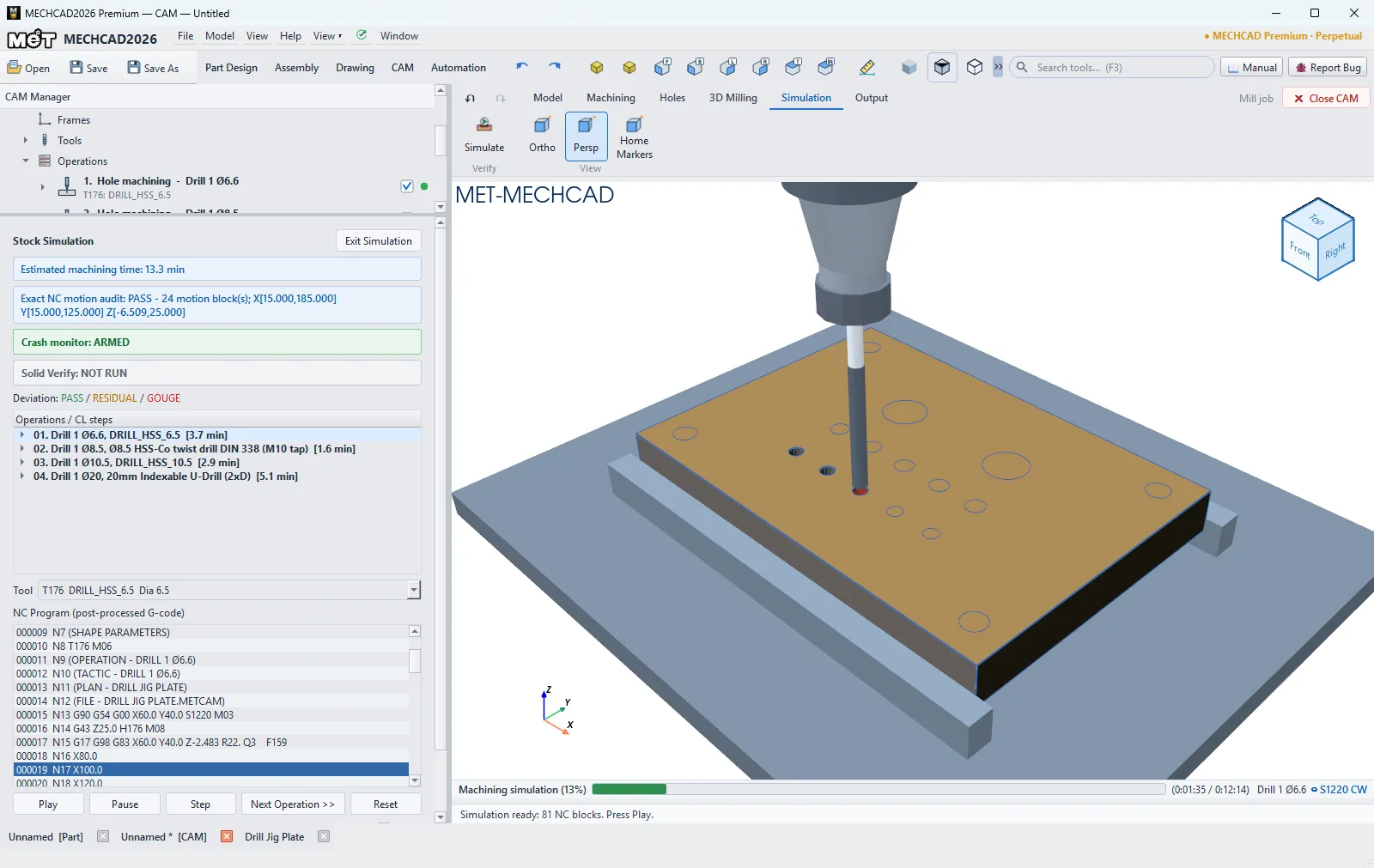
MECHCAD 2026.87 — CAM Smart Hole: every hole found, the drill matched to each size
CAM Smart Hole: every hole found, the drill matched to each size
MECHCAD 2026.87 — Simulation with the real drill shape, G83 peck cycle
Simulation with the real drill shape, G83 peck cycle

MECHCAD 2026 · INSIDE THE APP

Real MECHCAD 2026 screens

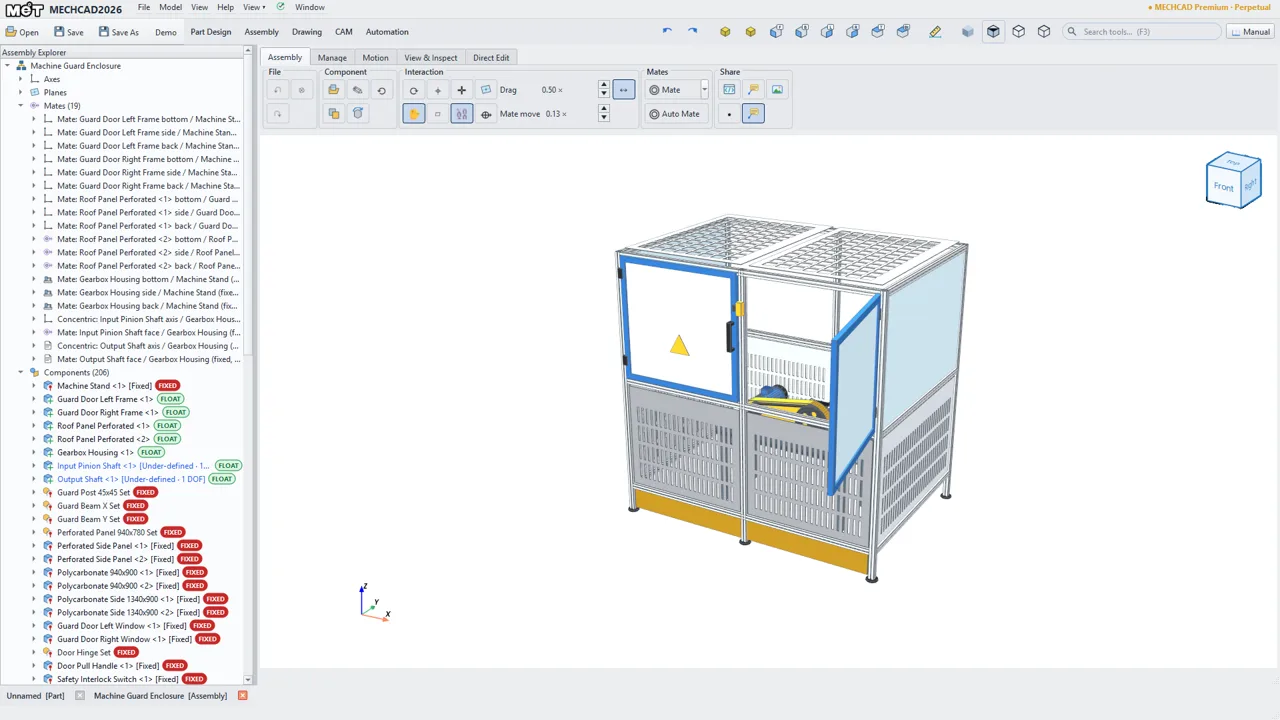
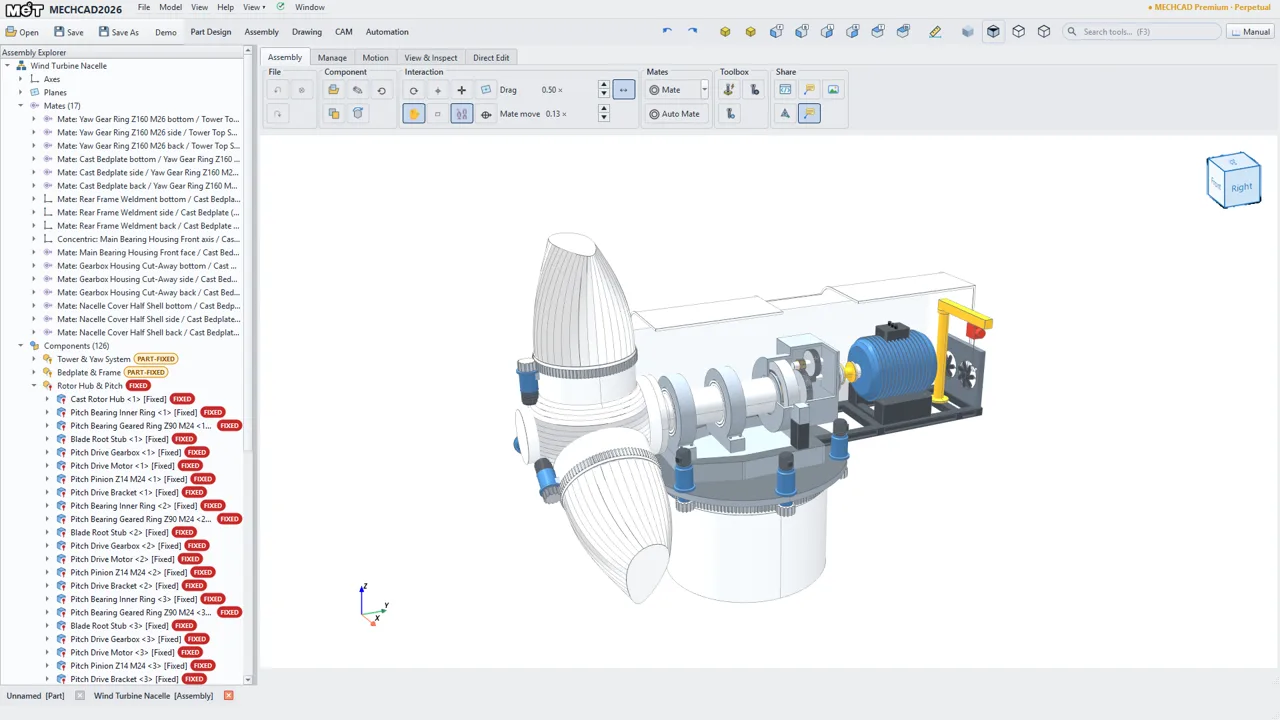
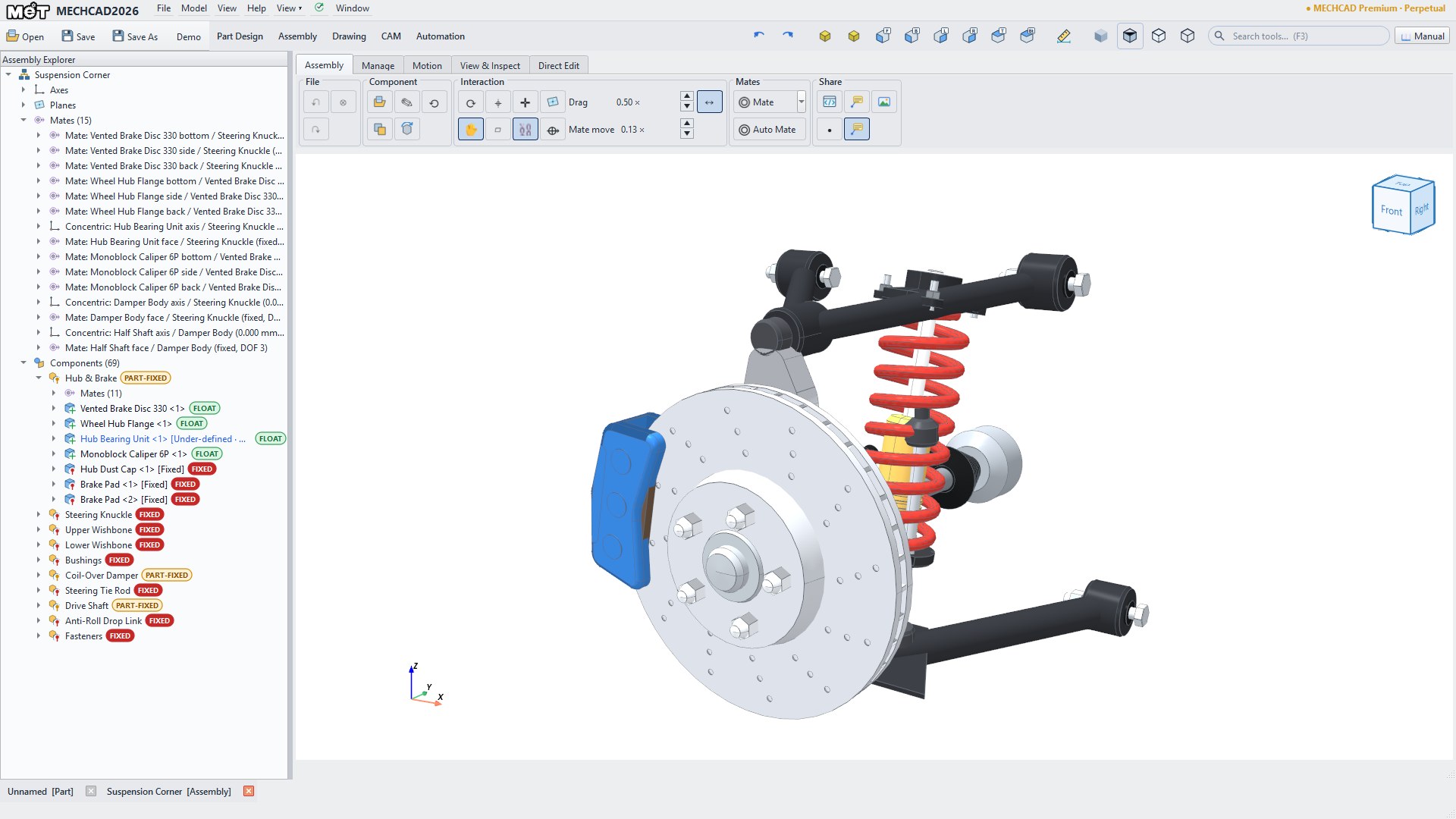
Full assemblies with the Assembly Explorer open on every part, sheet metal and CAM. Every picture is MET team work.

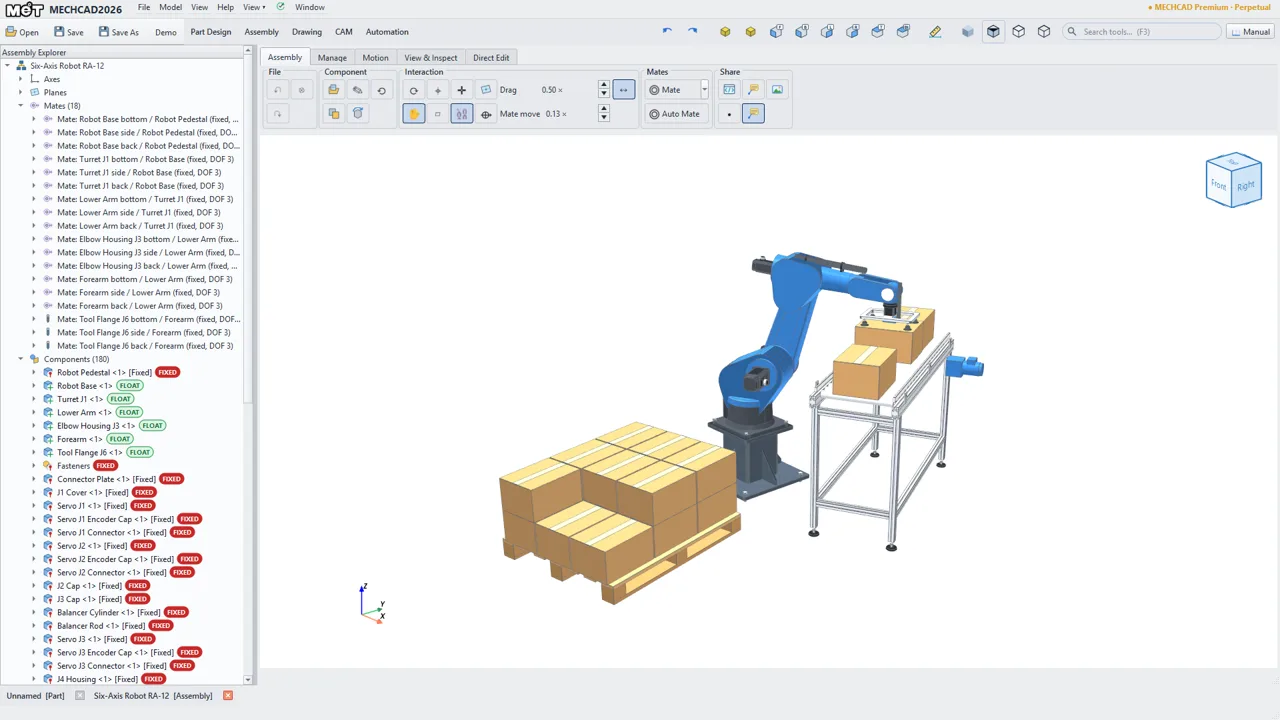
Six-Axis Robot Cell — MECHCAD 2026
Robotics & AutomationSix-Axis Robot Cell60 parts · 180 instances
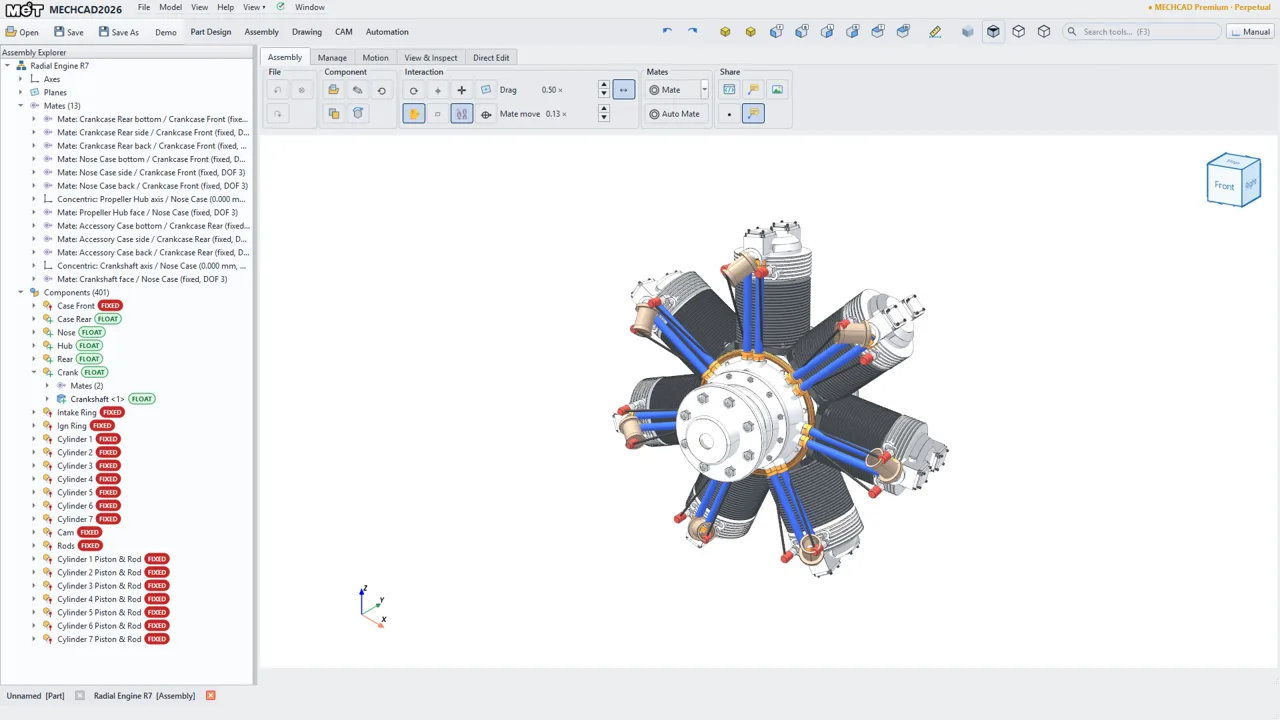
7-Cylinder Radial Engine — MECHCAD 2026
Machine Design7-Cylinder Radial Engine32 parts · 401 instances
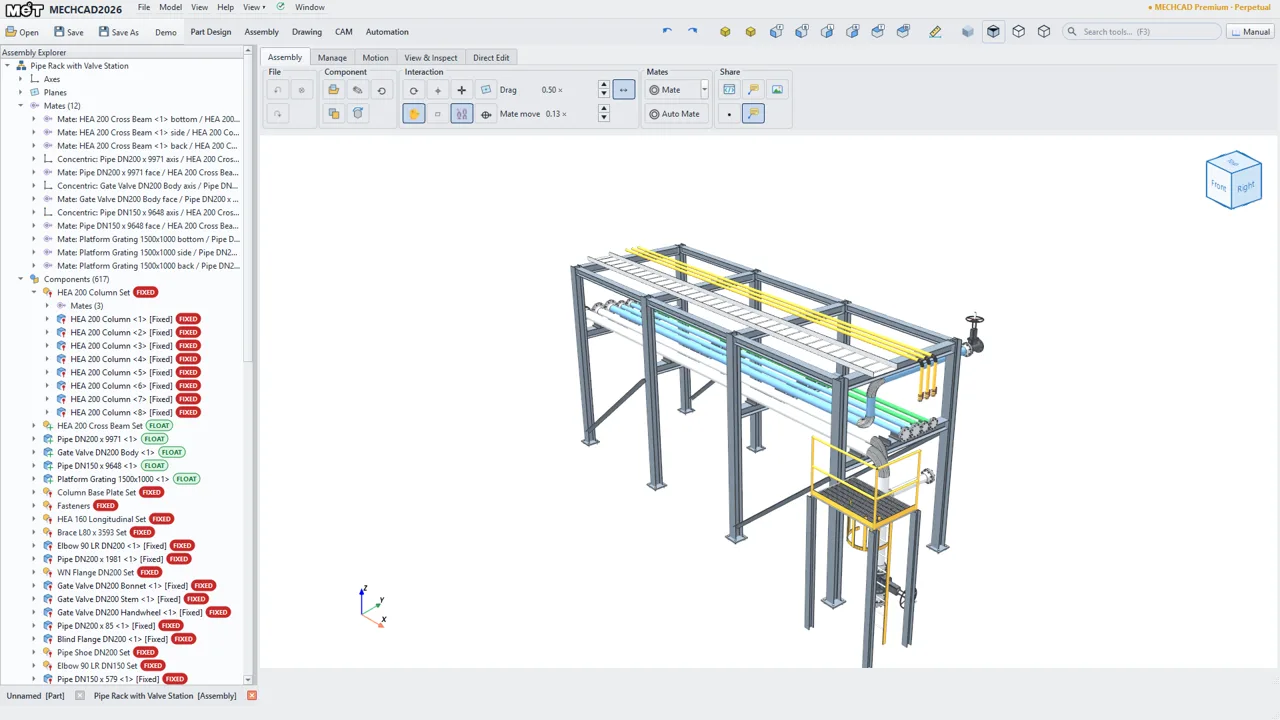
Pipe Rack with Valve Station — MECHCAD 2026
Plant DesignPipe Rack with Valve Station64 parts · 617 instances
Machine Guard Enclosure — MECHCAD 2026
Sheet MetalMachine Guard Enclosure71 parts · 206 instances
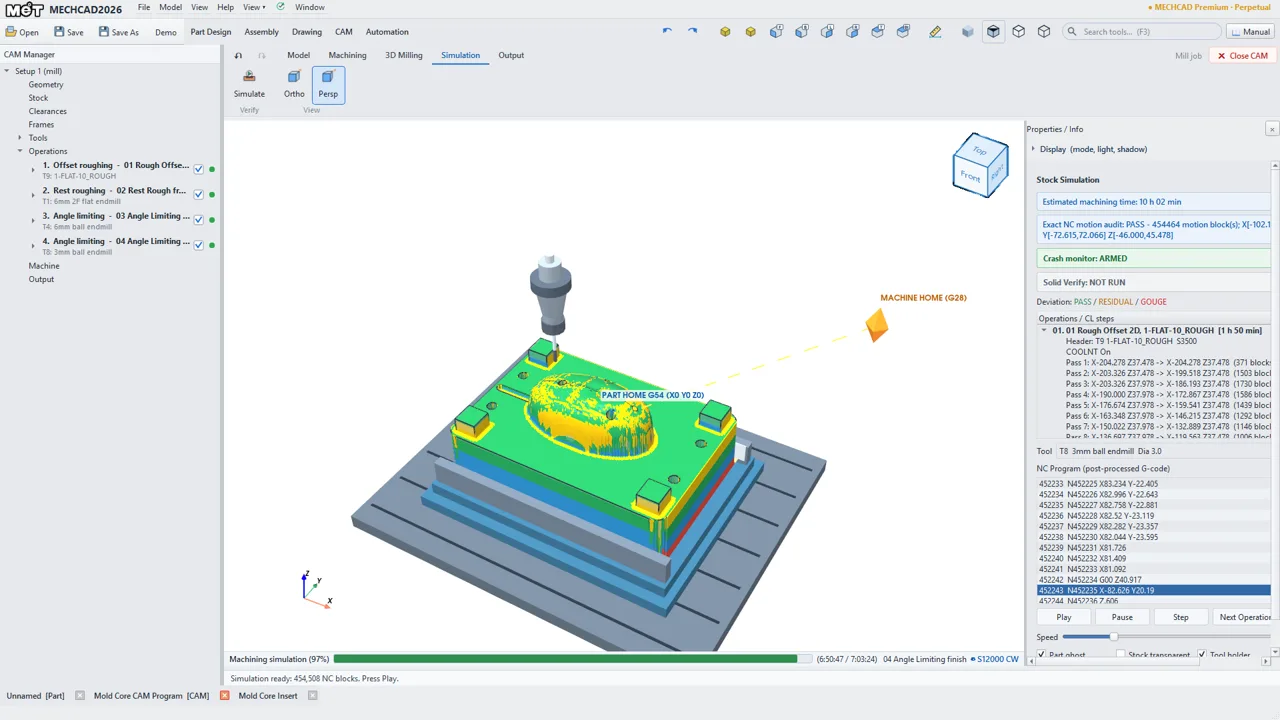
Mold Core - CAM Toolpaths — MECHCAD 2026
Mold & CAMMold Core - CAM Toolpaths1 parts
Wind Turbine Nacelle Cut-Away — MECHCAD 2026
EnergyWind Turbine Nacelle Cut-Away60 parts · 126 instances
See everything in the Showcase

MADE IN MECHCAD

Every clip rendered in the real program

Motion studies, exploded views and CAM from the sample models that ship with the program — no compositing.

Cobot palletizing — motion study
Part, drawing and CAM in one program
Machine vise — assembly and explode
Pliers — moving parts
MCAD: from DWG to G-code

BROCHURES & DOWNLOADS

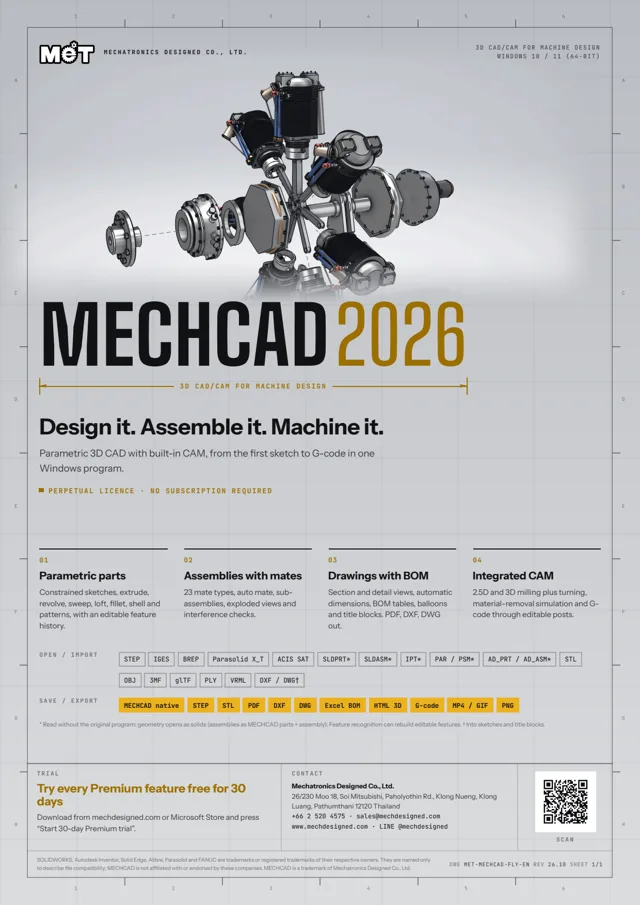
Flyer, brochure and banners

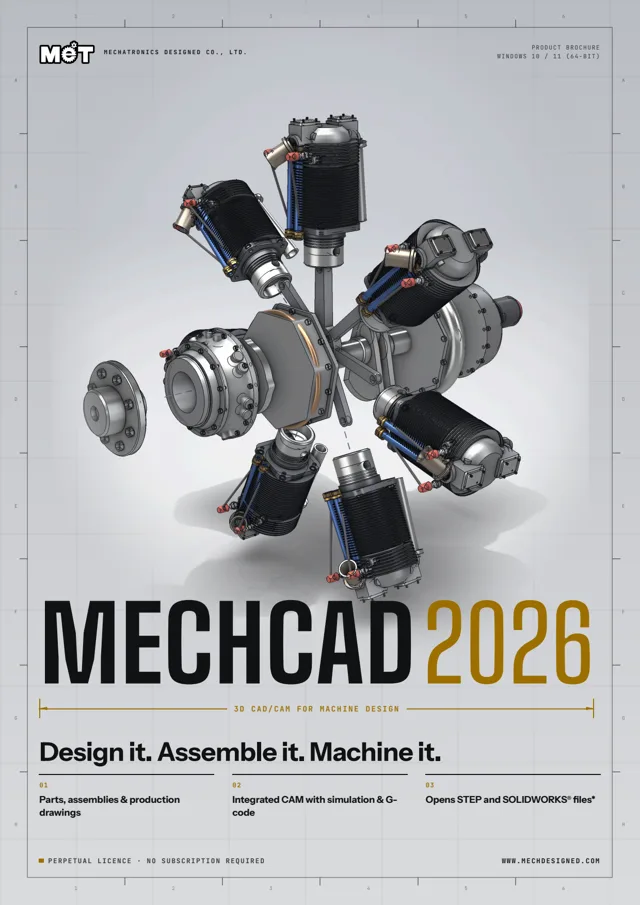
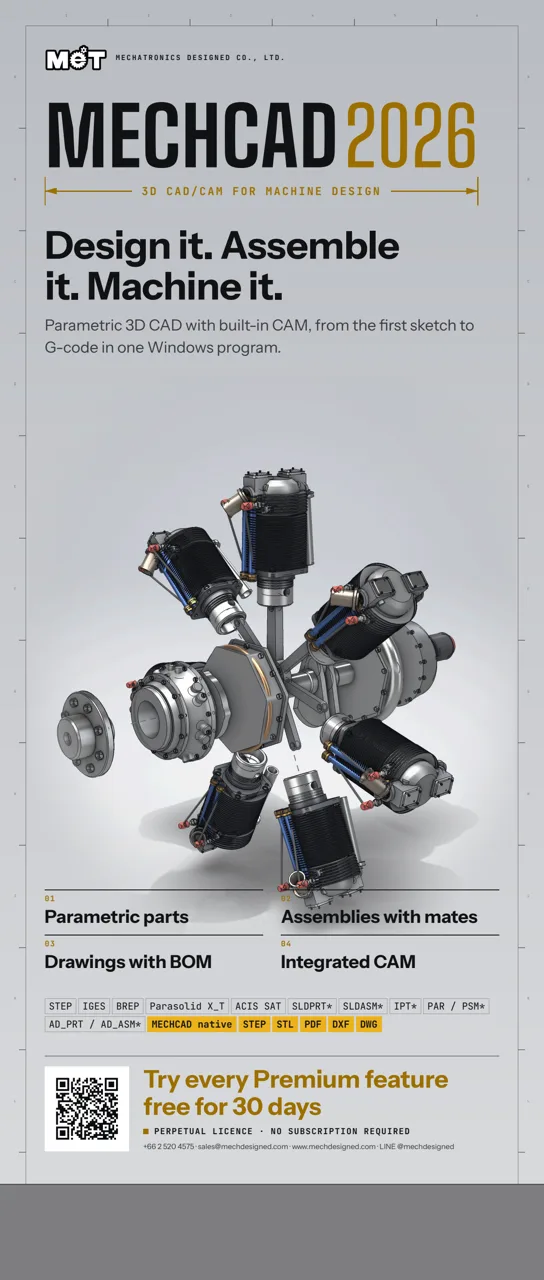
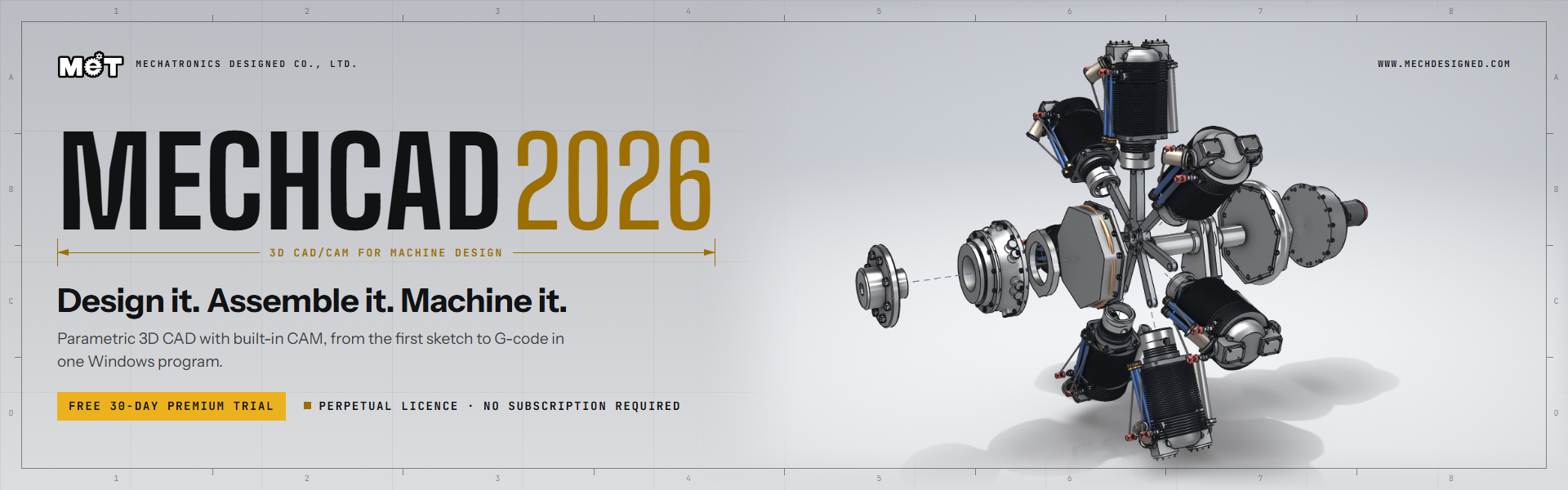
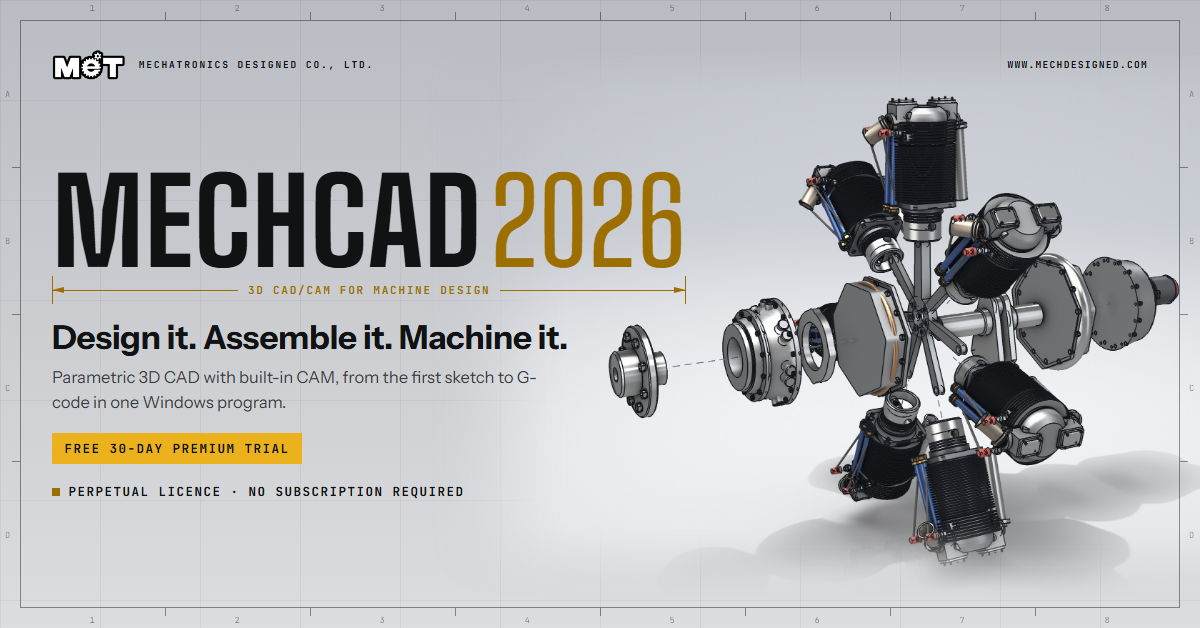
Print-ready PDFs (A4 with 3 mm bleed) for customers, trade shows and presentations. See the inspiration gallery of models made in MECHCAD and MCAD →

Download the MECHCAD 2026 PDF manual (2026.87)English19.2 MBThai19.7 MB

SHOWCASE

Built with MECHCAD 2026

Every image is rendered or captured from the real program. See the full gallery

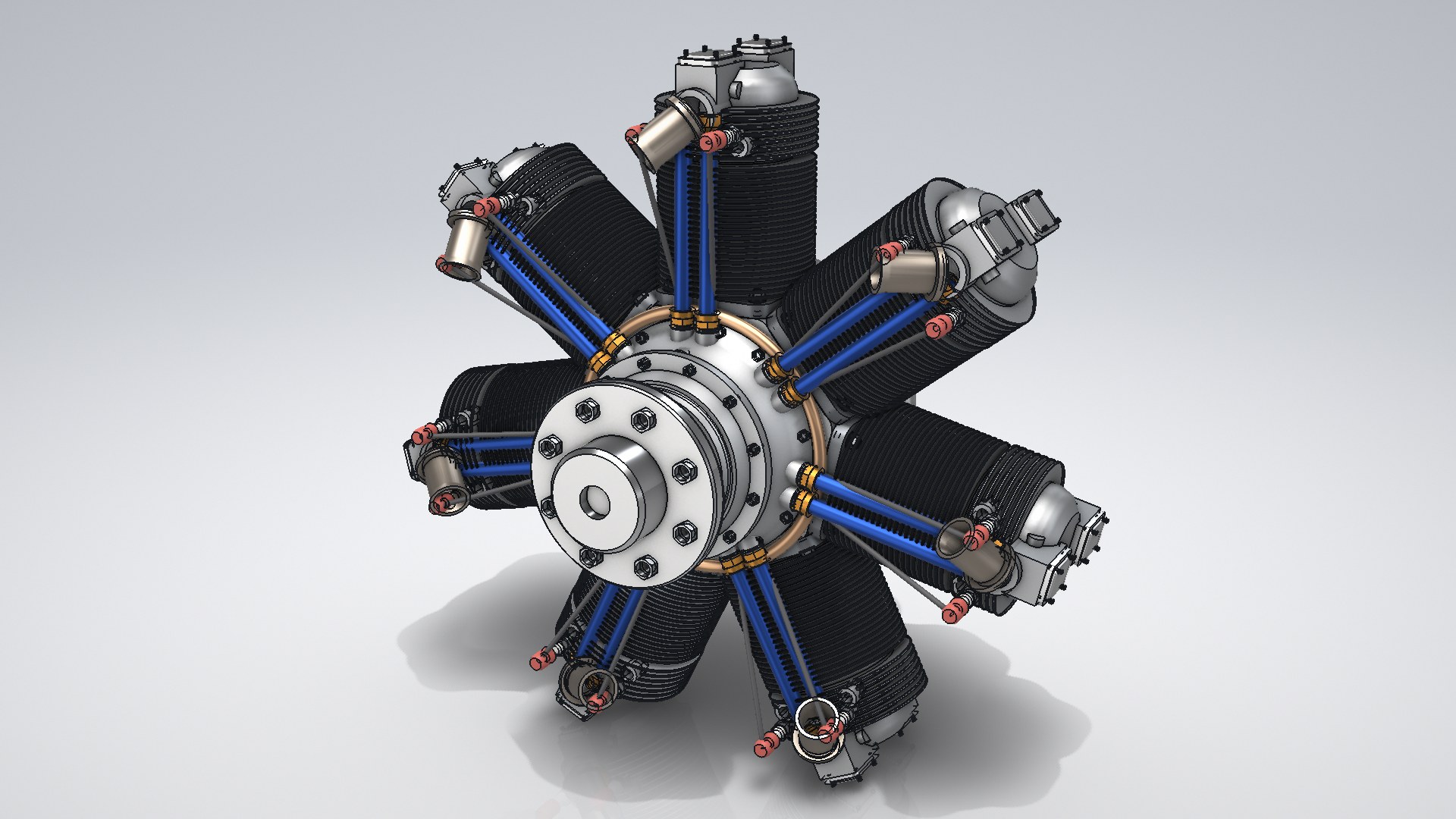
MECHCAD 2026 — Radial engine R7 · 7-cylinder assembly, 401 components
STANDARDRadial engine R7 · 7-cylinder assembly, 401 components
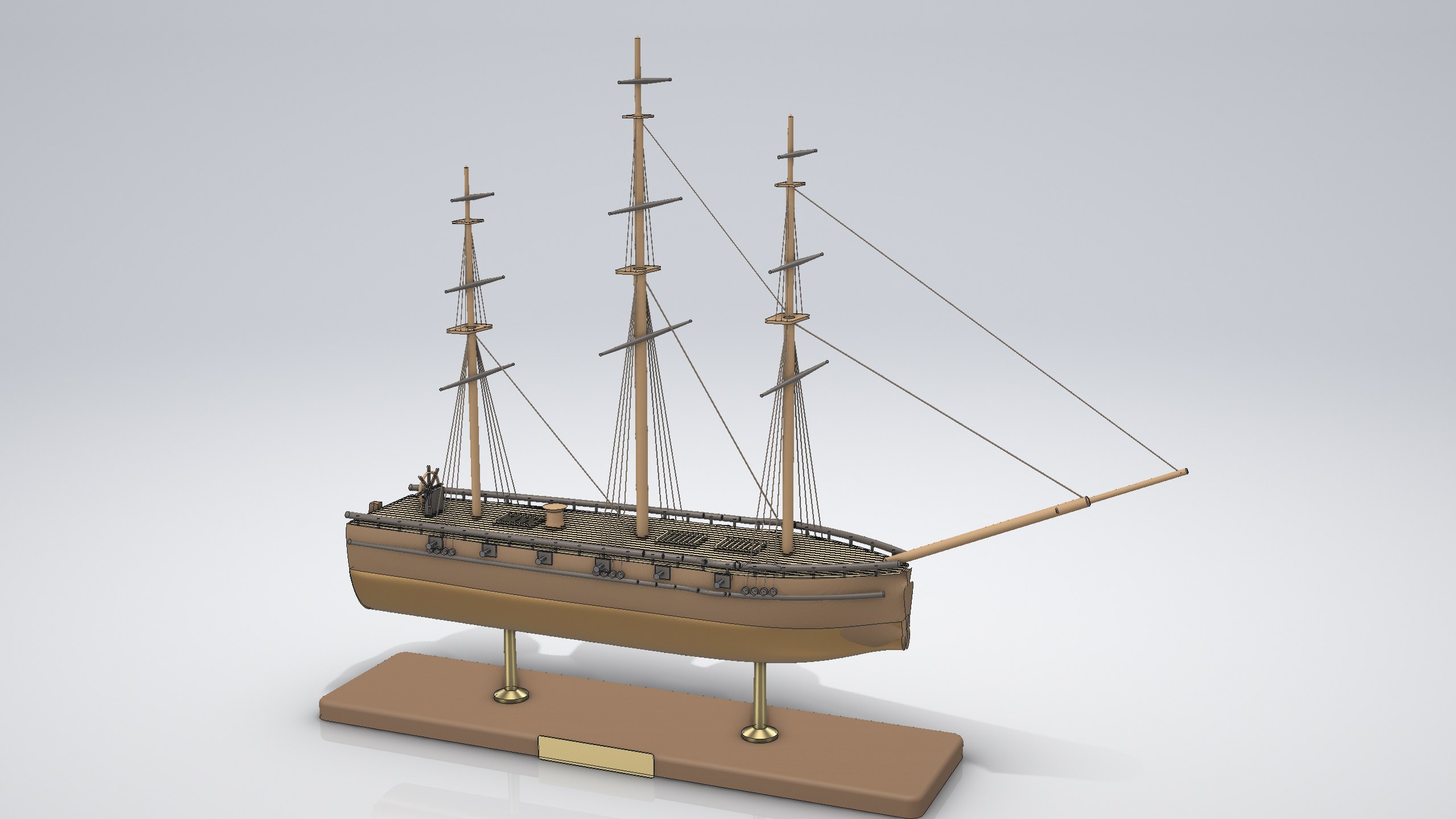
MECHCAD 2026 — Three-masted sailing ship · lofted hull and rigging
STANDARDThree-masted sailing ship · lofted hull and rigging
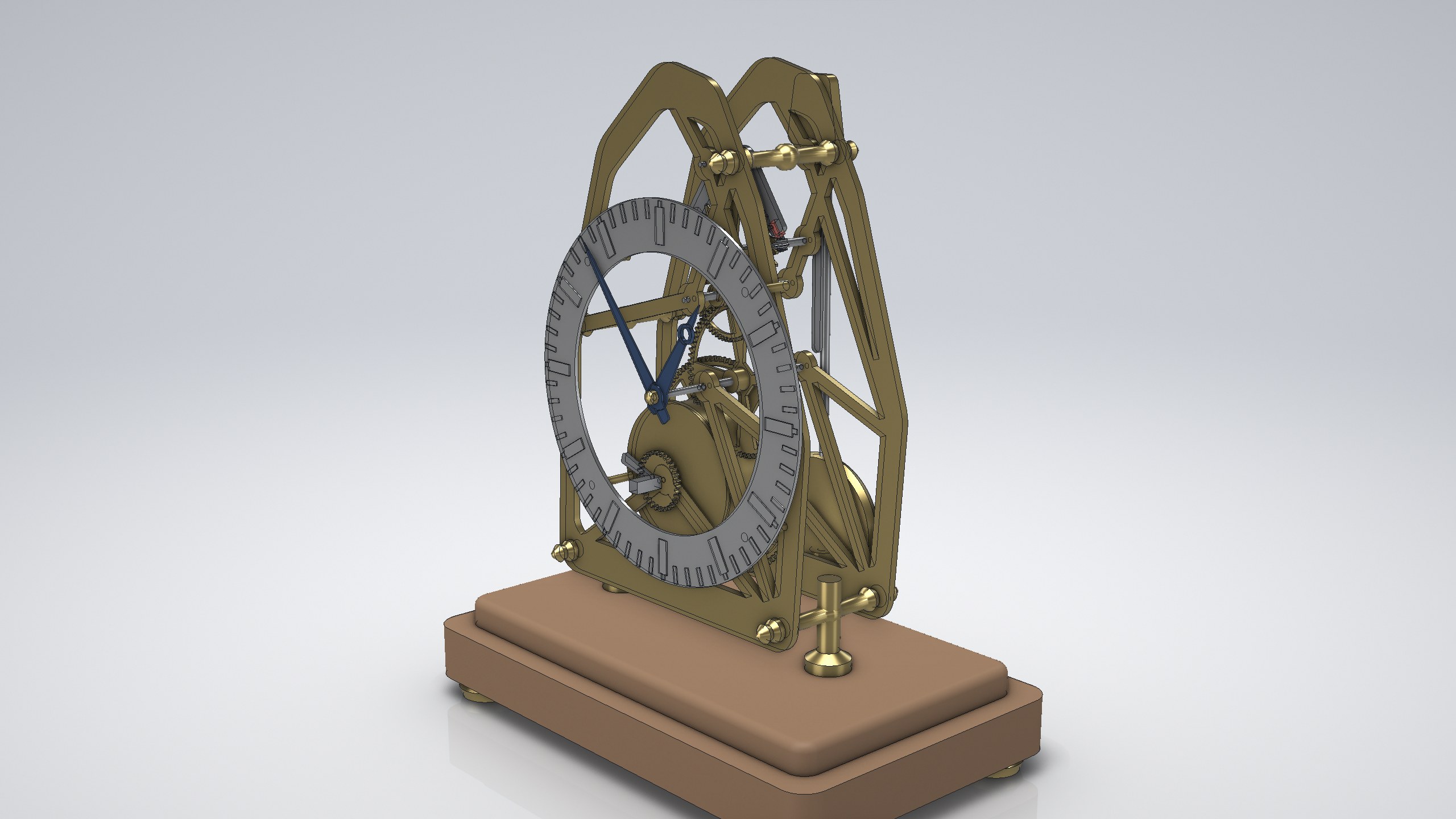
MECHCAD 2026 — Skeleton clock movement · gear train assembly
STANDARDSkeleton clock movement · gear train assembly
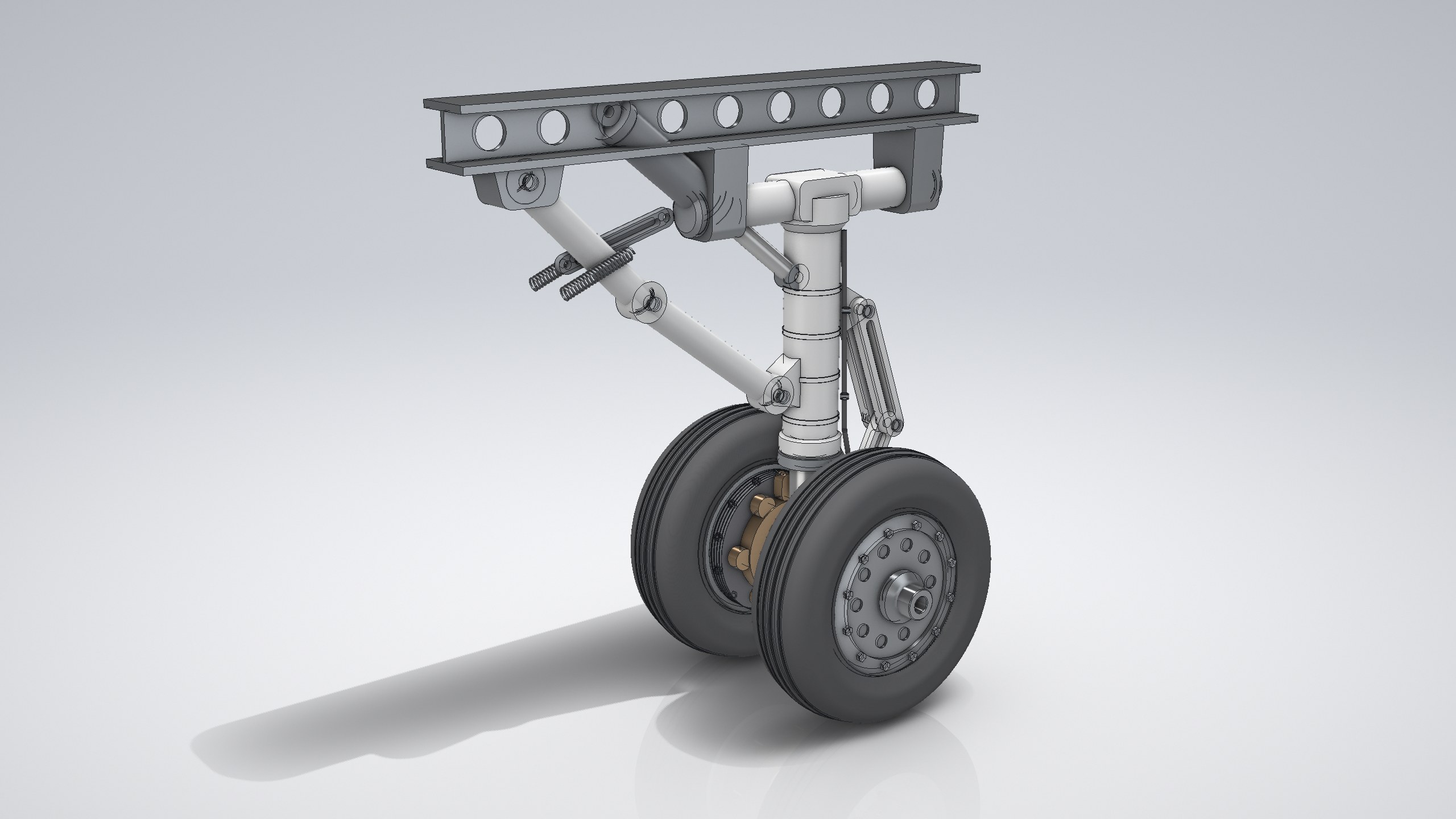
MECHCAD 2026 — Aircraft main landing gear · oleo strut and torque links
STANDARDAircraft main landing gear · oleo strut and torque links
MECHCAD 2026 — Double-wishbone suspension · Explorer tree with sub-assemblies
STANDARDDouble-wishbone suspension · Explorer tree with sub-assemblies
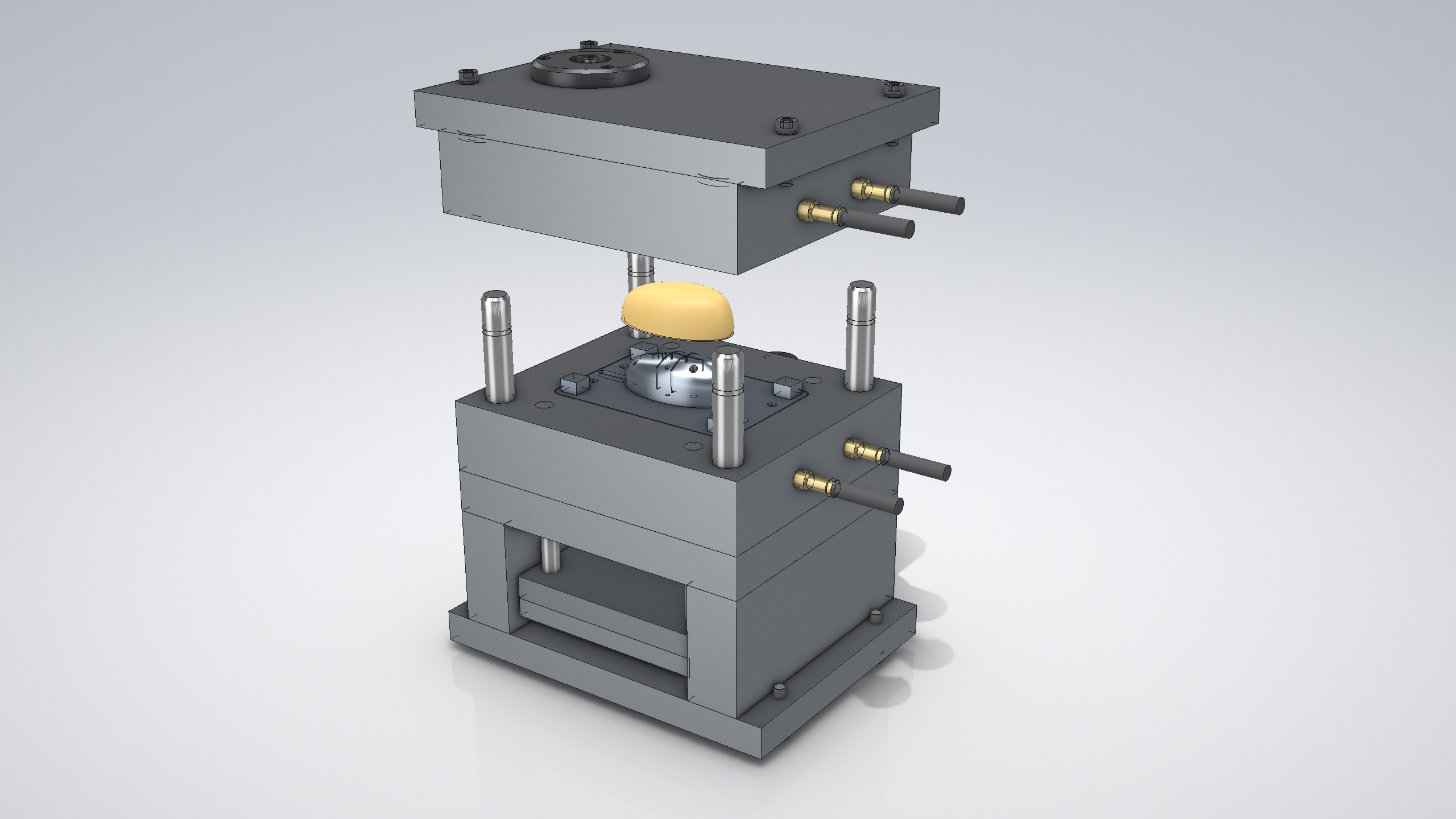
MECHCAD 2026 — Two-plate injection mold · core, cavity and mould base
STANDARDTwo-plate injection mold · core, cavity and mould base
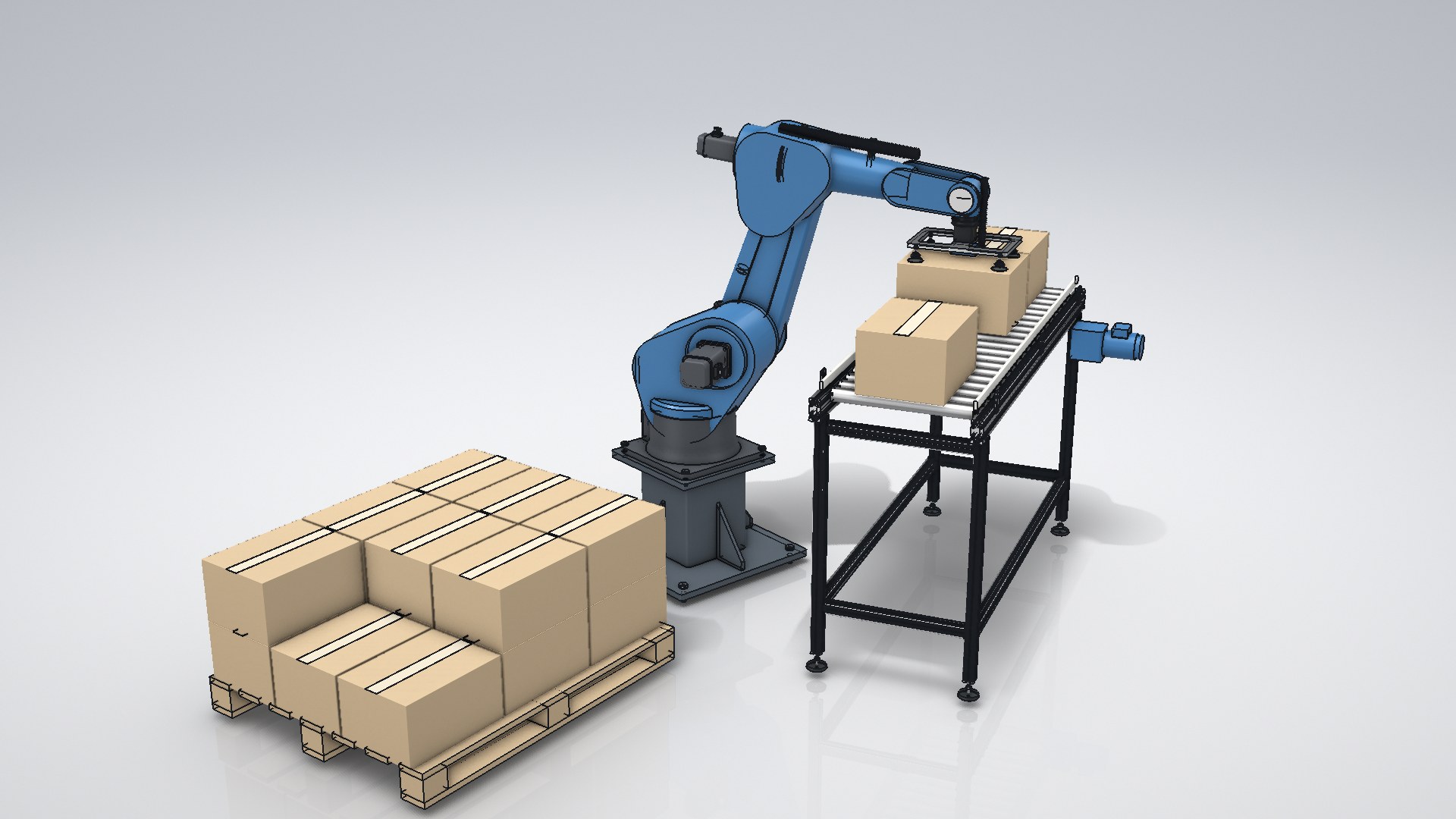
MECHCAD 2026 — Six-axis robot cell · carton picking and palletizing
EXPERTSix-axis robot cell · carton picking and palletizing
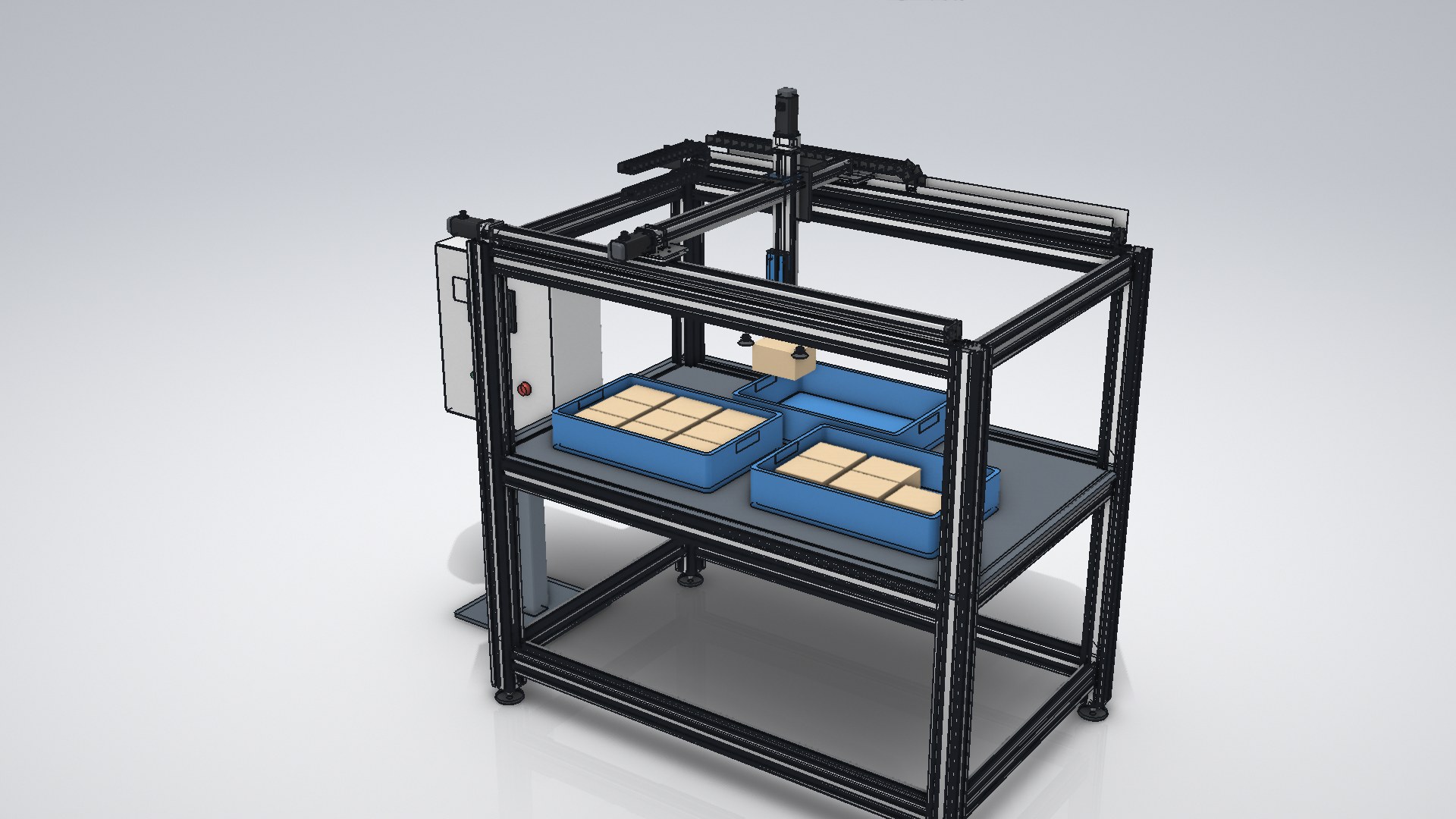
MECHCAD 2026 — Three-axis gantry pick & place · 238 components
EXPERTThree-axis gantry pick & place · 238 components
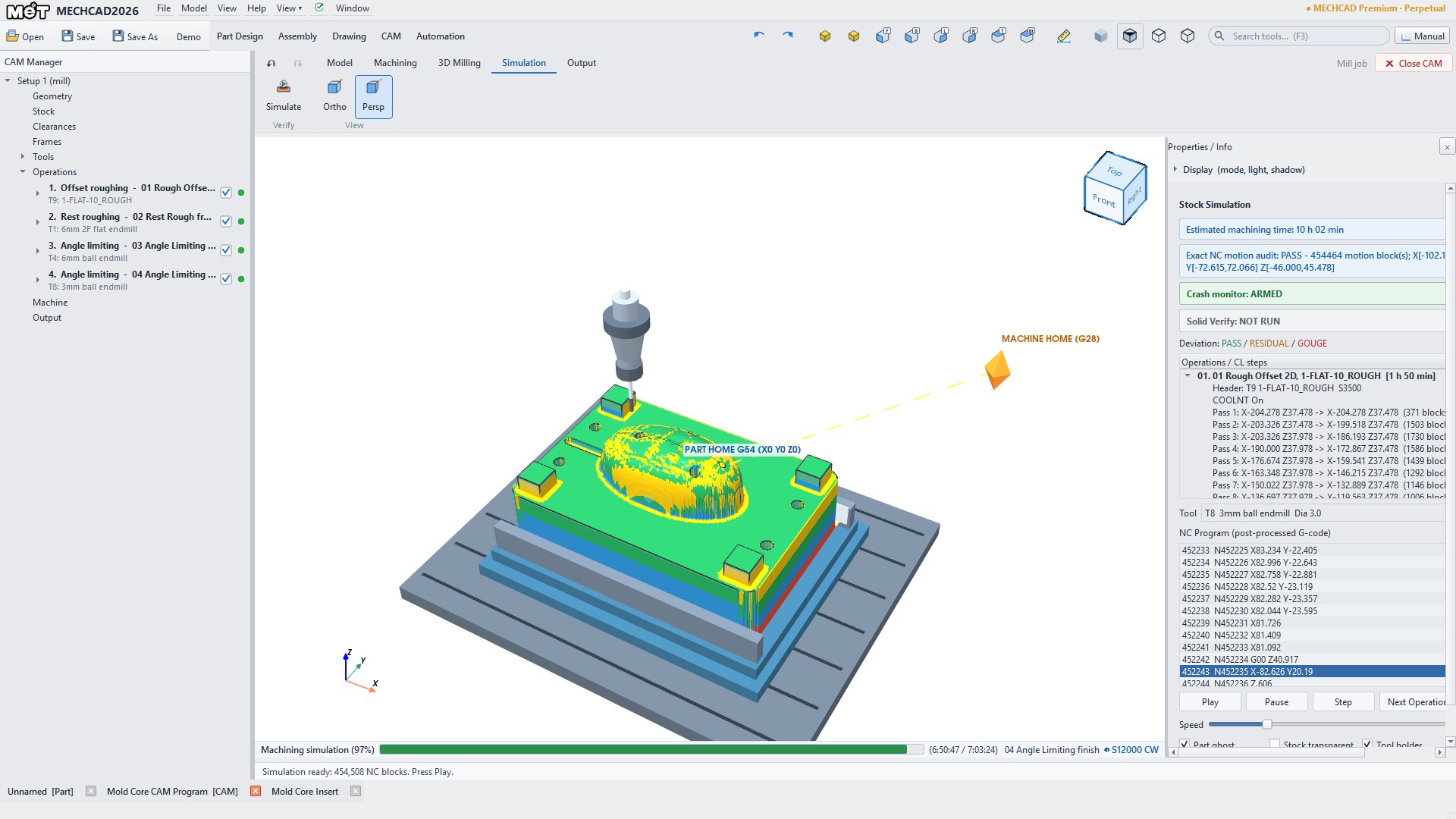
MECHCAD 2026 — CAM · mold core roughing, rest and finishing toolpaths
PREMIUMCAM · mold core roughing, rest and finishing toolpaths

User reviews

MECHCAD 2026 has just launched. Tell us how it works for you, or send us your work to feature in this showcase.

ALIBRE DESIGN OR MECHCAD

Alibre or MECHCAD? MET supports both

PROVEN US BRAND · MET IS AN ALIBRE PARTNER

Alibre Design

For customers who prefer a proven 3D CAD brand from the USA. MET remains an Alibre partner and fully recommends and supports Alibre Design: sales, installation, training and local support in Thailand.

Explore Alibre Design

THAI BRAND · DEVELOPED AND SUPPORTED BY MET

MECHCAD / MCAD

For customers who prefer a Thai brand. MECHCAD (3D CAD/CAM) and MCAD (2D) are developed in Thailand by the MET team, with local development and support.

Explore MECHCAD

The two work together: MECHCAD opens Alibre parts and assemblies (.AD_PRT / .AD_ASM), so teams on either program can share files. Whichever you choose, the MET team will help you pick what fits your work. Talk to MET

Try it on your own files

Send a STEP, SolidWorks or Alibre file for MET to test, or book an online demo.

Book a demo