
ใช้ทำอะไร
กำหนดลักษณะการแสดงผลของ Part และวัสดุที่ใช้คำนวณมวล
อยู่ที่ไหน
- View › Appearance › Part Color / Material / Opacity
- ดับเบิลคลิกโหนด Material: ใน Design Explorer
- คลิกขวาหน้าผิว › Edit Face Color / Edit Solid Color; คลิกขวา Feature › Set Feature Color… / Set Feature Transparency…
Material
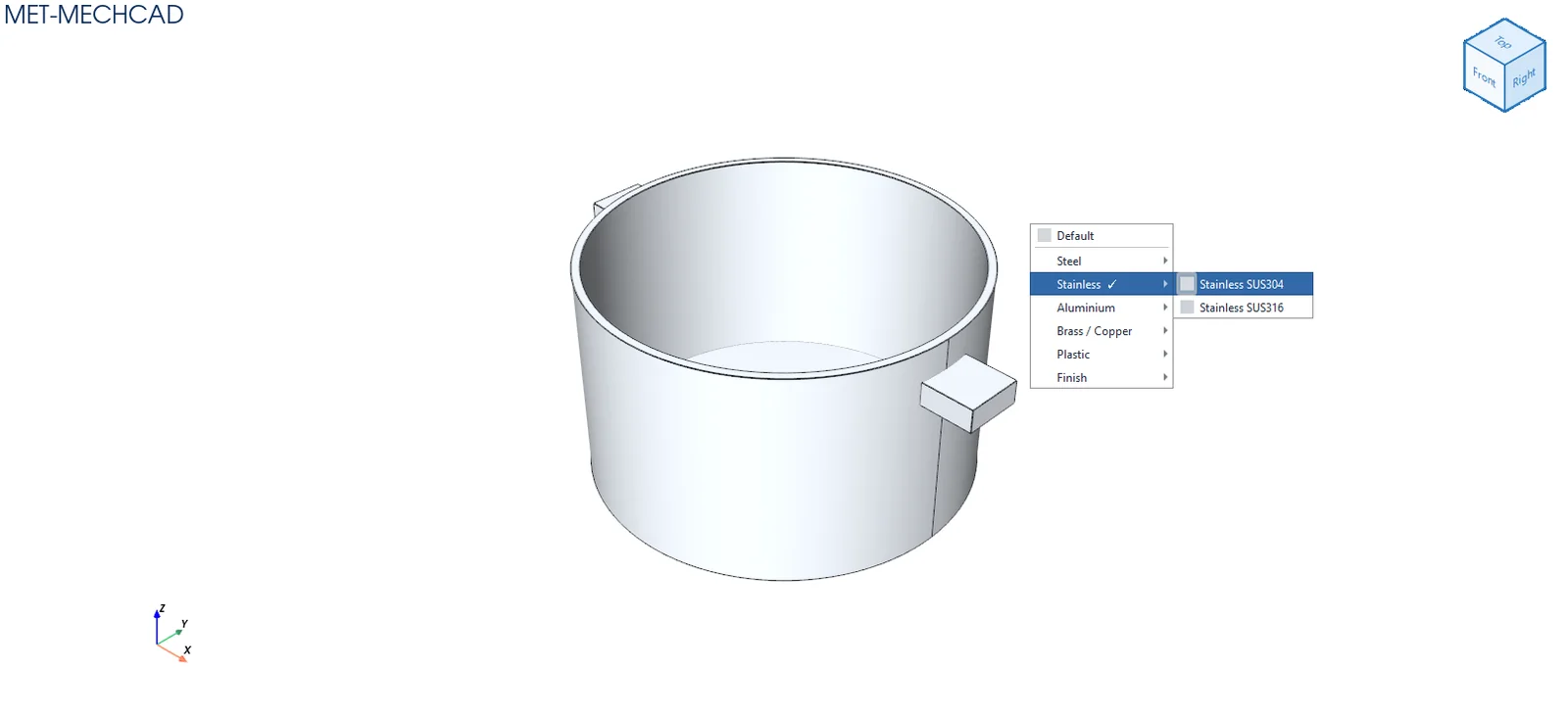
| กลุ่ม | วัสดุ |
|---|---|
| Steel | Steel SS400, Carbon Steel S45C |
| Stainless | SUS304, SUS316 |
| Aluminium | AL6061, AL5083, Black Anodized |
| Brass / Copper | Brass C3604, Copper C1100 |
| Plastic | POM White/Black, MC Nylon Blue, ABS Black, PVC Grey, Matte Plastic, Clear Acrylic (PMMA) |
| Finish | Painted |
การเลือกวัสดุกำหนดสี ความโปร่งใส และความหนาแน่น (สำหรับมวล) และเขียนเกรดวัสดุลงช่อง Material ของ Part Properties (ถ้ายังไม่ได้พิมพ์เอง) เลือก Default เพื่อล้าง
Opacity
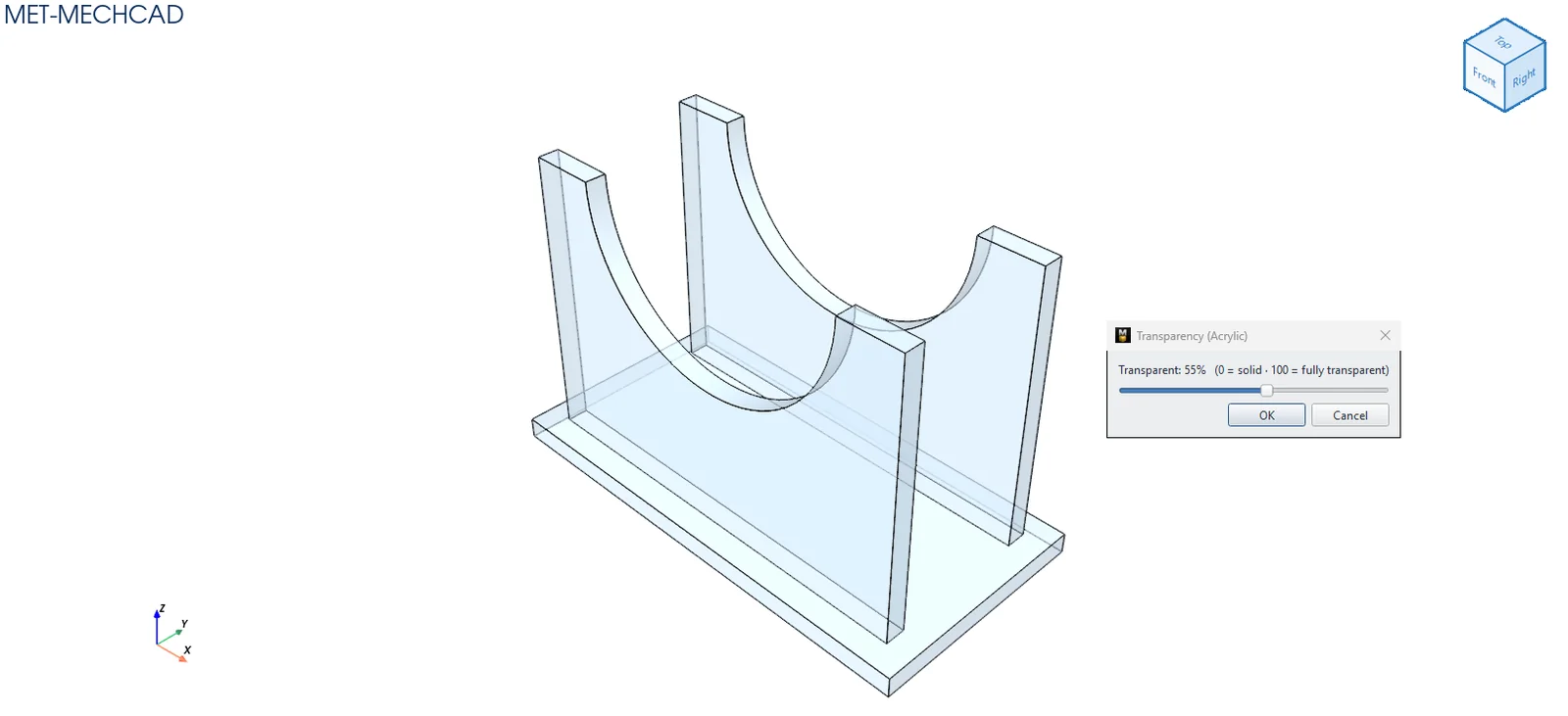
เลื่อนแถบ Transparent: N% (0 = solid · 100 = fully transparent) ผลแสดงสด กด OK เพื่อยืนยัน
Part Color
เปิดหน้าต่างเลือกสี Edit Solid Color สีที่เลือกใช้กับทั้งชิ้นงาน