
ใช้ทำอะไร
ตั้งค่าการทำงานของ MECHCAD ค่าจะบันทึกไว้และใช้กับทุกมุมมองที่เปิดอยู่ทันที
อยู่ที่ไหน
File › System Options… ปุ่มด้านล่าง: OK, Cancel, Apply และ Restore Defaults (คืนค่าเริ่มต้นทั้งหมด มีผลเมื่อกด OK หรือ Apply)
All Workspaces › General
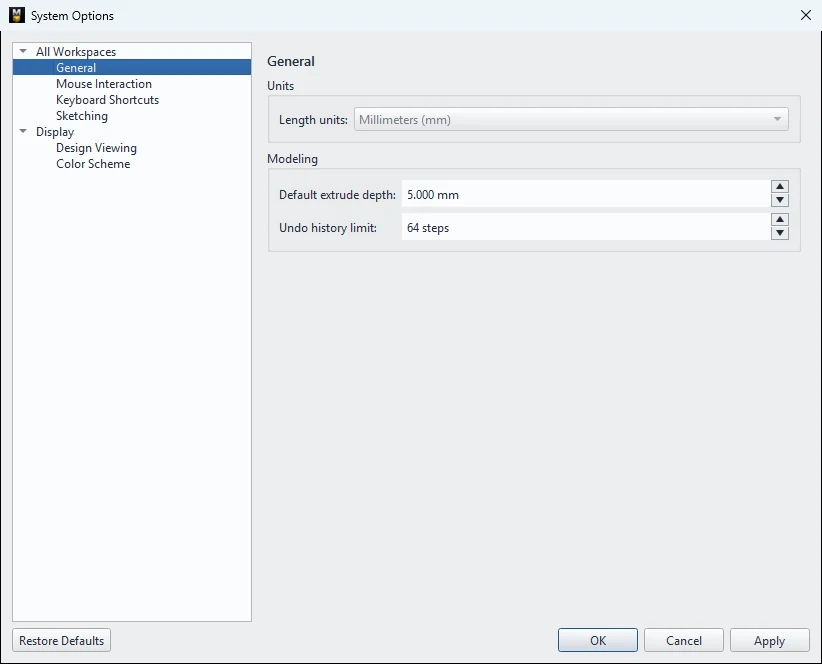
| ตัวเลือก | ค่าเริ่มต้น | ความหมาย |
|---|---|---|
| Length units | Millimeters (mm) | หน่วยความยาว MECHCAD ใช้มิลลิเมตรเสมอ (เปลี่ยนไม่ได้) |
| Default extrude depth | 5.0 mm | ความลึกเริ่มต้นของ Extrude |
| Undo history limit | 64 steps | จำนวนขั้นที่ Undo ได้ (5–500) |
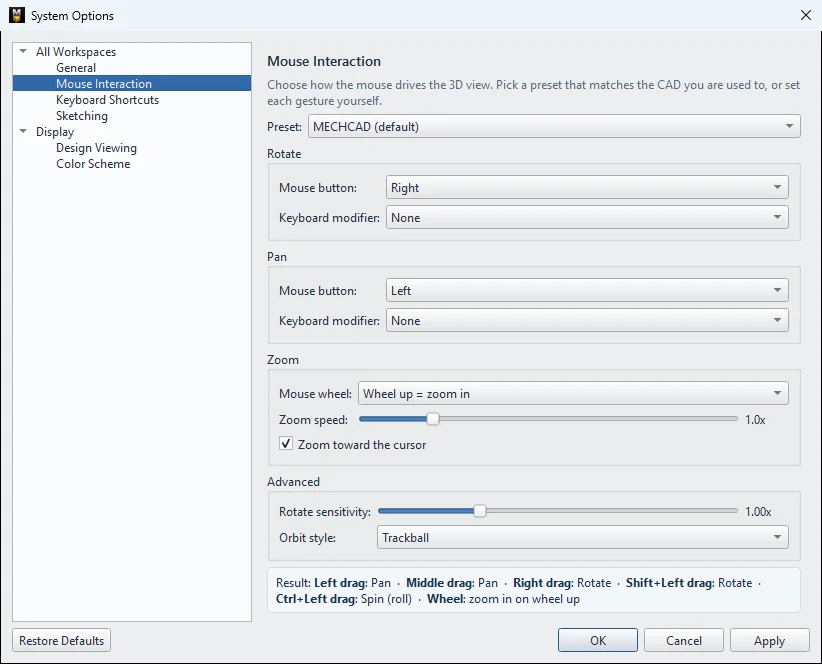
All Workspaces › Mouse Interaction
ดูรายละเอียดที่ การใช้เมาส์และการหมุนมุมมอง
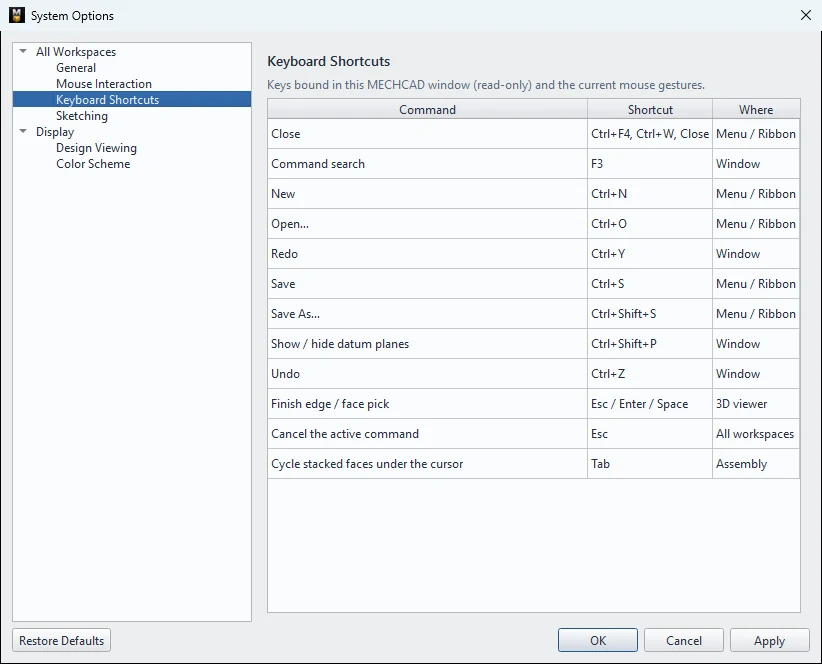
All Workspaces › Keyboard Shortcuts
ตารางคีย์ลัดแบบอ่านอย่างเดียว ดู คีย์ลัด
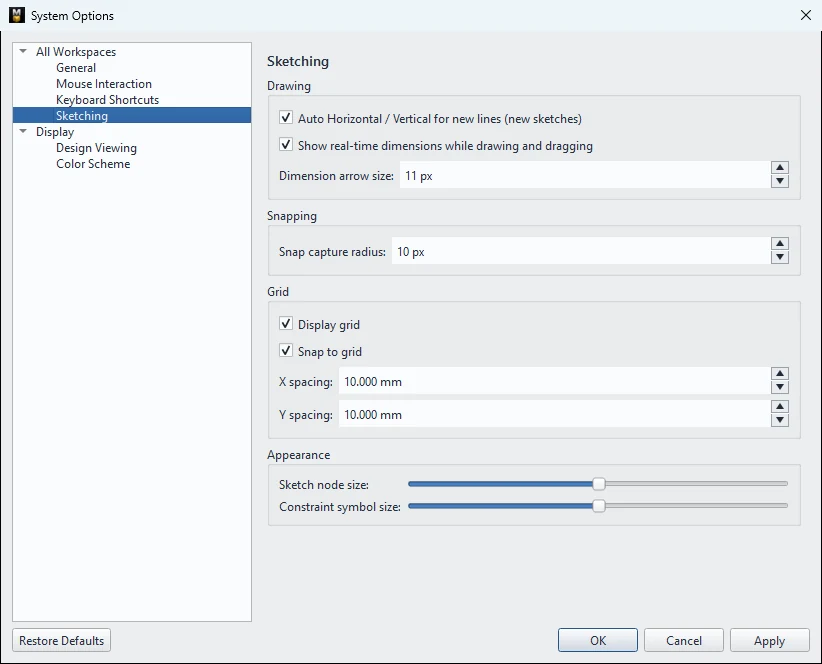
All Workspaces › Sketching
| ตัวเลือก | ค่าเริ่มต้น | ความหมาย |
|---|---|---|
| Auto Horizontal / Vertical for new lines (new sketches) | เปิด | เส้นที่เกือบแนวนอน/ตั้งจะถูกจัดตรงและใส่ Constraint ให้ |
| Show real-time dimensions while drawing and dragging | เปิด | แสดงขนาดขณะวาด/ลาก |
| Dimension arrow size | 11 px | ขนาดหัวลูกศรของมิติ (4–40) |
| Snap capture radius | 10 px | ระยะที่เคอร์เซอร์ดูดเข้าจุด Snap (2–40) |
| Display grid / Snap to grid | เปิด | แสดง Grid และดูดเข้า Grid (ใช้ในตัวแก้ไข 2D; Sketch บนหน้า 3D ซ่อน Grid เสมอ) |
| X spacing / Y spacing | 10 mm | ระยะ Grid |
| Sketch node size / Constraint symbol size | 2 | ขนาดจุดและสัญลักษณ์ Constraint (1–3) |
Display › Design Viewing
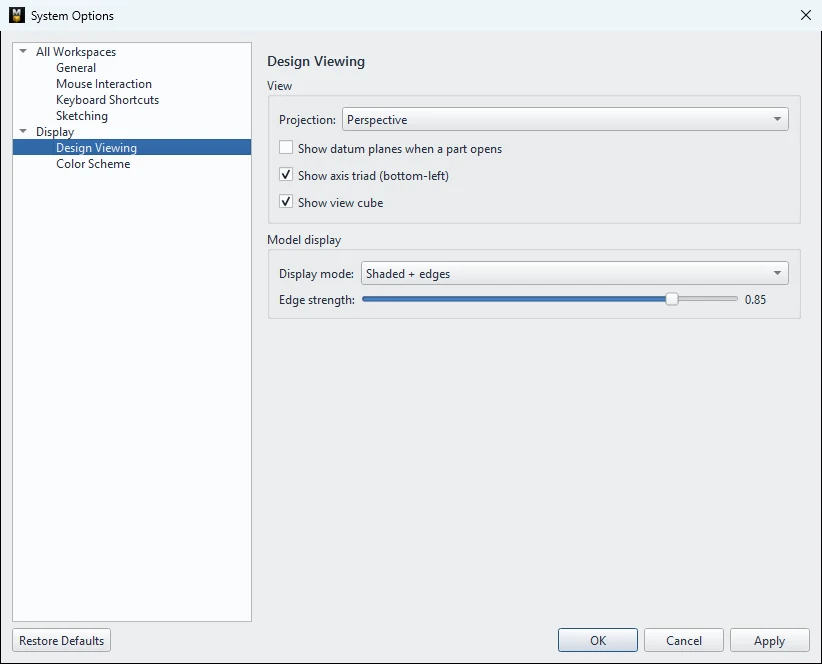
| ตัวเลือก | ค่าเริ่มต้น | ความหมาย |
|---|---|---|
| Projection | Perspective | ชนิดการฉายเริ่มต้น (Perspective / Orthographic) |
| Show datum planes when a part opens | ปิด | แสดงระนาบอ้างอิงเมื่อเปิด Part |
| Show axis triad (bottom-left) | เปิด | แกน XYZ มุมซ้ายล่าง |
| Show view cube | เปิด | View Cube มุมขวาบน |
| Display mode | Shaded + edges | โหมดการแสดงผลเริ่มต้น |
| Edge strength | 0.85 | ความเข้มของเส้นขอบ (0.1–1.0) |
Display › Color Scheme
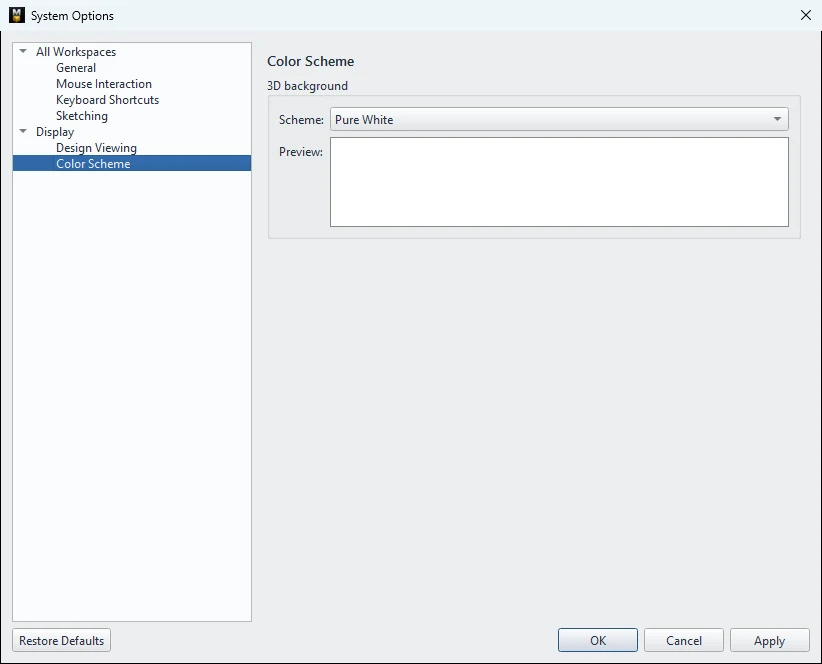
เลือกพื้นหลังมุมมอง 3D: Pure White (ค่าเริ่มต้น), Default, Very Light Background, Light Background, Dark Background, Very Dark Background, Alibre Classic, MET Blue พร้อมภาพ Preview
ลองทำตาม: ที่เก็บ SD Card กับค่าตั้งของคุณเอง
ตั้งค่า MECHCAD ให้เข้ากับวิธีทำงานของคุณ แล้วสร้างบล็อกเก็บ SD Card 8 ช่องเพื่อดูผลของค่าที่ตั้ง
- เปิด File › System Options…
- หน้า General ตั้ง Default extrude depth เป็น 20 mm และ Undo history limit เป็น 200
- หน้า Color Scheme เลือก MET Blue กด Apply มุมมอง 3D เปลี่ยนทันที แล้วกด OK
- Sketch บน XY สี่เหลี่ยม 68 × 30 กด Finish Sketch แล้วกด Extrude: ช่อง Depth เป็น 20 ให้แล้ว กด OK
- คลิกขวาที่ผิวบน › New Sketch on this face วาดสี่เหลี่ยม 3 × 25 ห่างจากขอบซ้าย 8 มม. และขอบหน้า 2.5 มม. กด Finish Sketch
- กด Cut / Remove › Extrude กล่องจะเสนอ 20 แต่ค่านี้จะตัดทะลุก้น จึงพิมพ์ 15
- Linear Pattern: Count 8, Spacing 7, Direction X แล้วกด OK
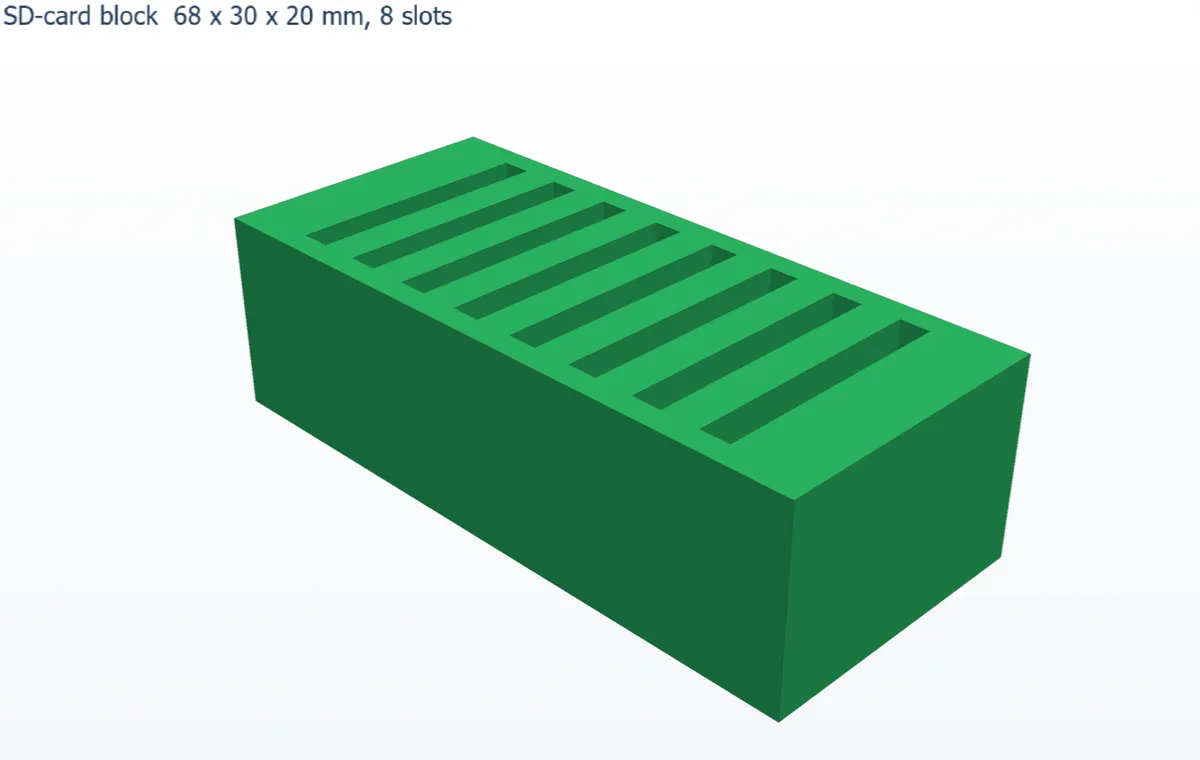
ลองต่อ: กด Restore Defaults แล้ว OK จากนั้นเปิด Extrude ใหม่ ความลึกจะกลับเป็น 5 มม.