
What it does
ARC draws an arc that passes through the 3 points you click.
Where to find it
- Ribbon: Draw › Draw › Arc (3-Point submenu)
- Command line:
ARC(aliasA)
Steps
- Type
Aand press Enter. - Click the start point (ARC: specify the start point).
- Click any point on the arc (ARC: specify a point on the arc).
- Click the end point (ARC: specify the end point).
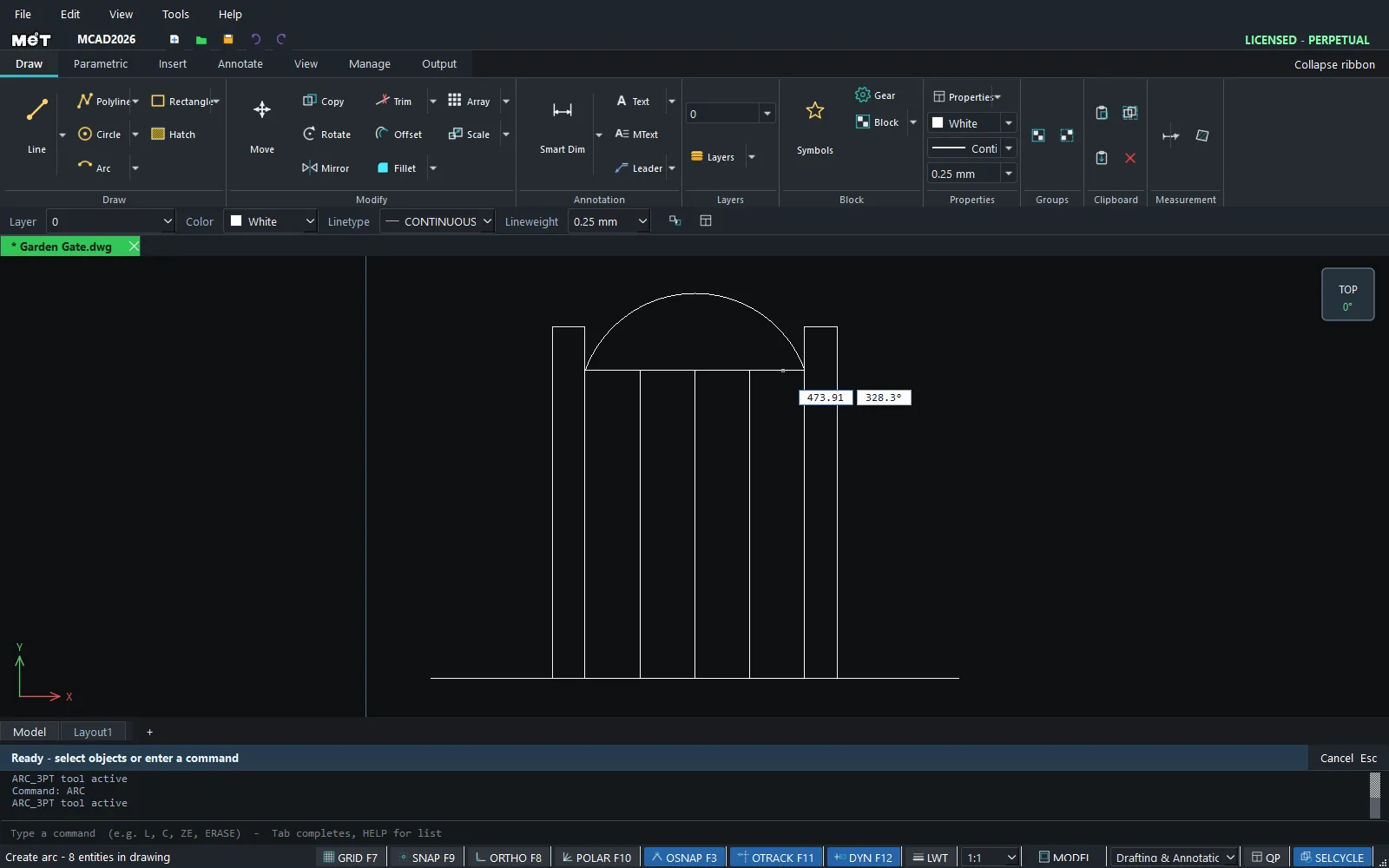
Note: To round the corner between two lines, use FILLET. It creates a tangent arc exactly.
Try it: Arched garden gate
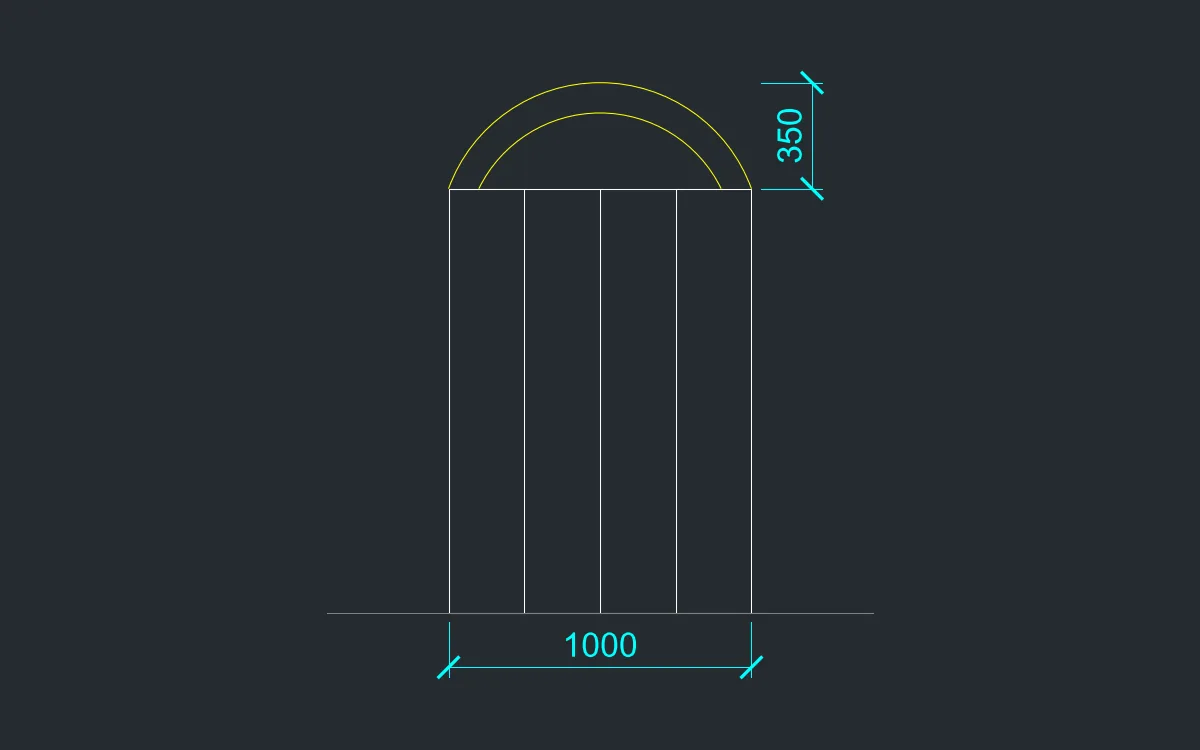
A cottage-style timber gate with an arched top. It takes less than 3 minutes and you practise ARC by typing all 3 points.
- Type
RECand press Enter. Type0,0and press Enter, then type1000, pressTab, type1400and press Enter. This is the gate leaf, 1000 wide and 1400 mm high. - Type
Aand press Enter. Type0,1400Enter (start point),500,1750Enter (point on the arc) and1000,1400Enter (end point). The arch rises 350 mm. - Repeat with the points
100,1400,500,1650and900,1400for the inner edge of the arch. - Add the boards: type
L, press Enter, type250,0Enter,@0,1400Enter, then pressEsc. Repeat at500,0and750,0.
Challenge: Use MIRROR across the right edge to turn it into a double gate.