
What it does
An External Reference (Xref) shows a drawing from another file as a reference background without copying it into your drawing.
| Command | Alias | Format | Meaning |
|---|---|---|---|
| XREF | XR |
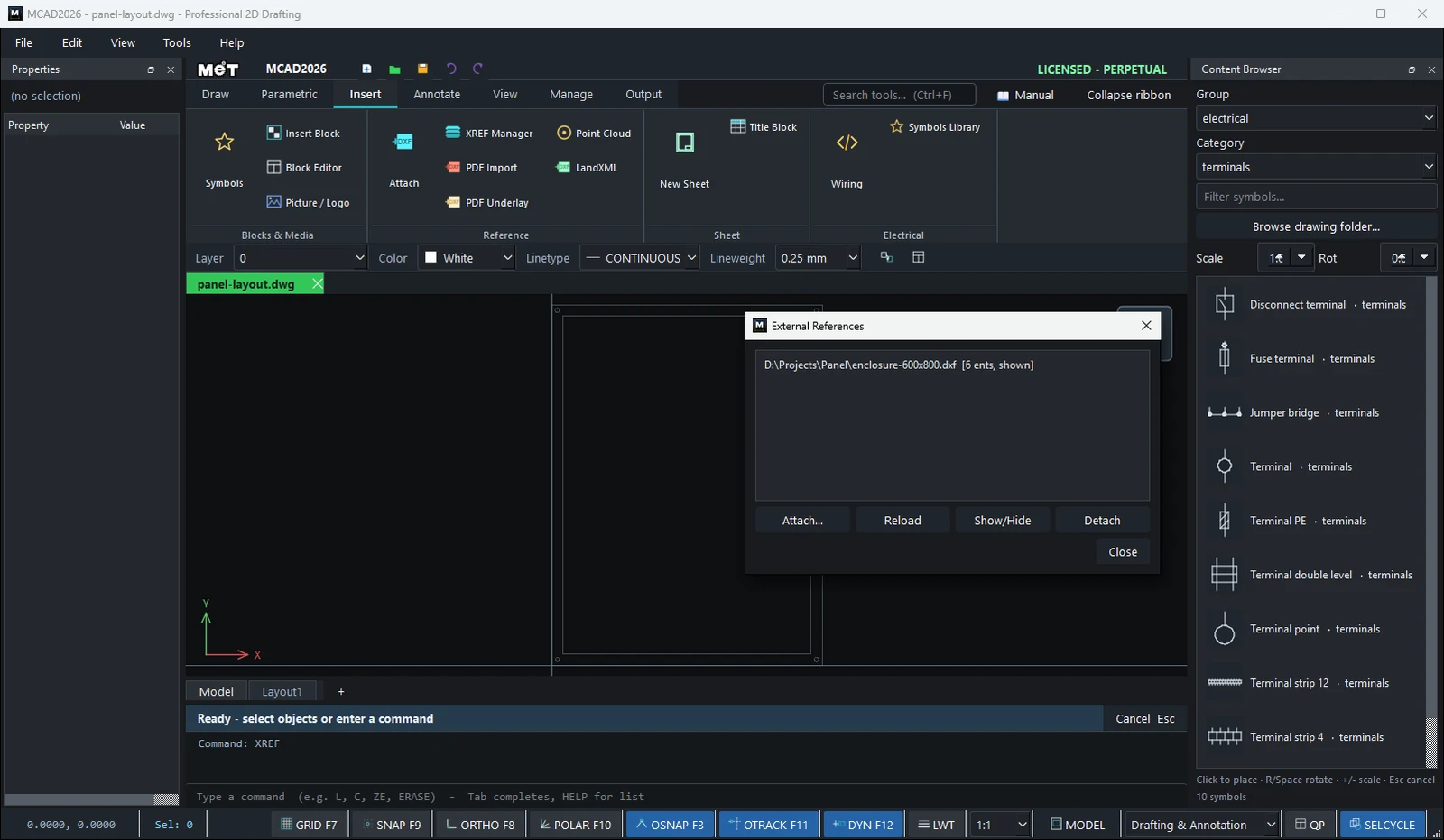
– | Opens the External References window (Attach, Reload, Show/Hide, Detach) |
| XATTACH | XA |
– | Choose a DWG/DXF file to attach |
| XCLIP | XC |
XCLIP [Delete] [index] |
Shows only the part of the Xref inside the selected closed shape |
| XBIND | XB |
XBIND [index] |
Copies the Xref objects into the drawing (onto Layer XREF-<file name>) and breaks the link |
Where to find it
- Ribbon: Insert › Reference › Attach / XREF Manager
Steps
- Choose Insert › Reference › Attach (or type
XA) and select a file. - Open
XREFto see the list. Use Reload when the source file changes, Show/Hide, or Detach. - To clip: draw a closed shape, select it, then run
XCLIP(delete the clip withXCLIP D). - Before you send the drawing to someone else, use
XBINDorETRANSMIT.
Try it: Back-plate layout over the enclosure drawing
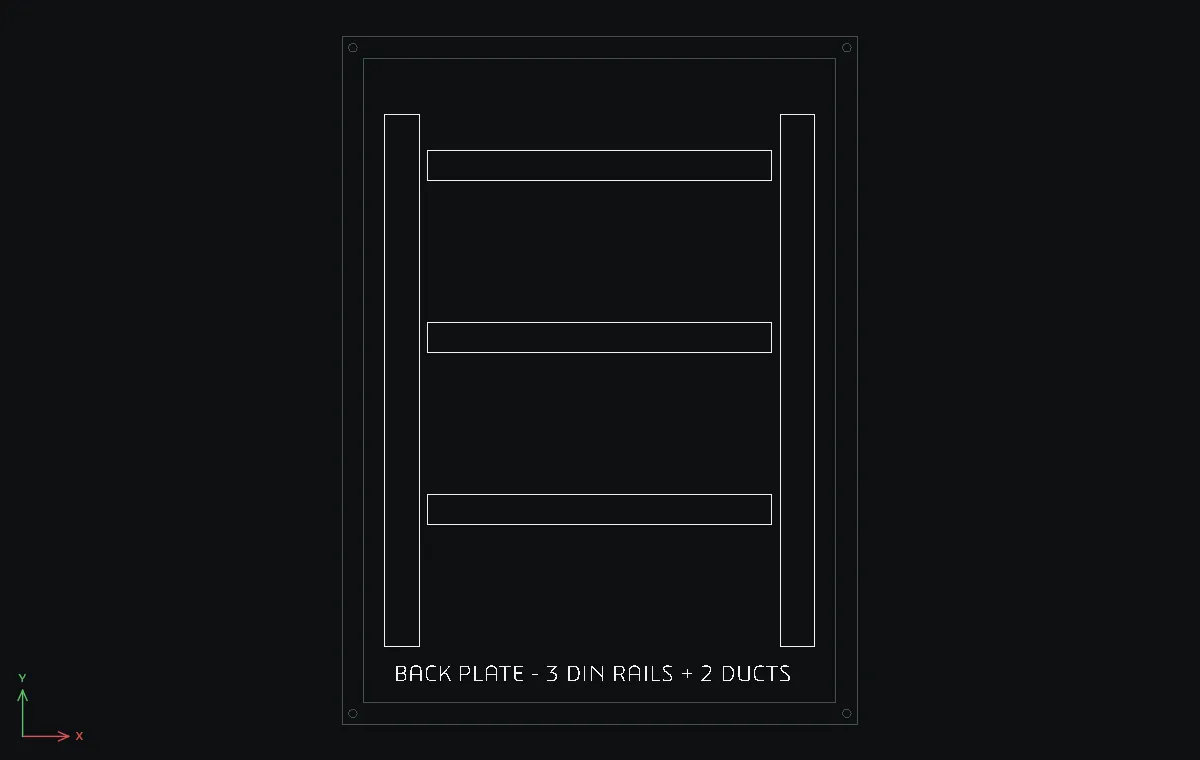
The enclosure supplier's drawing stays in its own file. You attach it as an Xref and lay out DIN rails and wiring ducts on top, so a new revision from the supplier just needs Reload.
- New drawing for the enclosure:
REC0,0→600Tab800,REC25,25→550Tab750, and four Ø10 fixing holesCradius5at12.5,12.5,587.5,12.5,12.5,787.5and587.5,787.5. Save it asenclosure_600x800.dwg. - Start another new drawing and choose Insert › Reference › Attach (
XA). Pickenclosure_600x800.dwg. It appears faded at0,0. - Three 35 mm DIN rails:
REC100,632.5→400Tab35, then the same at100,432.5and100,232.5. - Two vertical wiring ducts:
REC50,90→40Tab620andREC510,90→40Tab620. - Note:
DTwith Text height18,BACK PLATE - 3 DIN RAILS + 2 DUCTSat about60,50. - Open
XREFto see the attached file. Use Reload whenever the enclosure file changes.
Challenge: Before you send the job out, run XBIND so the enclosure becomes part of your drawing on its own layer.