
What it does
| Command | Alias | Syntax | Meaning |
|---|---|---|---|
| DRAWORDER | DR |
DRAWORDER <Front|Back> |
Moves the selected objects to the front or to the back. |
| OVERKILL | OV |
– | Deletes duplicate and overlapping lines in the whole drawing. |
| REVERSE | REV |
– | Reverses the direction of the selected lines, polylines and splines. This matters for the cutting direction in G-code. |
| FLATTEN | – | – | Sets the Z value of every object to 0. It fixes snap and area problems caused by DWG files that have Z levels. |
Where to find it
- Ribbon: Draw › Modify › Trim ▾ › Bring to Front (DRAWORDER) / Send to Back (DRAWORDER)
- Ribbon: Manage › Drawing Cleanup › Delete Duplicates (OVERKILL)
Steps for OVERKILL
- Type
OVand press Enter. - The result reads
OVERKILL: removed 2 duplicate object(s)orno duplicates found.
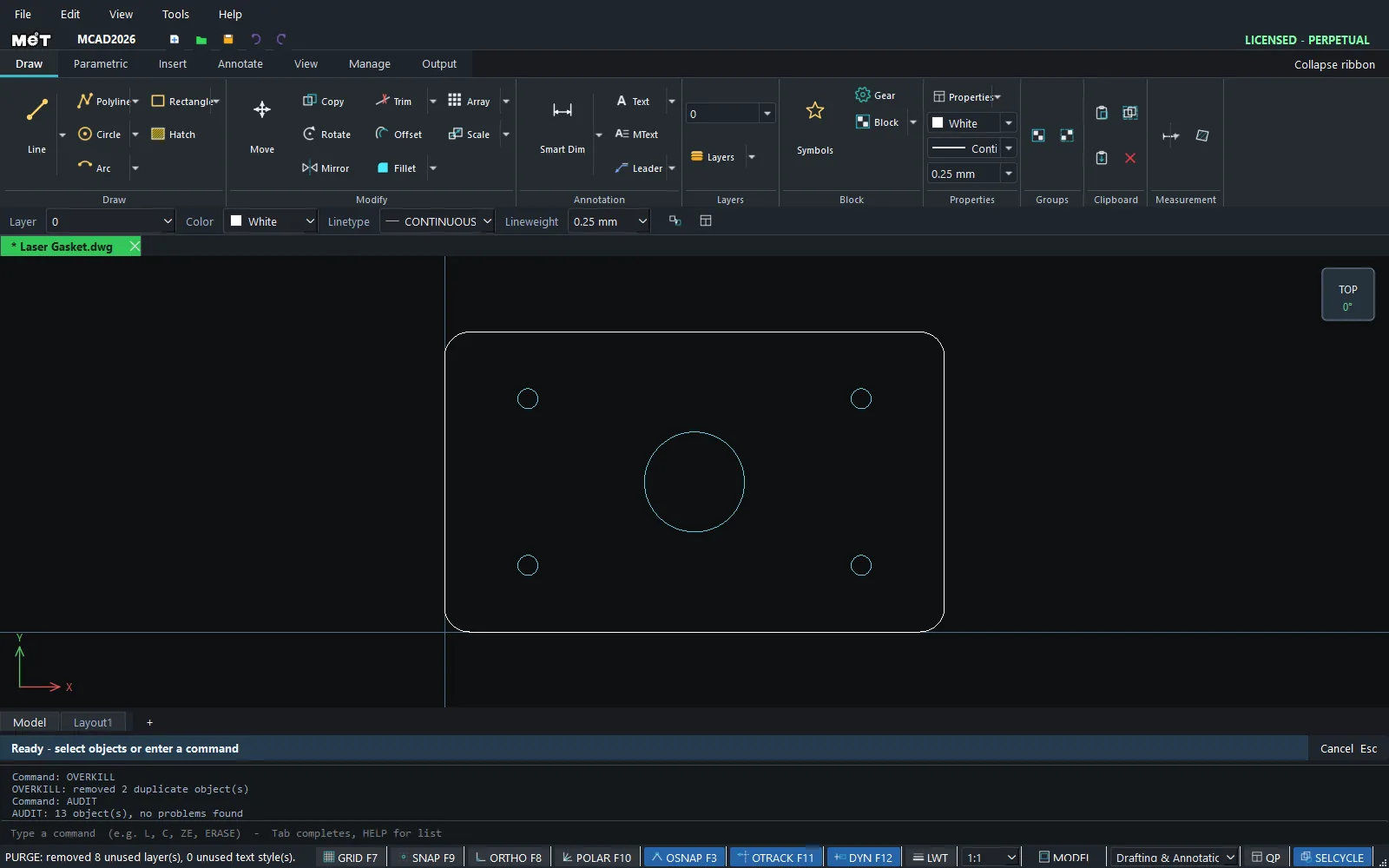
Steps for DRAWORDER
- Select the objects.
- Type
DR F(to the front) orDR B(to the back).
Note: Use
TEXTTOFRONTto bring all text and dimensions to the front, andHATCHTOBACKto send all hatches to the back.
Try it: Mandala coaster without double cuts
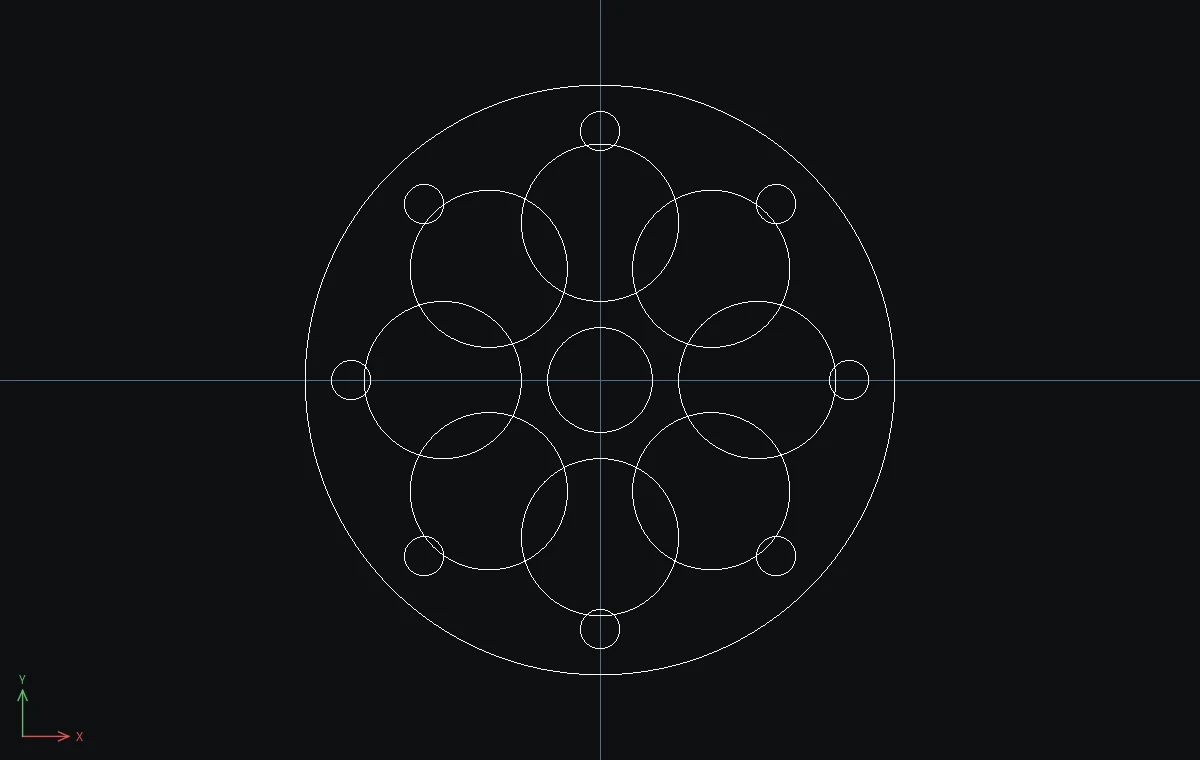
A 90 mm mandala coaster for the laser. If the same petal is copied twice, the laser cuts it twice and scorches the wood. OVERKILL finds those hidden duplicates and deletes them.
- Coaster:
C,0,0,45, Esc. Centre:C,0,0,8, Esc. Petal:C,0,24,12, Esc. Dot:C,0,38,3, Esc. - Click the petal,
Ctrl+click the dot, typeARRAYPOLAR 8and then0,0. Eight overlapping petals form the flower. - Now make the classic mistake: click the first petal,
Ctrl+click its dot again, and runARRAYPOLAR 8,0,0once more. Nothing looks different, but 14 extra circles now sit exactly on top of the others. - Type
OVand press Enter. The result readsOVERKILL: removed 14 duplicate object(s).
Challenge: Run OV again. This time it reports that there are no duplicates, so the file is safe to send to the laser.