
What it does
| Command | Alias | Shortcut | Meaning |
|---|---|---|---|
| COPYCLIP | CC |
Ctrl+C |
Copies the selected objects to the Clipboard. |
| CUTCLIP | CX |
Ctrl+X |
Cuts the selected objects to the Clipboard. |
| COPYBASE | – | Ctrl+Shift+C |
Copies with a base point that you pick. |
| PASTECLIP | PASTE, PA |
Ctrl+V |
Pastes from the Clipboard. Click the position. |
Where to find it
- Ribbon: Draw › Clipboard (Copy, Copy Window, Paste, Delete)
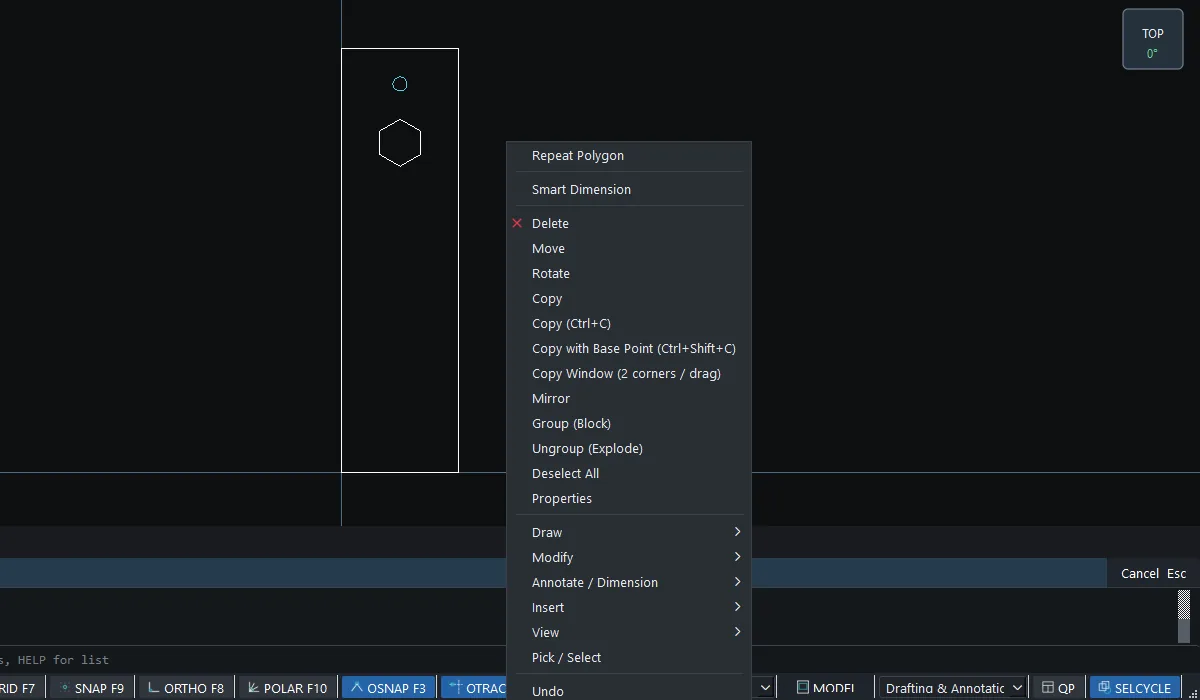
- Right-click in the drawing area
Steps: copy to another drawing and keep a reference point
- Select the objects, then press
Ctrl+Shift+C(COPYBASE). - At
COPYBASE - pick base point, click the base point. - Switch to another file tab and press
Ctrl+V. - Click where to paste. The base point lands at the point you click.
Right-click menu
| Item | Meaning |
|---|---|
| Repeat ... | Repeats the last command. |
| Smart Dimension | Starts Smart Dimension. |
| Delete / Move / Rotate / Copy / Mirror | Edits the selected objects. |
| Copy Window (2 corners / drag) | Copies everything inside the window to the Clipboard. |
| Group (Block) / Ungroup (Explode) | Groups / ungroups objects. |
| Deselect All / Properties | Clears the selection / opens Properties. |
| Draw, Modify, Annotate / Dimension, Insert, View | Submenus that gather the tools (View includes Print Window (PDF)...). |
| Pick / Select, Undo, Redo | Returns to select mode, undoes, redoes. |
Try it: Bookmark ornament reused on a gift tag
You already have a bookmark with a ribbon hole and a hexagon cut-out. Reuse both on a new gift tag, landing exactly where you want them, with COPYBASE.
- Bookmark:
REC,0,0,@50,180, then Esc. Ribbon hole:C,25,165,3, then Esc. Hexagon:POL,25,140,@10<90. - Drag a window around the hole and the hexagon only (not the outline). Press
Ctrl+Shift+C, then type25,165(the hole centre) as the base point and press Enter. The status bar showsCopied 2 object(s) - Ctrl+V to paste (any tab or window). - Press
Ctrl+Nfor a new drawing. Gift tag:PL, then0,0@60,0@0,75@-15,15@-30,0@-15,-150,0, and press Enter. - Type
SNAP 5, pressCtrl+Vand click at 30,78. The hole centre lands exactly there, with the hexagon 25 mm below it. TypeSNAP OFF.
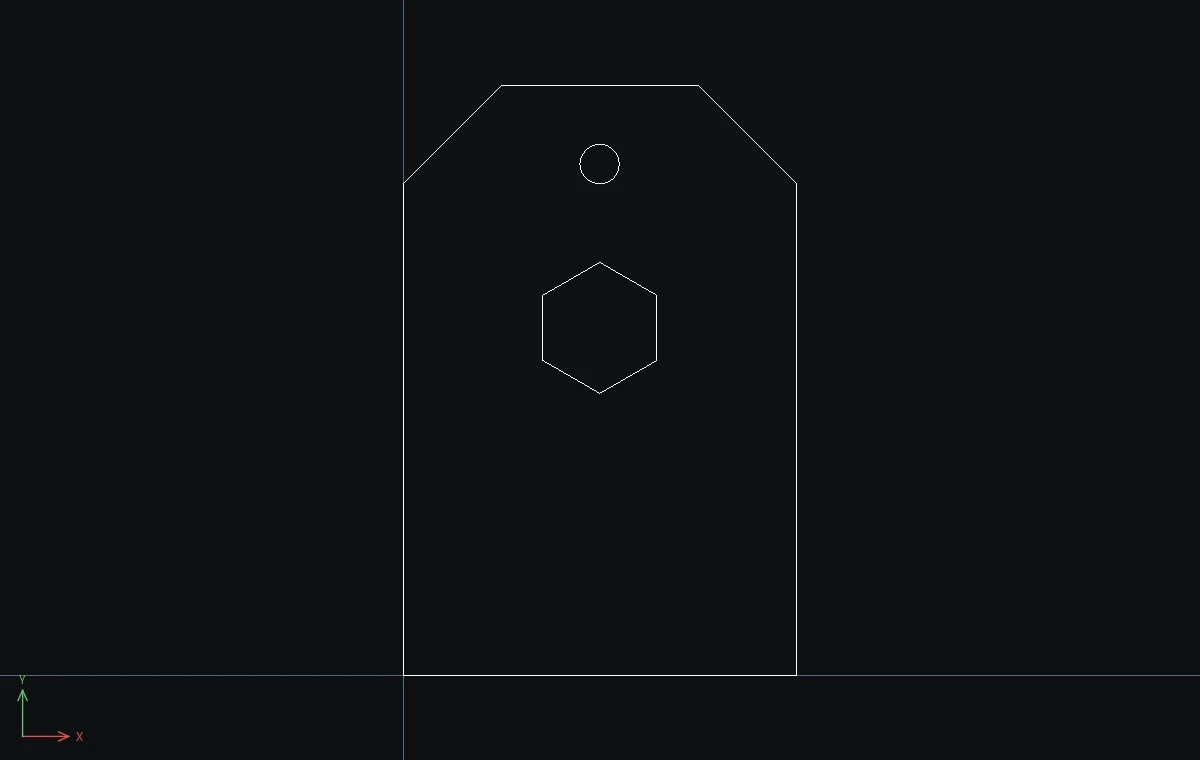
Challenge: Open a third drawing and press Ctrl+V again. The clipboard still holds the copy, so you can stamp the same ornament on a whole set of tags.