
What it does
ETRANSMIT creates a ZIP file that contains the current drawing (as DXF), every Xref file, and a MANIFEST.txt. The manifest lists what is included and which referenced files could not be found.
Where to find it
- Ribbon: type the command
- Command line:
ETRANSMIT(aliasZIP)
Steps
- Type
ETRANSMITand press Enter. - Name the file (the default is
<drawing name>-transmittal.zip) and click Save, or typeETRANSMIT D:\Send\bracket.zip. - The result reads
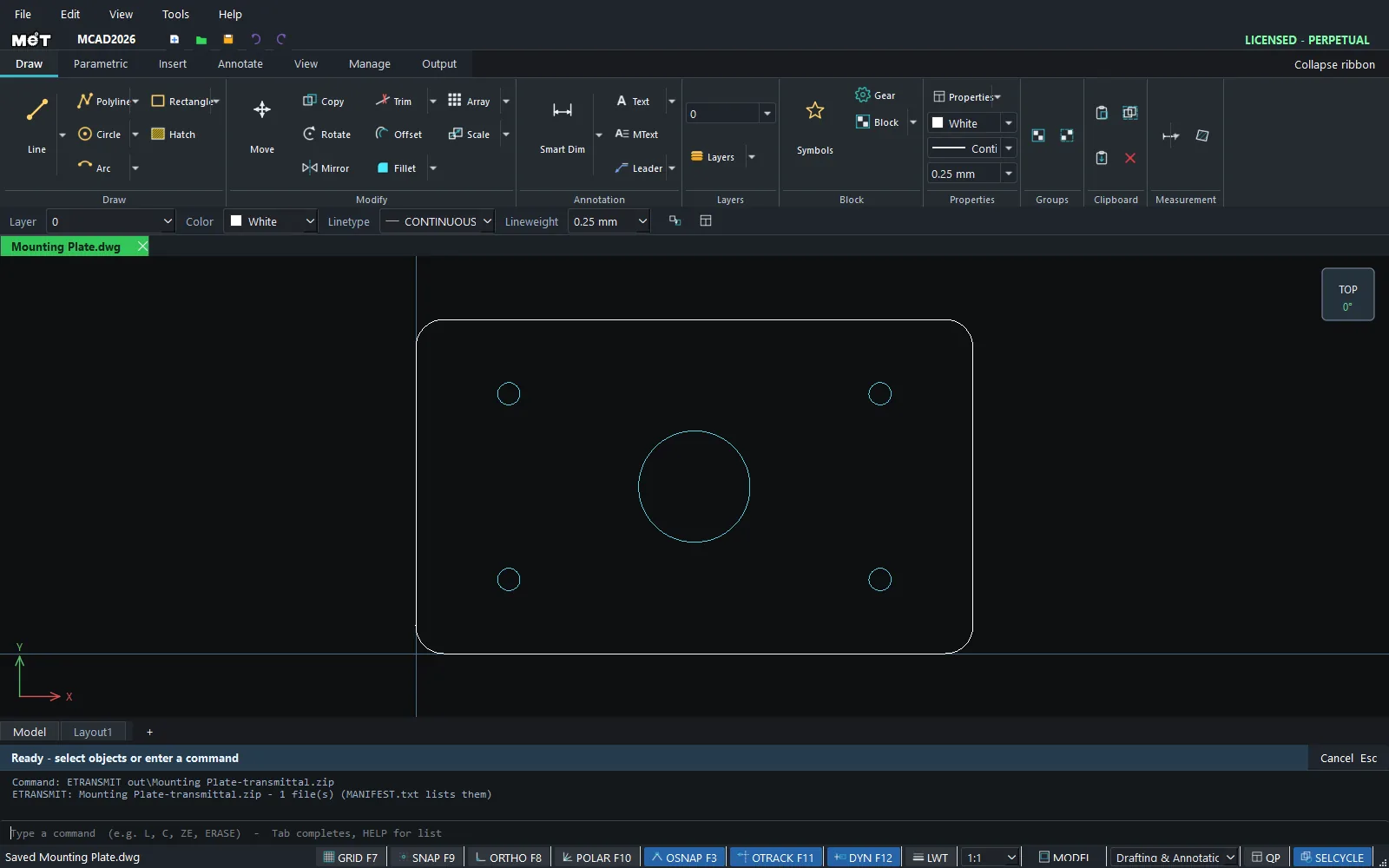
ETRANSMIT: bracket.zip - N file(s) (MANIFEST.txt lists them). If any referenced files are missing, it reports theMISSINGcount.
| In the ZIP file | Meaning |
|---|---|
<name>.dxf |
The current drawing. |
xrefs/... |
External Reference files. |
MANIFEST.txt |
The object count, the files included, the files missing and the objects that could not be exported. |
Try it: Package a hotel room drawing for the contractor
Scenario: the fit-out drawing for hotel room 301 references the furniture layout as an Xref. Send only one file and the contractor sees an empty room. ETRANSMIT packs everything in one go.
- Open
hotel-room-301.dwgand typeETRANSMIT D:\Send\hotel-room-301.zip. - Read the result on the Status bar, for example
ETRANSMIT: hotel-room-301.zip - 3 file(s) (MANIFEST.txt lists them). - If you see
MISSING, openMANIFEST.txtin the ZIP to see which Xref could not be found, fix its path in XREF and package it again. - Send the single ZIP file. When the contractor extracts it, they get the drawing as DXF plus an
xrefs/folder.