
What it does
| Command | Alias | Syntax | Meaning |
|---|---|---|---|
| ARRAY | AR |
– | Asks for each value on the command line: count → X spacing → Y spacing. |
| ARRAYRECT | AR2 |
ARRAYRECT <count> [dx] [dy] |
Copies objects in a row, with spacing dx, dy per copy. |
| ARRAYPOLAR | ARP2 |
ARRAYPOLAR <count> [total angle] |
Copies objects around the centre point you click (the default total angle is 360°). |
| ARRAYPATH | – | ARRAYPATH <count> |
Distributes N copies along a path (same as DIVIDE). |
| DIVIDE | DIV |
DIVIDE <count> |
Places copies at the points that divide a path into N equal parts. |
| MEASURE | ME |
MEASURE <distance> |
Places a copy every given distance along a path, rotated to the tangent. |
Where to find it
- Ribbon: Draw › Modify › Array (submenu: Rectangular Array, Polar Array, Array along Curve (MEASURE))
- Command line: see the table above
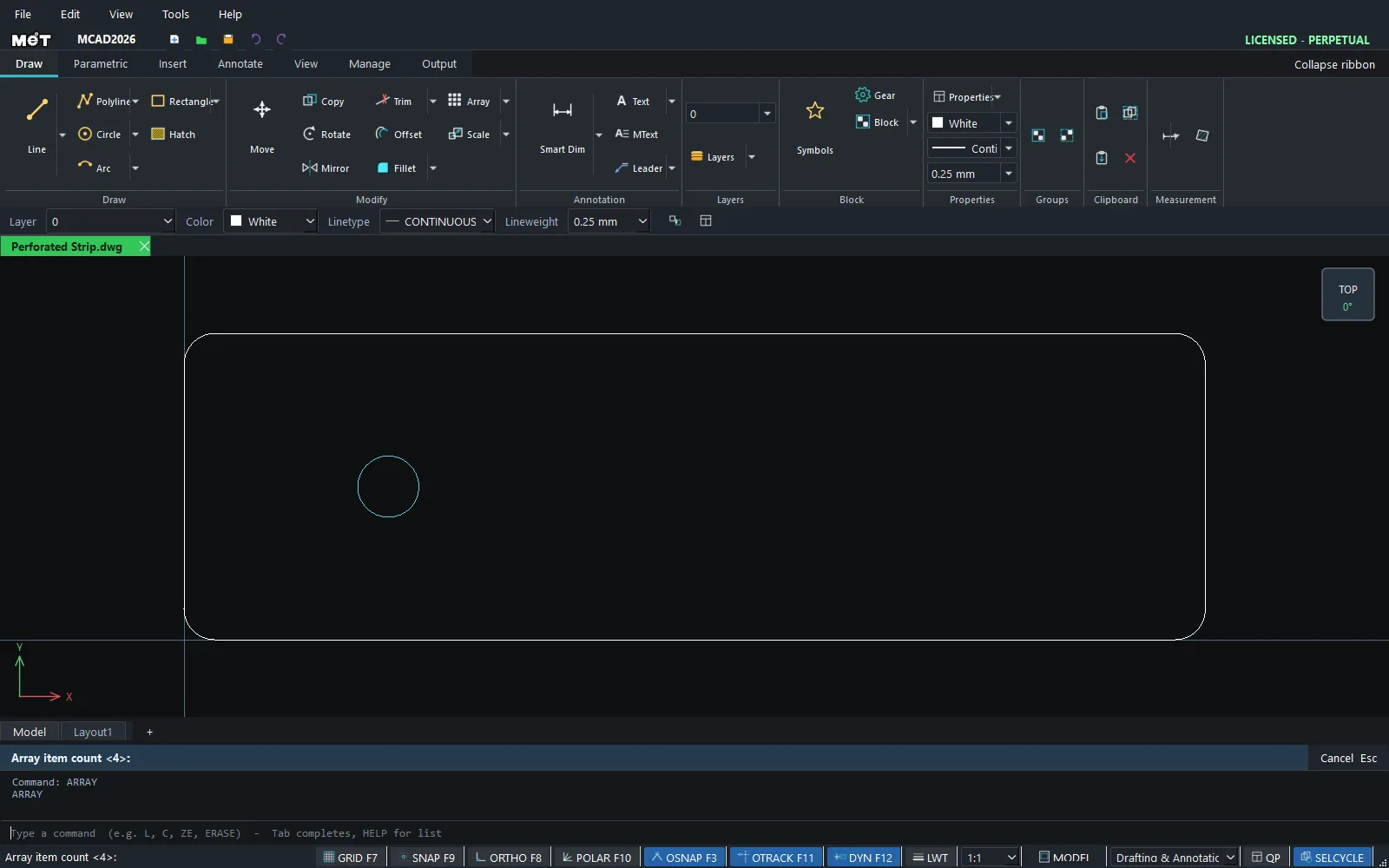
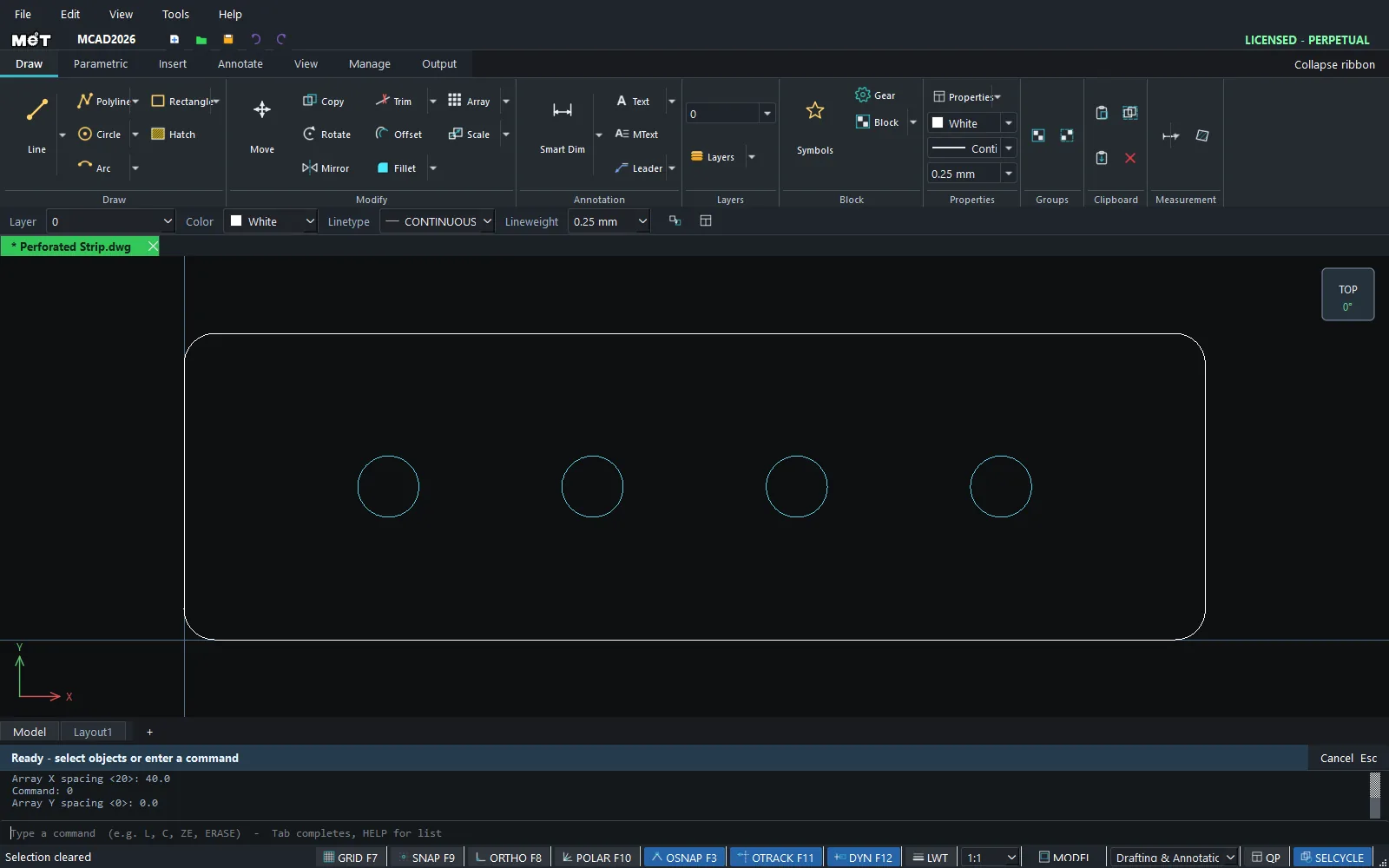
Steps for ARRAY (prompts for each value)
- Select the objects.
- Type
ARand press Enter. AtArray item count <4>:, type the count and press Enter. - At
Array X spacing <20>:, type the X spacing and press Enter. - At
Array Y spacing <0>:, type the Y spacing and press Enter.
Steps for ARRAYPOLAR
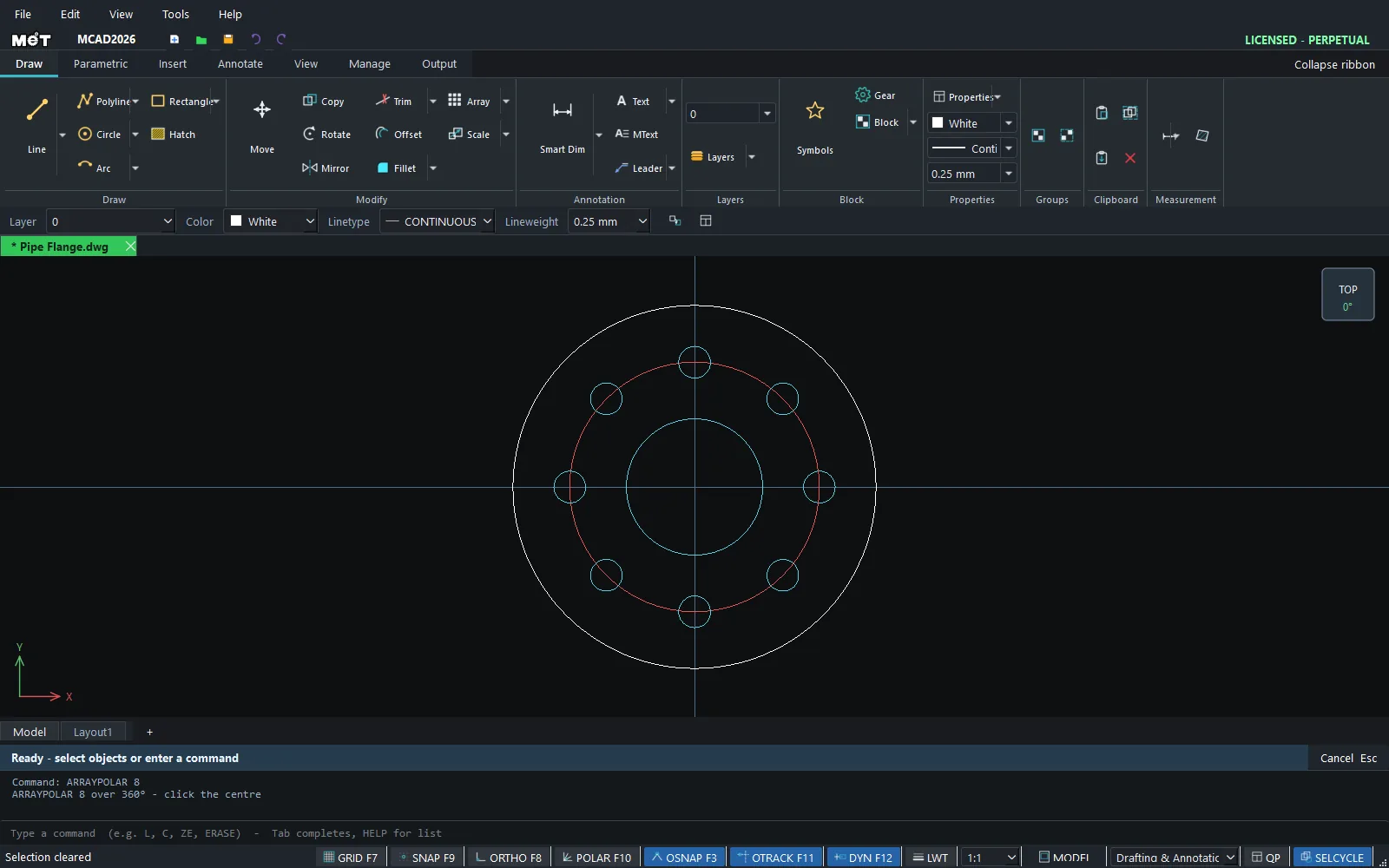
- Select the hole.
- Type
ARRAYPOLAR 8and press Enter. - At
ARRAYPOLAR: click the centre, click the centre point.
Steps for MEASURE / DIVIDE
- Select the object to copy.
- Type
ME 20(every 20 mm) orDIV 5(divide into 5 parts). - Click the path (Line, Polyline, Arc, Circle).
Note: Polar Array on the Ribbon asks for the count → total angle → centre point. Press Enter at any prompt to accept the default value.
Try it: Wall clock face
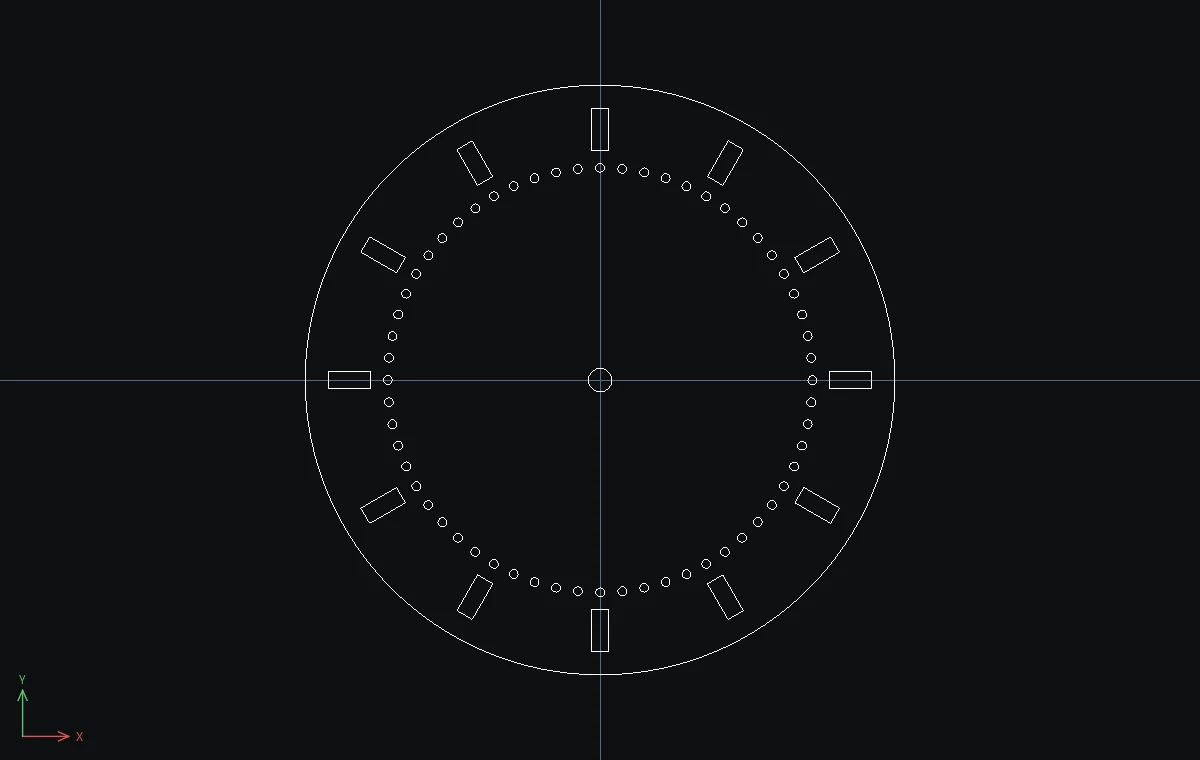
A 200 mm laser-cut clock face with 12 hour slots and 60 minute dots, all made from one slot and one dot. The 8 mm centre hole fits a standard quartz clock movement.
- Dial:
C, Enter,0,0, Enter,100, Enter, then Esc. - Shaft hole:
C,0,0,4, then Esc. - The 12 o'clock slot:
REC,-3,78,@6,14, then Esc. - Click the slot, type
ARRAYPOLAR 12and press Enter. AtARRAYPOLAR: click the centre, type0,0and press Enter (or click the centre). Twelve slots appear around the dial. - Minute dot:
C,0,72,1.5, then Esc. Click the dot, typeARRAYPOLAR 60, then0,0.
Challenge: Make a 24-hour dial: run ARRAYPOLAR 24 on the first slot instead of 12.