
What it does
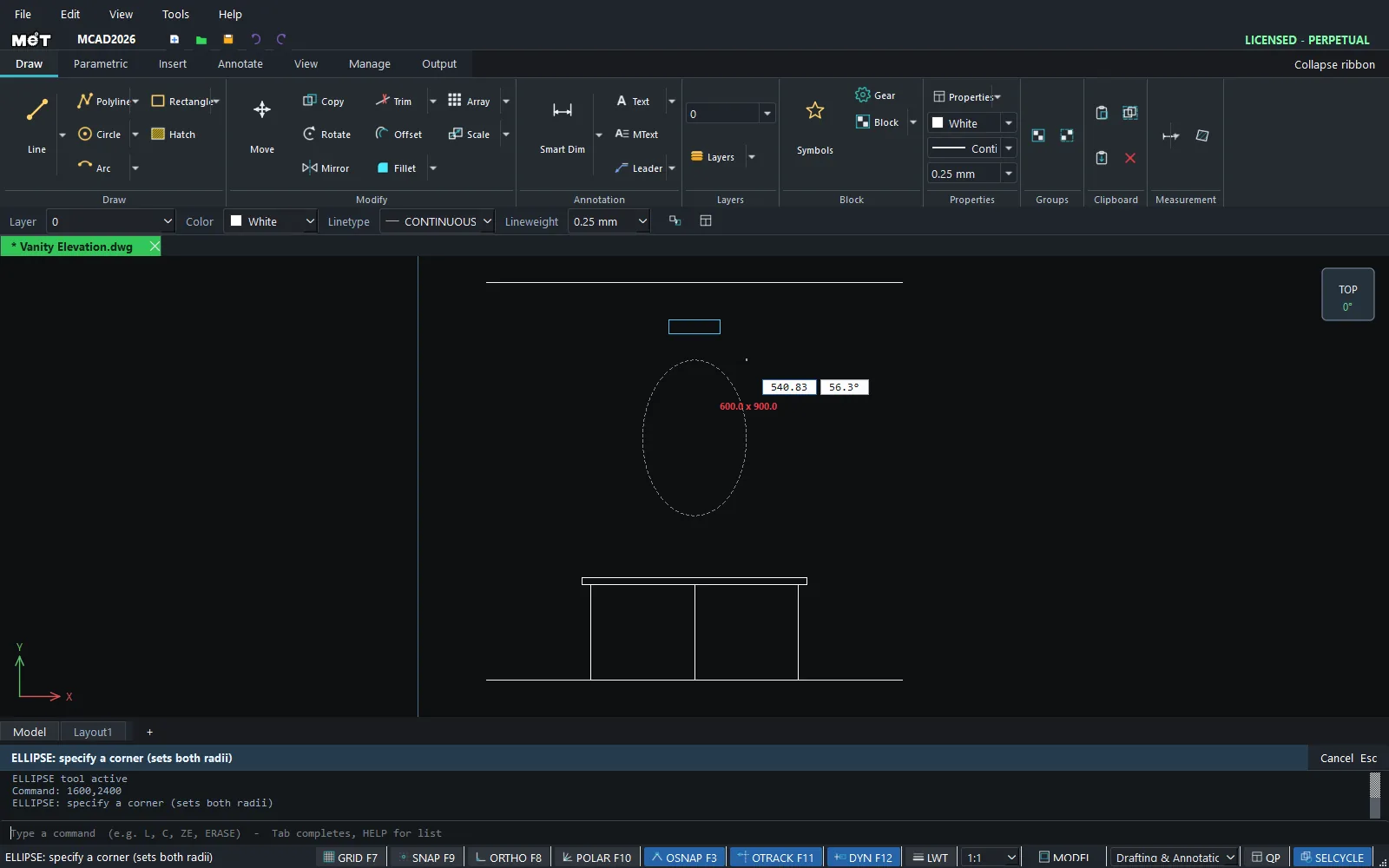
ELLIPSE draws an ellipse whose axes are parallel to the X and Y axes. Both radii come from the bounding box corner that you click.
Where to find it
- Ribbon: there is no Ribbon button. Right-click in the drawing area › Draw › Ellipse.
- Command line:
ELLIPSE(aliasEL)
Steps
- Type
ELand press Enter. The prompt readsELLIPSE: specify the center. - Click the centre point.
- At
ELLIPSE: specify a corner (sets both radii), click a corner of the box. The X distance is the horizontal radius and the Y distance is the vertical radius.
Note: For a tilted ellipse, draw it and then use ROTATE.
Try it: Oval mirror over a bathroom vanity
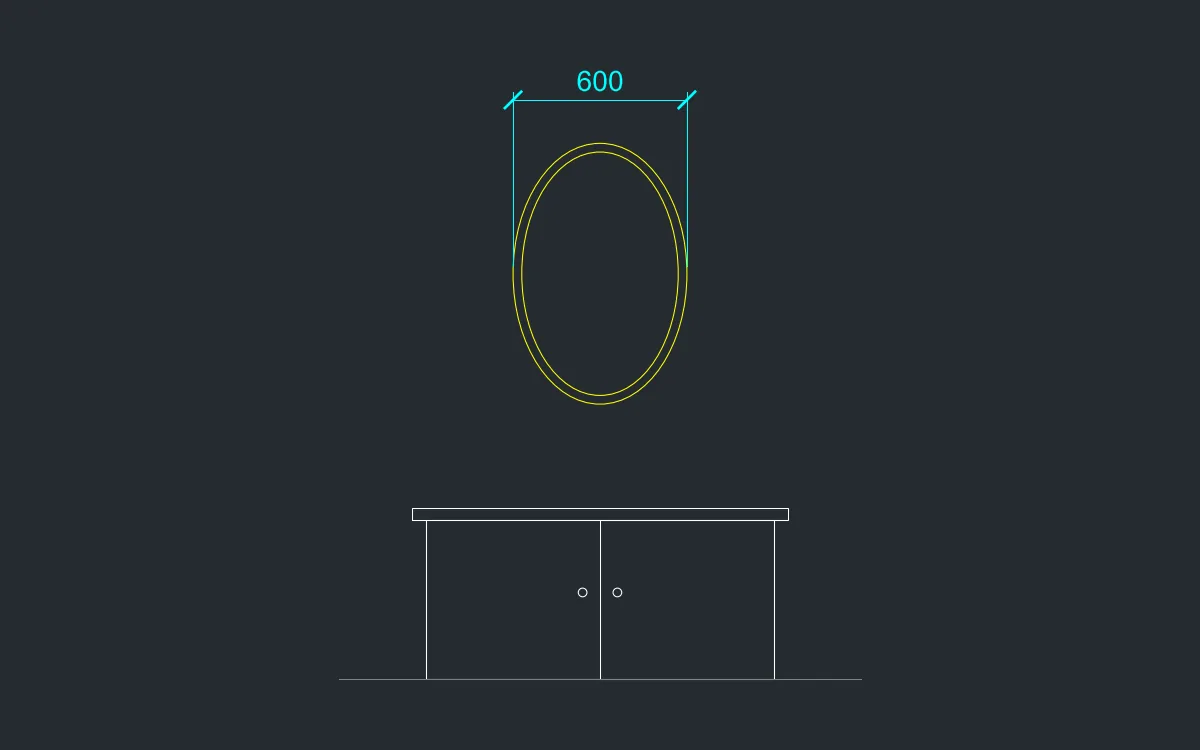
A bathroom elevation of the kind interior designers show clients: a vanity cabinet and an oval mirror with a double frame.
- Vanity cabinet:
REC0,0, then1200Tab550Enter. - Countertop:
REC-50,550, then1300Tab40Enter. - Door split:
L600,0Enter@0,550Enter, thenEsc. - Mirror: type
EL, Enter,600,1400, Enter (centre), then@300,450and Enter. The ellipse is 600 wide and 900 mm high. - Inner frame line:
EL600,1400, then@270,420.
Challenge: Draw a flat ellipse EL 600,570 @200,120 as a countertop basin in a plan view.