
What it does
| Command | Alias | Meaning |
|---|---|---|
| DIMLINEAR | DLI |
The horizontal distance between two points. |
| DIMVERTICAL | DVE |
The vertical distance between two points. |
| DIMALIGNED | DAL |
The true distance along the line that joins two points. |
Where to find it
- Command line: see the table above. On the Ribbon, use Smart Dim, which chooses the type for you.
Steps
- Type
DLIand press Enter. - Click the first point (Object Snap picks End/Mid/Center).
- Click the second point.
- Move the mouse and click the position of the dimension line.
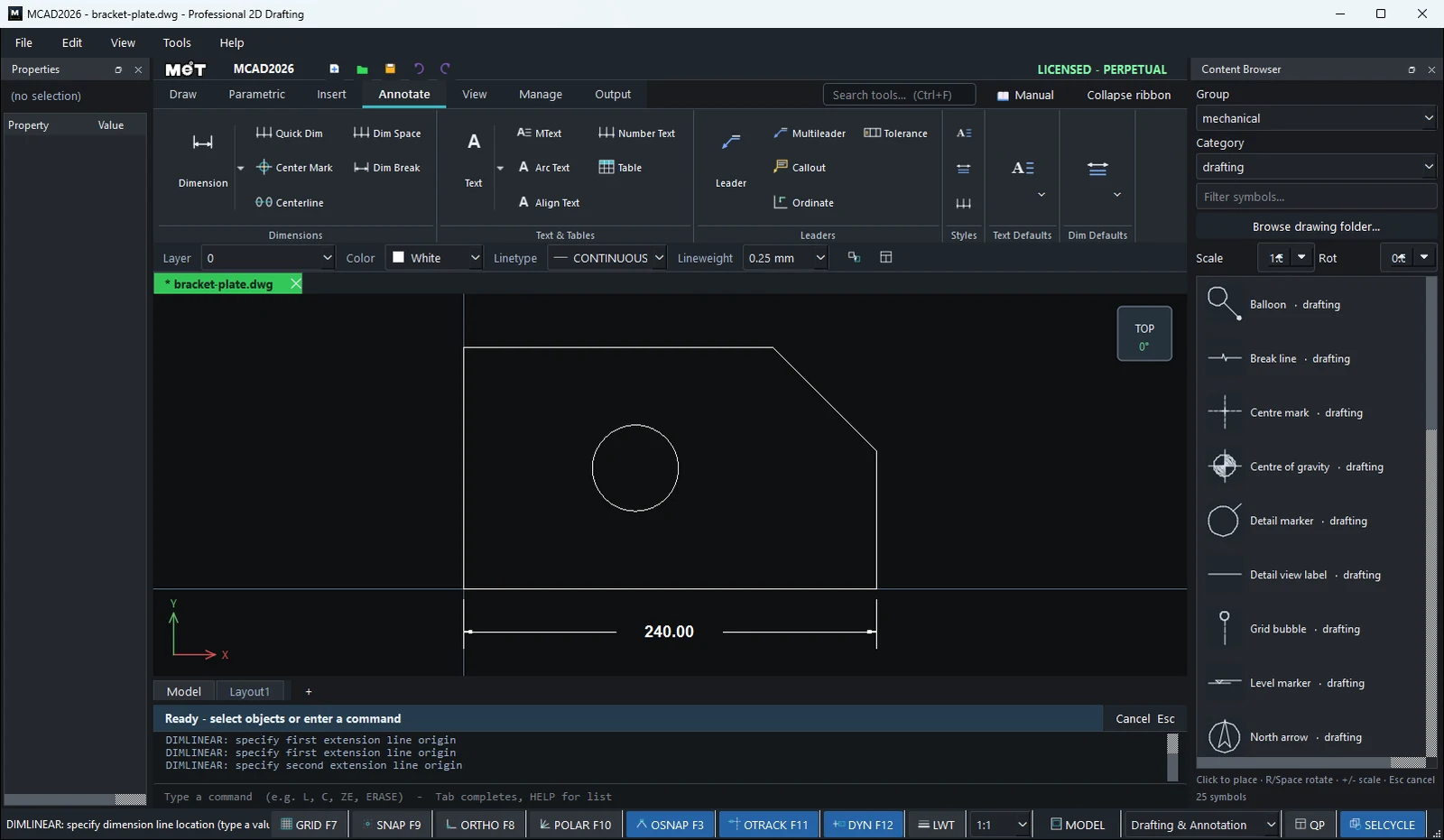
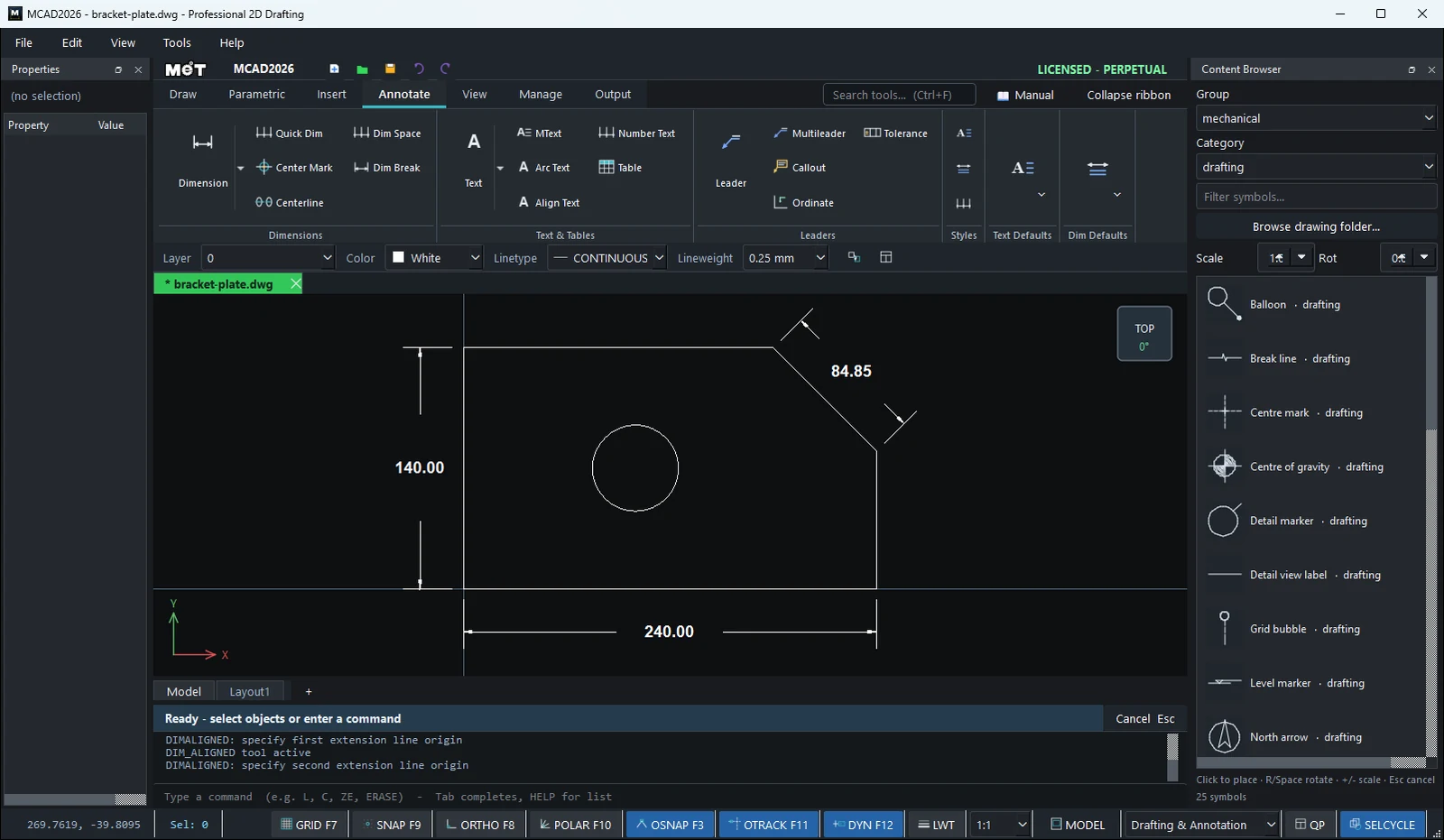
Try it: Cable gland plate with a chamfered corner
A gland plate for the bottom of a control enclosure: 120 x 70 with one corner cut at 45° and holes for M20, M25 and M16 cable glands. DIMLINEAR, DIMVERTICAL and DIMALIGNED each get a turn.
- On Annotate › Dim Defaults, set Dim H
5and Arrow3so the numbers suit a part this size. - Outline:
PL, then0,0120,0120,50100,700,700,0(Enter after each) and Enter to finish. - Gland holes:
C25,35radius10.25,C60,35radius12.75,C95,30radius8.25. DLI, click the corners0,0and120,0, then click below the plate:120.00.DVE, click0,0and0,70, then click to the left:70.00.DAL, click both ends of the chamfer and click outside the corner:28.28, the true length of the 45° cut.DLI, click the centres of the M20 and M25 holes and click above the plate:35.00.
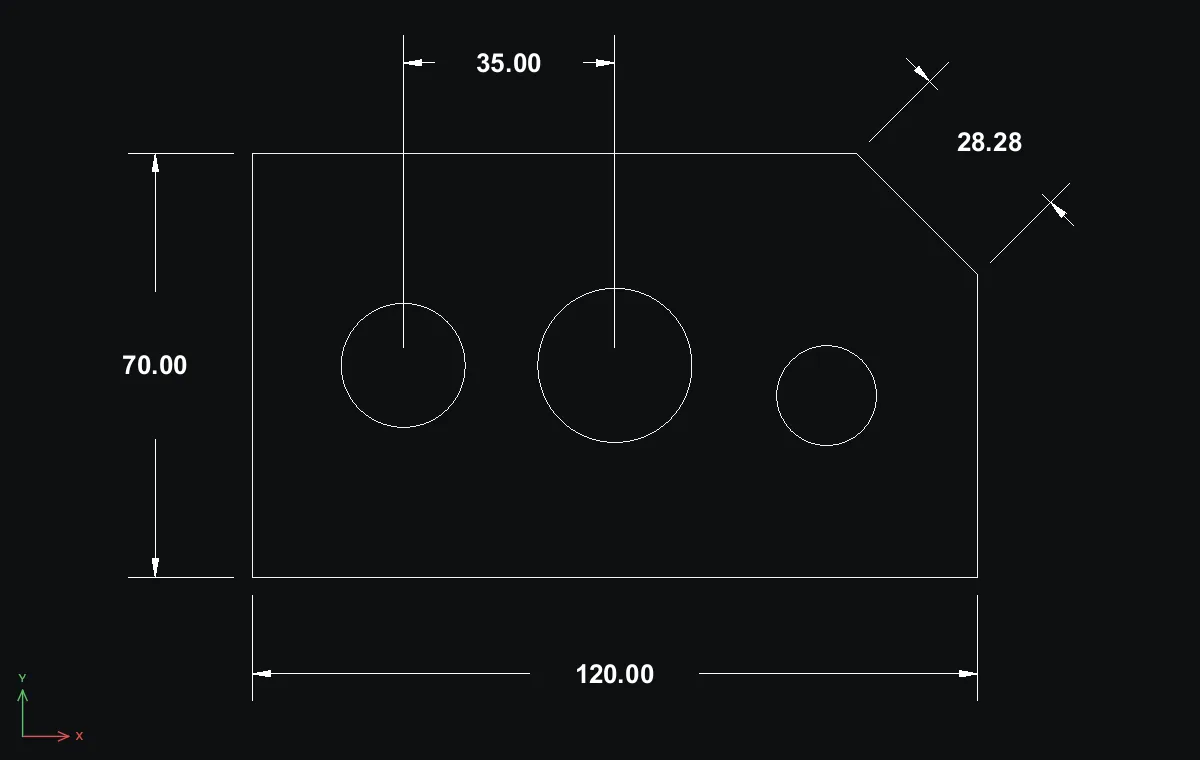
Challenge: Dimension the chamfer with DLI instead of DAL. You only get its horizontal part, 20.00.