
What it does
- EXPLODE – breaks compound objects (block references, tables, multileaders, splines, blocks that came from a DWG) into plain lines and text. Nested blocks are broken one level at a time.
- XPLODE – explodes and also puts the resulting pieces on one layer or in one colour.
Where to find it
- Ribbon: Draw › Modify › Trim ▾ › Explode
- Command line:
EXPLODE(aliasX) - Command line:
XPLODE(aliasXP) - Right-click the selected object › Ungroup (Explode)
Steps
- Select a block or compound object.
- Type
Xand press Enter. The result reads, for example,EXPLODE: 1 object(s) -> 3 primitives.
| XPLODE syntax | Meaning |
|---|---|
XPLODE Layer <name> |
The resulting pieces go on the layer you name. |
XPLODE Color #RRGGBB |
The resulting pieces use the colour you give. |
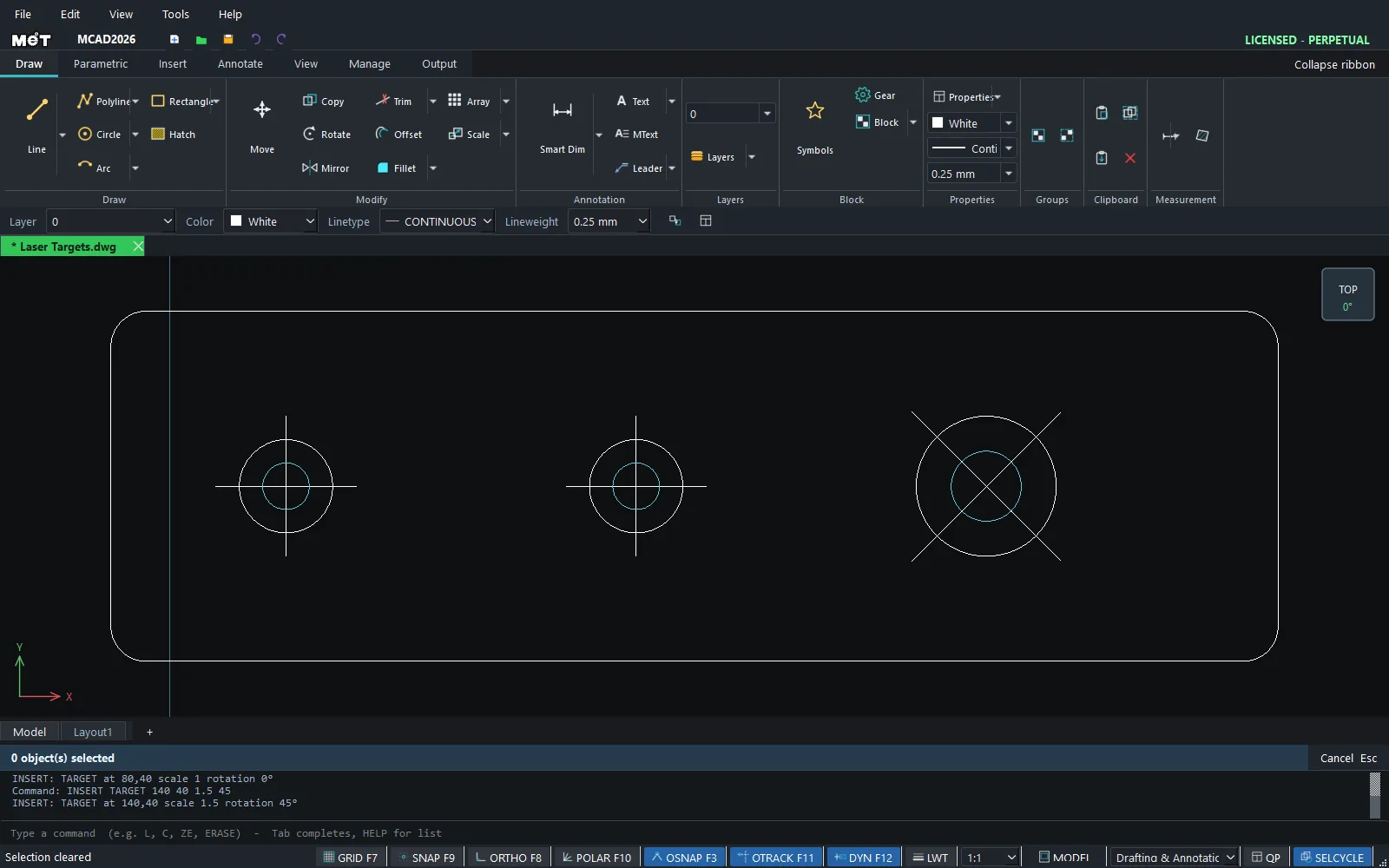
Note: A block that was stretched with a dynamic parameter explodes into the shape currently shown, not the block's original shape.
Try it: PC case side panel with two fan grilles
An acrylic side panel with two 120 mm fan grilles. Make the grille a block so both copies stay identical, then EXPLODE the second one when it has to be different: here, an open centre for a logo badge.
- Grille holes: centre
C,0,0,10. Inner ring holeC,0,25,6. Outer ring holeC,0,45,5. Mounting holeC,52.5,52.5,2.25. Press Esc after each one. - Click the inner ring hole, type
ARRAYPOLAR 8, then0,0. Do the same for the outer ring hole withARRAYPOLAR 16and for the mounting hole withARRAYPOLAR 4. - Drag a window around the whole grille (from -60,-60 to 60,60) and type
BLOCK FAN 0 0. The result readsBLOCK: FAN defined from 29 object(s) .... - Second fan: type
INSERT FAN 150 0. - Click the second grille, type
Xand press Enter. The result readsEXPLODE: 1 object(s) -> 29 primitives. - Drag a window around its centre (from 117,-33 to 183,33) and press Delete. Only this copy changes.
- Panel outline:
REC,-75,-75,@300,150.
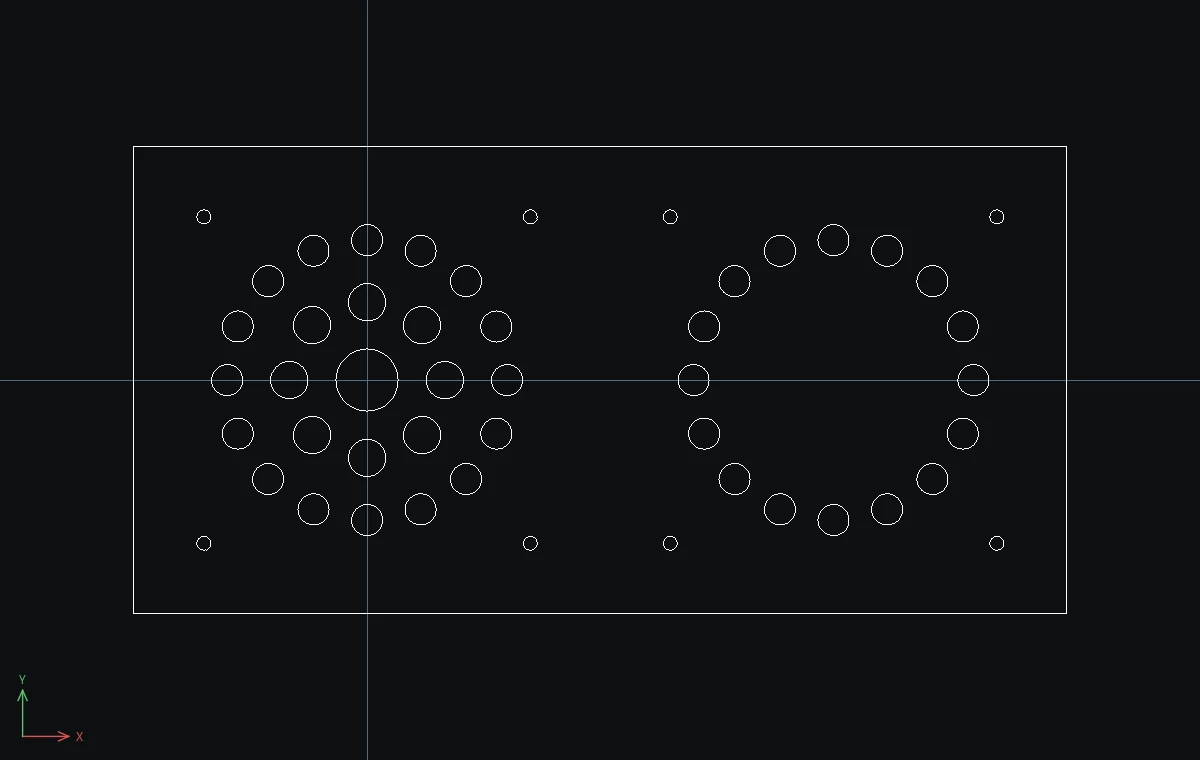
Challenge: Try to delete one hole from the first fan without exploding it. A click selects the whole block, which is exactly why EXPLODE exists.