
What it does
Construction lines are reference guides for drawing. XLINE extends in both directions. RAY extends from a start point in one direction. Neither is counted in Zoom Extents.
Where to find it
- Ribbon: Draw › Draw › Line ▾ › Construction Line - Infinite (XLINE) / Ray - One Direction (RAY)
- Command line:
XLINE(AliasXL) - Command line:
RAY
XLINE steps
- Type
XLand press Enter. XLINE: specify a point on the lineClick a point the line passes through.XLINE: specify the directionClick a second point to set the direction.
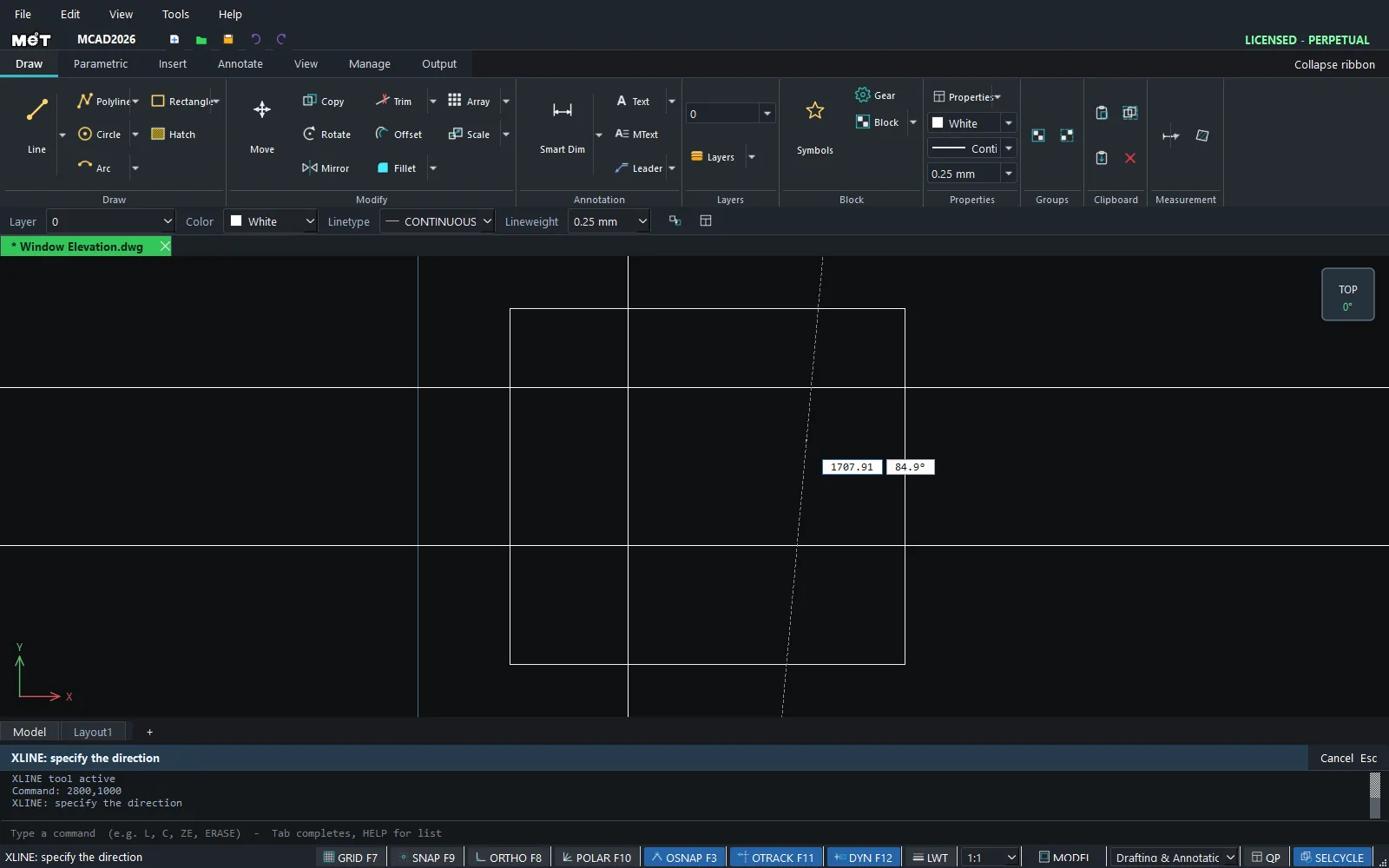
RAY steps
- Type
RAYand press Enter. RAY: click the start pointClick the start point.RAY: click a point it passes throughClick a point the line passes through.
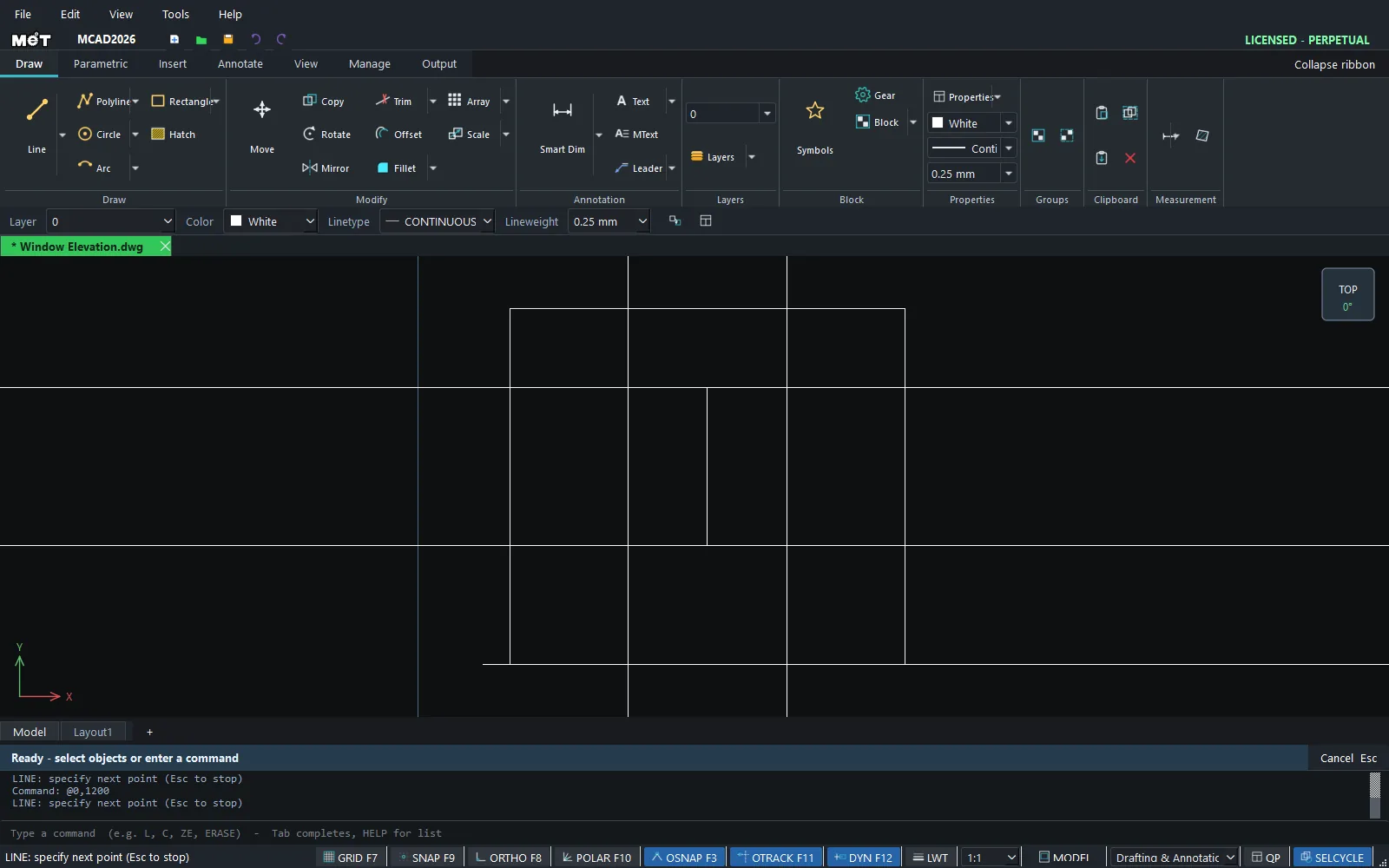
Note: Put construction lines on a separate Layer and turn that Layer off before plotting. See Layer Manager.
Try it: Set out a window elevation with construction lines
Architects often draw level lines before the openings. Set a 900 sill level and a 2100 head level, then drop a 1200 x 1200 window into the guide frame.
- Sill level: type
XL, Enter,0,900, Enter, then@1000,0and Enter. - Head level:
XL0,2100, then@1000,0. - Left and right jambs:
XL600,0@0,1000andXL1800,0@0,1000. - Floor level: type
RAY, Enter, then-500,0Enter and@1000,0Enter. - Window:
REC600,900, then1200Tab1200Enter, and a mullion withL1200,900@0,1200.
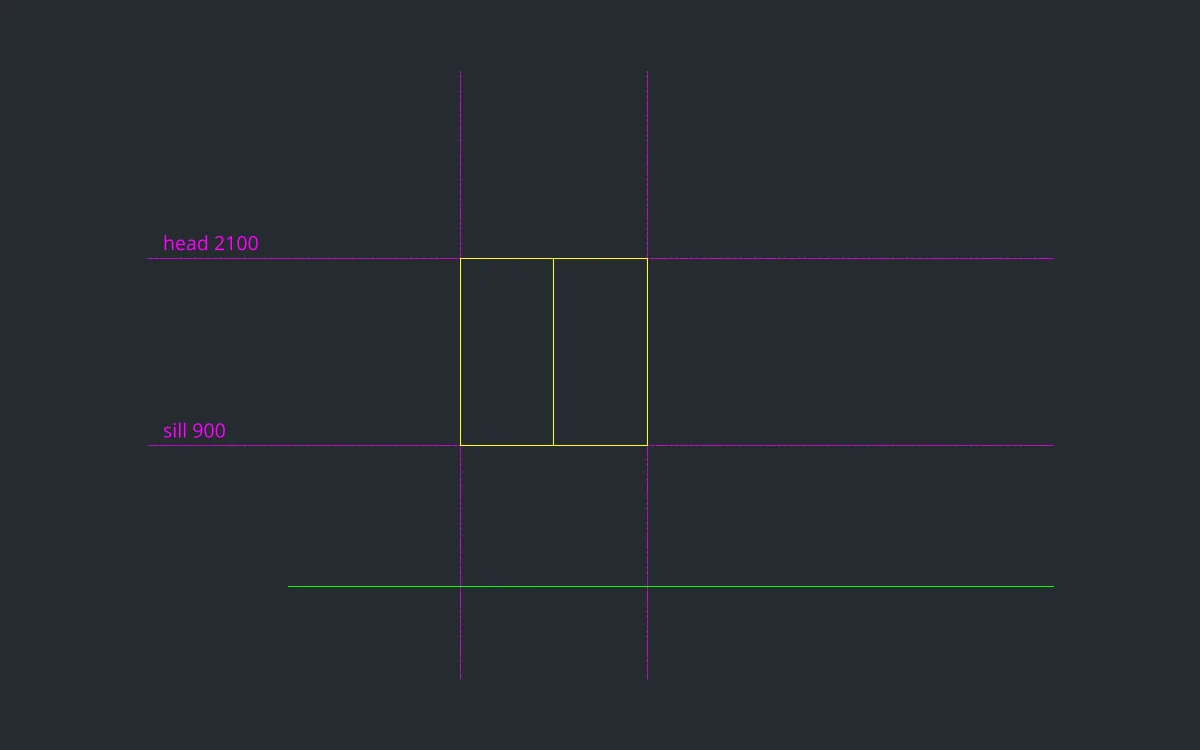
Challenge: Move all the guides to a layer called CONSTRUCTION and turn it off before you plot. See Layer Manager.