
What it does
- SPLINE – a smooth curve through the points you click (Fit points).
- SPLINEDIT – close/open a Spline, and delete or add Fit points.
- SKETCH – draw freehand by dragging the mouse. The result is saved as a Polyline.
Where to find it
- Ribbon: Draw › Draw › Polyline ▾ › Spline - Fit Points (SPLINE) / Freehand Sketch (SKETCH)
- Command line:
SPLINE(AliasSPL) - Command line:
SPLINEDIT(AliasSPE),SKETCH
SPLINE steps
- Type
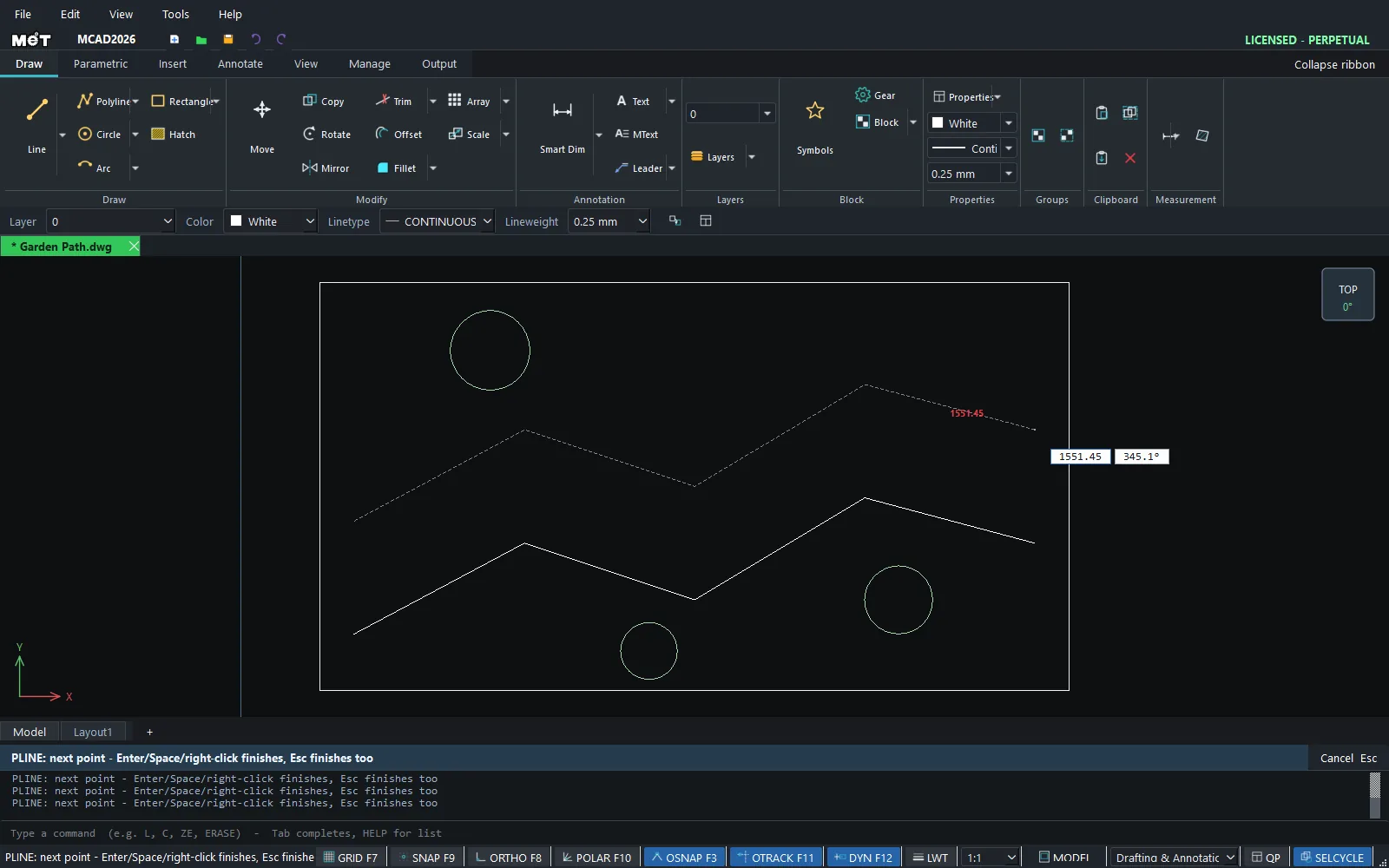
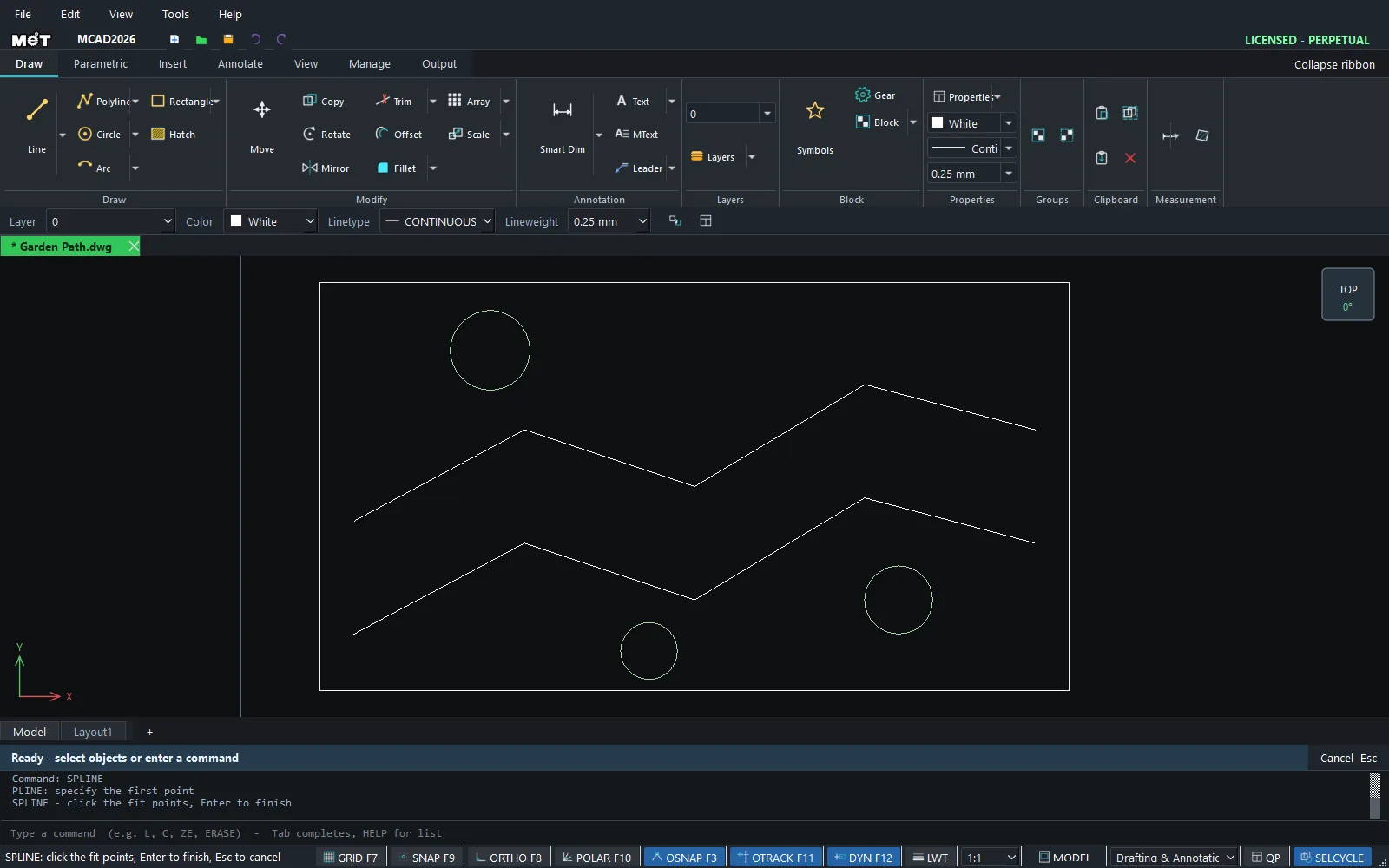
SPLand press Enter.SPLINE: click the fit points, Enter to finish, Esc to cancel - Click each point the curve must pass through.
- Press Enter to finish.
SPLINEDIT
Select the Spline first, then type:
| Format | Meaning |
|---|---|
SPLINEDIT Close / SPLINEDIT Open |
Close / open the curve |
SPLINEDIT Delete <n> |
Delete Fit point number n (starts at 0; at least 2 points must remain) |
SPLINEDIT Add <n> <x> <y> |
Add a point after point number n |
SKETCH
- Type
SKETCHorSKETCH 2(records a point every 2 units). SKETCH: drag to traceHold the mouse button down and drag.- Release the mouse button to finish.
Note: You can break a Spline into smaller segments with EXPLODE.
Try it: Winding garden path
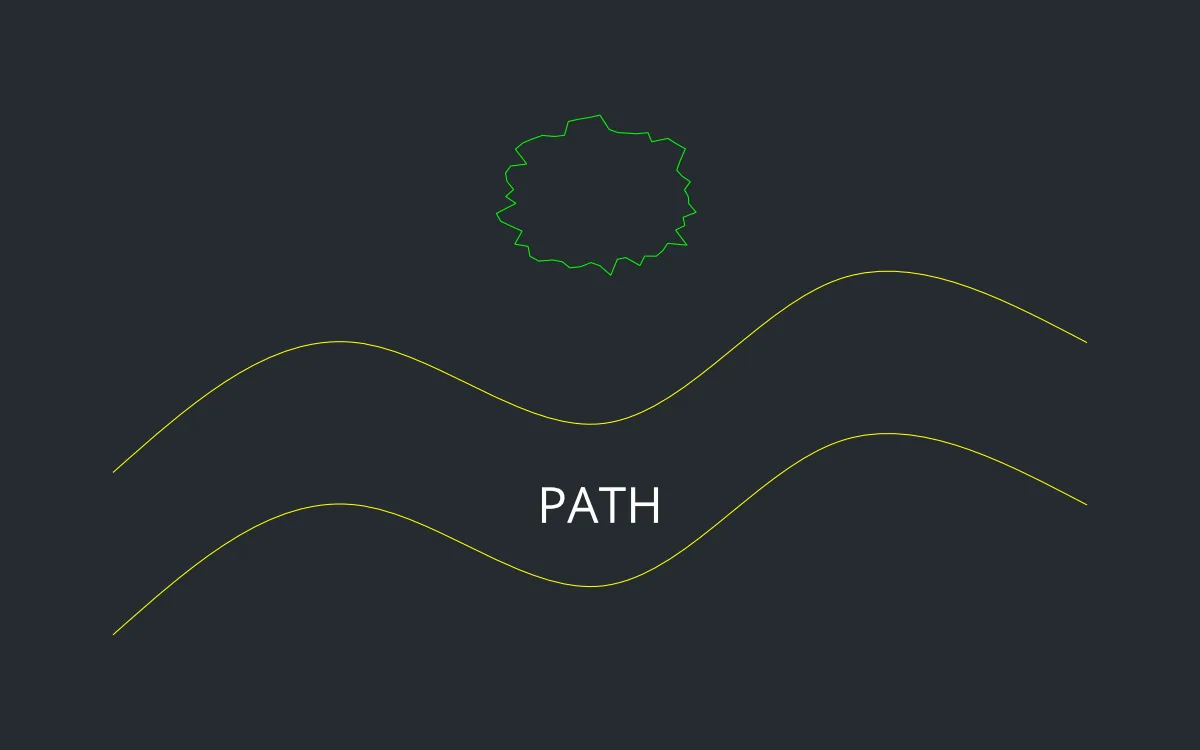
A 1 m wide path that curves naturally through a garden, with a hand-drawn shrub beside it. You use both SPLINE and SKETCH.
- Left edge of the path: type
SPL, Enter, then0,0,1500,800,3000,300,4500,1200,6000,800(Enter after each), and press Enter once more to finish. - Right edge:
SPLwith the same points moved up by 1000:0,1000,1500,1800,3000,1300,4500,2200,6000,1800, then Enter. - Shrub: type
SKETCH 20, press Enter, hold the mouse button and drag a bumpy loop above the path near3000,2700. Release to finish.
Challenge: Select the left edge and type SPLINEDIT Add 1 2200 400 to add a fit point, and watch the path reshape.