
What it does
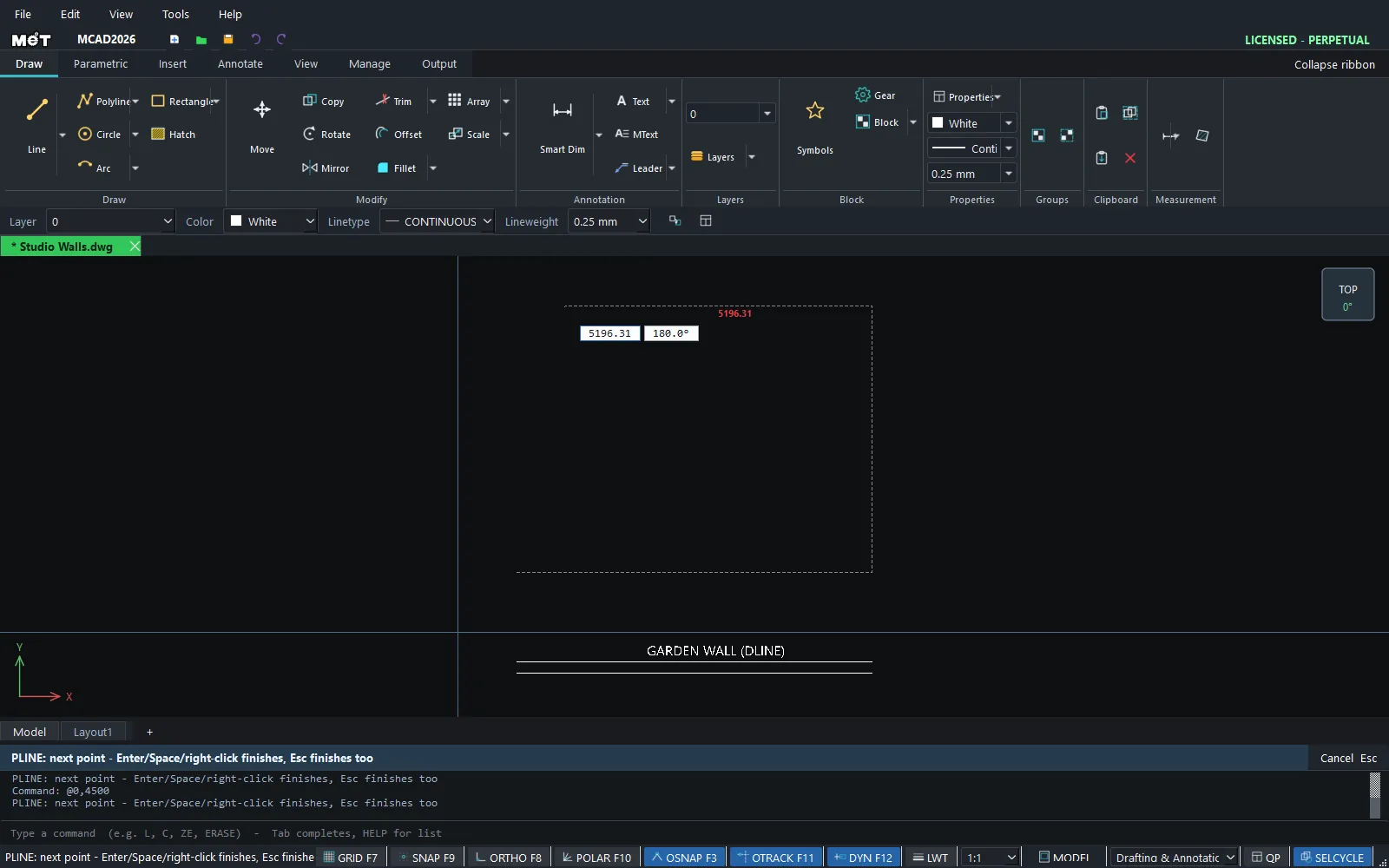
- DLINE (Dual line) – draws two parallel lines along the path of 2 clicked points.
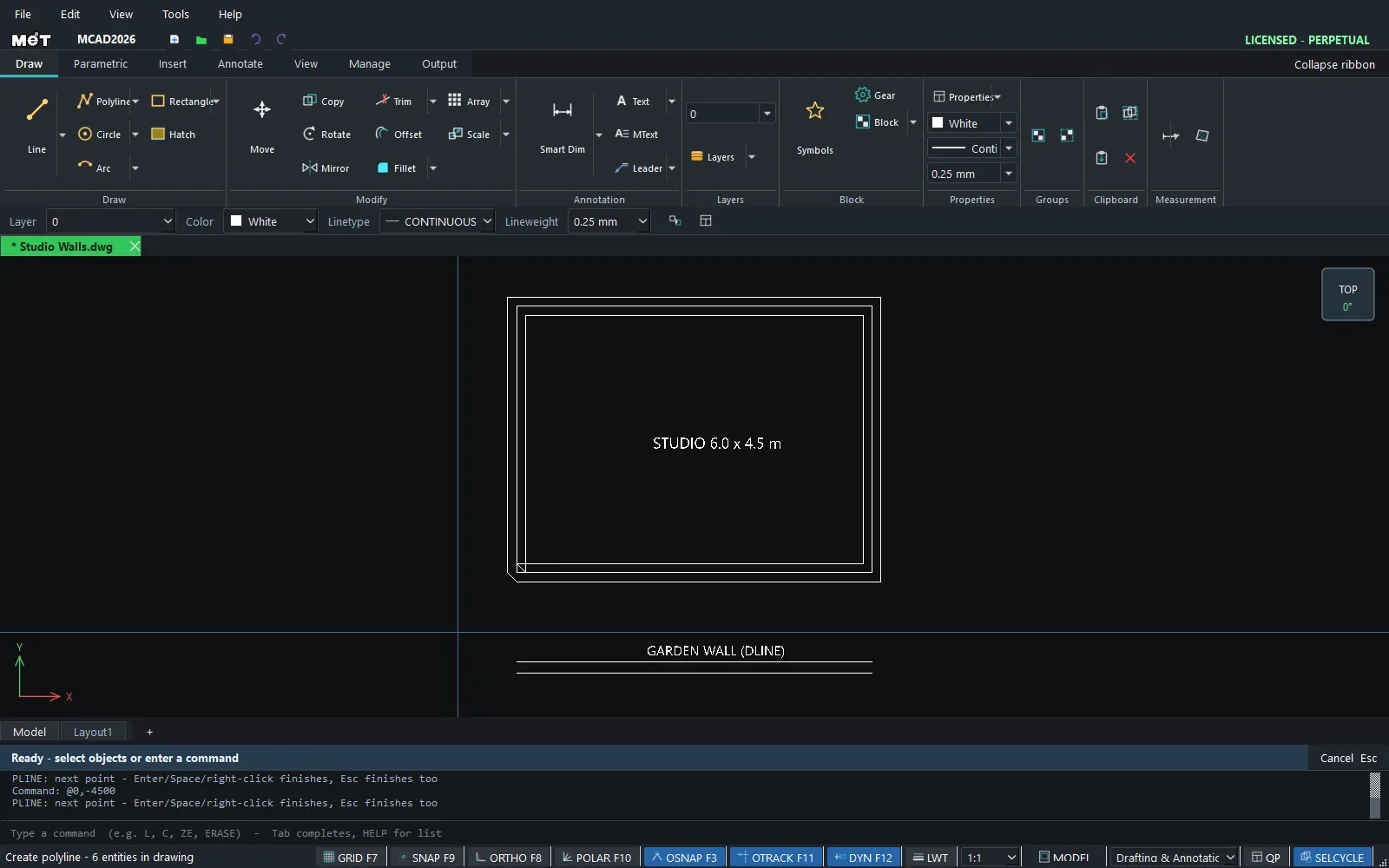
- MLINE (Multiline) – draws 2 or more parallel lines along a multi-segment path, like a polyline.
Where to find it
- Ribbon: Draw › Draw › Line ▾ › Dual Line - Two Parallels (DLINE) / Multiline - Parallel Runs (MLINE)
- Command line:
DLINE(aliasDLN) - Command line:
MLINE(aliasML)
Steps for DLINE
- Type
DLINEand press Enter. - At
Dual line width <10>:, type the spacing and press Enter. - At
Dual line justification [C=centre / E=edge], typeC(the lines straddle the clicked path) orE(the clicked path is on the edge of one line). - Click the first and second points. You can type a length and angle as you do with LINE.
Shortcut: DLINE 10 C gives the width and justification on one line.
Steps for MLINE
- Type
MLINE 3 8and press Enter (3 lines, 8 apart). - Click points along the path.
- Press Enter to finish.
Options
| Command | Syntax | Meaning |
|---|---|---|
| DLINE | DLINE [width] [C|E] |
C = Centre, E = Edge. |
| MLINE | MLINE <number of lines> <spacing> [Zero|Top|Bottom] |
Zero = the path is in the middle, Top = the path is on the first line, Bottom = the path is on the last line. You need at least 2 lines. |
Try it: Walls of a tiny studio flat
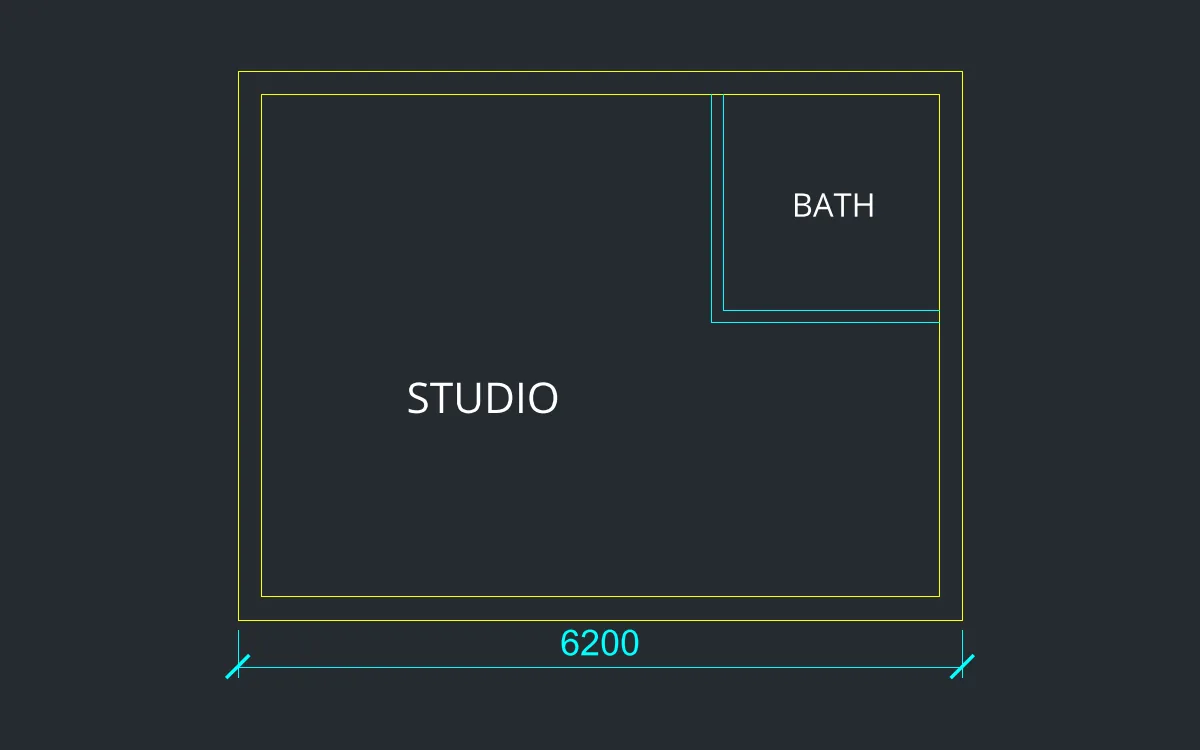
A 6 x 4.5 m studio flat with 200 mm walls and a 2 x 2 m bathroom. The whole outer wall takes one command.
- Type
MLINE 2 200and press Enter (2 lines, 200 apart, path in the middle). - Type the points one by one, pressing Enter after each:
0,06000,06000,45000,45000,0. Press Enter once more to finish. - Thin 100 mm bathroom wall: type
DLINE 100 C, Enter, then4000,4400Enter and4000,2500Enter. - Type
DLINE 100 Cagain, then3950,2500Enter and5900,2500Enter. - Tidy the wall junctions with TRIM.
Challenge: Try MLINE 3 100 to draw a wall with a centre line (3 lines), then change the middle line to the CENTER linetype.