
What it does
These commands work on the whole body (a body must exist).
| Command | Description |
|---|---|
| Union / Add | Merge with another part (.metprt). |
| Subtract | Remove the shape of another part. |
| Intersect | Keep only the overlapping region. |
| Scale | Scale about the origin (Uniform scale about origin, 0.001–1000). |
| Rotate Datum | Rotate the body about the origin (choose axis X/Y/Z, then the angle; default 90°) while keeping the feature history. |
Where to find it
Direct Edit › Solid › Union / Add, Subtract, Intersect, Scale and the Model › Part Tools menu
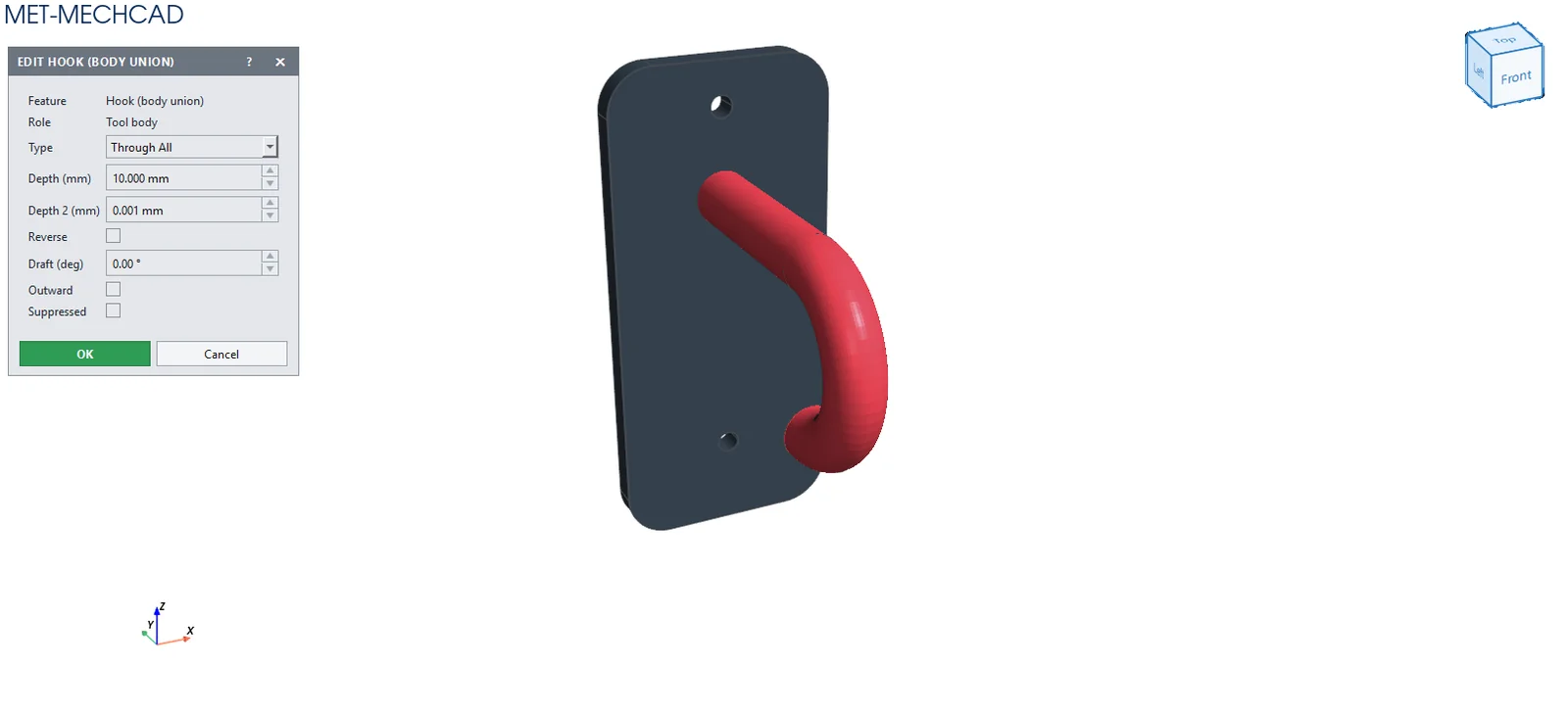
Steps (Union / Subtract / Intersect)
- Click the command.
- Select the tool part file (Select tool part (shared XYZ coordinates)).
- The part recalculates immediately.
Note: Both parts share the same XYZ coordinates (there is no positioning step). Place the tool part at the correct coordinates first.