
What it does
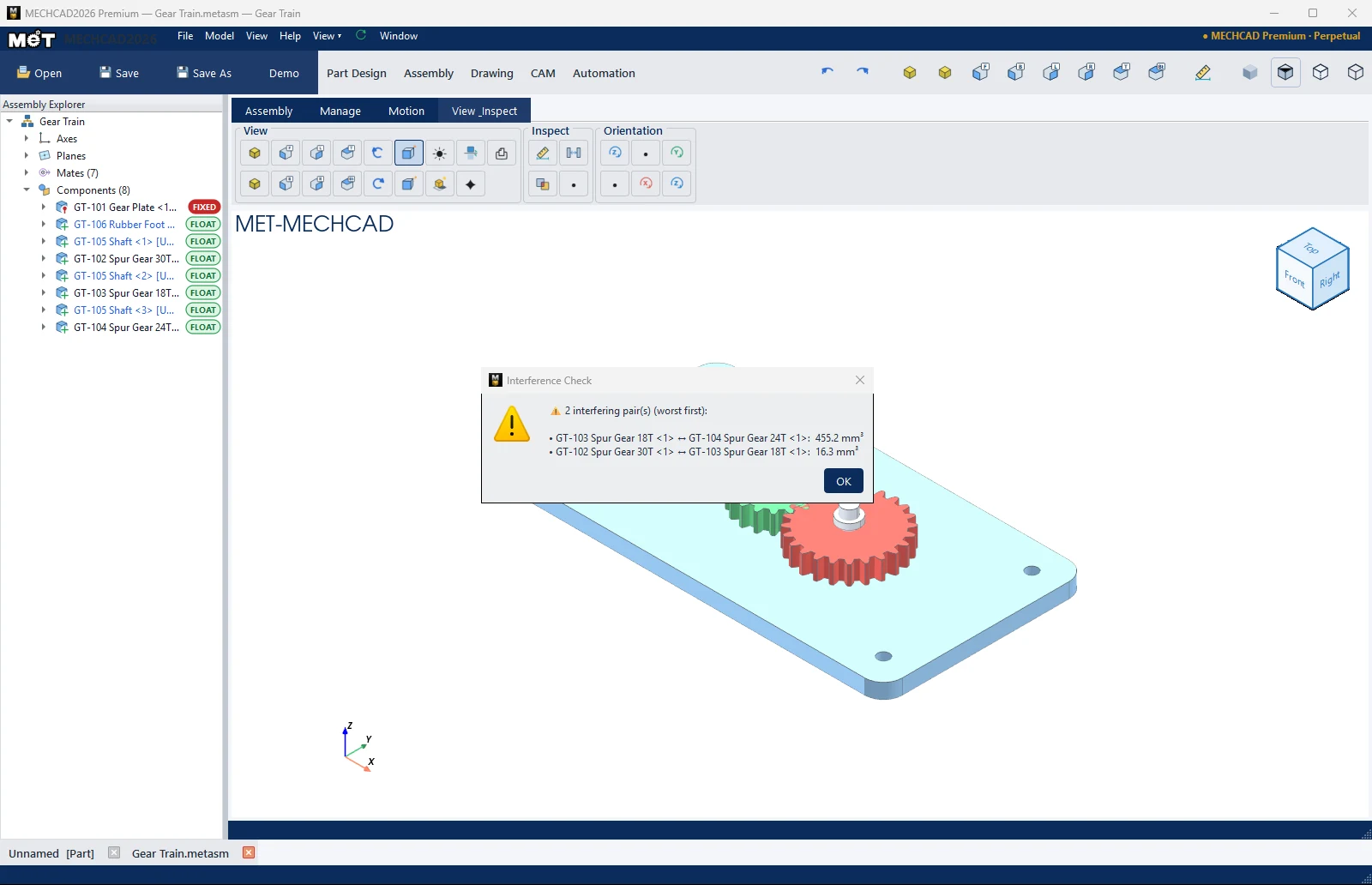
- Interference finds pairs of components that overlap, with the volume of the overlap.
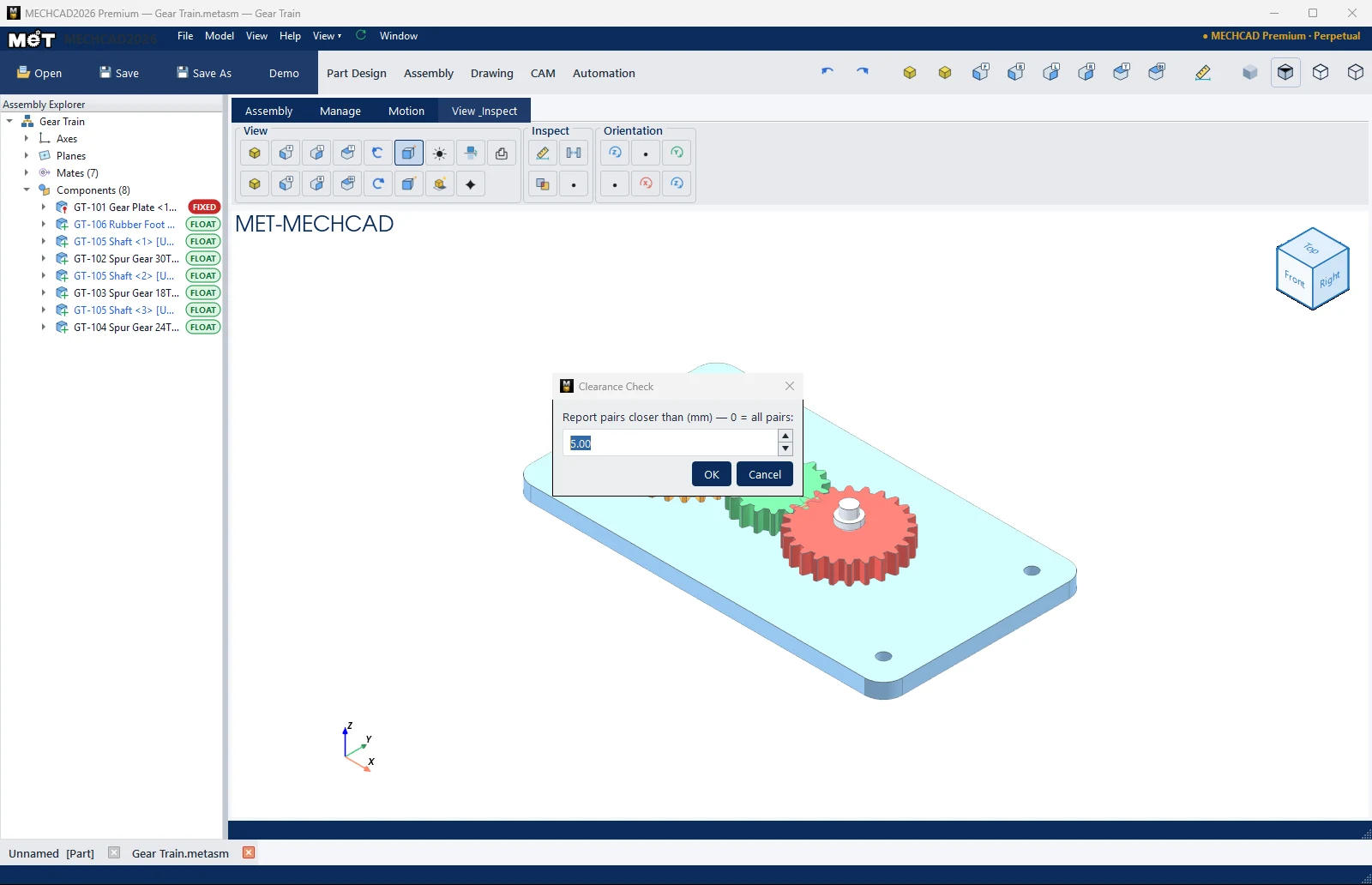
- Clearance finds pairs of components that are closer together than a value you set.
Where to find it
View & Inspect › Inspect › Interference / Clearance
Steps
- Click Interference and wait for the calculation.
- The result shows No interferences found between components. or a list of A ↔ B: V mm³, sorted from the largest overlap (up to 30 pairs).
- Click Clearance and enter the distance in Report pairs closer than (mm) — 0 = all pairs (default 5). Click OK to see the closest pairs.
Note: This command is in MECHCAD Expert and Premium. On Standard, the status bar shows a message suggesting an upgrade. See MECHCAD editions.