
Tips
| Method | Result |
|---|---|
| Use Shaded mode instead of Shaded + Edges | Less edge drawing |
| Turn off Shadows, Ground Reflection and Realistic Render | Faster drawing (large assemblies turn shadows off automatically) |
| Purge (Skip Loading) components you do not need (right-click a component) | The component is not loaded |
| Hide All, then Show only the part you work on | Fewer components displayed |
| Import a multi-solid STEP file as a Single Part when you do not need inner joints | Lighter part, easier to mate |
| Use sub-assemblies instead of placing every component in the main assembly | A sub-assembly is a rigid body, so fewer mates to solve |
| For drawings of a large assembly, use Detail: Auto / Draft | Faster drawing creation (600 or more components use Draft automatically) |
| Delete or Suppress conflicting mates (red) | The solver runs faster |
| Fix the main frame (for example the machine frame) before adding mates | A new mate solves only the parts it affects; fixed parts act as boundaries, so the whole assembly is not pulled in |
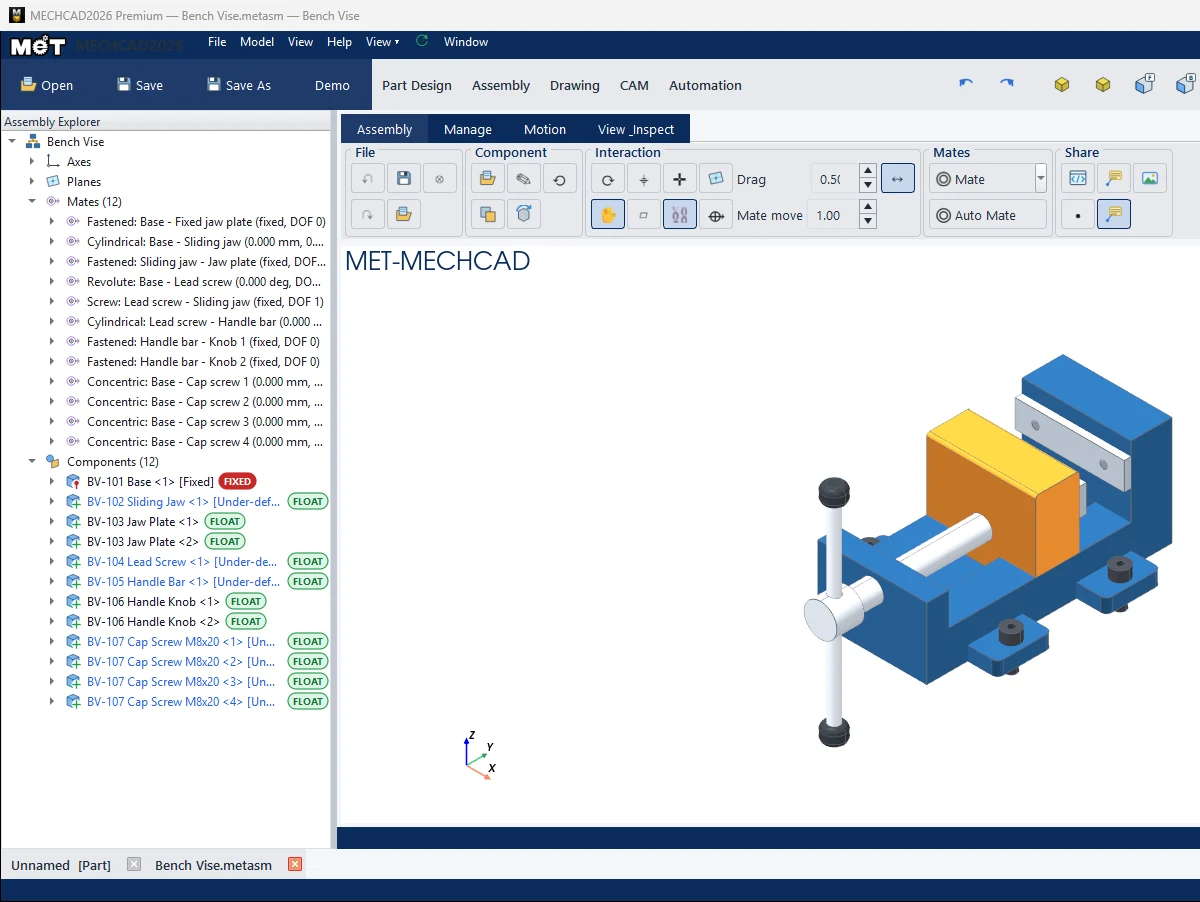
Note: Editing or deleting a mate does not recalculate the whole assembly by itself. Click Regen when you want to re-solve every mate.
Note: If a mate takes a while to solve, a Solving mates window with a Cancel button appears and the window stays responsive. Cancel discards the new mate. See Add mates.
Try it: Speed up a four-seat office desk pod
Scenario: a desk pod for four people with thousands of screws and cable trays rotates slowly, and you only need to work on one drawer unit.
- Switch to Shaded and turn off Shadows and Ground Reflection.
- Right-click the cable trays you do not need today › Purge (Skip Loading).
- Hide All, then Show only the drawer unit you are working on.
- Group each desk into a sub-assembly, so the main assembly solves 4 rigid bodies instead of hundreds of mates.
- Delete or suppress mates shown in red, then click Regen once.
- For the drawing of the whole pod, use Detail: Auto / Draft.
Challenge: Time how long a full rotation takes before step 1 and after step 5.