
What it does
Shape-editing tools in the Modify group of the Sketch ribbon (icons; hover to see the name).
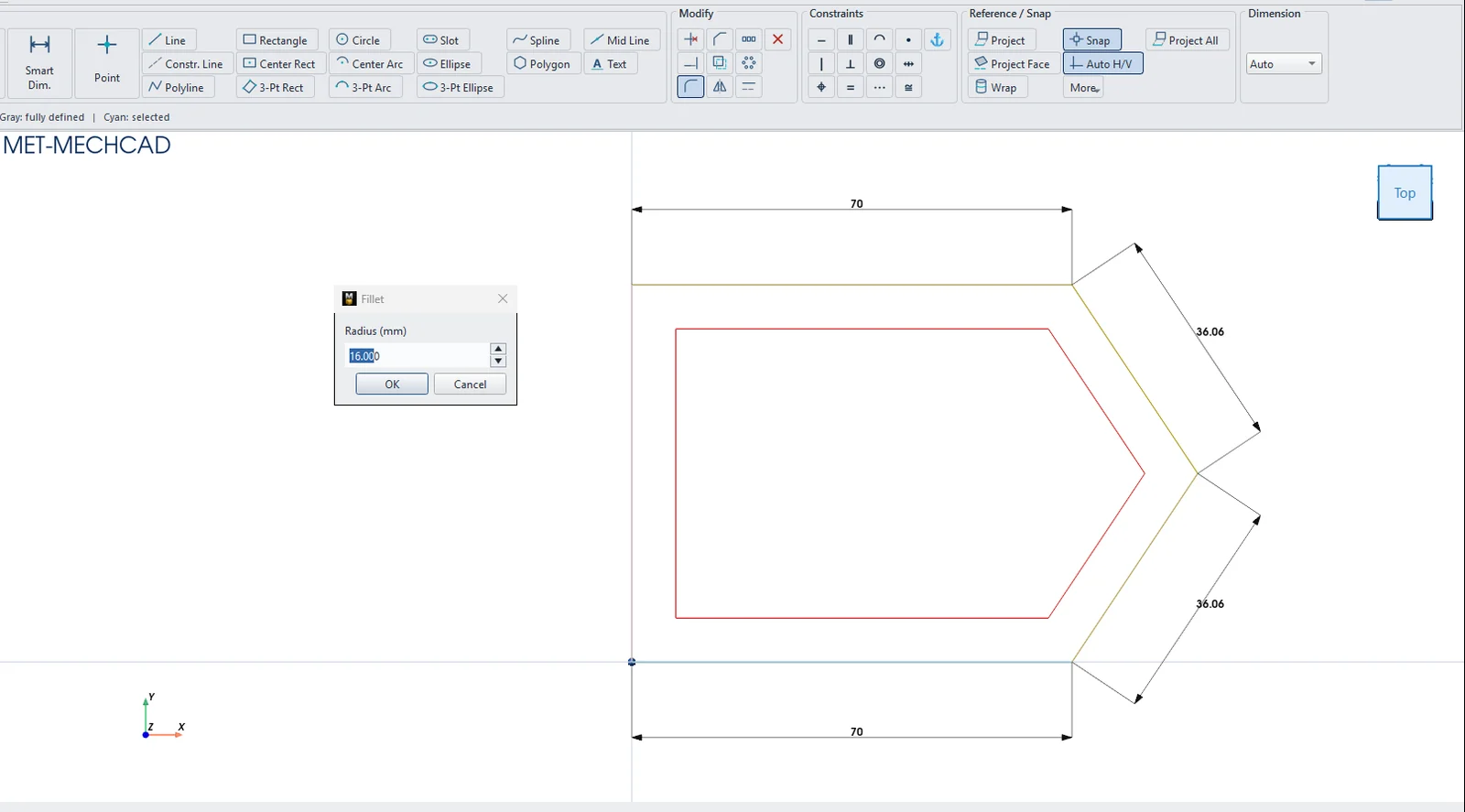
| Tool | How to use it | Options |
|---|---|---|
| Trim / Split | Click the segment of a line that an intersection bounds. That segment is removed (lines, circles, arcs). | – |
| Extend | Click near the end of a line. The line extends to the next boundary. | – |
| Fillet | Click two lines, then enter the Radius (mm). | Default 5 |
| Chamfer | Click two lines, then choose the type. | Distance / Distance or Distance / Angle; Distance 1, Distance 2, Angle (deg) default 5 / 5 / 45° |
| Offset | Click a line, circle or arc, then enter the Distance (mm). | Outside / grow or Inside / shrink; default 5 |
| Toggle Construction | Switches the selected objects between construction and normal lines. | – |
| Delete Selection | Deletes the selected objects. | – |
More commands from right-clicking a line
- Smart Trim Here — trims the segment you click
- Extend to Boundary — extends to the boundary
- Split at Intersections — splits the line at intersections
- Convert to Construction (Dashed) / Convert to Normal Geometry
- Angle from Axis › From X-Axis / From Y-Axis — adds an angle dimension relative to an axis
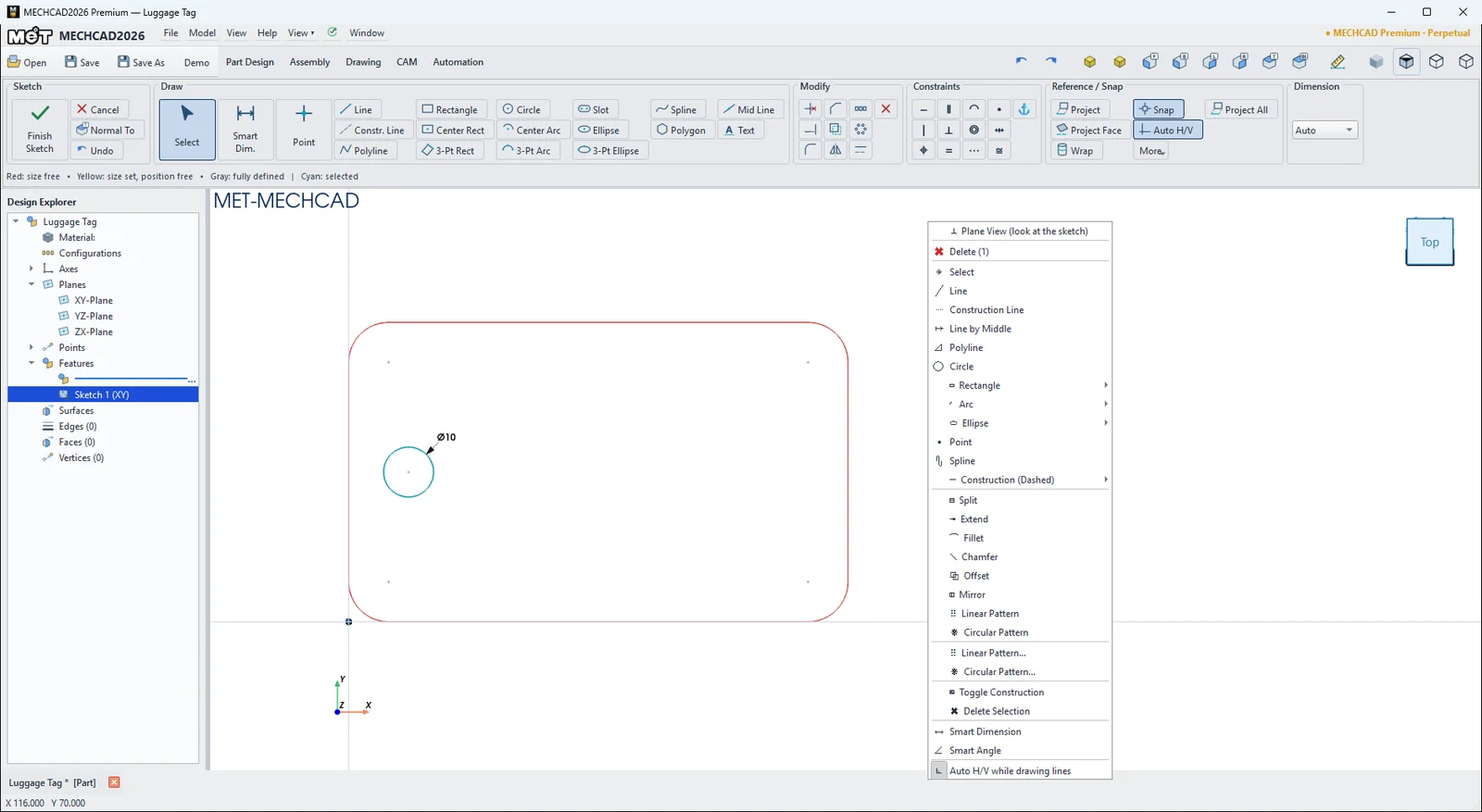
Note: There are no Move / Rotate / Scale commands in a sketch. Drag objects in Select mode, or use dimensions to set positions.
Try it: Keychain carabiner
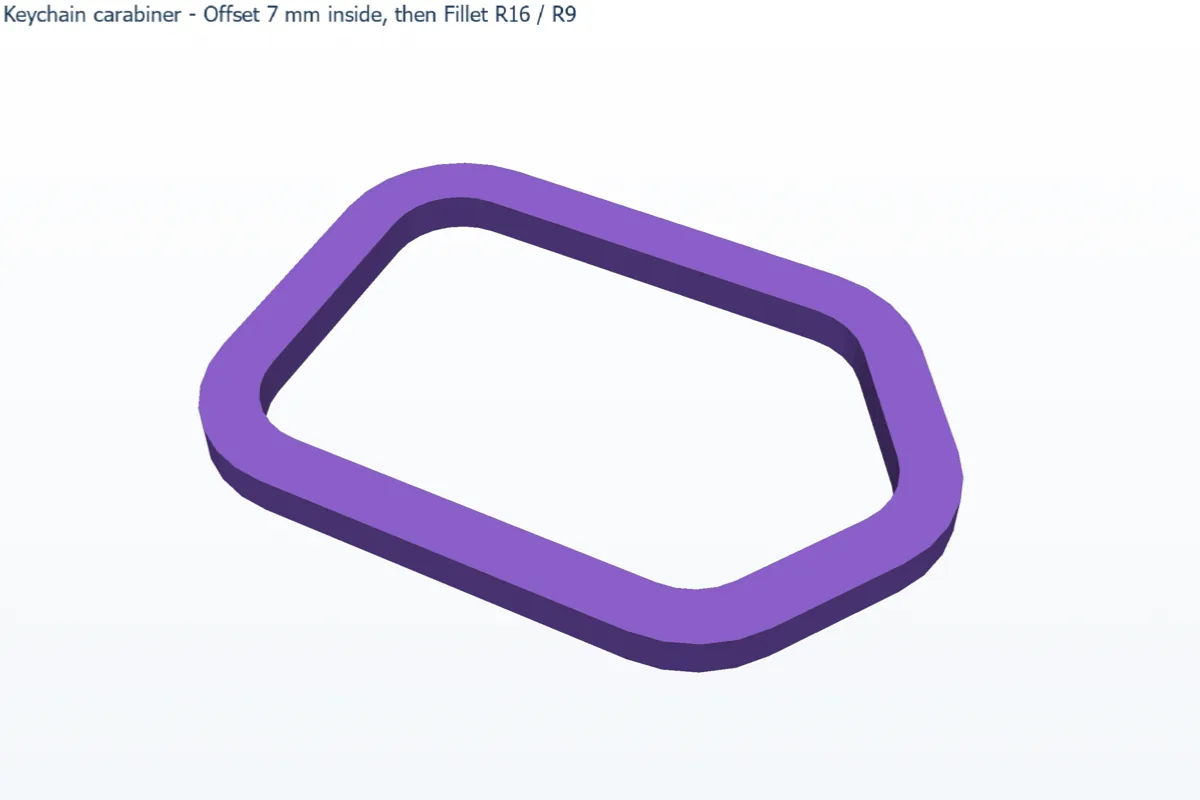
A keychain carabiner is a thick ring with big, smooth radii. Draw only the outer outline. Offset makes the inside, and Fillet rounds all ten corners.
- Click Sketch and press Enter (XY-Plane). Press L, click the origin and type each edge as length Tab angle Enter: 70/0, 36.06/56.31, 36.06/123.69, 70/180. Then click the start point to close the outline.
- Click Offset, click any edge of the outline, set Distance 7 and Inside / shrink, then click OK. The whole closed chain is copied 7 mm inside.
- Click Fillet and click the two lines at each outer corner with Radius 16 (5 corners). Then do the inner corners with Radius 9.
- Click Finish Sketch and Extrude 5 mm.
Challenge: Make a gate gap. Draw two short lines 8 mm apart across the upper slanted side, then Trim away the ring pieces between them so the profile becomes one C-shaped loop.