
What it does
Plane creates a reference plane parallel to a main plane or a face. Use it to draw sketches at different levels (for example for a Loft). Axis creates a reference axis for Revolve, Circular Pattern and Mate.
Where to find it
- Model › References › Plane / Axis
- Right-click a face › Insert Offset Plane from This Face…
- Right-click Planes in Design Explorer › Insert Plane…
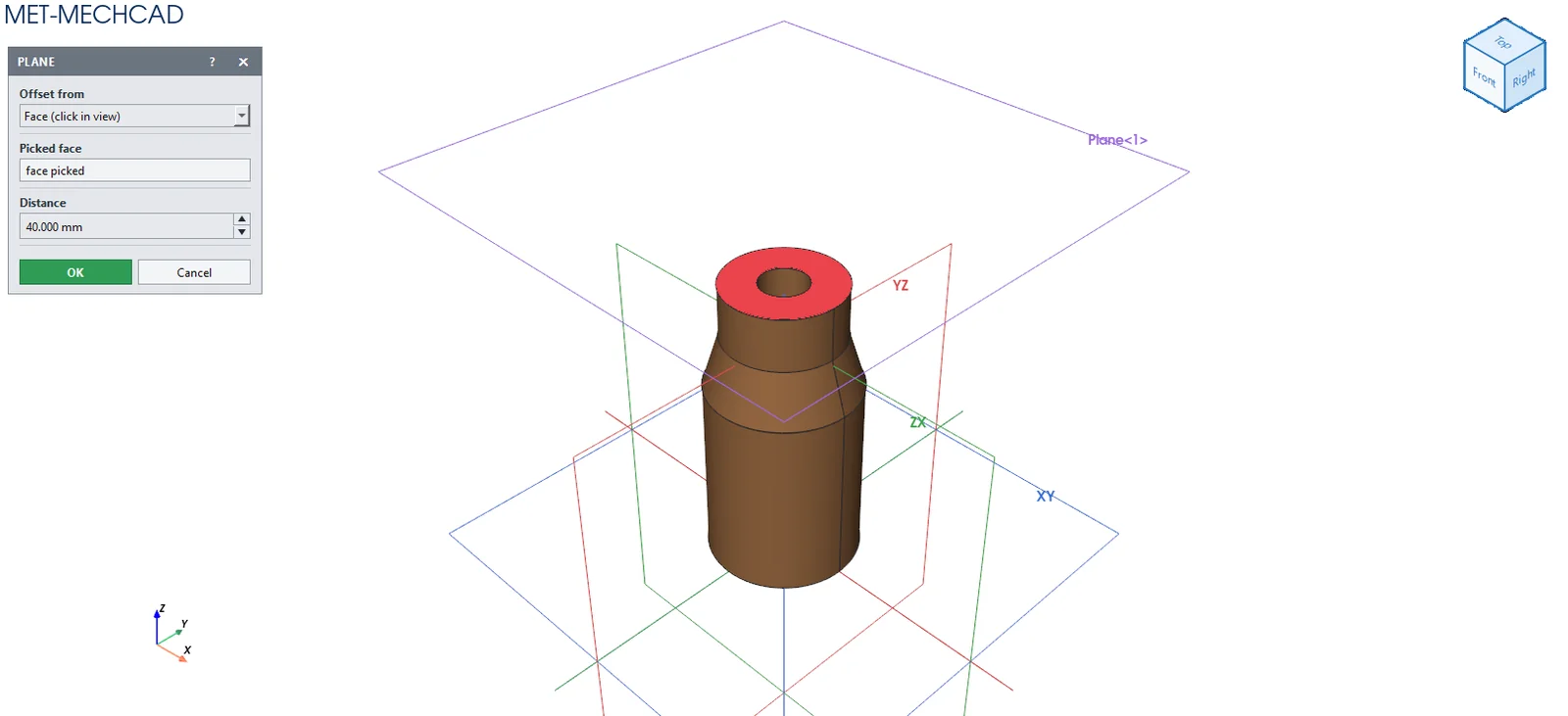
Plane
- Click Plane.
- Choose Offset from (XY / YZ / ZX / a reference plane), or click a flat face.
- Enter the Distance and click OK. You get
Plane<n>. Double-click it to start a sketch on that plane.
| Option | Default | Meaning |
|---|---|---|
| Offset from | XY | Base plane |
| Picked face | – | A flat face (used instead of the base plane) |
| Distance | 20 mm | Offset distance |
To change the distance later, right-click the plane › Edit Plane
Axis
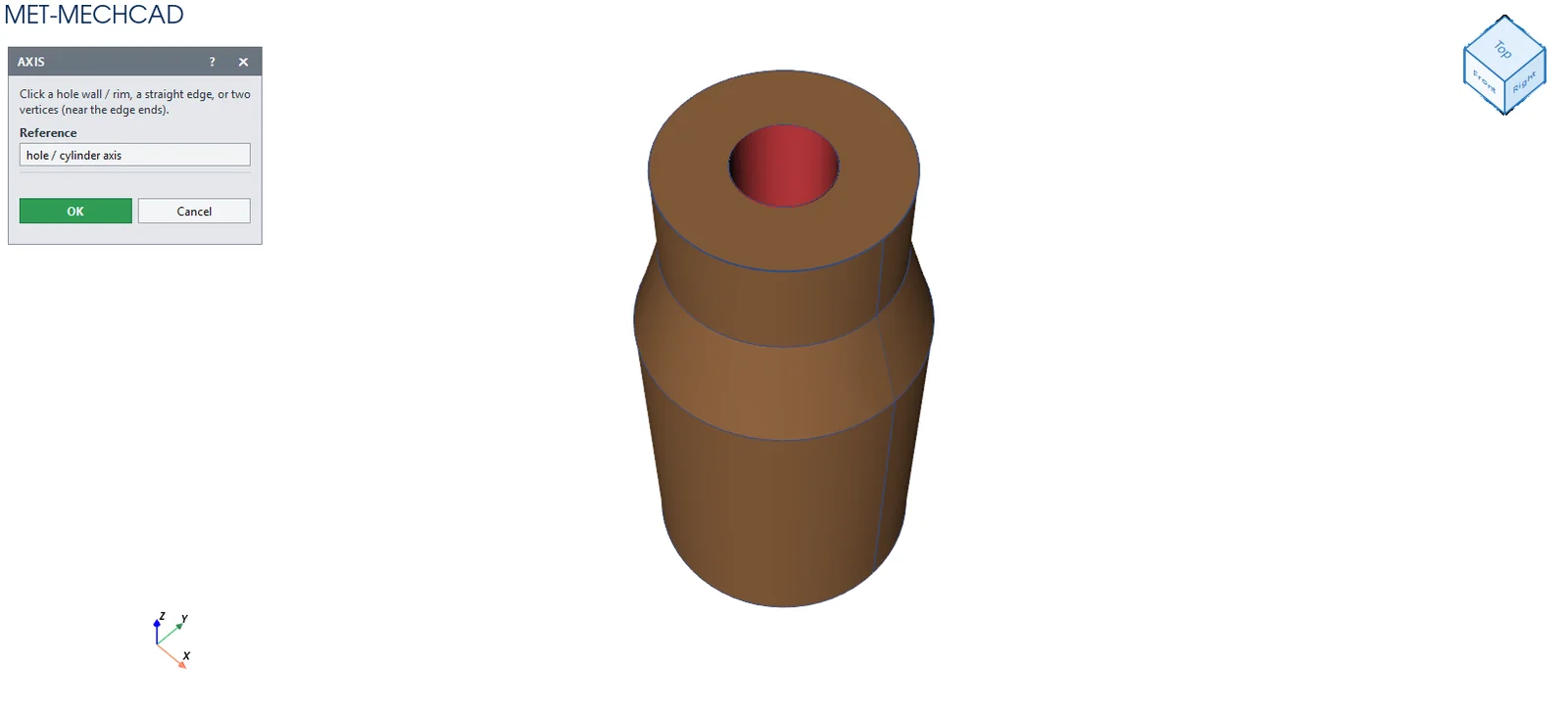
- Click Axis (a body must exist).
- Click the wall or edge of a hole/cylinder (the axis of the hole), a straight edge, or two vertices.
- Click OK. You get
Axis<n>.