
What it does
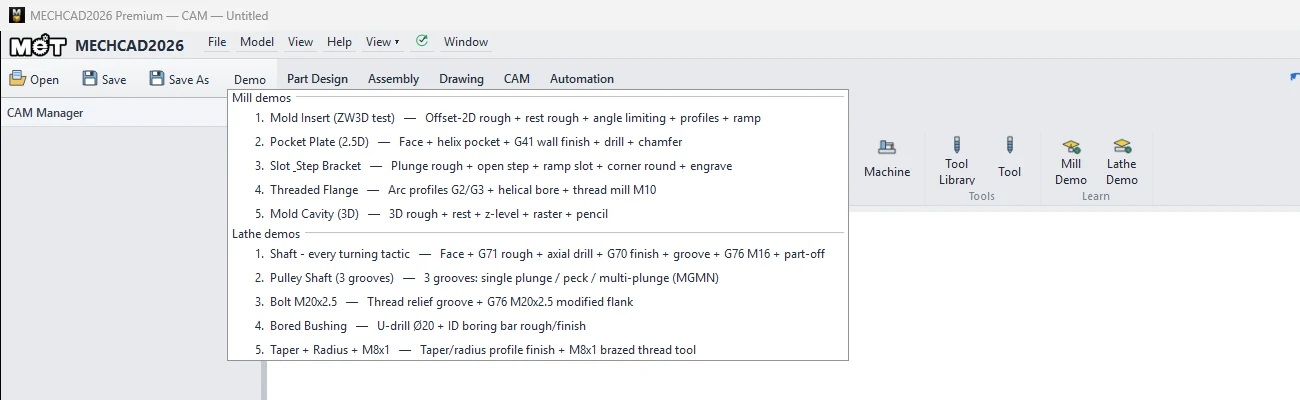
The Demo button on the top toolbar opens sample jobs for the tab you are using. It is a good way to learn every command from real work.
Where to find it
Top bar › Demo (next to Open / Save / Save As). The list depends on the tab that is open.
| Sample | Tab | What you learn | Edition |
|---|---|---|---|
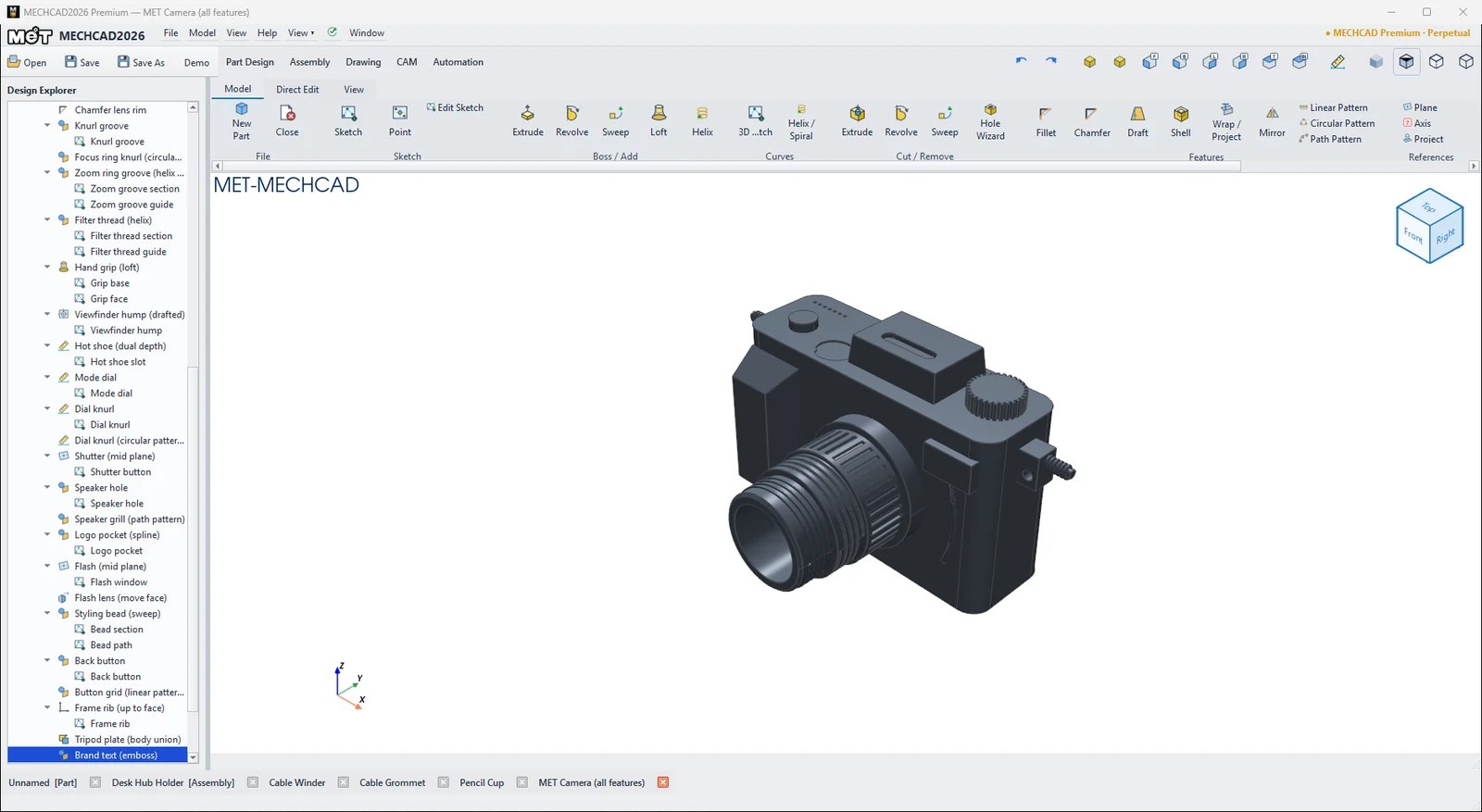
| MET Camera (all features) | Part Design | Every feature type in a single part | Standard |
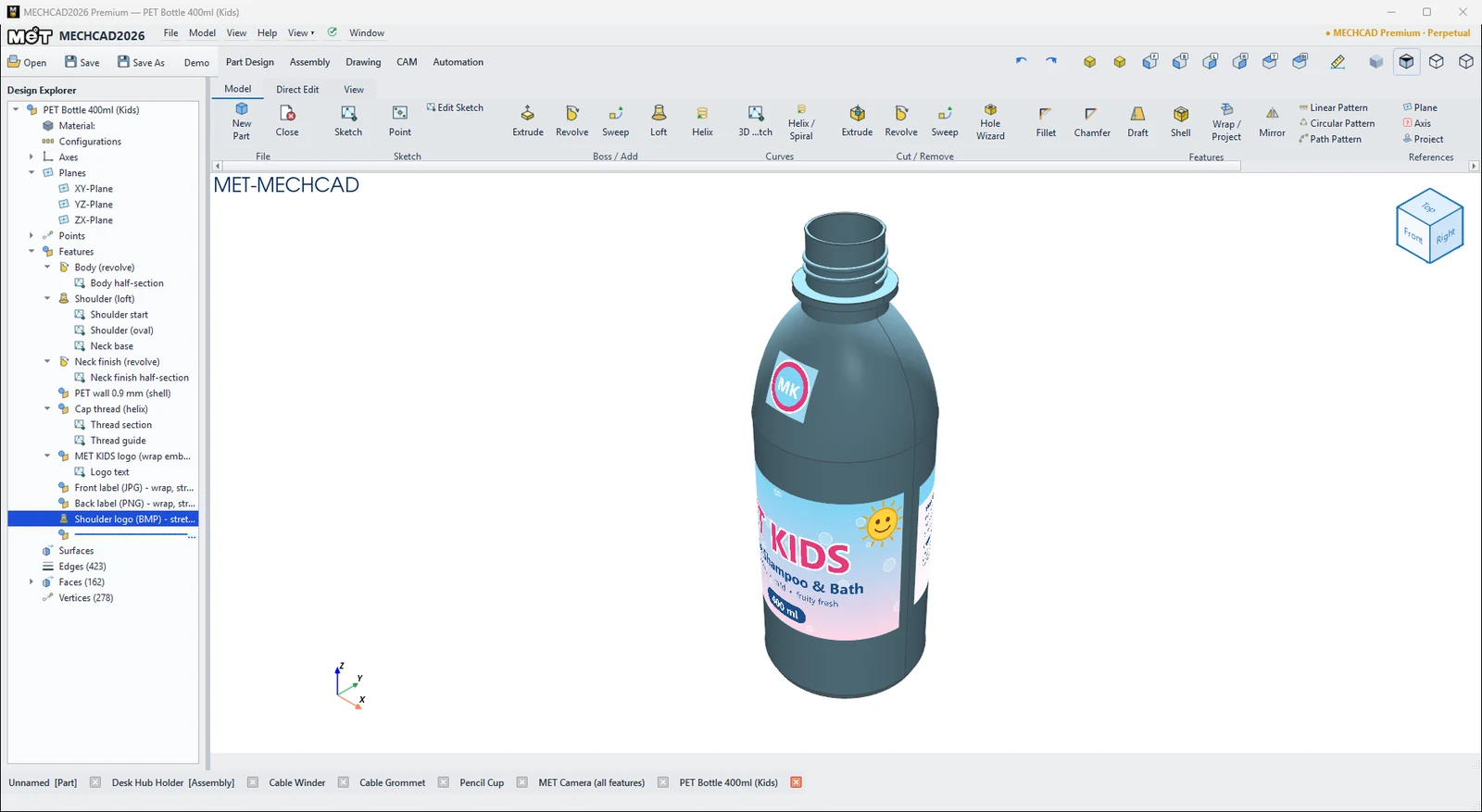
| PET Bottle (revolve, loft, thread, wrap labels) | Part Design | Revolve, Loft, threads, Wrap emboss, label artwork | Standard |
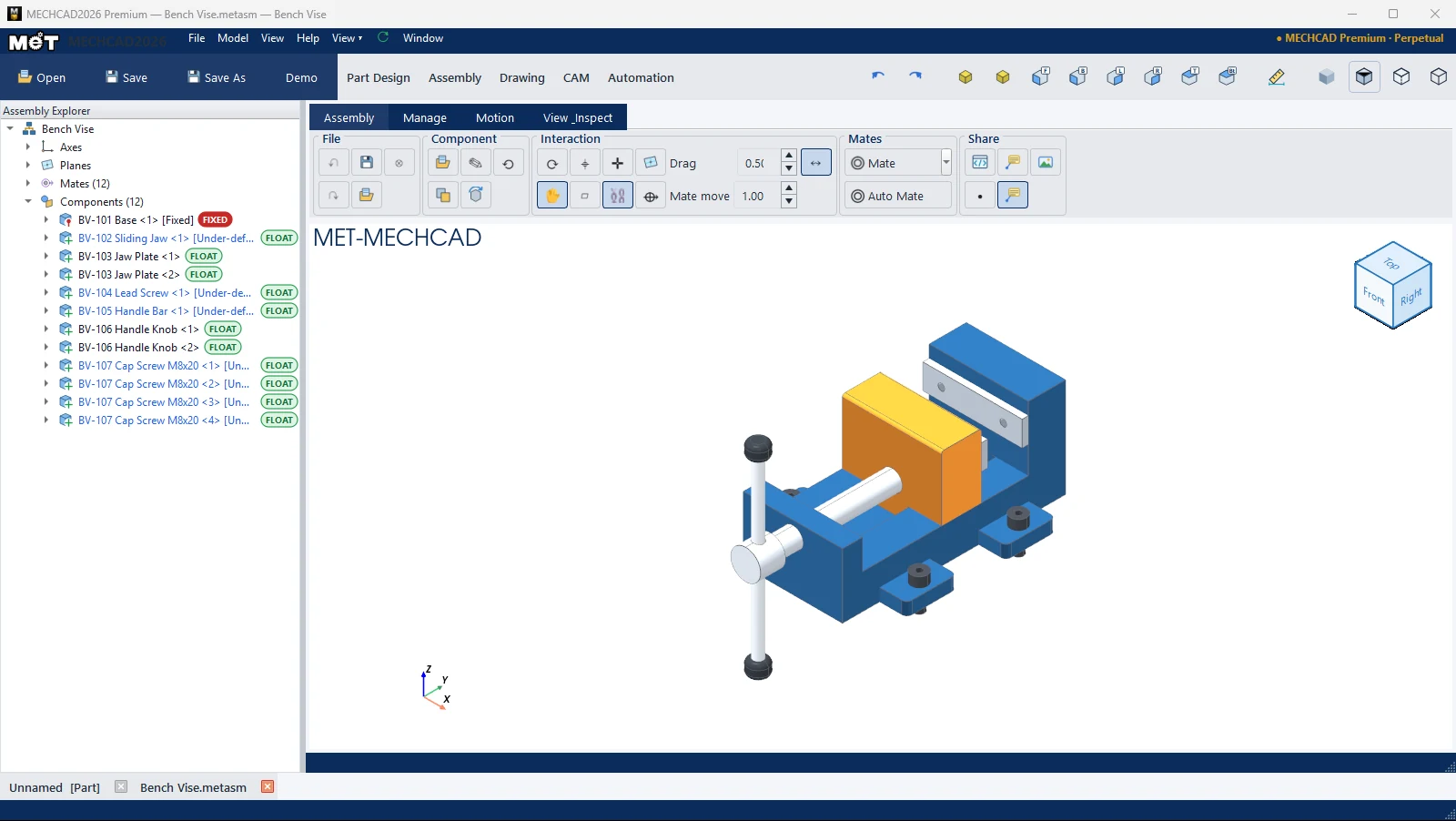
| Modern Chair (parts, assembly, drawing, BOM, render) | Part Design / Assembly / Drawing | Assembly, Drawing with BOM, Render | Standard |
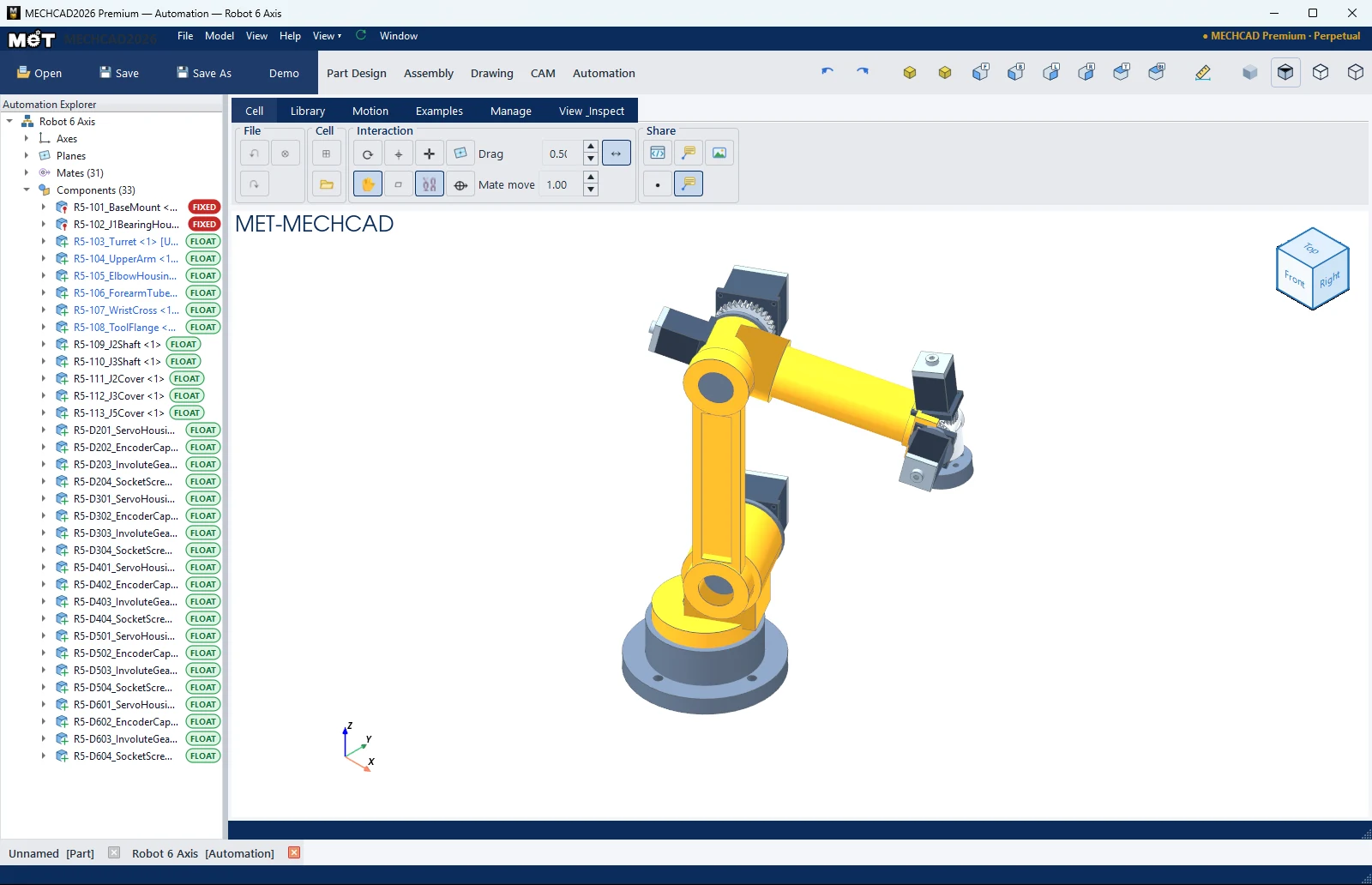
| Robot 6 Axis | Assembly | An assembly with joint mates | Expert |
| Mill demos / Lathe demos (5 each) | CAM | Every milling and turning operation | Premium |
Steps
- Choose a tab (Part Design, Assembly, Drawing, CAM or Automation).
- Click Demo and choose a sample from the list.
- The sample file is copied to
Documents\MECHCAD Demosand opened in a new tab. You can edit it without affecting the original.
Note: The sample CAM jobs are read-only. To keep one, use Save CAM As and save it to another folder.
Try it: Mini desk bin with the PET Bottle trick
The PET Bottle demo is built around one idea: draw half the outline, then spin it around an axis. Borrow the trick to make a 100 mm desk bin for paper scraps.
- On the Part Design tab, click Demo and open PET Bottle. In the Design Explorer, right-click its Revolve feature and choose Edit Child Sketch: you see only half the outline, sitting next to the axis. Click Finish Sketch without changing anything.
- Press Ctrl+N for a new part and start a sketch on the ZX plane (X points right, Z points up).
- Press L (Line), click the origin, and type each segment as length, Tab, angle, Enter: 50 / 0°, 110 / 90°, 3 / 180°, 106 / 270°, 47 / 180°. Finish by clicking the origin to close the outline (the last 4 mm line forms the bottom).
- Click Finish Sketch, then Model › Boss / Add › Revolve. Choose Axis Z, Angle 360, and click OK.
- Save it as
desk-bin.metprt.
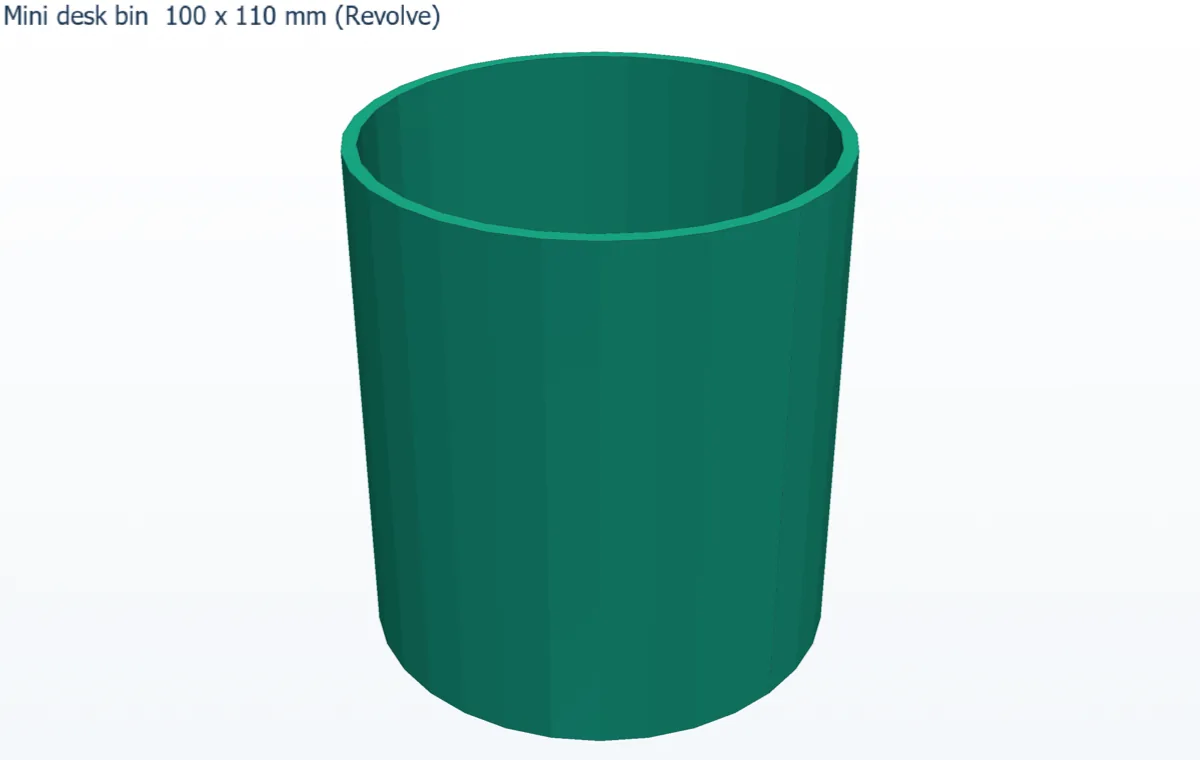
Challenge: Edit the Revolve and set Angle 180 to cut the bin in half and see the 3 mm wall and 4 mm floor.