
What it does
Sweep sweeps a closed profile along a path, for example a pipe, a rail or a trim edge. Sweep Cut sweeps to cut a groove.
Where to find it
- Model › Boss / Add › Sweep
- Model › Cut / Remove › Sweep
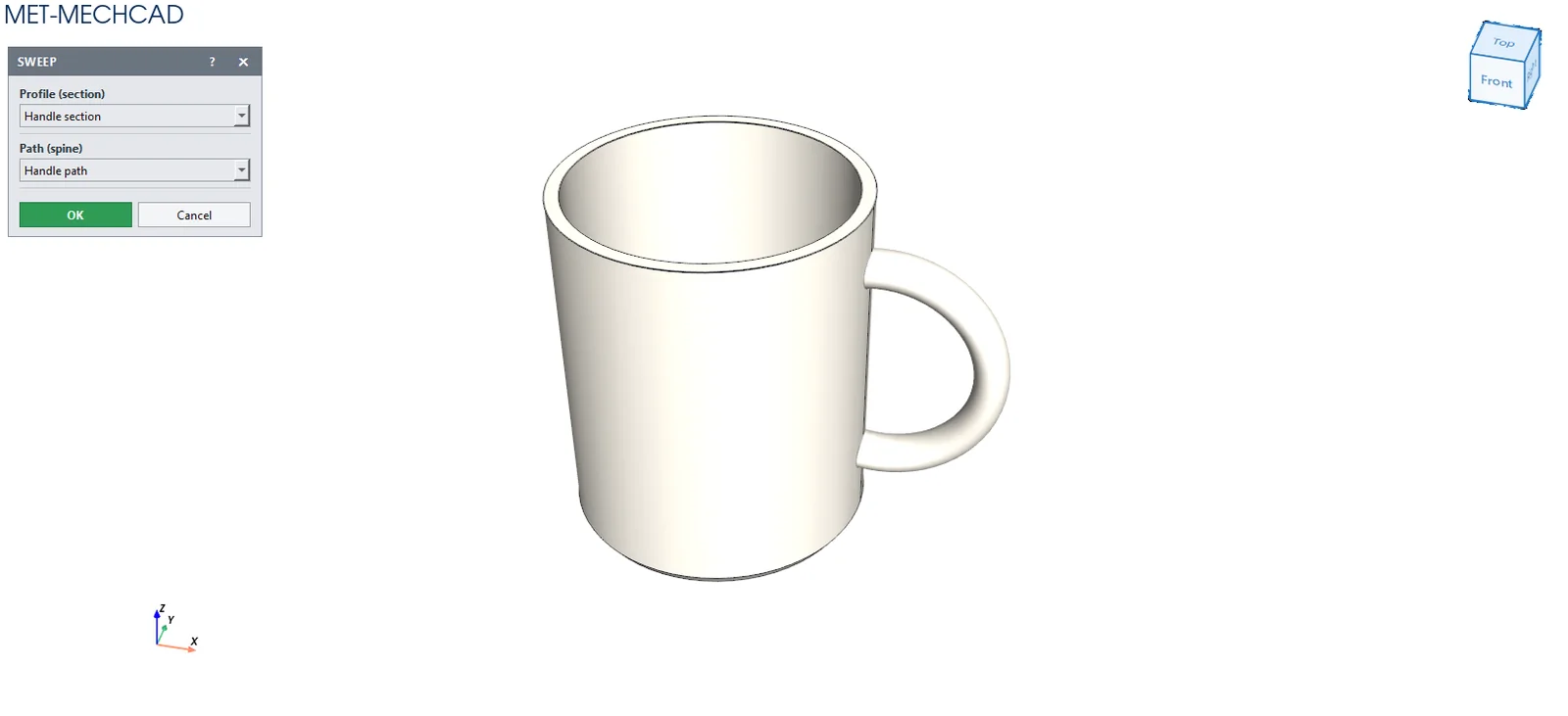
Steps
- Create a (closed) profile sketch and a path sketch (or a 3D Sketch / Helix / Spiral).
- Click Sweep and choose the Profile (section) and the Path (spine).
- Click OK.
| Option | Meaning |
|---|---|
| Profile (section) | The cross-section sketch (closed) |
| Path (spine) | The sketch / 3D Sketch / Helix used as the path |
Note: The profile and the path must be different sketches (Profile and path must be different sketches). Sweep Cut needs a body first.
Note: The command box is floating (it does not lock the screen). Drag its title bar to move it. The preview updates immediately when you change a value. OK saves one Undo step. Cancel, ✕ or Esc cancels. If the conditions are not complete, the OK button is grey and an orange message tells you what to select.