
What it does
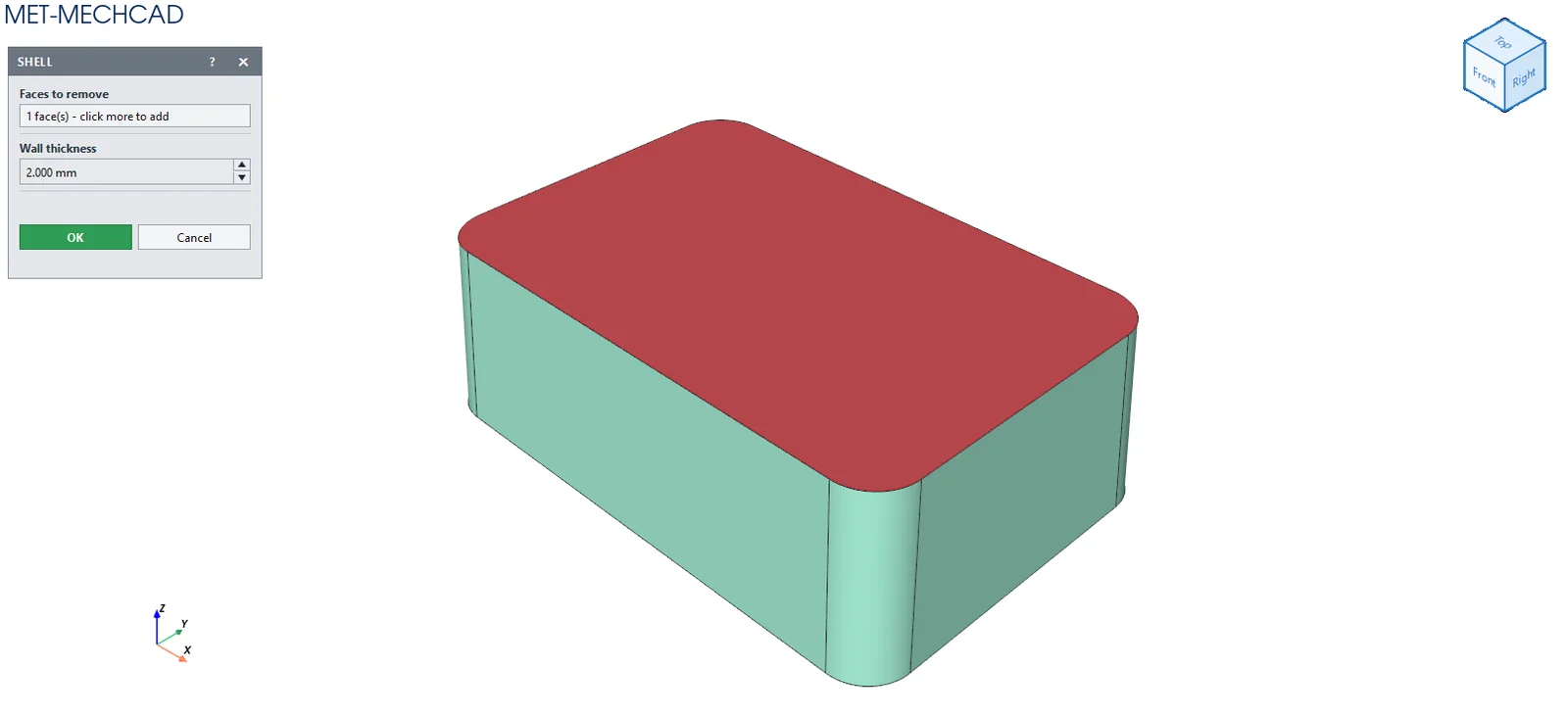
Shell removes the material inside a part, leaving walls of a set thickness, and opens the faces you select. Use it for boxes and covers.
Where to find it
Model › Features › Shell
Steps
- Click Shell.
- Click the faces you want to open (at least 1).
- Enter the Wall thickness.
- Click OK (or press Esc/Enter).
| Option | Default | Meaning |
|---|---|---|
| Faces to remove | – | The faces to open |
| Wall thickness | 2 mm | Wall thickness |
Note: The command box is floating (it does not lock the screen). Drag its title bar to move it. The preview updates immediately when you change a value. OK saves one Undo step. Cancel, ✕ or Esc cancels. If the conditions are not complete, the OK button is grey and an orange message tells you what to select.