
What it does
| Tool | Shortcut | How to use it |
|---|---|---|
| Circle | C | Click the center point, then click a point on the circumference (you can type Ø) |
| Center Arc | Click the center point, the start point and the end point (Arc by Center-Start-End) | |
| 3-Pt Arc | Click the start point, the end point and a point on the arc (Arc by 3 Points) |
Where to find it
Sketch ribbon › Draw, or right-click › Circle / Arc
Steps (Circle)
- Click Circle (or press C).
- Click the center point.
- Drag outward and click, or type the Ø value and press Enter.
Note: Apply Smart Dimension to a circle, then press R or D to switch between radius and diameter.
Try it: Bottle-opener keychain
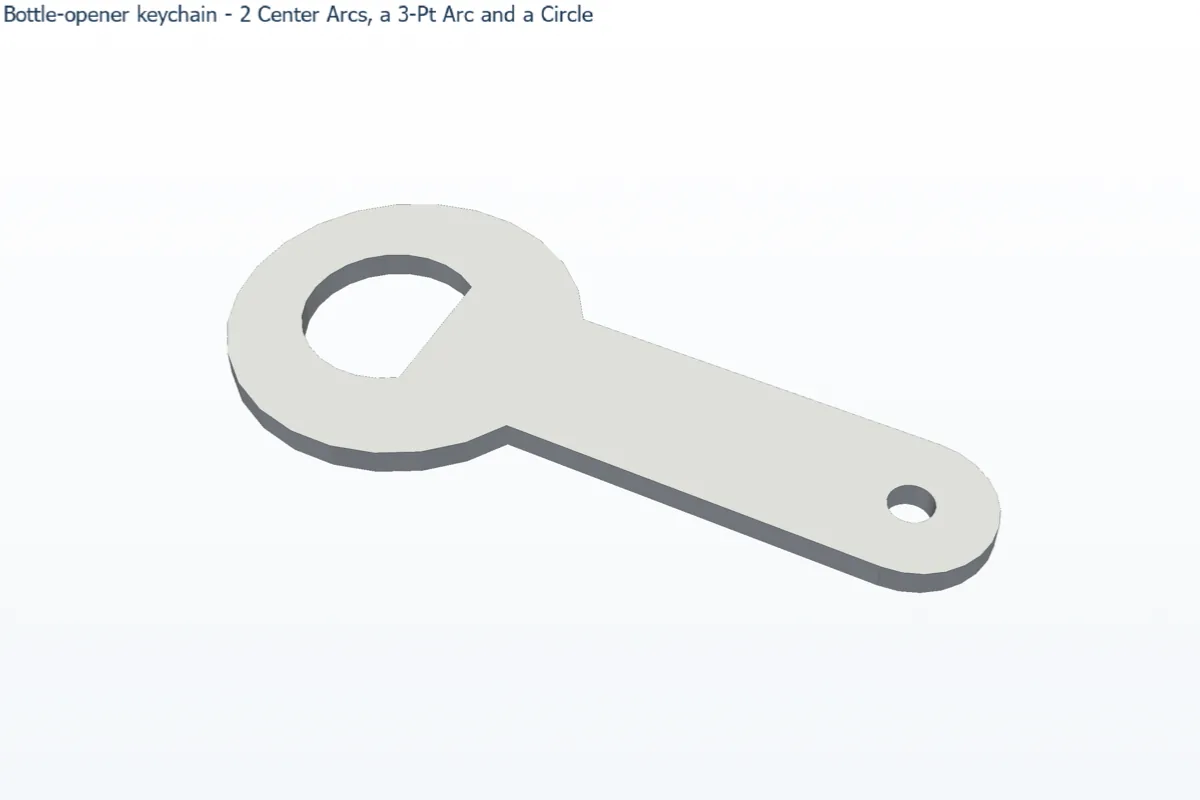
This keychain bottle opener is made only from arcs, two lines and one circle. Cut it from 3 mm stainless steel and it really opens bottles.
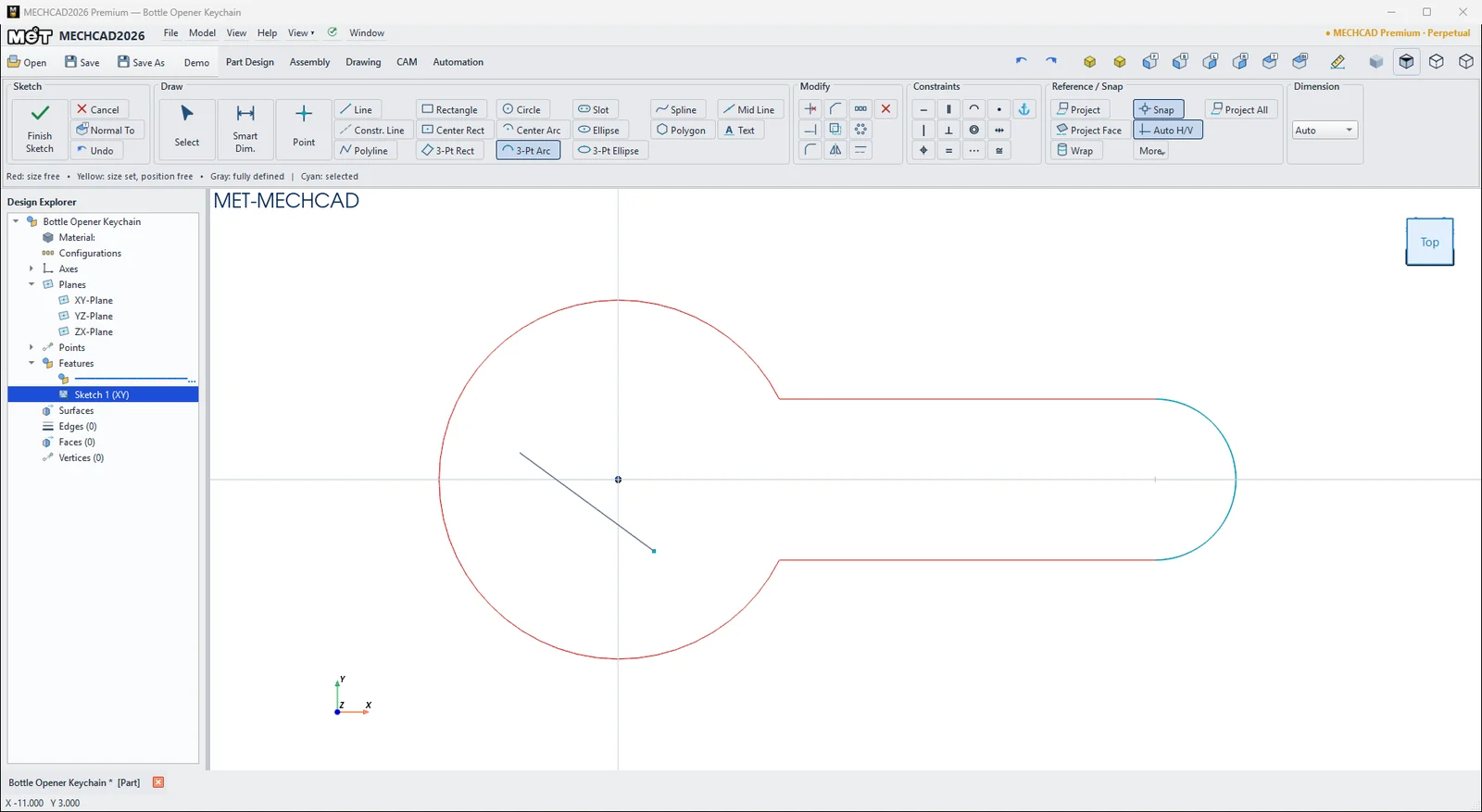
- Click Sketch and press Enter (XY-Plane). Choose 3-Pt Arc. Click the start point at about (18, 9), the end point at about (18, −9), then a point on the arc at about (−20, 0), left of the origin. This is the round head, which is more than half a circle (Center Arc only draws the short way round, up to half a circle).
- With Line, draw from the top end of the head arc to about (60, 9). Press Esc. Draw a second line from the bottom end to about (60, −9). Auto H/V makes both lines horizontal.
- Choose Center Arc again. Click the centre at about (60, 0), then the end of the bottom line, then the end of the top line. This rounds off the tail.
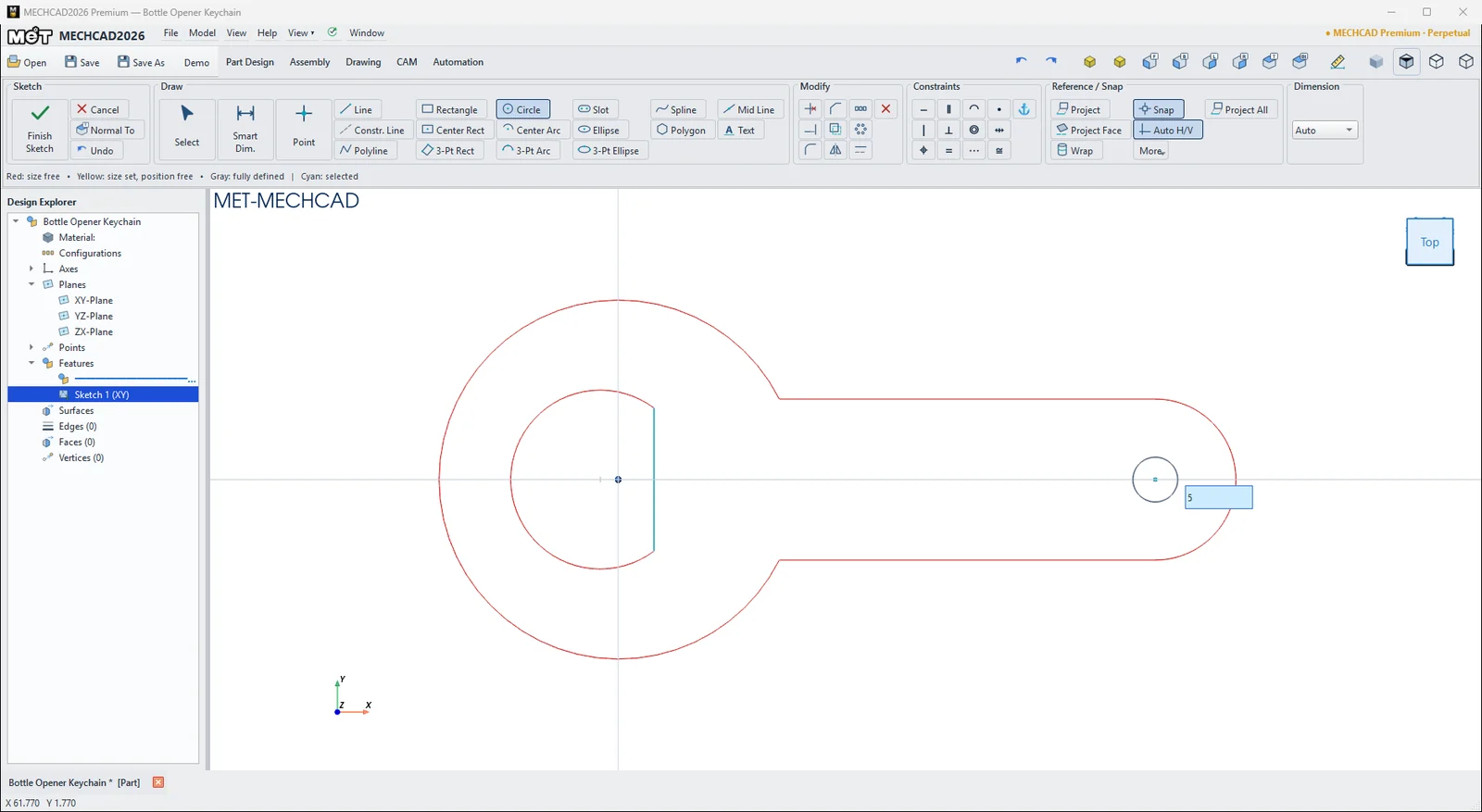
- Choose 3-Pt Arc. Click (4, 8), then (4, −8), then a point at about (−12, 0). Close it with a Line from (4, −8) to (4, 8). This straight edge is the lip that grips the cap.
- Press C (Circle), click the centre of the tail arc (Center snap), type 5 and press Enter. This is the key-ring hole.
- With Smart Dimension, set the head arc to R20, the tail arc to R9, the distance between the two arc centres to 60 and the 3-Pt arc to R10. Add Tangent between the tail arc and each line if they are not tangent yet.
- Click Finish Sketch, then Extrude the profile 3 mm.
Challenge: Change the head to R22 and see the lines and the tail follow, because the dimensions and constraints drive the shape.