
What it does
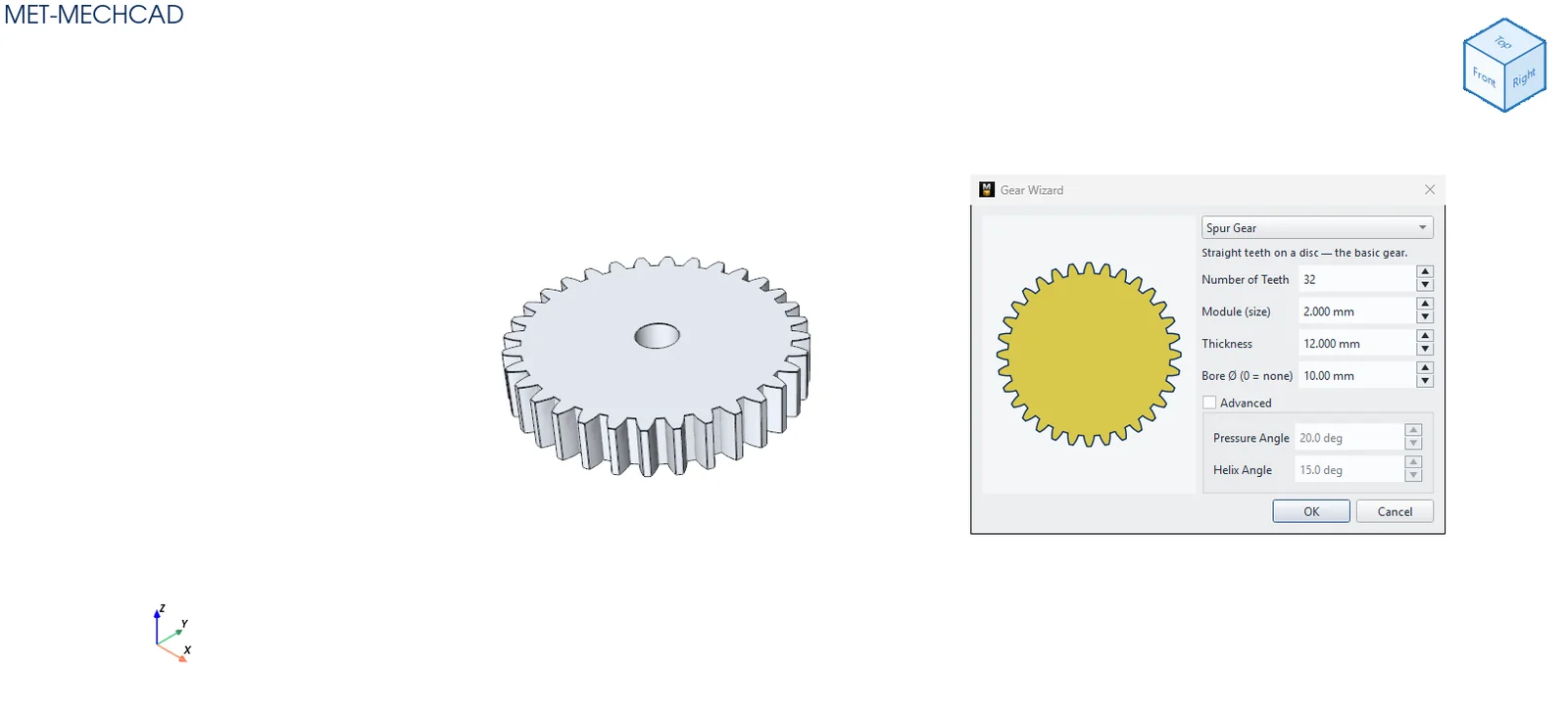
Gear Wizard creates a gear part from standard values (number of teeth, module, thickness), with a 2D preview.
Where to find it
Direct Edit › Create › Gear
Steps
- Click Gear.
- Choose the gear type and enter the values.
- Click OK. The result replaces the body of this part (it is best to create it in a new part).
- To edit later: right-click the part in the Design Explorer › Edit Gear (Wizard)…
| Option | Default | Description |
|---|---|---|
| Type | Spur Gear | Spur / Rack / Internal / Helical / Worm / Bevel |
| Number of Teeth | 20 | 3–400 (Rack: Teeth along length) |
| Module (size) | 1.5 mm | Tooth size |
| Thickness | 6 mm | Thickness |
| Bore Ø (0 = none) | 0 | Shaft bore (Spur, Helical, Bevel, Worm) |
| Advanced › Pressure Angle | 20° | 5–35° |
| Advanced › Helix Angle | 15° | 0–45° (Helical) |
Note: In an assembly, use a Gear Mate so the gears turn together. The ratio is calculated from the pitch radius (Module × number of teeth ÷ 2).