
What it does
Sets how MECHCAD behaves. The values are saved and apply immediately to every open view.
Where to find it
File › System Options… Buttons at the bottom: OK, Cancel, Apply and Restore Defaults (restores all defaults; takes effect when you click OK or Apply).
All Workspaces › General
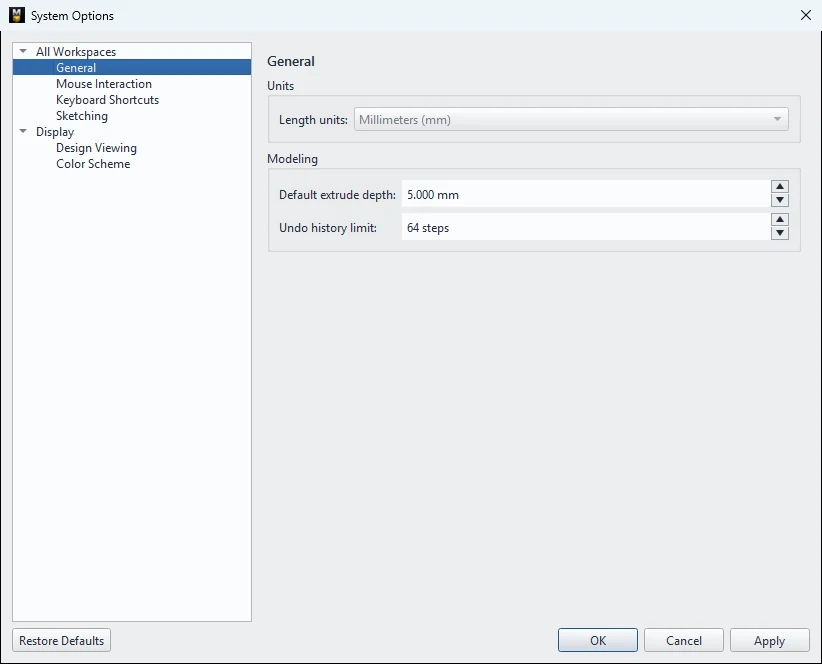
| Option | Default | Meaning |
|---|---|---|
| Length units | Millimeters (mm) | Length unit. MECHCAD always uses millimeters (it cannot be changed). |
| Default extrude depth | 5.0 mm | Default depth of an Extrude |
| Undo history limit | 64 steps | Number of steps you can undo (5–500) |
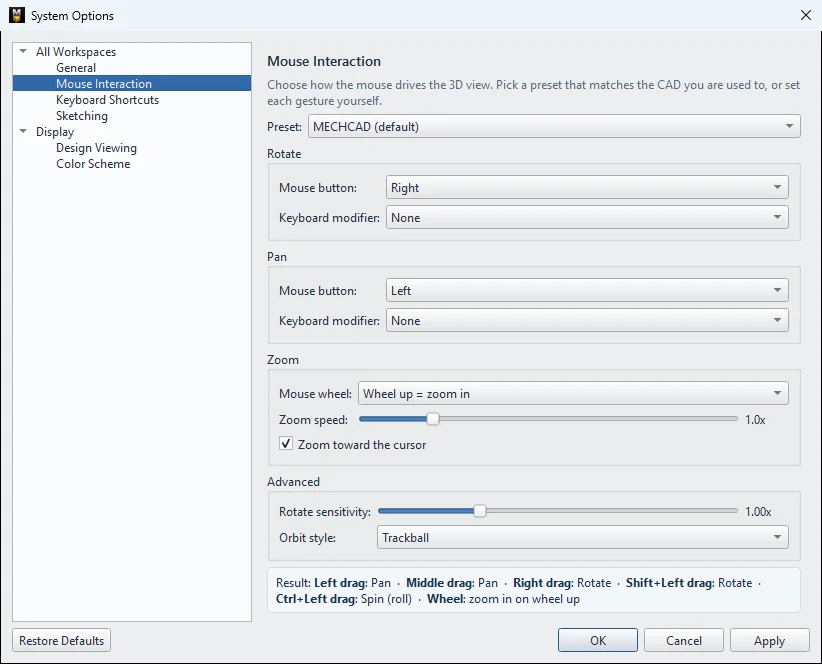
All Workspaces › Mouse Interaction
For details, see Mouse use and view rotation.
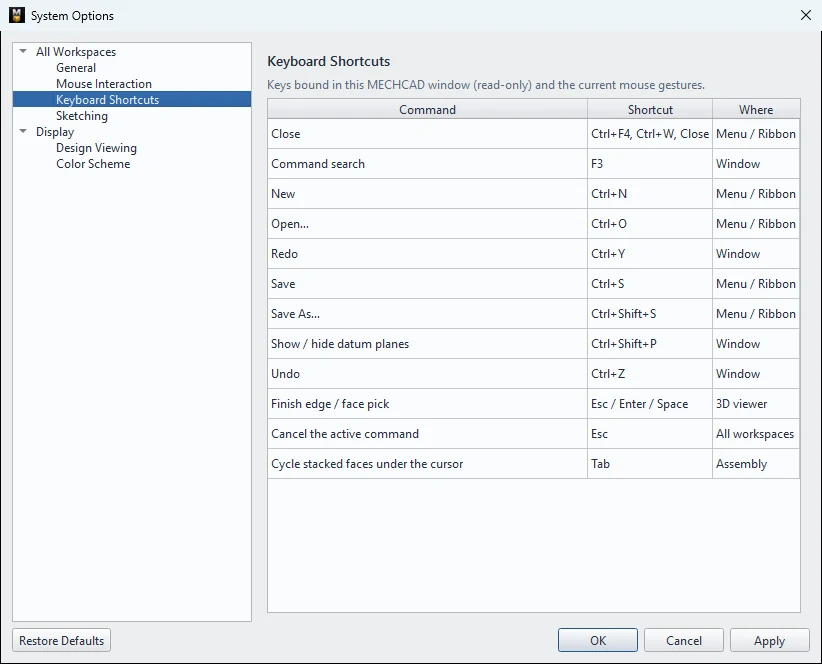
All Workspaces › Keyboard Shortcuts
A read-only table of keyboard shortcuts. See Keyboard shortcuts.
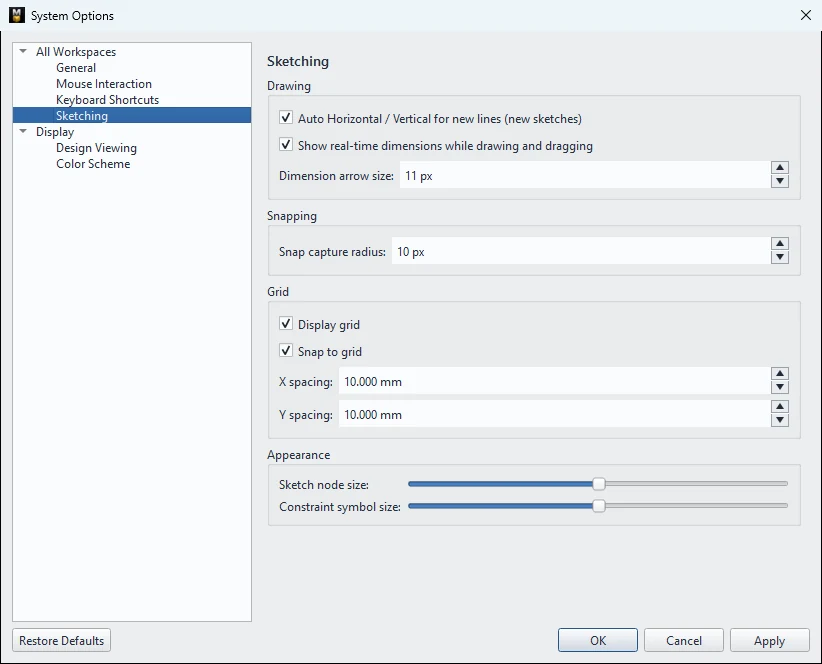
All Workspaces › Sketching
| Option | Default | Meaning |
|---|---|---|
| Auto Horizontal / Vertical for new lines (new sketches) | On | Lines that are nearly horizontal/vertical are straightened and get a constraint |
| Show real-time dimensions while drawing and dragging | On | Shows sizes while you draw/drag |
| Dimension arrow size | 11 px | Size of the dimension arrowheads (4–40) |
| Snap capture radius | 10 px | Distance at which the cursor snaps to a snap point (2–40) |
| Display grid / Snap to grid | On | Shows the grid and snaps to it (used in the 2D editor; a sketch on a 3D face always hides the grid) |
| X spacing / Y spacing | 10 mm | Grid spacing |
| Sketch node size / Constraint symbol size | 2 | Size of points and constraint symbols (1–3) |
Display › Design Viewing
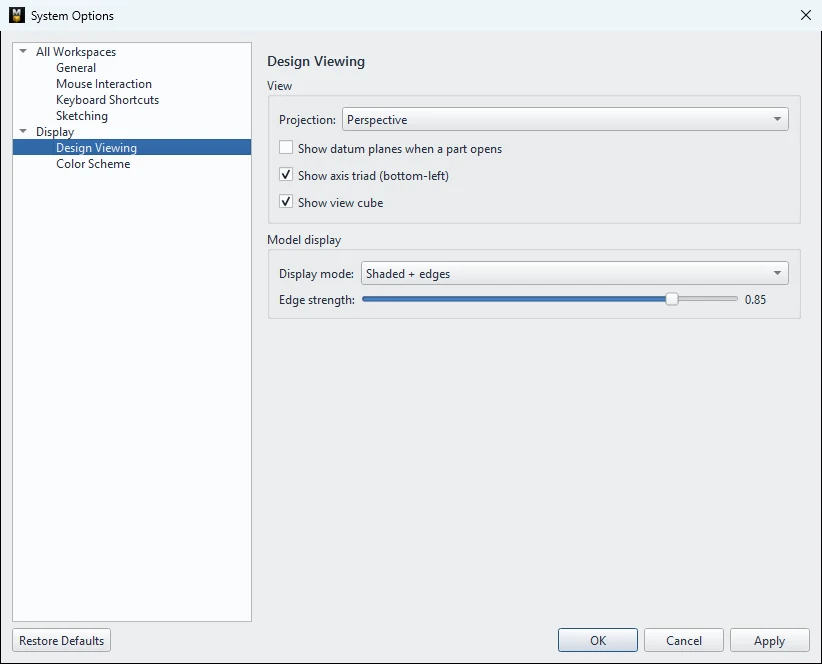
| Option | Default | Meaning |
|---|---|---|
| Projection | Perspective | Default projection type (Perspective / Orthographic) |
| Show datum planes when a part opens | Off | Shows the reference planes when a part opens |
| Show axis triad (bottom-left) | On | XYZ axes at the bottom left |
| Show view cube | On | View Cube at the top right |
| Display mode | Shaded + edges | Default display mode |
| Edge strength | 0.85 | Edge line intensity (0.1–1.0) |
Display › Color Scheme
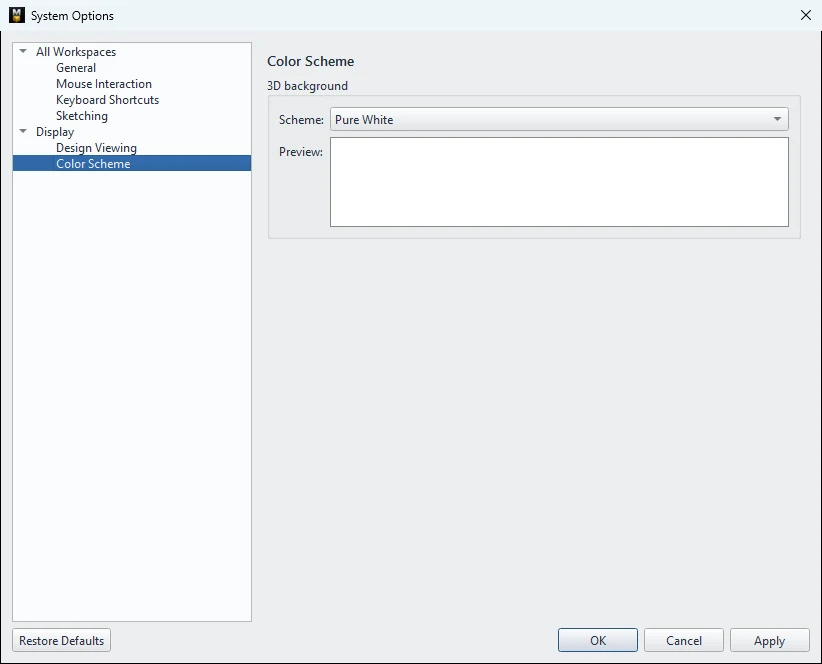
Choose the 3D view background: Pure White (default), Default, Very Light Background, Light Background, Dark Background, Very Dark Background, Alibre Classic, MET Blue, with a preview image.
Try it: SD-card block with your own default settings
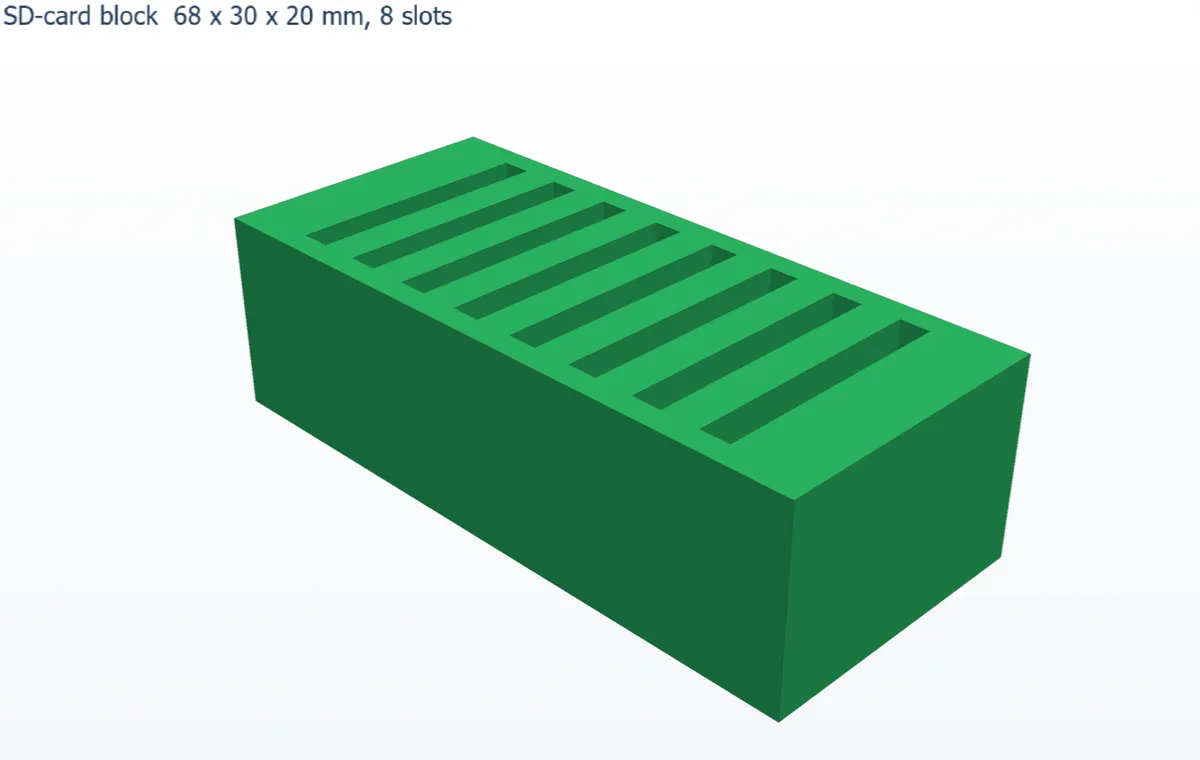
Set MECHCAD up for the way you work, then build an 8-slot SD-card block and see the settings take effect.
- Open File › System Options….
- In General, set Default extrude depth to 20 mm and Undo history limit to 200.
- In Color Scheme, choose MET Blue. Click Apply: the 3D view changes immediately. Click OK.
- Sketch on XY a rectangle 68 × 30, Finish Sketch and click Extrude: Depth is already 20. Click OK.
- Right-click the top face › New Sketch on this face: rectangle 3 × 25, 8 mm from the left edge and 2.5 mm from the front edge. Finish Sketch.
- Click Cut / Remove › Extrude. The box suggests 20, but that would cut through the bottom, so type 15.
- Linear Pattern: Count 8, Spacing 7, Direction X, OK.
Challenge: Click Restore Defaults then OK and open a new Extrude: the depth is back to 5 mm.