
What it does
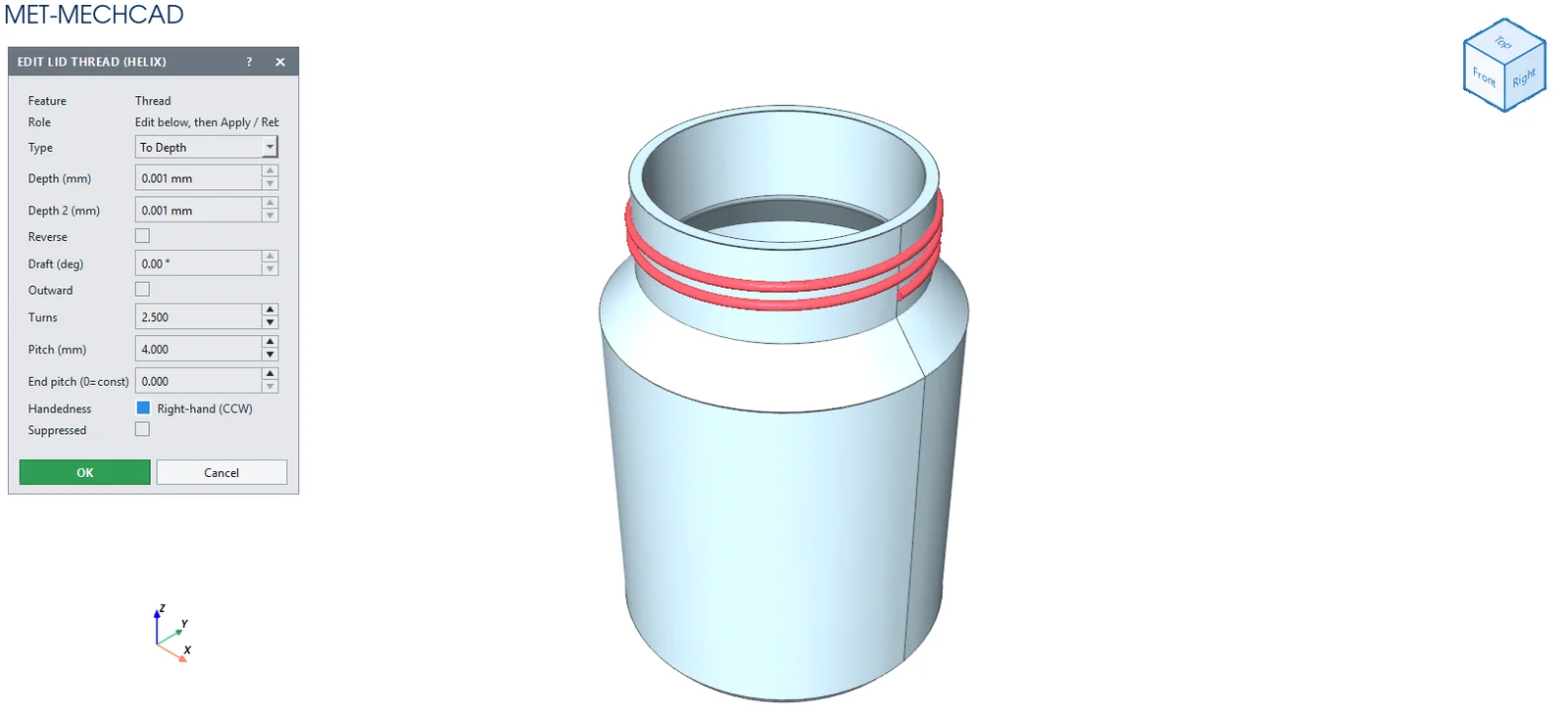
Helix creates a spring or thread in one command. It sweeps a cross-section sketch along a helix made from a guide circle.
Where to find it
Model › Boss / Add › Helix
Steps
- Draw two separate sketches: a guide circle (the spring diameter) and the wire cross-section.
- Click Helix and choose the Wire section and the Guide circle.
- Enter Turns and Pitch, then click OK.
| Option | Default | Description |
|---|---|---|
| Wire section (sketch) | – | Wire cross-section |
| Guide circle (spring Ø) (sketch) | – | Circle that sets the diameter |
| Turns | 5 | Number of turns |
| Pitch | 10 mm | Distance per turn |
| End pitch (0 = constant) | 0 | Distance per turn at the end (variable) |
| Right-hand (CCW) | On | Right-hand thread |
Note: The Wire section and the Guide circle must be in different sketches. For a helix with a complex profile, use Helix / Spiral + Sweep.
Note: The command box is floating (it does not lock the screen). Drag its title bar to move it. The preview updates immediately when you change a value. OK is saved as one Undo step. Cancel, ✕ or Esc cancels. If the conditions are not yet met, the OK button is grey and an orange message tells you what to select.