
What it does
Changes the type, values or surfaces of an existing mate, flips its direction, suppresses it temporarily, or deletes it.
Where to find it
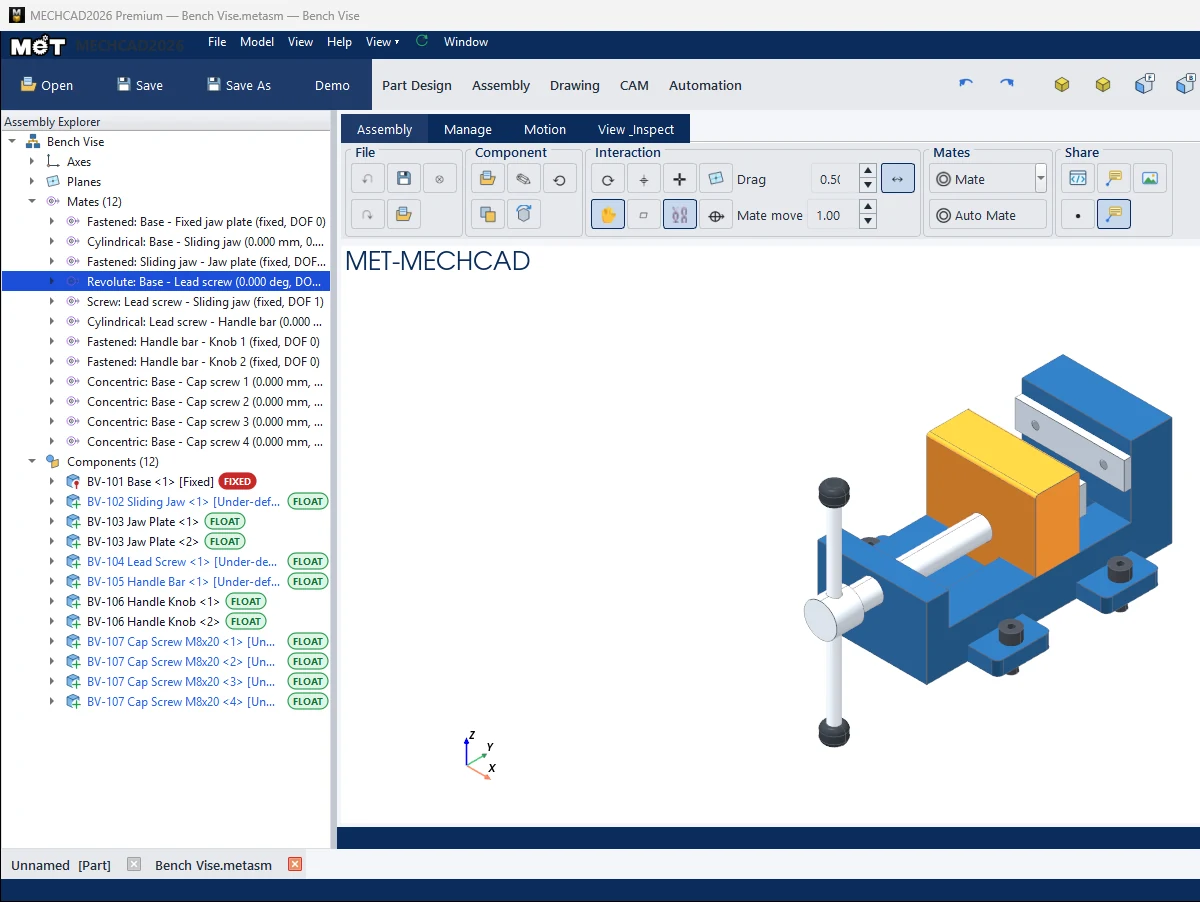
- Assembly Explorer › Mates (n) group › double-click a mate, or right-click › Edit Mate…
- The Properties / Info › Mate panel on the right when a mate is selected
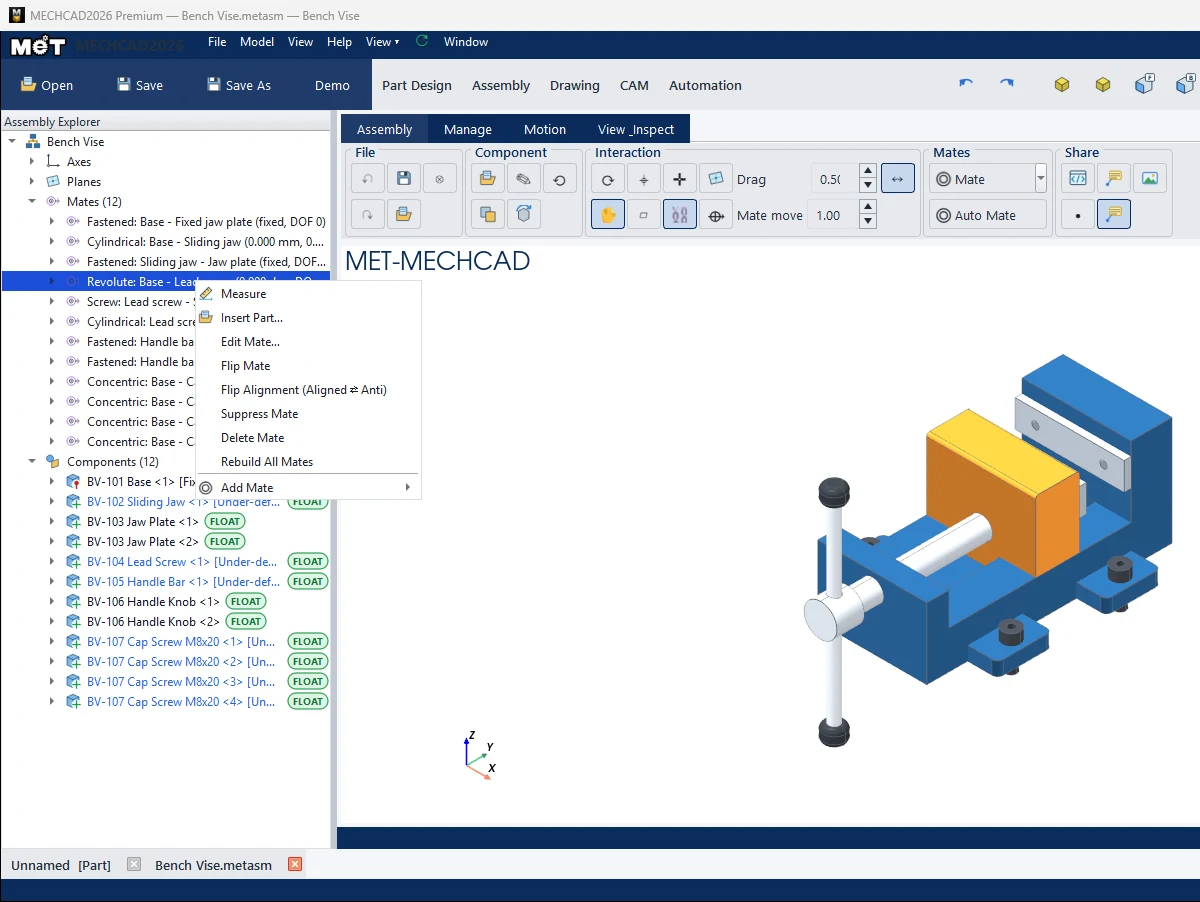
| Right-click menu | Description |
|---|---|
| Edit Mate… | Opens the Mate panel in edit mode (pick new surfaces, change the type/values, then Apply). |
| Flip Mate | Makes the parts touch on the other side of the face. |
| Flip Alignment (Aligned ⇄ Anti) | Swaps the axis direction (Concentric, Coincident, Parallel, Distance, Fastened, Revolute, Cylindrical). |
| Suppress Mate / Unsuppress Mate | Turns the mate off/on temporarily. |
| Delete Mate | Deletes the mate. |
| Rebuild All Mates | Recalculates all mates. |
| Show / Hide Mate Details | Shows the Reference / Moving surfaces under each mate. |
Properties panel › Mate
| Field | Description |
|---|---|
| Axial offset / Minimum / Maximum (mm) | Distance and sliding limits |
| Angle / Minimum angle / Maximum angle (deg) | Angle and rotation limits |
| Ratio | Gear: r(reference)/r(mating) / Linear coupler: ratio b:a |
| Pitch / lead | Screw: distance per turn / Rack & pinion: rack distance per pinion turn |
| Lock rotation (key concentric frames) | Locks the rotation of a Concentric mate |
| Suppress mate | Turns the mate off temporarily |
| Apply | Applies all values and recalculates the assembly |
| ⇄ Flip | Switches Aligned / Anti-Aligned |
Note: Editing and deleting a mate does not recalculate the whole assembly by itself. Click Regen (Interaction group) when you want every mate solved again.