
What it does
Creates tables on the drawing. The BOM table uses data from the assembly and from Part Properties.
Where to find it
Tables › BOM / Tables

| Command | Description |
|---|---|
| Bill of Materials | BOM settings: show/hide, detail level, columns. |
| Auto Balloons | Balloons for every BOM item on the Front view (right-click another view to place them on that view). |
| Label Tags | Part name labels with leader lines. |
| Parts List | Places/updates the BOM table on the sheet (BILL OF MATERIALS at the top right). |
| Hole Table | Detects holes and places a table of Tag / Ø / Qty / Depth / Pos X,Y. |
| General Table | An empty editable table. |
| Revision Table | A REV / DESCRIPTION / DATE / BY table (first row A / FIRST ISSUE / today). |
| Cut List | An ITEM / PROFILE / PART / LENGTH / QTY table. |
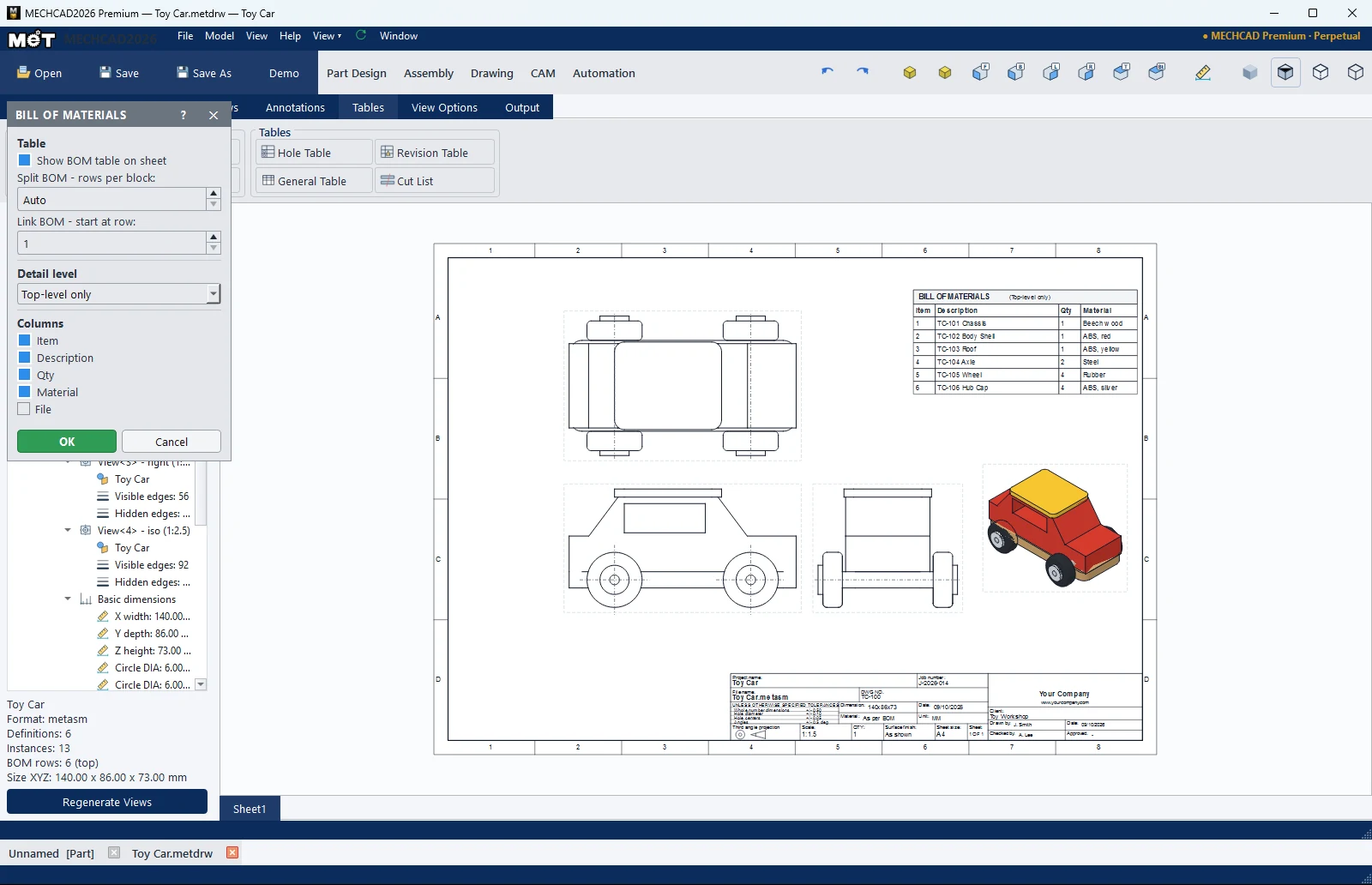
| BOM option | Description |
|---|---|
| Show BOM table on sheet | Shows the table on the sheet. |
| Detail level | Top-level only / Parts only (flattened) / Indented (all levels) |
| Columns | Item, Description, Qty, Material, File |
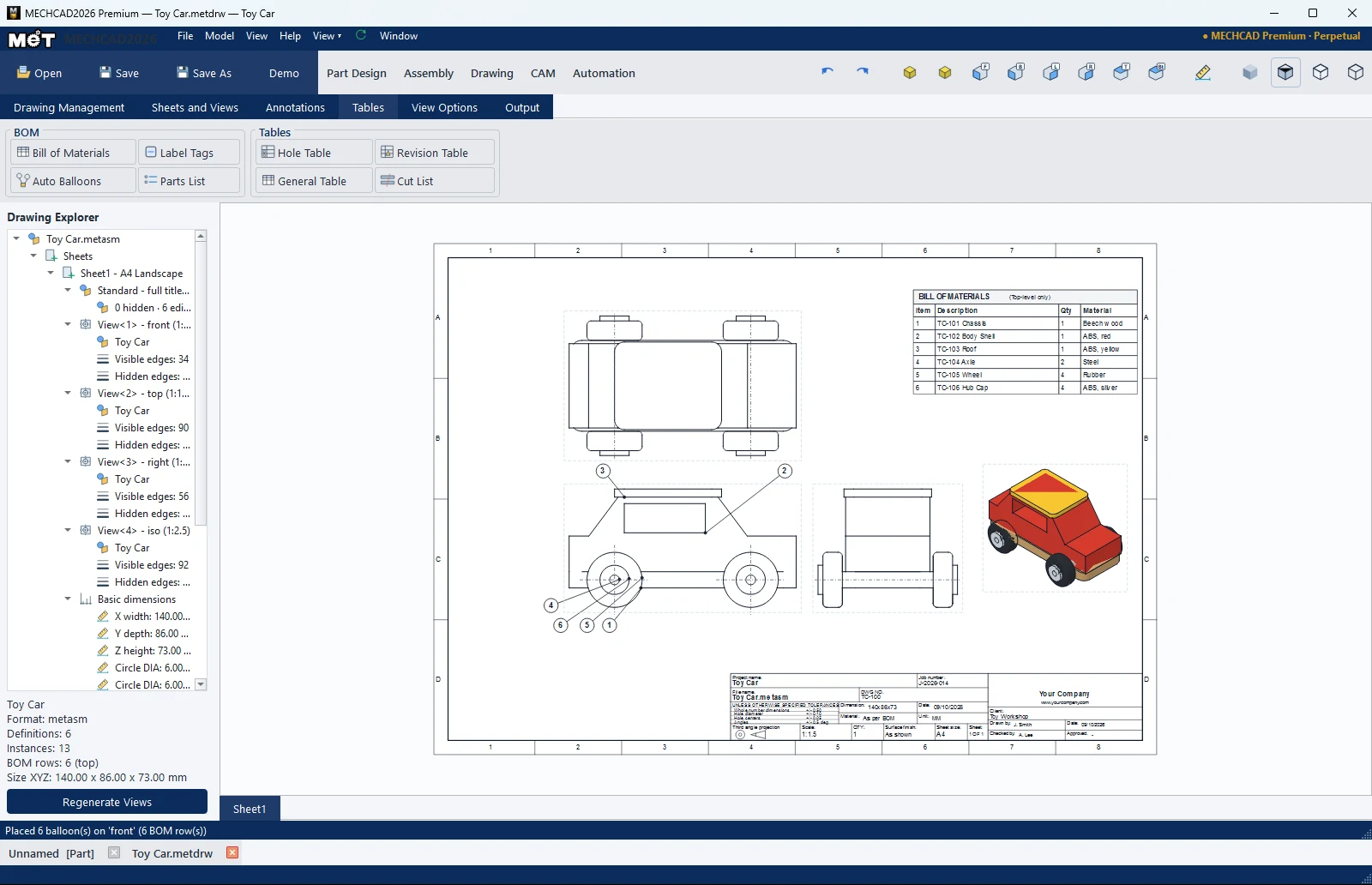
Note: Double-click a cell in a table to edit it. Right-click the BOM table › BOM Properties…, Detail Level ›, Hide BOM Table.