
What it does
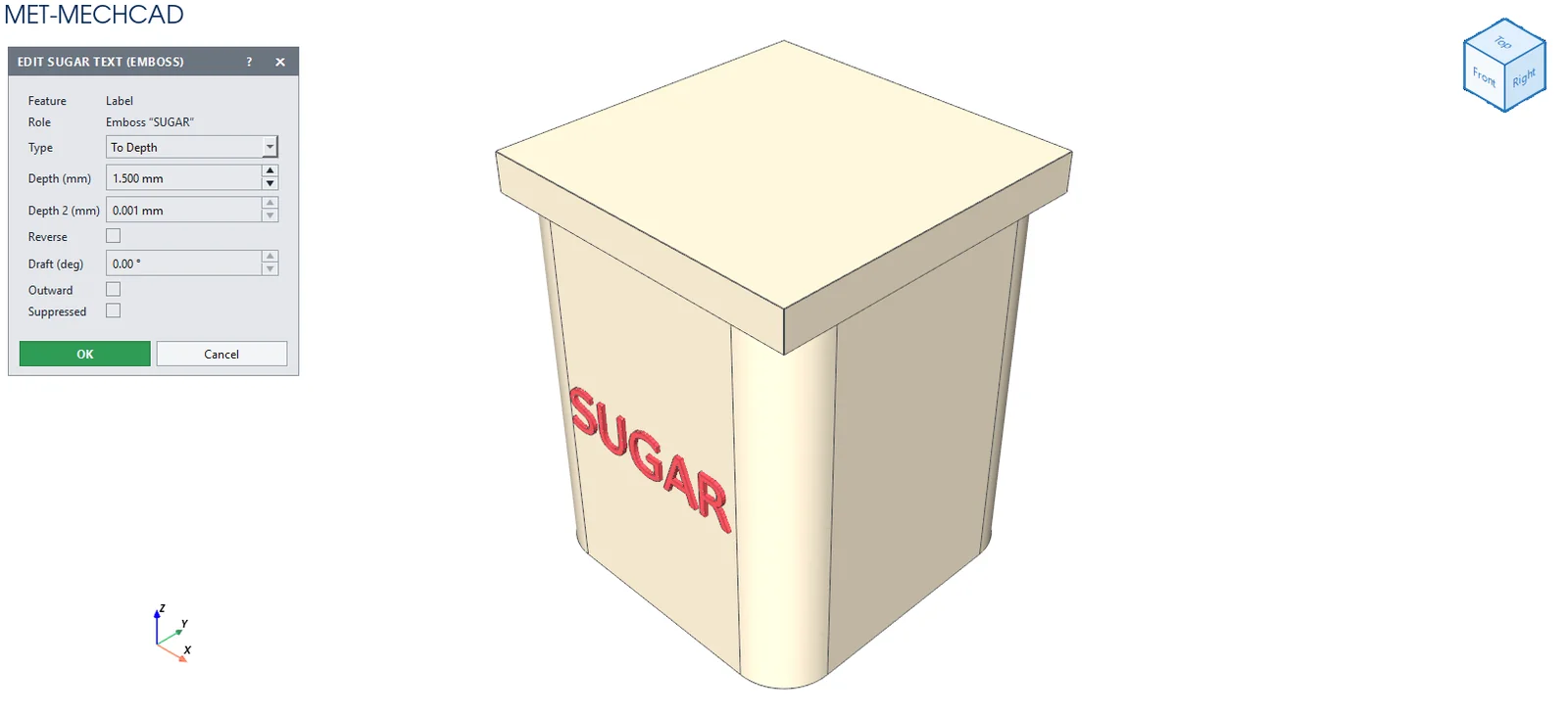
Text creates raised (Emboss) or engraved (Deboss) text on a flat face, such as a model name or a lettered logo.
Where to find it
Direct Edit › Create › Text
Steps
- Click Text.
- Click the flat face where you want the text.
- Enter the values in the Text window and click OK.
| Option | Default | Meaning |
|---|---|---|
| Text | MET | The text |
| Height (mm) | 8 | Letter height |
| Depth (mm) | 1 | Raised height / depth |
| Style | Emboss (raised) | Emboss (raised) / Deboss (engraved) |
Note: If you want text on a curved surface, use the Text tool in a sketch, then use Wrap / Project.