
What it does
- Move Face pushes or pulls a flat face by a distance (+ adds material, − removes material). It suits imported parts that have no feature history.
- Simplify repairs import errors and merges faces that lie on the same plane.
Where to find it
Direct Edit › Solid › Move Face / Simplify
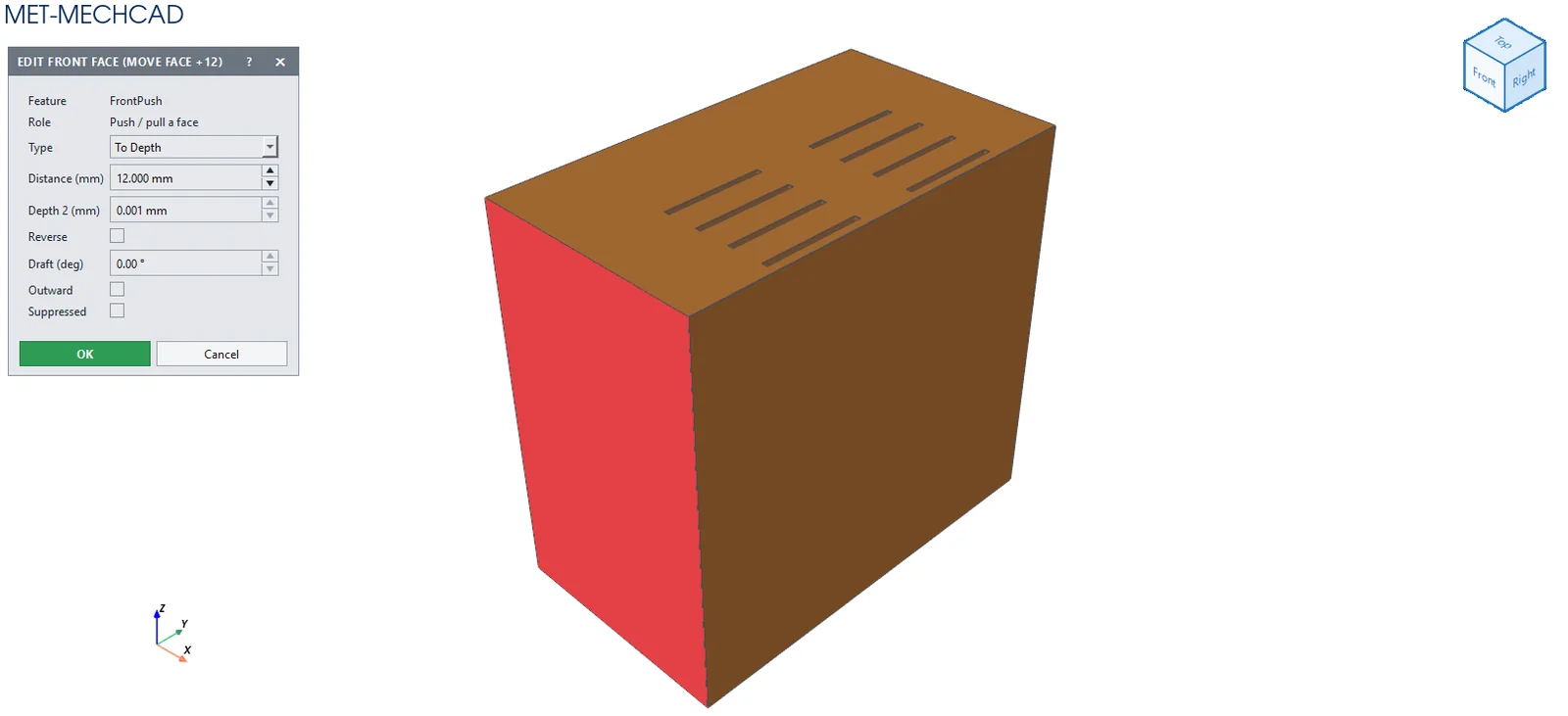
Move Face
- Click Move Face.
- Click one flat face.
- Enter Distance (mm) (default 5; enter a negative value to push inward), then click OK (Esc = cancel).
Simplify
- Click Simplify.
- Confirm Simplify / Heal: Heal merged A → B faces. Replace the feature history…?
Note: Simplify replaces the whole feature history with a single solid named Simplified Solid. Use Undo if you want to go back.