
What it does
Adds text and symbols to the drawing.
Where to find it
Annotations › Notes / Symbols, or right-click › Annotation ›

| Command | How to use it |
|---|---|
| Note | Type the Note text:, then click a position. |
| Leader | Type the Leader text:, click the anchor point, then click the text position. |
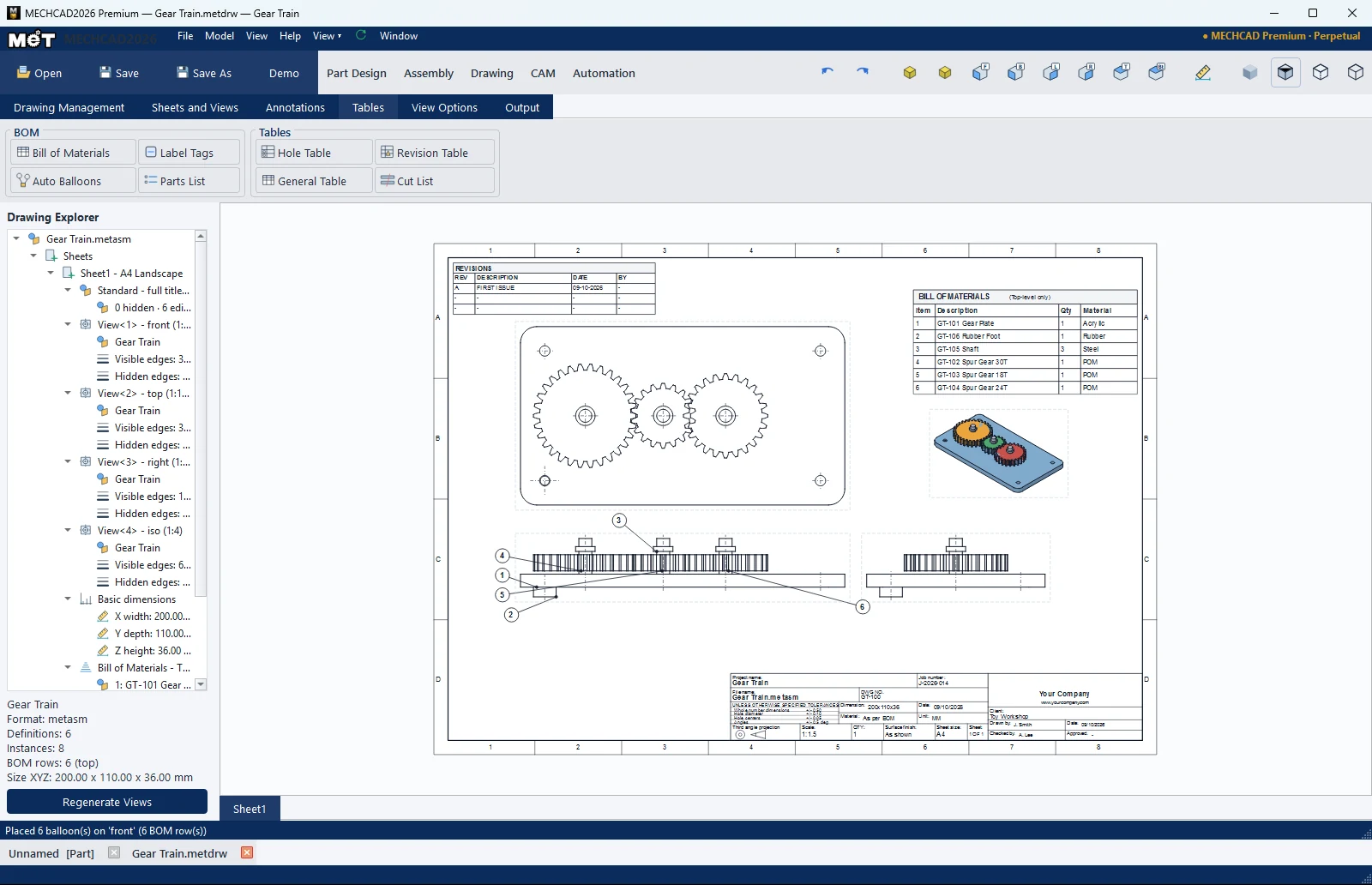
| Balloon | Click a point on the part, then click the balloon position (numbers increase automatically). |
| Center Line | Click two parallel edges (shaft/pipe) to get a centre line that Smart Dimension can snap to. |
| Center Mark | Adds a centre mark automatically (click again to remove). |
| Datum | Click a position to place a lettered frame A, B, … |
| Feature Control | Click a position, then enter the Characteristic (Position, Flatness, Straightness, Circularity, Cylindricity, Perpendicularity, Parallelism, Angularity, Concentricity, Symmetry, Profile, Circular Runout, Total Runout), Tolerance, ⌀ diametral zone, and Primary/Secondary/Tertiary datum. |
| Surface Finish | Places a surface-finish symbol (symbol only, no values). |
| Weld | Places a weld symbol (symbol only). |
| Hatch | Click two corners to get a 45° hatch pattern. |
Note: Double-click any text to edit it (Text, Font, Size, Bold/Italic).